Reports
Reading the idle report
What the idle report counts, why traffic lights are left out, where idle time shows in trips and summaries, and why the report stays empty for trackers that report neither ignition nor engine hours.
Ashish Srivastava4 min read
The vehicle idle time report lists every span in which a vehicle stood still with its engine running for longer than a minimum, one minute unless your administrator set another, with where it stood and for how long. Short waits such as traffic lights are left out, and a vehicle whose tracker reports neither ignition nor engine hours never appears, because the platform cannot tell whether its engine was on.
Key takeaways
- One row is one idle span: the vehicle, from when until when, how long, and the place.
- Stands shorter than the minimum are not listed, but they still count in a trip's idle time.
- Idling is only known for trackers that report ignition, or failing that engine hours.
- The idle report runs when you ask for it; it can't be sent on a schedule.
What counts as an idle span
The platform looks at each pair of positions the tracker sent, one after the other, and counts the time between them as one of three things:
- Moving, when the vehicle was in motion.
- Idle, when it was not moving and the engine was running: the tracker reported the ignition on, or, for a tracker without ignition, the engine hours went up.
- Neither, when the engine was off, or the tracker sent nothing for more than an hour. A gap like that ends an idle span.
An idle span is a run of idle time that lasts at least the minimum. The minimum is one minute by default; your administrator can set another for a vehicle, a group or the whole account, and the nearest setting wins.
Short stops such as traffic lights are left out
A wait at a red light or a level crossing rarely lasts a minute, so it does not appear as a row. It is not lost: those seconds still count in the Idle time of the trip and the summary. That is why a day's idle total in the trips report can be larger than the sum of the rows in the idle report.
What each row shows
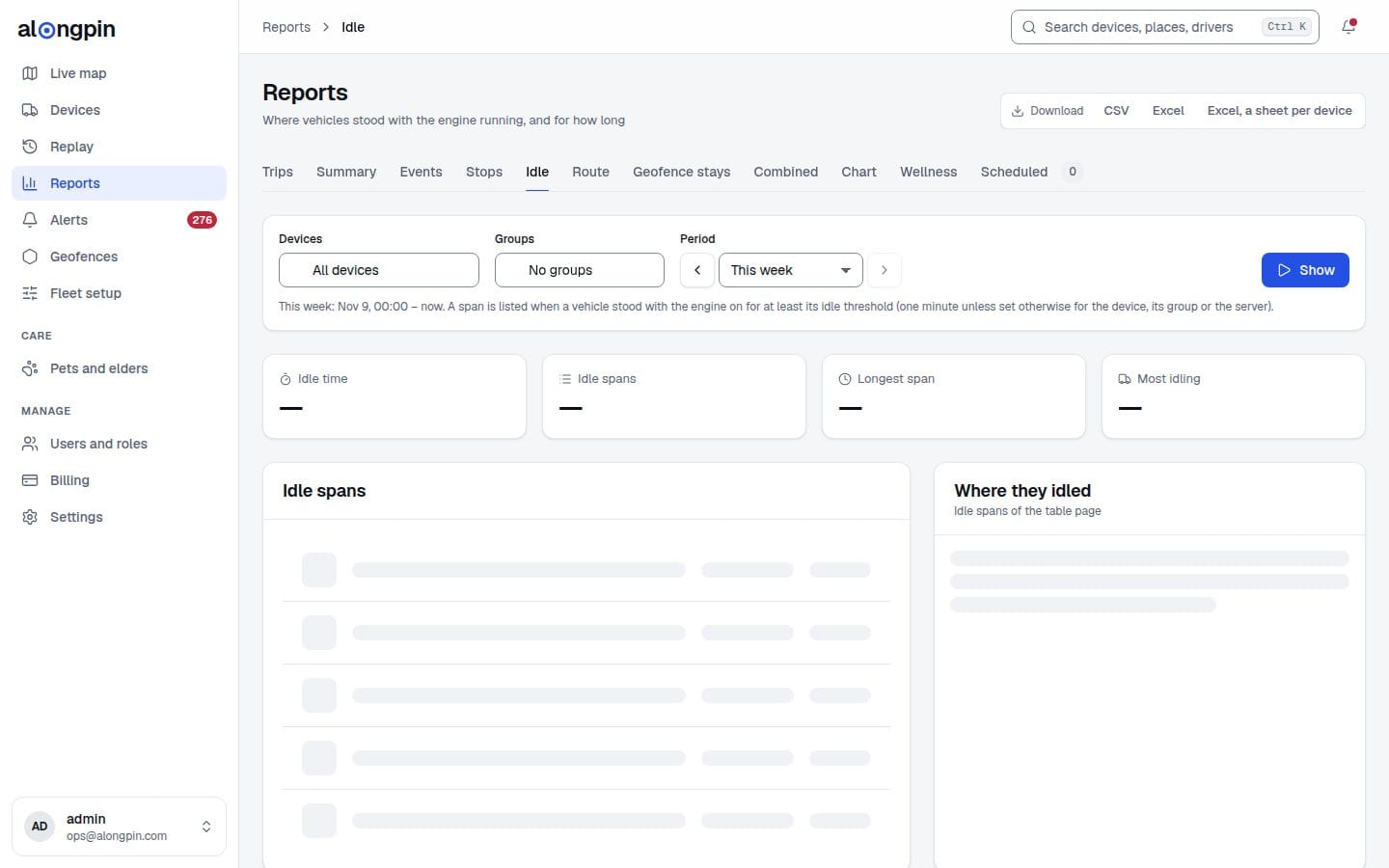
On the Idle tab under Reports, the totals at the top give the Idle time of the period, the number of Idle spans, the Longest span and the vehicle with the Most idling. The table below has one row per span:
| Column | Meaning |
|---|---|
| Device | The vehicle |
| From – until | When the span began and ended |
| Duration | How long the engine ran while standing |
| Place | The address where it stood, or Unknown place without one |
Map opens a span on the map, and Where they idled shows the spans of the table page together, so a yard or a customer's gate where vehicles wait often stands out at once.
Idle time in the trips and summary reports
You don't need the idle report to see idling per journey. The trips report has an Idle column for every trip and an Idle time total for the period, and the summary has idle time per vehicle or per day. The stops report shows Idling for each stop, from the engine hours, for trackers that report them. See report types and how they differ for what each report adds up.
Why the idle report is empty
When the report says No idling in this period, the usual reasons are:
- The tracker reports neither ignition nor engine hours. Many small or battery trackers have no ignition input. Without it, the platform can't tell a parked vehicle from one standing with the engine on, so it counts no idle time at all; moving time is still counted. A wired tracker with its ignition input connected fixes this; the vehicle trackers page lists which ones have it.
- The ignition wire is not connected. If the tracker has an input but the installer did not wire it to the ignition, it reports the ignition as off. Why a vehicle shows idle or parked explains how to check.
- Every stand was shorter than the minimum. Choose a longer period, or ask your administrator whether the minimum for these vehicles was raised.
- The positions are older than your account keeps them. The idle report is worked out from positions, so it ends where position history ends.
Using the idle report
The idle report helps find habits that cost fuel and wear: warming up for a long time in winter, waiting at a loading bay with the engine on, or leaving it running during a delivery. Read it together with the driving behaviour reports described on the driver behaviour page, and talk it through with the drivers concerned; the platform describes what the vehicles did and does not score anyone.
For a step-by-step walk-through, see finding engine idling with the idle report. The reports feature page shows the other reports.
Frequently asked questions
Can the idle report arrive by e-mail every week?
No. The idle report runs when you open it. To get idle time on a schedule, schedule the trips or summary report, which carry idle time per trip or per vehicle.
Who can change the one-minute minimum?
Your administrator, for one vehicle, a group or the whole account. The nearest setting wins, so a group of refuse trucks can count longer stands than the rest of the fleet.