Safety and alerts
Hear about it when it happens, on the channel you choose.
Pick the event, the channel and the hours. One rule can tell several people at once by push, SMS, email, Telegram or webhook.
Choose a package in the portal; you see the first invoice before you confirm.
An alert rule
Every rule answers three questions
The event
What has to happen: a device leaves a zone, drives too fast, switches its ignition on, runs low on battery, goes offline or raises an alarm.
The channel
How you want to hear about it: in the app, by push, email, text message or Telegram, or as a webhook to your own system.
The schedule
When the rule runs. Add a calendar and it sends only inside working hours, or only outside them.
Events
What a rule can react to
Rules apply to one device, a group or everything you have. Narrow a geofence rule to the zones you pick, or an alarm rule to SOS only.
- Zones and speed
- Arrived at a geofence, left it
- Overspeed, by device limit or by a limit set on a zone
- Two linked devices separate, such as a tractor and its trailer
- Vehicle
- Ignition on or off
- Service due, with an advance warning before the mark
- Fuel drop and refuel, where the device reports fuel
- Device
- Went offline, came online
- No data for a while
- Low battery, where the device reports it
- Alarms
- SOS
- Power cut
- Fall and other alarms the device itself reports
Which events a device can raise depends on what it reports. Check your device.
Channels
Six ways an alert can reach you
Choose the channels per rule. Each person sets their own addresses and phones.
In the app
The alerts page and a pop-up while you are signed in
Every alert shows here, even in quiet hours.
Push
The phones you are signed in on
When push is switched on for your account.
Email
The address on your account
Text message (SMS)
The phone number on your account
When SMS is switched on for your account.
Telegram
A Telegram chat
When Telegram is switched on for your account.
Webhook
An address of your own system
The event as data, for a dispatch tool or a ticket system.
SMS and Telegram work when they are switched on for your account.
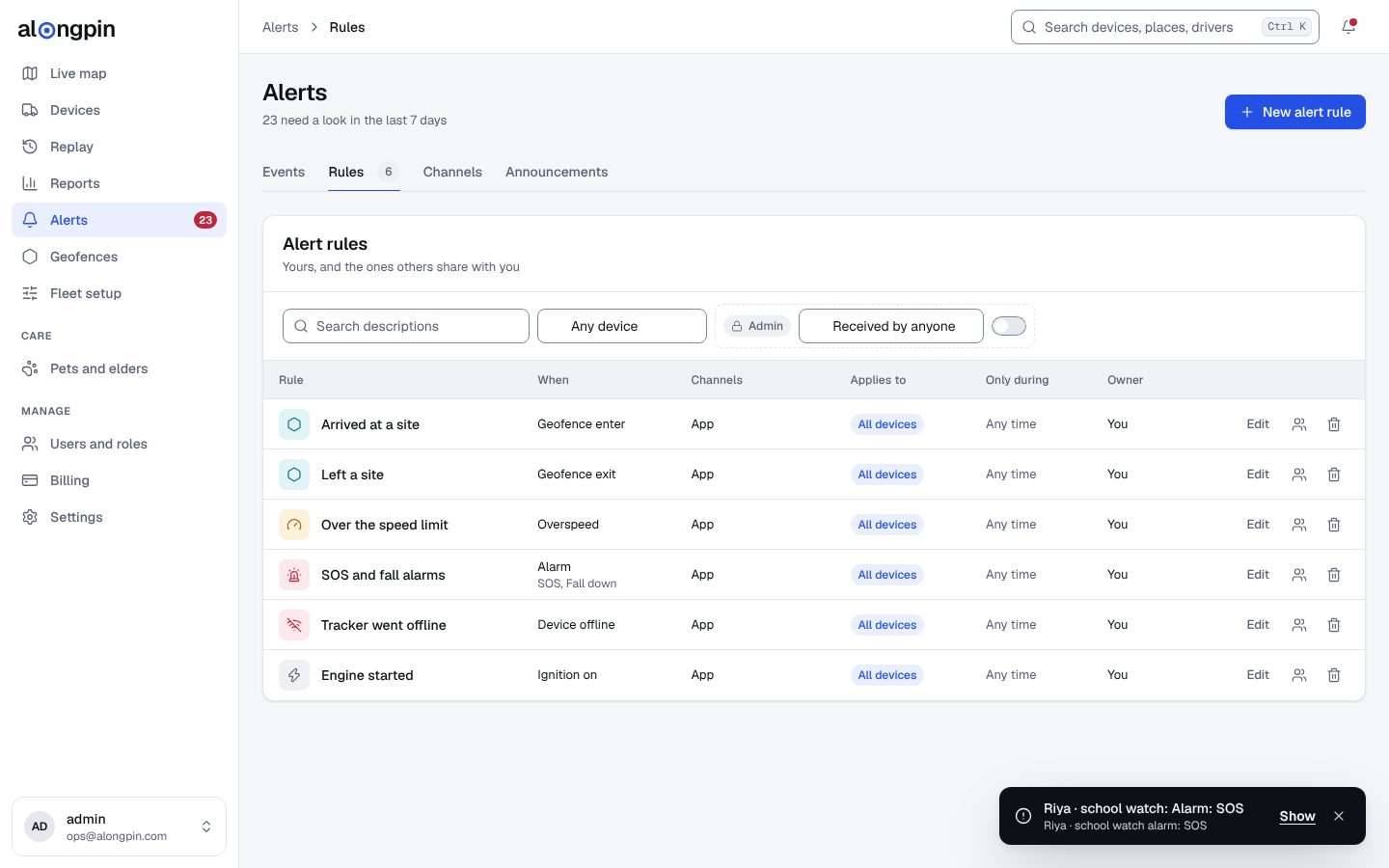
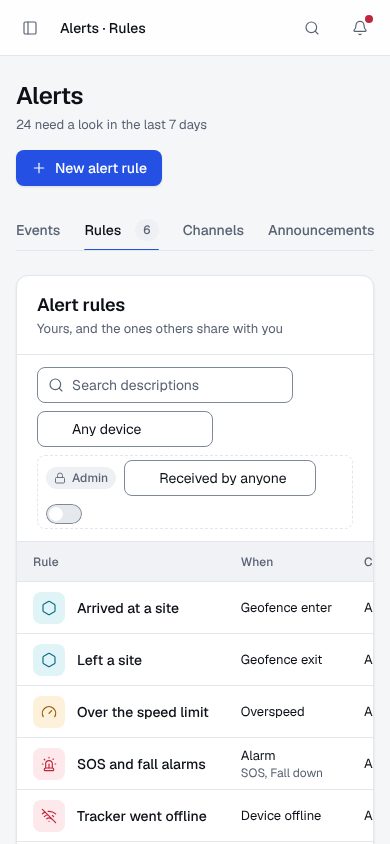
In the product
One list of rules, one feed of events
The rule list shows what each rule reacts to, its channels, what it applies to and its hours. The feed shows what happened today, with what still needs a look.
- For each event, who it was sent to, on which channel, and whether it was sent, failed or skipped
- Open an event on the map or in the replay
- Share a rule with colleagues; only its owner can change it
Quiet hours
A night without messages, except the ones that matter
Each person sets their own quiet hours, in their own time zone. A rule's schedule decides when the rule runs; quiet hours decide when you are disturbed.
- Email, text messages, Telegram and push are held back in the window you set
- Held back messages are dropped, not sent later
- Every alert still shows in the app
- You choose which alerts still go out, such as SOS and power cut
FAQ
Questions about alerts
Do SMS and Telegram alerts need setting up?
How soon does an alert arrive?
Can a rule react to SOS only?
Can I pause a rule without deleting it?
What does an email or a text message say?
Can a rule tell me that a bus or a delivery round is late?
Can alerts go to another system?
Set up your first alert rule
Create an account, or let us show you alerts with your own devices. Choose a package in the portal; you see the first invoice before you confirm.