Insights
Answers for the month-end, not just dots on a map.
Run route, trip, stop, summary, idle and geofence reports for a day or a month. Read them in the app, download CSV or Excel, or schedule a report to arrive each night.
Choose a package in the portal; you see the first invoice before you confirm.
Report types
Seven reports, each with its own row
Pick the vehicles or groups and the period, then the question you are asking.
Trips
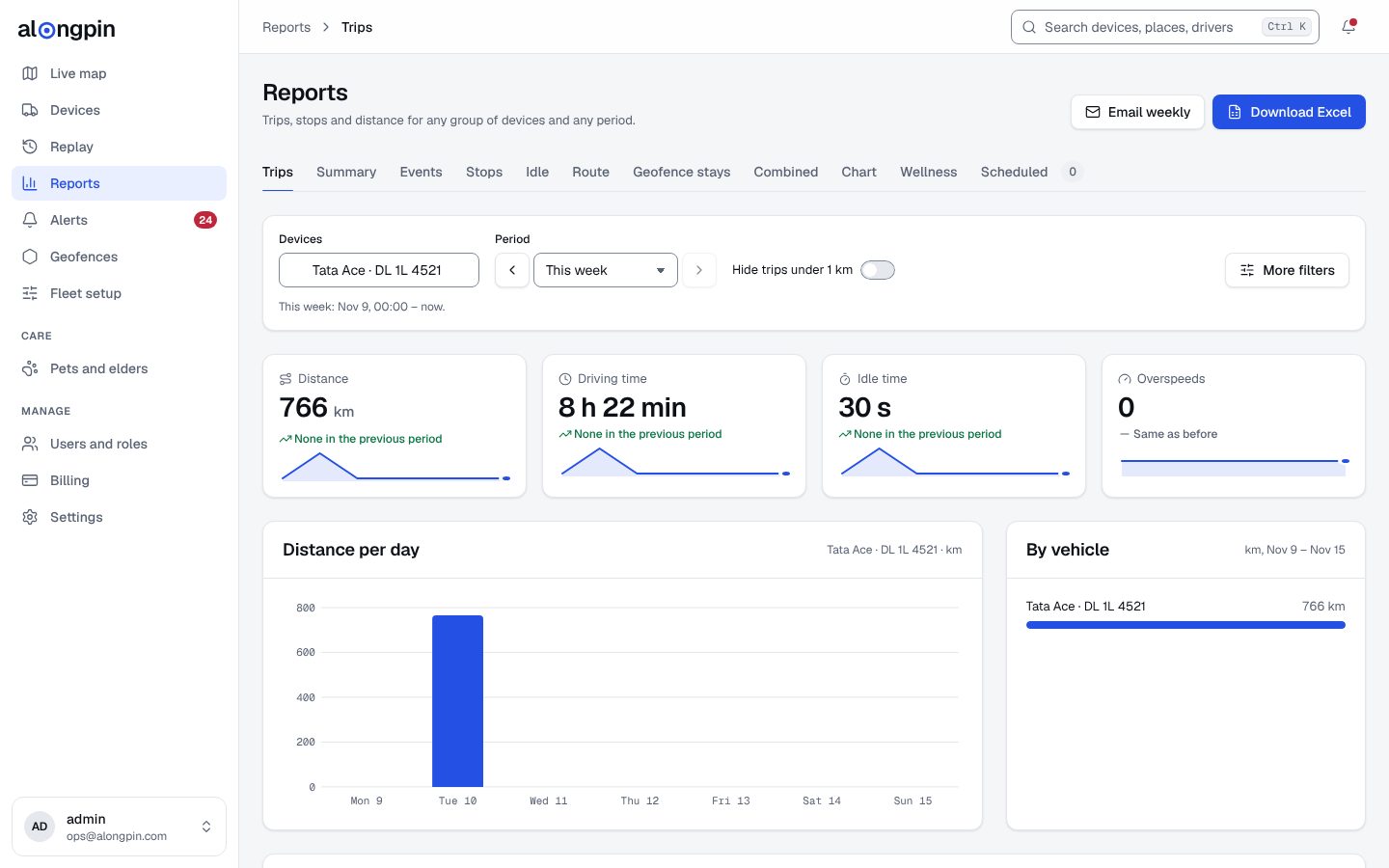
One row per trip
Start and end, distance, top and average speed, driving time, idle time and the driver.
Stops
One row per stop
Where and how long, with engine hours where the device reports them.
Summary
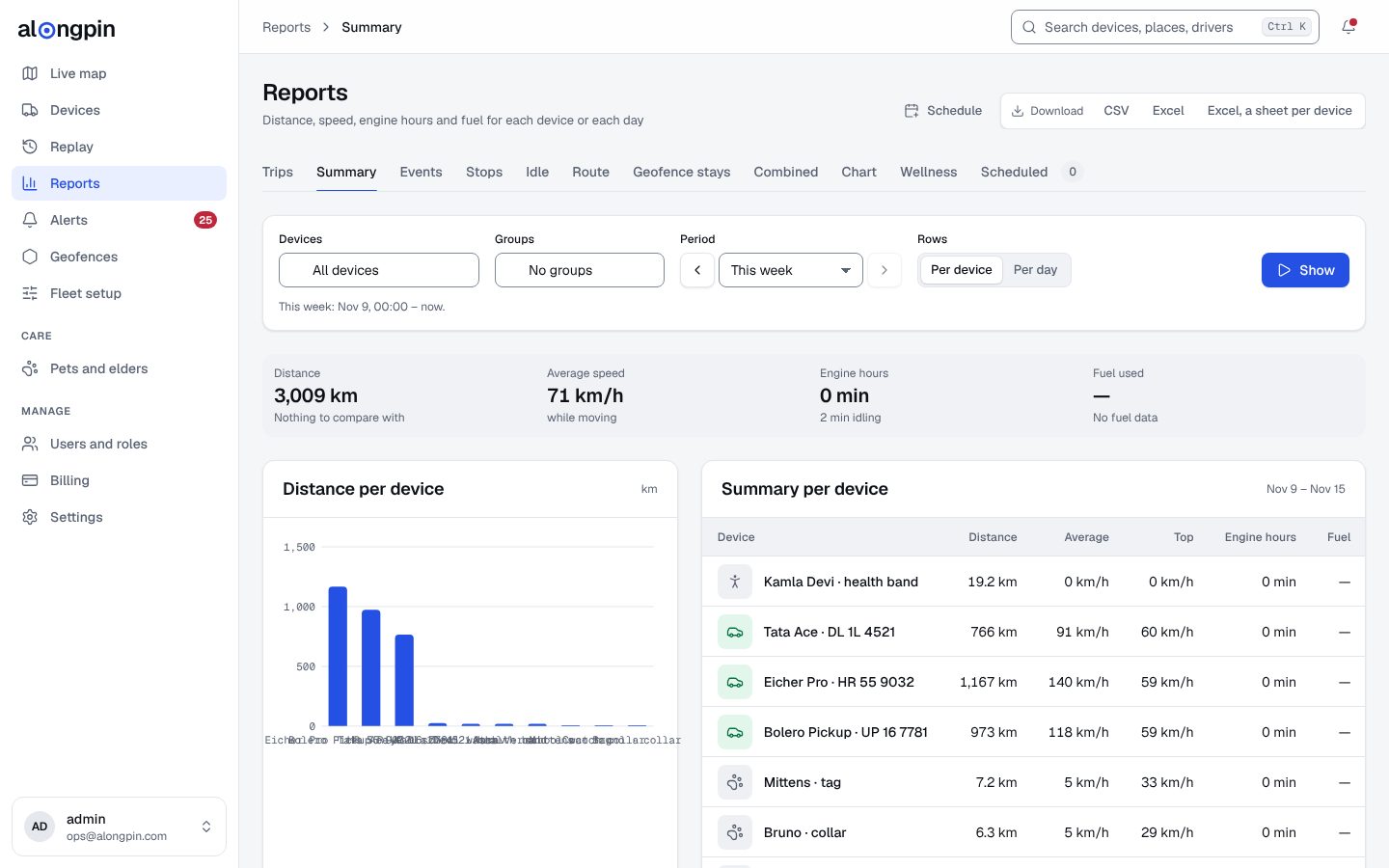
One row per device, or per device and day
Distance, average and top speed, engine hours and spent fuel for the whole period.
Idle
One row per idle span
Each time a vehicle stood with the engine on, with the place. Short stops such as traffic lights are left out of the list.
Geofence stays
One row per stay in a zone
Entered, left and time inside, with distance and speeds.
Route
One row per position
Every position of the period in time order. Replay it on the map with the events along it.
Events
One row per event
What happened in the period, filtered by event type: only SOS alarms, for example.
For a pet's collar or an elder's watch, a wellness report shows the daily activity the device reports. See health readings and reminders.
In the product
A period, its totals and the distance per day
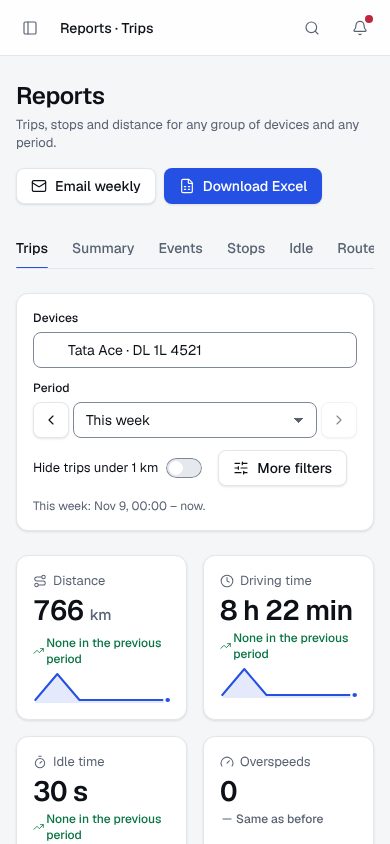
The trips report shows distance, driving time, idle time and overspeeds for the period, and the rows under them.
Standing time and fuel
Idle time and fuel, where the device reports them
Idle time with the engine on
Per trip, and as a list of idle spans with the place. A summary shows the total for each vehicle.
Idle time needs a device that reports ignition or engine hours. Vehicles that report neither show no idle time.
Fuel use, refuels and drops
When a tracker sends a fuel counter, a fuel level in litres or a tank percentage, trip, stop and summary rows show the fuel spent. A tank percentage becomes litres when you enter the tank size. The platform can raise an event when the level drops or rises by more than a limit you set.
This works only with trackers wired to a fuel sensor or reading it over the vehicle bus. A tracker without fuel data shows no fuel figure. Check your model first.
Exports
Download it as CSV or Excel
Take any report into your own spreadsheet, payroll or invoicing.
- CSV, an Excel workbook with one sheet, or a sheet per device
- Labelled columns, with times in your time zone and distances, speeds and durations in your units
- Choose which columns the file holds
- E-mail a report to yourself from the report page
- Download a track as CSV, GPX or KML from the trip history
- Reports through the API, as JSON, CSV or Excel
| Device | Start | End | Distance (km) | Duration (h:mm) | Idle time (h:mm) | Top speed (km/h) | Driver |
|---|---|---|---|---|---|---|---|
| Van 12 | 07:42 | 08:34 | 38.4 | 0:52 | 0:06 | 96 | Asha |
| Truck 3 | 06:50 | 08:04 | 54.1 | 1:14 | 0:11 | 84 | Bruno |
| Van 7 | 08:05 | 08:23 | 9.8 | 0:18 | 0:01 | 52 |
What it settles
Three questions a report answers
- Month-end for a fleetTrips, stops and summary reports for any period, as CSV or Excel, instead of piecing together a spreadsheet.Fleet and logistics
- Where a vehicle was, and for how longThe geofence report lists each stay at a customer site: entered, left and time inside. It records position and time, not signatures or photos of a delivery.Field service and deliveries
- Kilometres for the invoiceRun a summary or trips report for the rental dates to see distance driven, top speed and stops.Rental and leasing
FAQ
Questions about reports and exports
Which formats can I download?
Can I see fuel use?
Why does a vehicle show no idle time?
Where does the distance come from?
Can a report arrive by itself?
Does a report prove a delivery was made?
Run your first report the same day
Create an account, or let us show you the reports with your own fleet. Choose a package in the portal; you see the first invoice before you confirm.