Safety and alerts
When someone presses SOS, know who was told.
The alarm reaches every person you chose, on the channels you chose. One of them acknowledges it, and everyone sees that it is handled.
Choose a package in the portal; you see the first invoice before you confirm.
From the button to handled
What happens when an SOS arrives
The button
The device reports an SOS
Someone presses the panic button of a vehicle tracker, a watch or a personal alarm. The device sends the alarm with its position over the mobile network.
At once
The alarm goes to the top
The platform raises an alarm. It stands above everything else on the alerts page: who, when and the address, with a button to show it on the map.
At once
The people you chose are told
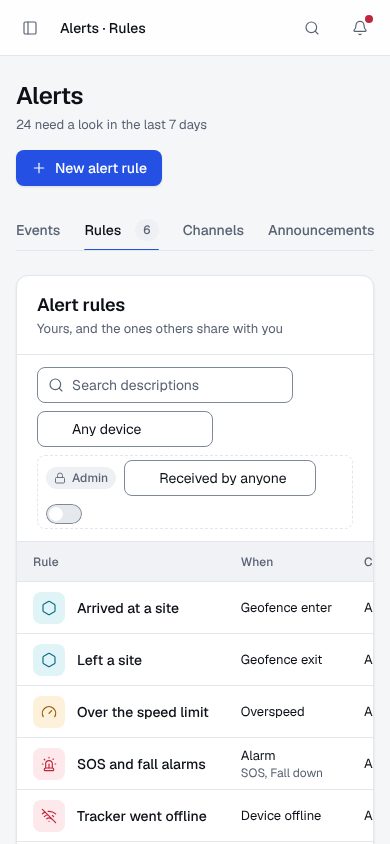
A rule sends it by app, email, text message, Telegram or webhook to everyone it names. Narrow the rule to SOS only, so no other alarm sends a message.
When someone reacts
One person acknowledges it
Acknowledge the alarm, and everyone else sees who took it and when. Until then it stays open.
Who was notified
Not only that it was sent, but to whom and how
Each alarm lists one row per person and channel, with the rule that sent it. A failed message says why, so you can fix the address before it matters.
How alert rules workSent to
- BrunoPushSent
- BrunoEmailSent
- MaraText messageSent
- JonasEmail · With the reasonFailed
- JonasTelegram · The channel is switched offSkipped
Two uses, one alarm
For a driver on the road and a parent at home
Fleets and lone workers
A panic button in the cab
- A vehicle tracker with a panic button the driver can reach
- By default an SOS ends a private trip, so help can find the person; you choose which alarms do this
- A compatible dashcam can upload a clip with SOS as its reason
- Several people are told at once, such as dispatch and the manager on call
Family and care
A button on the wrist
- Watches and personal alarms with an SOS button; the wearer needs no smartphone and no account
- Fall alerts from devices that report falls
- The owner, shared family members and the contacts you marked all receive it
- Contacts need no account to receive an alert
Plainly
What an SOS alert depends on
An alarm is only as good as the report behind it. These are the limits, so you can plan around them.
The device has to report
A watch with no signal, a flat battery or no coverage cannot send an alarm. Add an offline alert to hear when a device stops reporting.
Falls come from the device
The platform shows a fall alert when the device sends one. It does not detect falls from movement itself, and many watches do not report them.
Channels depend on your account
SMS and Telegram work when they are switched on for your account.
Not an emergency service
Alongpin sends alerts from the tracker's own reports. It is not an emergency service and does not replace one.
FAQ
Questions about SOS alarms
Which devices can send an SOS?
Who is told when the button is pressed?
What does acknowledging an alarm do?
Can I see whether the message really went out?
Do quiet hours hold back an SOS?
What about a private trip?
Make sure an SOS reaches someone
Create an account, or let us show you an alarm from the button to the acknowledgement. Choose a package in the portal; you see the first invoice before you confirm.