Devices
Use the devices you can already buy
Vehicle trackers, dashcams, watches, personal alarms, pet collars and phone apps. Point a device at our server, and it shows up on your map.
Vendor and model names are examples of device families the platform decodes. We do not sell or endorse hardware.
Kinds of device
Every kind of device, one map
Each kind reports what its hardware can measure. Where a device does not report something, the platform does not show it.
- Vehicle trackersPosition, ignition, battery and the alarms the tracker raises. GT06-type trackers and many other protocols with a SIM.gt06What it reports
- DashcamsPosition and alarms, photos, clips and audio, and live video from JT1078 cameras.jt808jt1078What it reports
- Smartwatches and personal trackersLocation, SOS, battery and steps. Fall alarms and heart rate where the device reports them.watchminifinder2topinb2316What it reports
- Pet collarsPosition, battery and steps from a collar tracker, with a home zone linked to the pet profile.watchminifinder2What it reports
- Phone app as trackerA phone with an OsmAnd-style tracking app sends its position. Location only.osmandWhat it reports
- Check if your device worksEnter the model, the maker or the protocol name from the manual. More than 260 protocols are decoded.Open the check
The list is not complete. More than 260 protocols are decoded; ask us which are switched on for your account.
Comparison
What you see for each kind
A tick means the platform shows it when the device sends it.
| Feature | Vehicle tracker | Dashcam | Watch | Personal tracker | Pet collar | Phone app |
|---|---|---|---|---|---|---|
| Position (GPS) | Yes | Yes | Yes | Yes | Yes | Yes |
| Indoor position (Wi-Fi, cell) | Cell | No | Yes | Yes | Yes | No |
| Ignition and engine | Yes | Yes | No | No | No | No |
| SOS alarm | Yes | Yes | Yes | Yes | Yes | No |
| Fall alarm | No | No | Some | Some | No | No |
| Heart rate and other health readings | No | No | Some | Some | No | No |
| Steps | No | No | Yes | Some | Yes | No |
| Photos, clips, live video | No | Yes | No | No | No | No |
| Commands | Yes | Yes | Yes | Some | Some | No |
“Some” means it depends on the model. Check the model in the compatibility check.
Compatibility check
Not sure about your model? Check it.
Enter the model, the maker or the protocol name from the manual. We match the name against the protocols the platform decodes.
A match means the protocol is decoded; ask us whether it is switched on for your account. Some models of the same family differ, so test one unit first.
Unregistered devices
Unknown devices wait for your review
A tracker that connects before you add it is not lost.
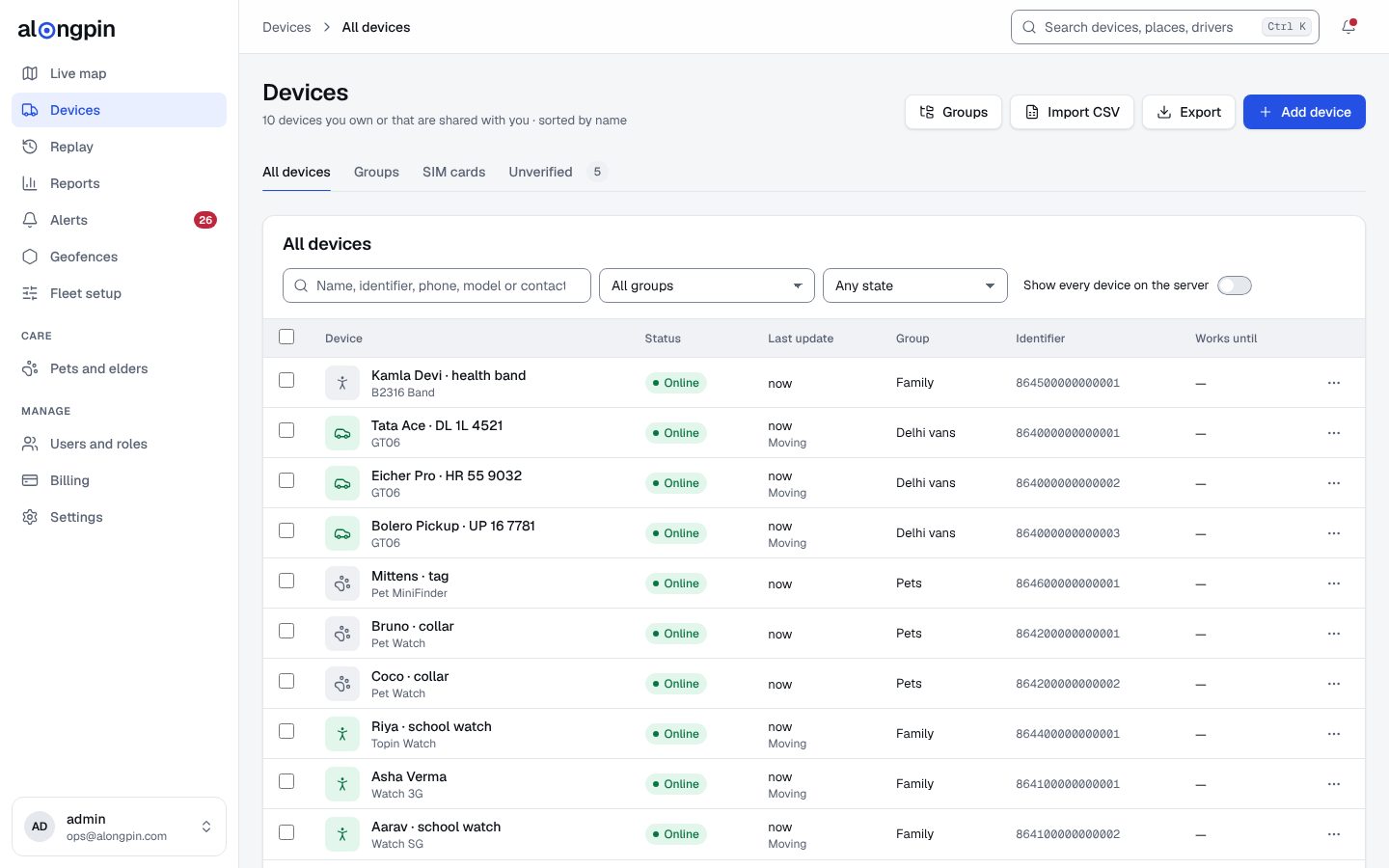
If a device connects with an ID the platform does not know, it is kept in a list of unverified devices, with its protocol, address, first and last contact and its latest position. Recognise it, give it a name and group, and register it in one step. Delete it if it is not yours.
- By default, IDs of 3 to 32 letters, digits or underscores are listed.
- Only the latest position is kept, with no history, events or alerts until you register the device.
- By default, records not seen for 30 days are removed.
- On some setups unknown devices are added automatically instead.
Connecting
For installers and developers
Everything needed to connect a device in one place.
FAQ
Questions about devices
Do I have to buy my hardware from you?
How do I know if my tracker works?
What does a device need?
Why does my watch show no heart rate?
Can I move a tracker to another vehicle or replace it?
Put your first device on the map today
Create an account, or let us show you the platform with your own use case. Choose a package in the portal; you see the first invoice before you confirm.