Reports
How to find engine idling with the idle report
For fleet managers looking at standing time with the engine on: check that trackers report ignition, run the idle report for a group and a week, read each span with its place, compare it with the trips report, and take it to the depot.
Ashish Srivastava4 min read

The engine idle time report lists every span in which a vehicle stood still with its engine running, with where it stood and for how long. Open Reports, choose the Idle tab, pick a group and a week and press Show; then compare the spans with the idle time of each trip in the Trips report. The report needs trackers that report the ignition or engine hours, and it runs when you ask for it. This guide is for fleet managers who want to see standing time with the engine on.
Before you start
- Vehicles whose trackers report the ignition, or engine hours.
- At least a week of history.
- Access to reports for those vehicles.
1. Check that the trackers report ignition or engine hours
Idling is standing still with the engine on, so the platform has to know when the engine runs. It reads that from the ignition, or, for trackers without it, from engine hours that go up. A tracker that reports neither shows no idle time at all.
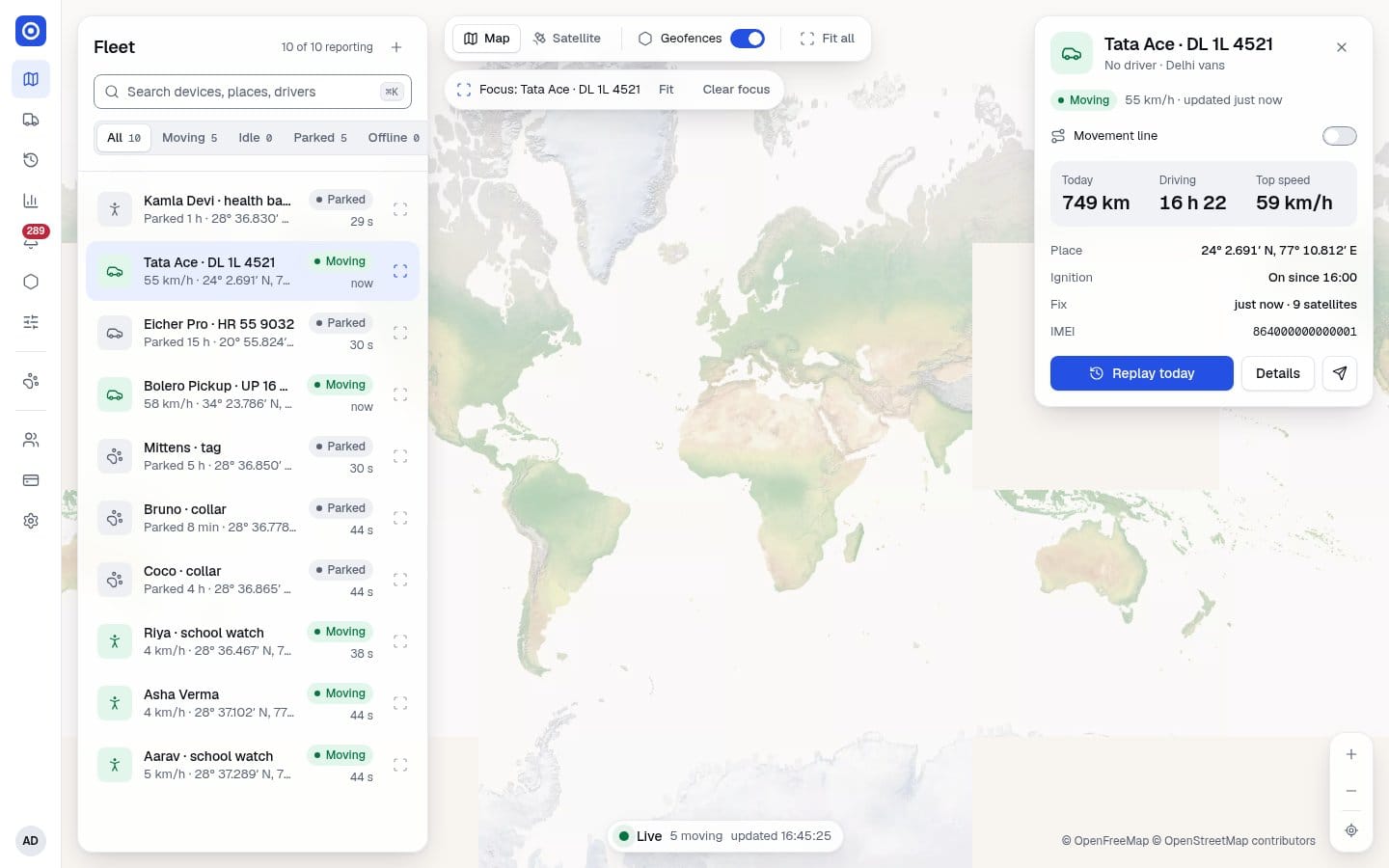
To check a vehicle, select it on the Live map: its details show Ignition as on or off. Switch the engine off and on, and the value should follow. On a wired tracker that never changes, the ignition wire is usually on a permanent feed instead of a switched one; the GT06 installation guide shows the wiring.
2. Open Reports and choose Idle
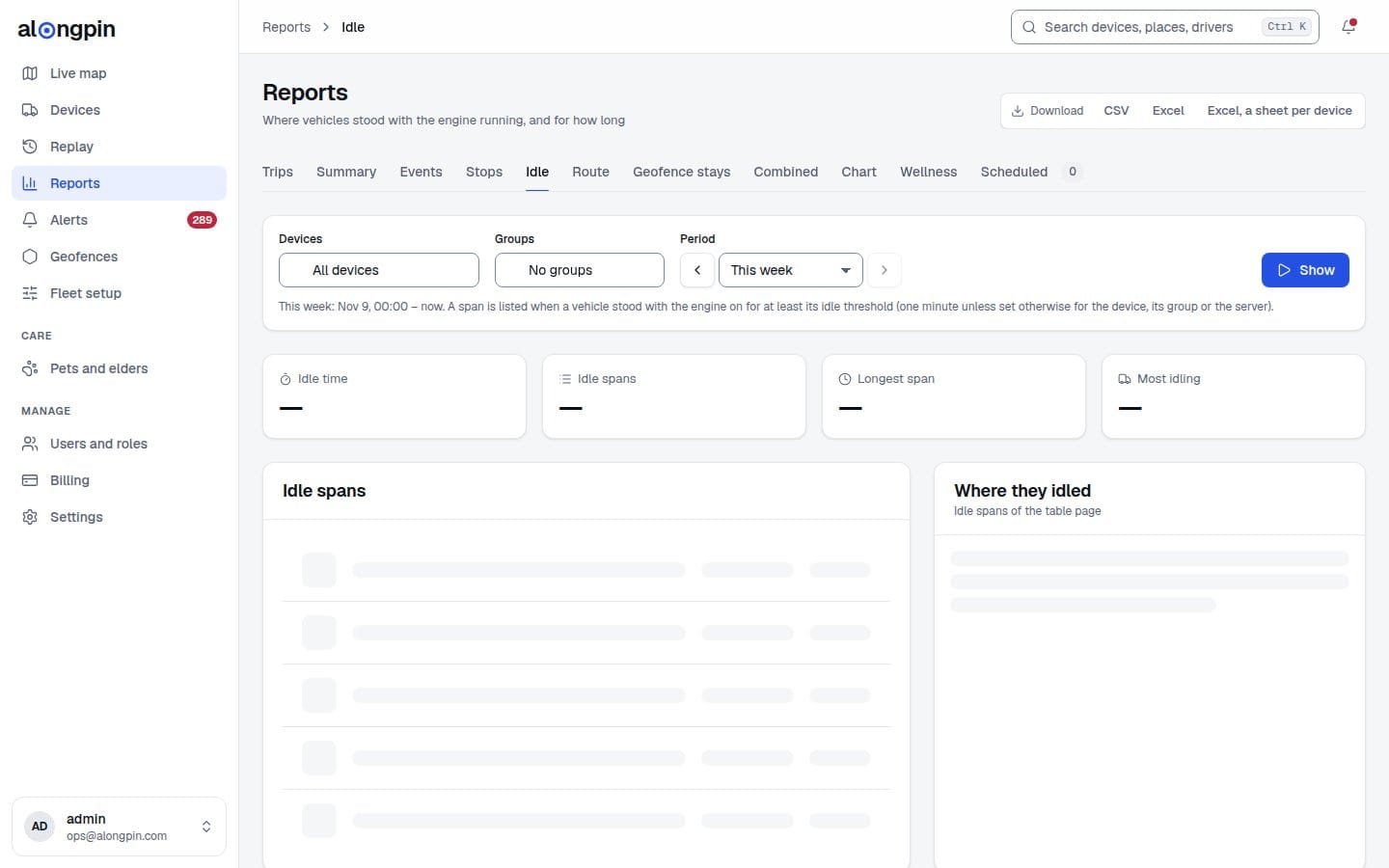
Choose Reports in the sidebar and the Idle tab, which sits after Stops. Its line reads Where vehicles stood with the engine running, and for how long.
3. Pick a group and a week
Under Groups, pick a group, such as one depot. Choose Previous week for a full week, then press Show.
4. Read each idle span with its place
Idling of the period gives four figures: the Idle time of all vehicles together, the number of Idle spans, the Longest span with its vehicle, and the vehicle with the Most idling.
The table Idle spans has one row per span:
| Column | What it shows |
|---|---|
| Device | The vehicle |
| From – until | When the span began and ended |
| Duration | How long the engine ran while standing |
| Place | Where it stood, or Unknown place without an address |
Map opens one span on the map; Where they idled shows the spans of the table page together. Places that repeat matter most: the same yard every morning, the same loading bay every afternoon. A span is listed when it lasts at least one minute, unless your administrator set another threshold for a vehicle, a group or the server.
5. Compare with the idle time in the trips report
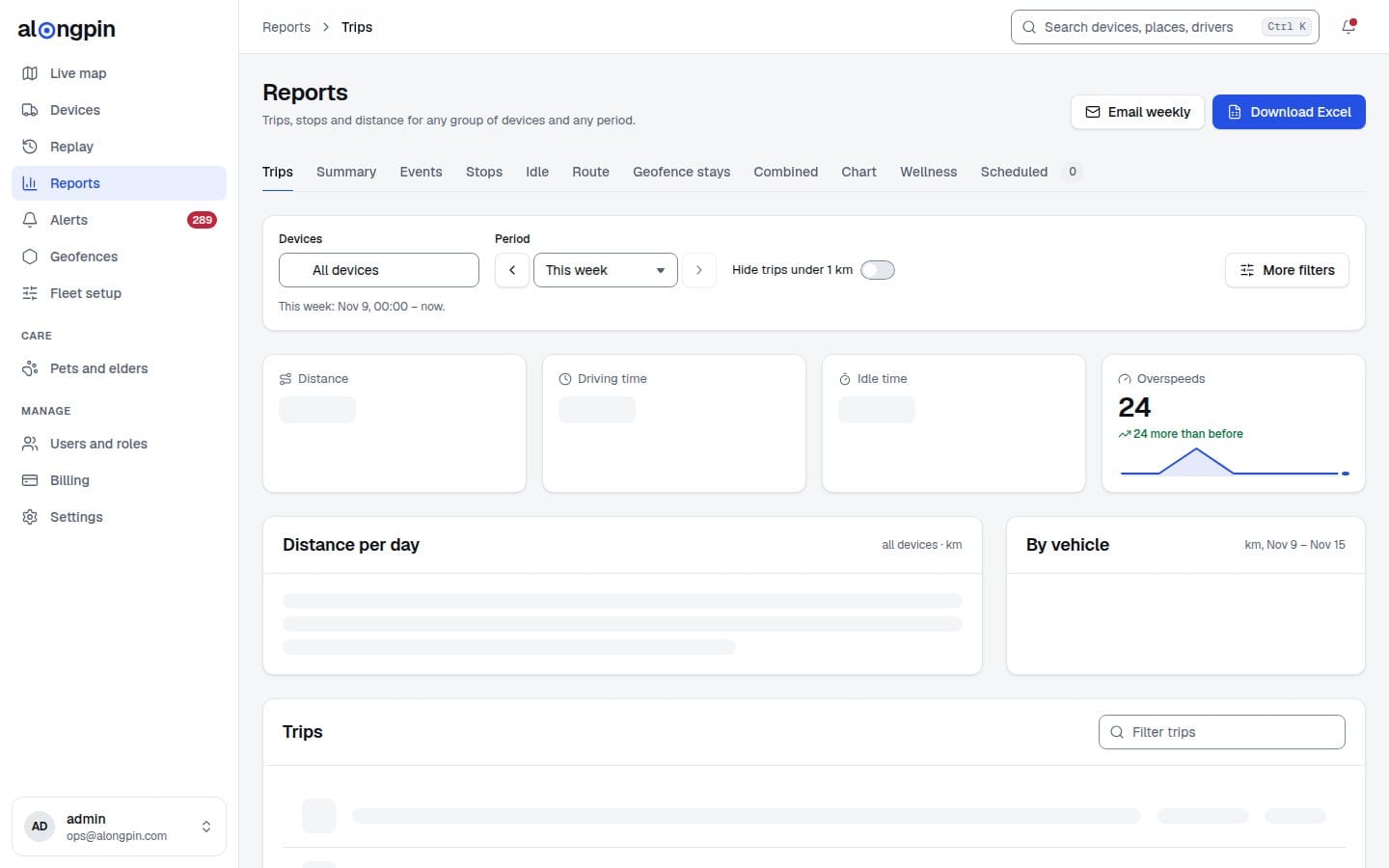
Open the Trips tab with the same group and week. Totals of the period shows the Idle time, and each trip has an Idle column: the time standing with the engine on during that trip.
The two reports do not add up to the same figure, and they should not:
- Short waits, such as traffic lights, are left out of the idle report but still count in each trip's idle time.
- The idle report also lists spans outside any trip, such as an engine left running in the yard before the vehicle moves off.
Use the trips report to see which journeys carry idle time, and the idle report to see where the long spans happen.
6. Talk to the depot before you talk to drivers
Idle time has reasons that are not about driving. A refrigerated body, a tail lift or a crane may need the engine running; a cold morning means warming up; a loading bay with a queue means waiting with the engine on. Bring the places and times to the depot manager first: they know which of these apply. The platform does not score or rank drivers, and the report describes vehicles, not people.
To take the figures to that meeting, download the spans as CSV, as Excel with one sheet, or as Excel, a sheet per device.
Watch out for
- Vehicles that report neither ignition nor engine hours show no idle time. That means the platform cannot tell, not that the engine was off.
- Short stops are left out of the idle report. They still count in the idle time of trips and of the summary.
- The idle report runs on demand. It cannot be scheduled; the trips and summary reports, which carry idle time per trip and per day, can.
- A gap ends a span. When the tracker sends nothing for more than an hour, the time counts as neither idle nor moving.
The driver behaviour page covers idle time alongside speeding and harsh events, the reports page the other reports, and the fleet solution how depots use them. Reading the idle report goes deeper into how a span is counted, and why a vehicle shows idle or parked explains the states on the live map.