Reports
Report types and how they differ
Route, trips, stops, summary, events, idle and geofence stays: what one row means in each Alongpin report, so you run the one that answers your question the first time.
Ashish Srivastava4 min read

GPS tracking report types differ in one thing above all: what a single row stands for. In the route report a row is one position; in trips one journey; in stops one stand-still; in summary one device, or one device and day; in events one thing that happened; in idle one span of standing with the engine running; and in geofence stays one visit to a zone. Pick the report whose row matches your question and the answer is usually on the first screen.
Key takeaways
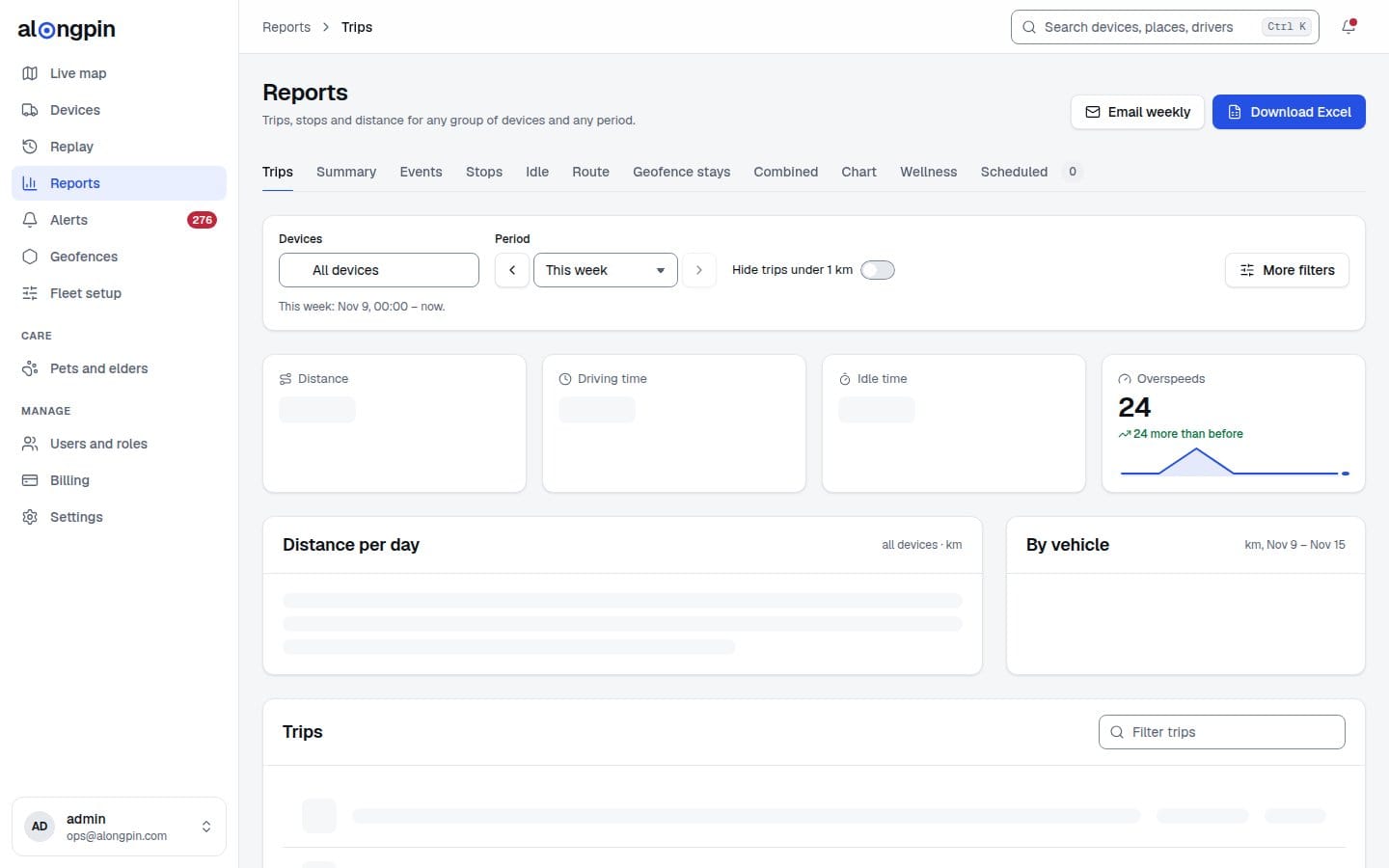
- Every report is under Reports in the menu, one tab each: Trips, Summary, Events, Stops, Idle, Route, Geofence stays, Combined, Chart and Wellness.
- Choose by the row you need: a position, a journey, a stand-still, a device or day, an event, an idle span or a stay.
- Trips, stops and summaries can reach further back than the route, when your administrator keeps trip results longer than positions.
- Every report downloads as CSV or Excel; all but idle and chart can also arrive by e-mail on a schedule.
The reports at a glance
| Report | One row is | Use it when you ask |
|---|---|---|
| Route | One position the device sent | Exactly where was it, and how fast, at 14:32? |
| Trips | One journey from start to stop | Where did it go today, how far and for how long? |
| Stops | One stand-still | Where did it stand, and for how long? |
| Summary | One device, or one device per day | How far did each vehicle drive this week? |
| Events | One event: an overspeed, a geofence crossing, ignition, an alarm | What happened, and when? |
| Idle | One span standing with the engine on | Where are we burning fuel without moving? |
| Geofence stays | One stay in a zone, from entry to exit | How long was the van at the customer's site? |
The reports feature page shows what each one looks like in use.
Route: every position
The route report lists every position each device sent in the period, in time order, with the map beside it. It is the most detailed report and the longest: a tracker that reports every few seconds produces thousands of rows a day. Use it to check one moment or one road, and Replay to watch the journey back.
Trips and stops: one row per journey or stay
A trip row has the start and end time and place, distance, duration, moving and idle time, top speed and, where the vehicle identifies its driver, the driver. A stop row has where the vehicle stood, from when until when, and how long the engine ran while it stood (Idling), for trackers that report engine hours.
With the default settings, a trip starts once a vehicle has moved for five minutes or 500 metres and ends after it has stood still for five minutes; your administrator can change these thresholds. A private trip shows only with its distance, without places. To see trips drawn on a map, the trip history page explains replay.
Summary: one row per device, or per device and day
The summary adds up a period: distance, average and top speed, engine hours, idle and moving time and, for vehicles that report it, fuel used. Under Rows, choose Per device for one row per vehicle over the whole period, or Per day for one row per vehicle and day, split at midnight in your time zone. The per-day rows of a vehicle add up to its per-device row for the same period.
Events: what happened, filtered by type
The events report lists the events of the period with when, which device, what happened, the details (the geofence's name, the speed and the limit) and where. Narrow it by Event types, by kind of alarm, or to one geofence. Which events exist depends on the device: a tracker without an ignition wire sends no ignition events, for example.
Idle: standing with the engine on
Each idle row is a span in which a vehicle stood with the engine running for at least a minimum, one minute unless set otherwise, with its place and duration. Short waits such as traffic lights are left out of the list but still count in a trip's idle time. A vehicle whose tracker reports neither ignition nor engine hours shows no idling at all; reading the idle report explains why.
Geofence stays: each stay in a zone
Each geofence stays row is one visit: the device, the geofence, when it entered, how long it stayed inside, and the distance and top speed while inside. Stays cut by the start or end of the period are marked.
Combined, Chart and Wellness
Combined draws each device's route with the events along it. Chart plots one value of one device over time, such as speed or battery. Wellness gives pet collars and care watches one row per day of activity and rest.
What every report shares
Every report takes the same choices: devices, groups (empty means every device you can see) and a period, then Show. Every report can be downloaded as CSV or Excel, and e-mailed to you when e-mail is set up; see running a report and downloading it. All of them except idle and chart can also be sent on a schedule; the scheduled reports page explains how.
Frequently asked questions
Why do the trips and events reports differ by a few minutes?
A trip starts at the first moving position and ends at the last one, while the "started moving" and "stopped" events are dated where the vehicle stood before and after. A difference of a minute or a few is expected.
Why are last year's trips there, but the route is empty?
Your administrator can keep trips, stops and summaries for longer than the positions behind them. Once positions are deleted, the route, events, idle and geofence stays reports are empty for that time, while trips, stops and summaries remain.