Pricing
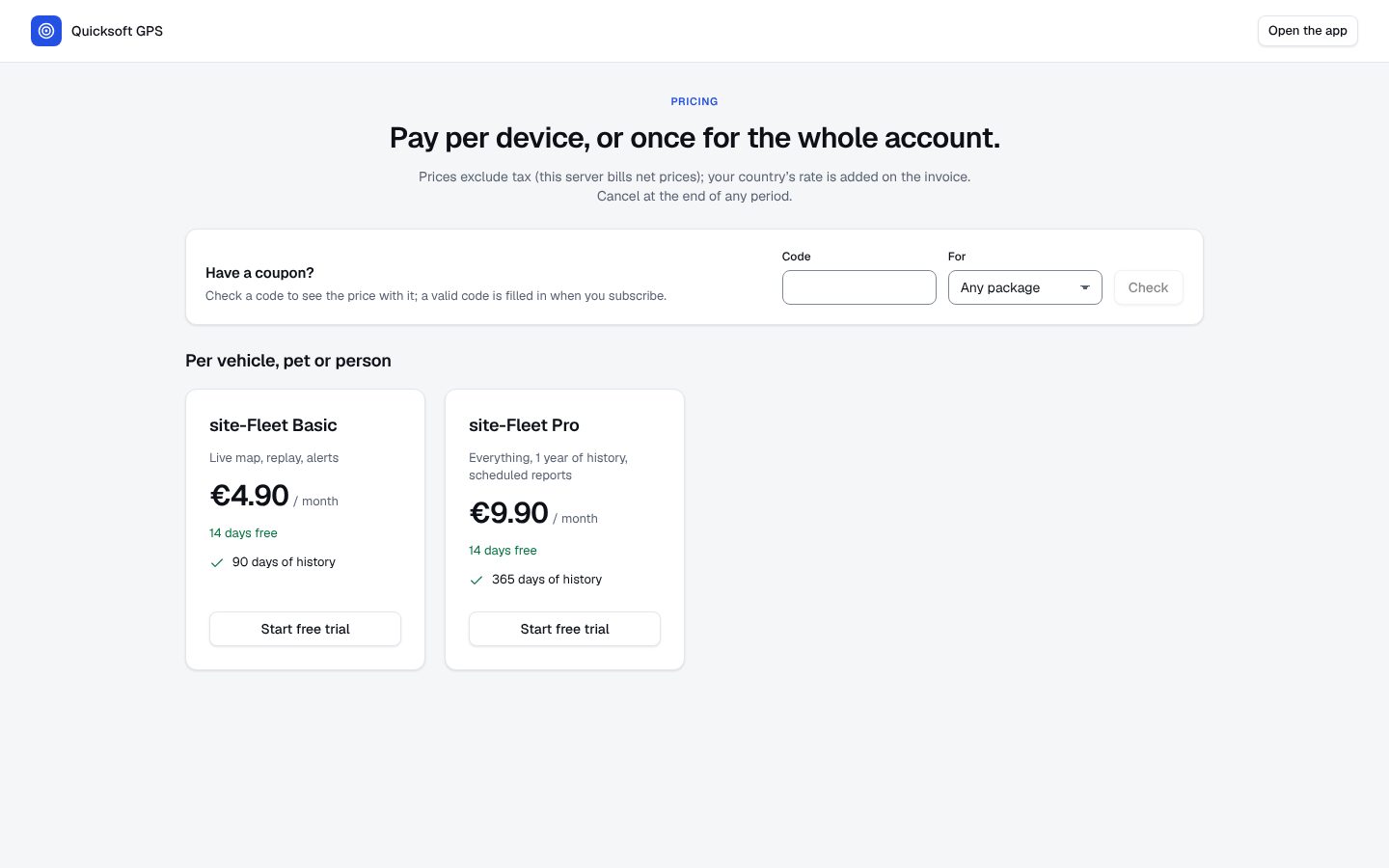
Pay per device, or one price for the account
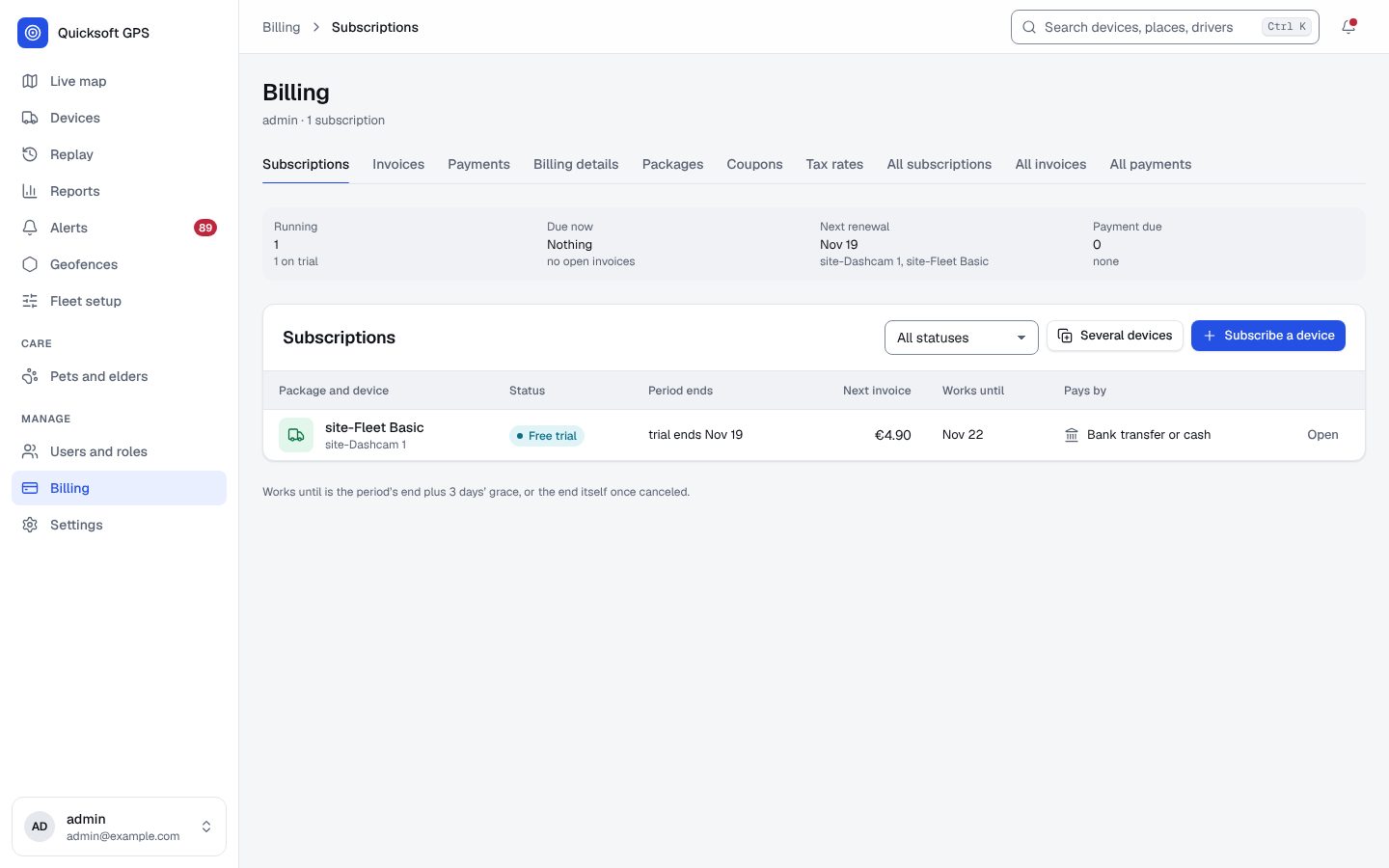
Packages set the price, the features and the number of devices. Subscribe in the portal; you see the first invoice before you confirm. Change plan any time.
No packages are offered yet
The platform's administrators have not published any package. Contact us if you want to know what is planned.
Two kinds of package
Which kind of package fits
You can use both: a device with its own plan works as long as either plan covers it.
Per device
Each device you subscribe has its own plan. Good for a few vehicles, one pet or one person.
- Pay only for the devices you track
- Different plans for different devices
- Move the plan to another device when you replace a tracker
Whole account
The account and every device you own are covered, including devices added later, up to the package's device limit.
- One invoice for the account
- Add devices without choosing a plan each time
- Above the limit, new devices are refused until you change to a bigger package
In the portal
Change your mind without calling us
Upgrade, downgrade, pause, cancel and coupons work from your account in the portal.
Upgrade now
See the invoice lines first. You pay only the difference for the rest of the period.
Downgrade at period end
The change applies at the next renewal. You can also take a scheduled change back.
Cancel
Cancel at the end of the period and change your mind before it ends, where the payment provider allows. Or cancel at once.
Pause and resume
Pause a plan and the time left is kept. The device stops tracking while paused, and your account stays open so you can resume. Not every payment provider supports pausing.
Coupons
Enter a code to see the price before you pay. Codes can be for the first invoice, a number of invoices, or all of them.
Replace a tracker
Move a device's plan to another of your devices when you swap the hardware.
VAT and taxes
VAT, GST and invoices
Tax is worked out from the country in your billing details.
Enter your name, company, address, country and VAT or GST number once. Every invoice is made out to those details and taxed by the rate for your country. Business customers in another country can get a reverse-charge invoice with no tax added, where that rule applies. Invoices download as PDF.
- Tax is worked out from the country in your billing details.
- The rate on an invoice stays as issued, even if the rate changes later.
- You see the first invoice with tax before you subscribe.
- Payment instructions are on the invoice.
This is a description of how invoices work, not tax advice.
Payment
Pay the way you pay today
Pay by card (Stripe), PayPal, Razorpay or invoice / bank transfer, depending on what your installation has switched on.
- Invoice / bank transfer
- We issue an invoice with payment instructions and a due date. We record the payment when it arrives.
- Card (Stripe)
- Enter card details on Stripe's page. Renewals are charged automatically.
- PayPal
- Approve the subscription on PayPal's page.
- Razorpay
- Pay on Razorpay's checkout, for customers in India.
We never see your card number. Online payments are made on the provider's page.
Late payment
What happens if a payment fails
A failed or late payment gets a grace period, 3 days by default. We tell you in the app and by email before a plan ends. If it still lapses, the devices on that plan stop. You can sign in to billing only, pay, and everything works again as soon as the plan is renewed.
- Warnings in the app and by email
- Grace period, 3 days by default
- Billing stays reachable after a plan ends
FAQ
Questions about pricing
How does the free trial work?
Can I change plan?
What does a whole-account package cover?
Is VAT included?
Can I pause or cancel?
Do you offer coupons?
Which payment methods do you take?
Do I buy the tracker from you?
Put your first device on the map today
Start with a package, or let us show you the platform with your own use case. Choose a package in the portal; you see the first invoice before you confirm.