Safety and alerts
The clip, the photo and the live view, each with its reason.
Compatible JT808 dashcams upload photos and clips with the place, the time and why they were recorded. Open live video when you need it, and see who viewed what.
Choose a package in the portal; you see the first invoice before you confirm.
Plainly
What you get, and what it is not
What you get
- Photos, clips and audio uploaded by the camera, each with place, time, camera channel and the reason it was recorded.
- Live video from the map, in a main or a sub stream.
- A media history you can filter by reason.
- A capture policy you set, and an audit log of views.
What it is not
- No continuous recording in the cloud. The camera uploads photos and clips for events, on a schedule you set on the camera, or when you ask.
- No automatic driver scoring or face recognition.
- No video from cameras that do not speak the supported camera protocols (JT808, with JT1078 for live video). Check your model.
Recordings
Each recording says why it exists
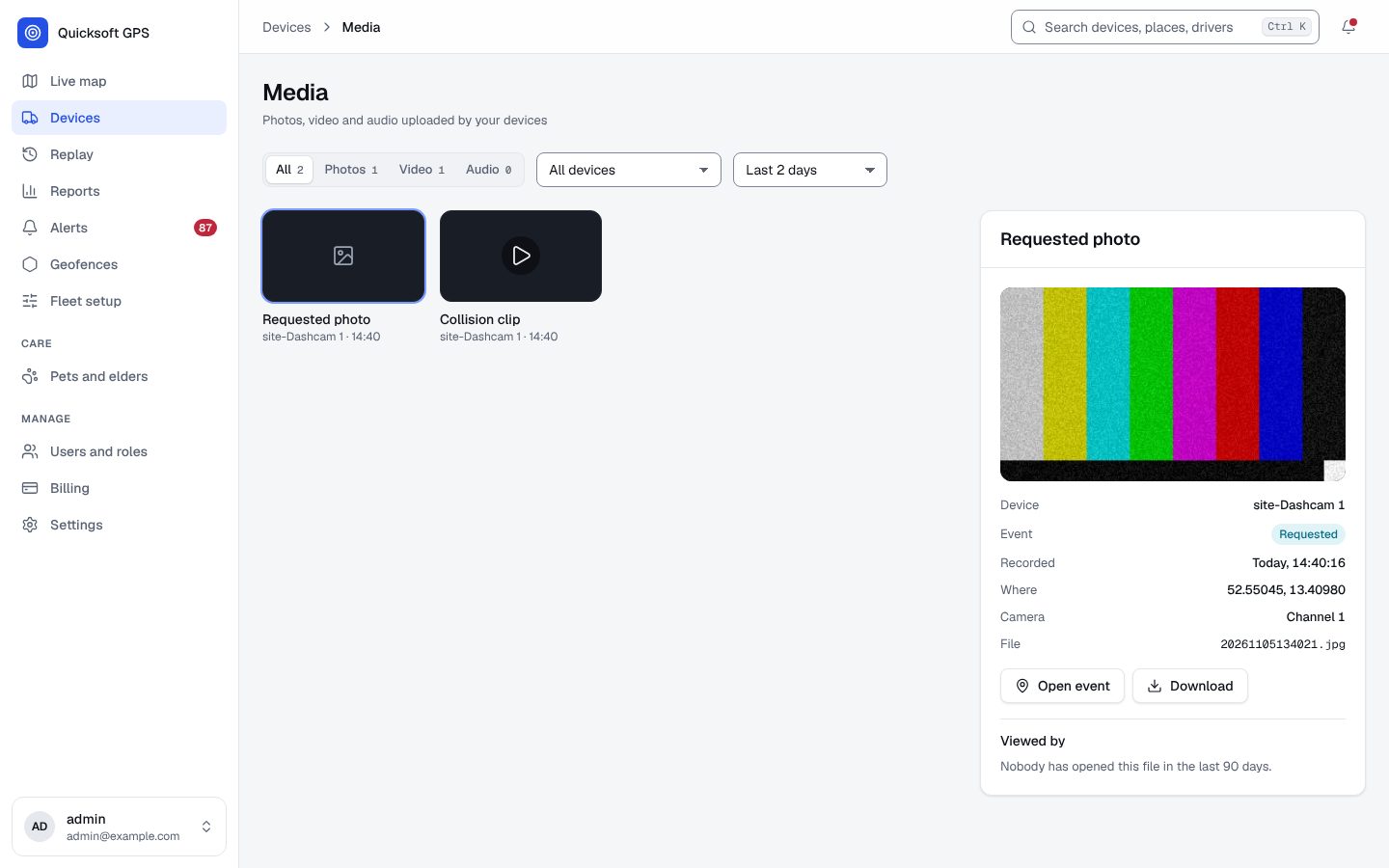
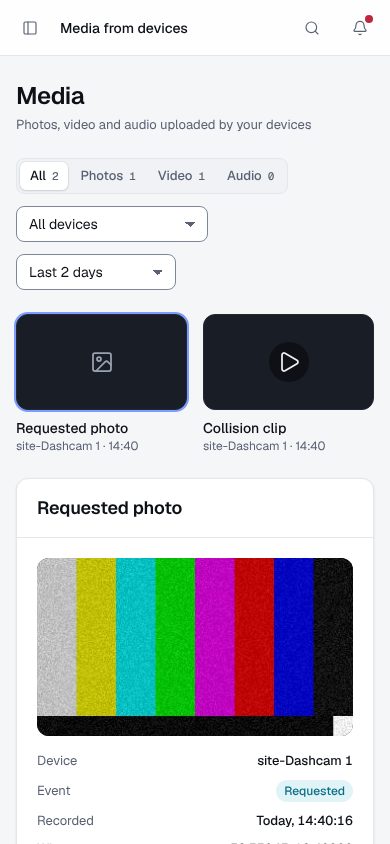
A photo or clip arrives with where it was taken, the camera channel and a reason. Filter the history by reason, or ask for a photo now with one command.
- SOS
- Collision
- Door
- Harsh braking
- Harsh acceleration
- Harsh cornering
- Fatigue
- Distraction
- Driver check
- Scheduled
- Requested by you
The reason comes from the camera, so which ones you see depends on the model.
Live video
Open the live view when you need it
From the map, for a camera that is online and supports live video.
Live video is video only, without sound.
- 01
Ask, and it plays
Ask the camera to stream, and the video plays in the browser a few seconds later. A playlist in the browser, no plug-in.
- 02
Pick the channel
A camera can have several channels. Choose the one to watch, and switch without leaving the page.
- 03
Main or sub stream
The main stream for detail, the sub stream to use less mobile data. A camera without a sub stream may refuse the request or send its main stream.
- 04
It stops by itself
Stop it yourself, or it stops after a few minutes with nobody watching: 5 minutes by default, set by the operator.
Privacy and control
You set what is captured. Every view is logged.
Video of people at work is sensitive. The settings start strict, and you loosen them on purpose.
A capture policy
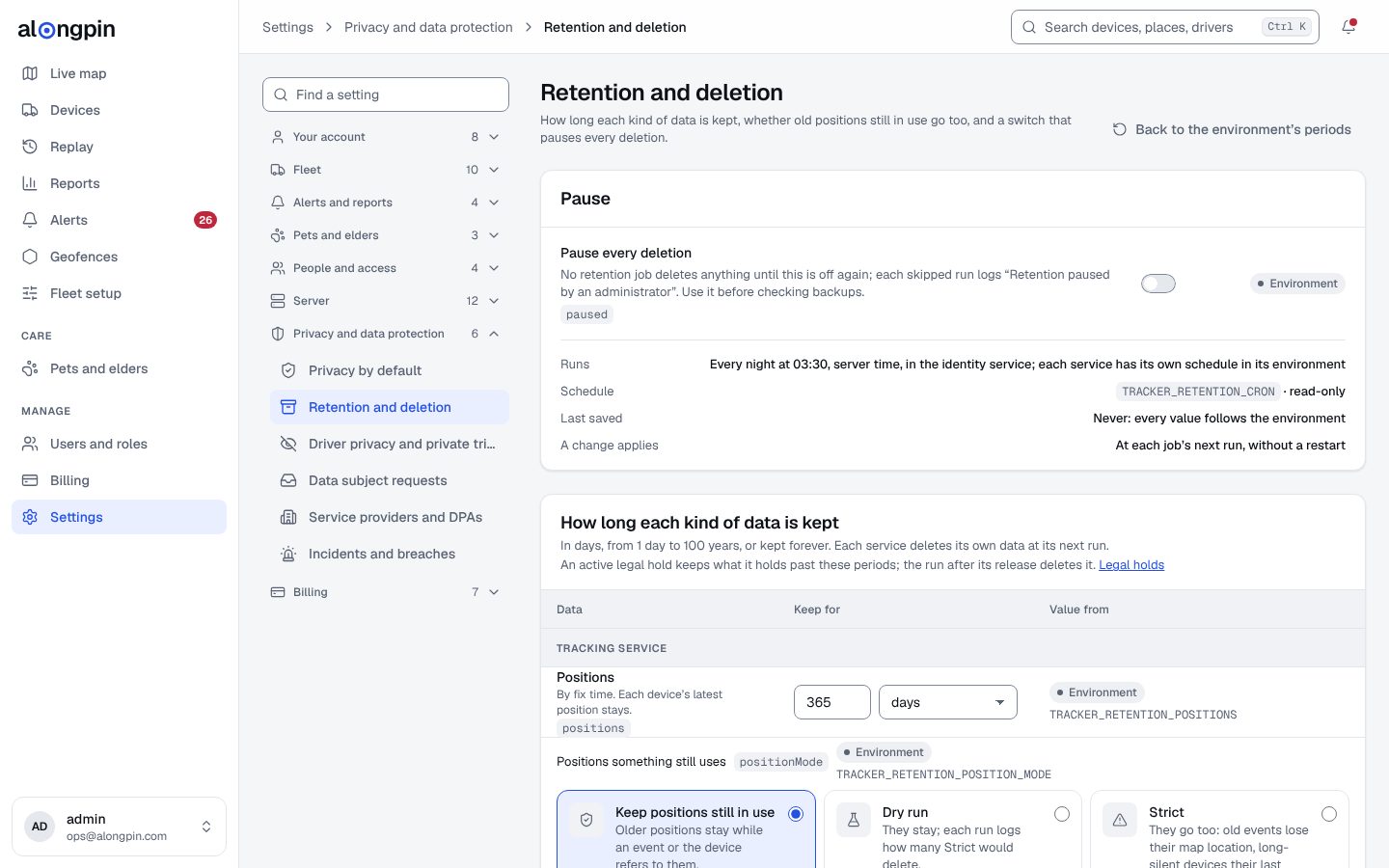
Set which reasons count as wanted. Your administrator can choose to delete everything else on arrival, or only log it. Whether unwanted recordings are deleted or only logged depends on how your server is set up.
An access log of every view
Views of recordings and live streams are written to the audit log, one entry per person and file in any 5-minute window, so you can answer "who looked at this?"
Cabin audio off until you decide
Listening in by call-back is refused until an administrator turns audio on. Live video is video only, without sound. A stream can be blocked while a private trip is on.
Holds for a claim
Media is kept for 30 days by default, and the operator can change this. Place a hold on one recording, one event or a period, with a reason and a case reference, and it is kept until you release it.
The camera records what it is configured to record. More on security and privacy and GDPR.
FAQ
Questions about dashcam video
Which cameras work?
Is video recorded all the time?
Is cabin audio recorded?
Who can see the recordings, and can I tell?
How long are recordings kept?
Do I need consent from drivers?
See your cameras next to your map
Check your camera model first, or let us show you recordings and live video. Choose a package in the portal; you see the first invoice before you confirm.