Pets
What a pet GPS tracker really costs: collar, SIM and platform
A pet GPS tracker costs three things: the collar you buy once, the SIM that carries its data, and the platform that shows the map and sends alerts. What each part does, how platform packages work, how you pay, and what to ask before you commit.
Ashish Srivastava6 min read
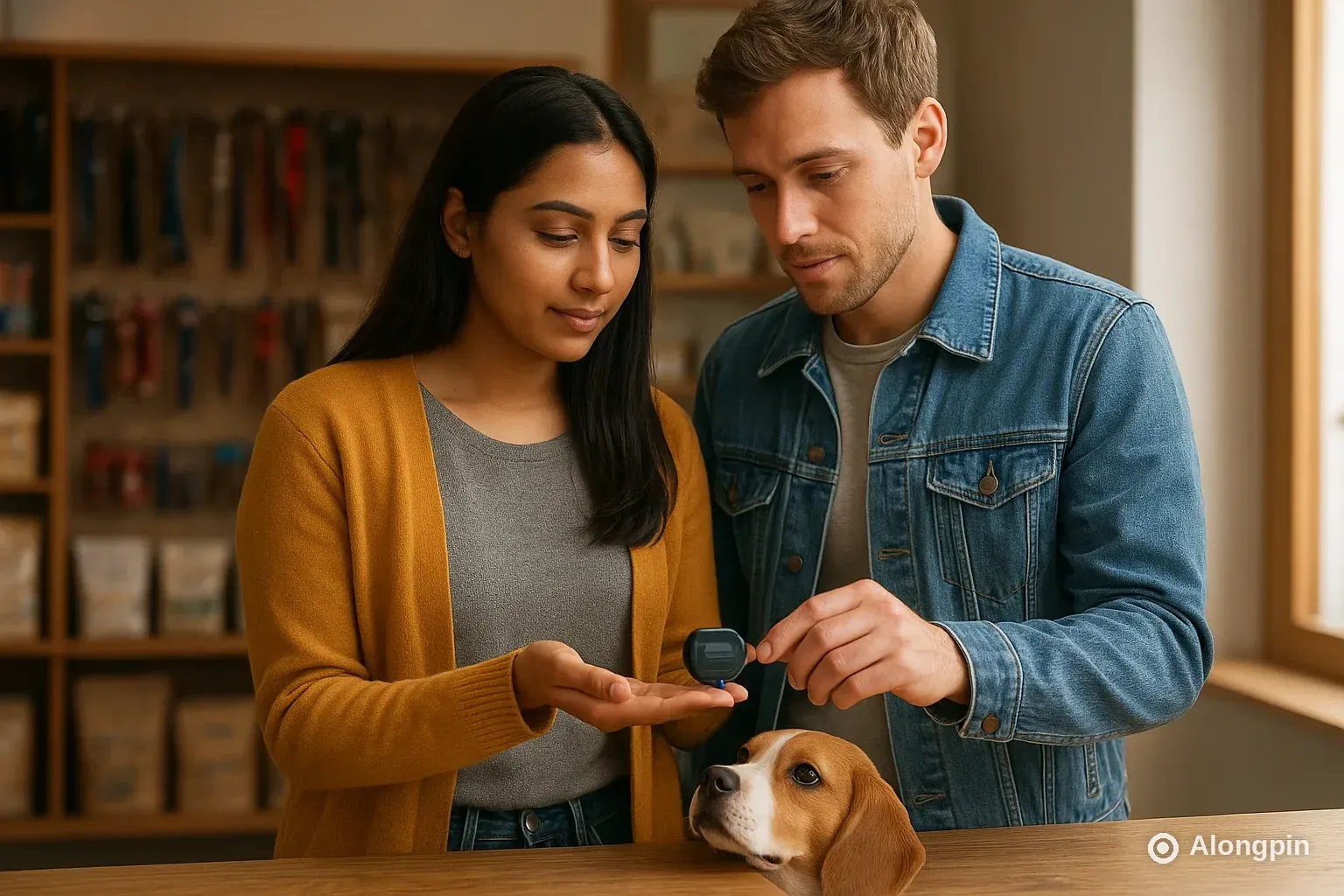
The cost of a pet GPS tracker comes in three parts, usually from three different places: the collar, which you buy once from a seller; the SIM card and its data plan, which carries the collar's positions over the mobile network and is paid to a mobile operator, sometimes bundled with the collar; and the platform subscription, which shows the map, keeps the history and sends the alerts. When people search for a pet GPS tracker subscription cost, they often mean only one of these, and compare a collar "with no monthly fee" against one with a fee, without seeing that the data has to be paid for somewhere. This guide breaks the cost down without quoting prices, which change, so you can ask the right questions before you buy.
Key takeaways
- Three parts, three bills: the collar (once), the SIM and its data (monthly or yearly), the platform (monthly or yearly).
- A GPS collar needs mobile data to send its position to you; a "no subscription" offer means the data is paid some other way, or the device is not a GPS tracker.
- On Alongpin, packages are priced per device or per account; a free trial is offered where a package has one.
- Pay by card, PayPal, Razorpay or bank transfer, depending on what your installation offers.
- Before you commit: check the collar model, the SIM's coverage, what a package includes and what happens when it ends.
Three parts, three bills
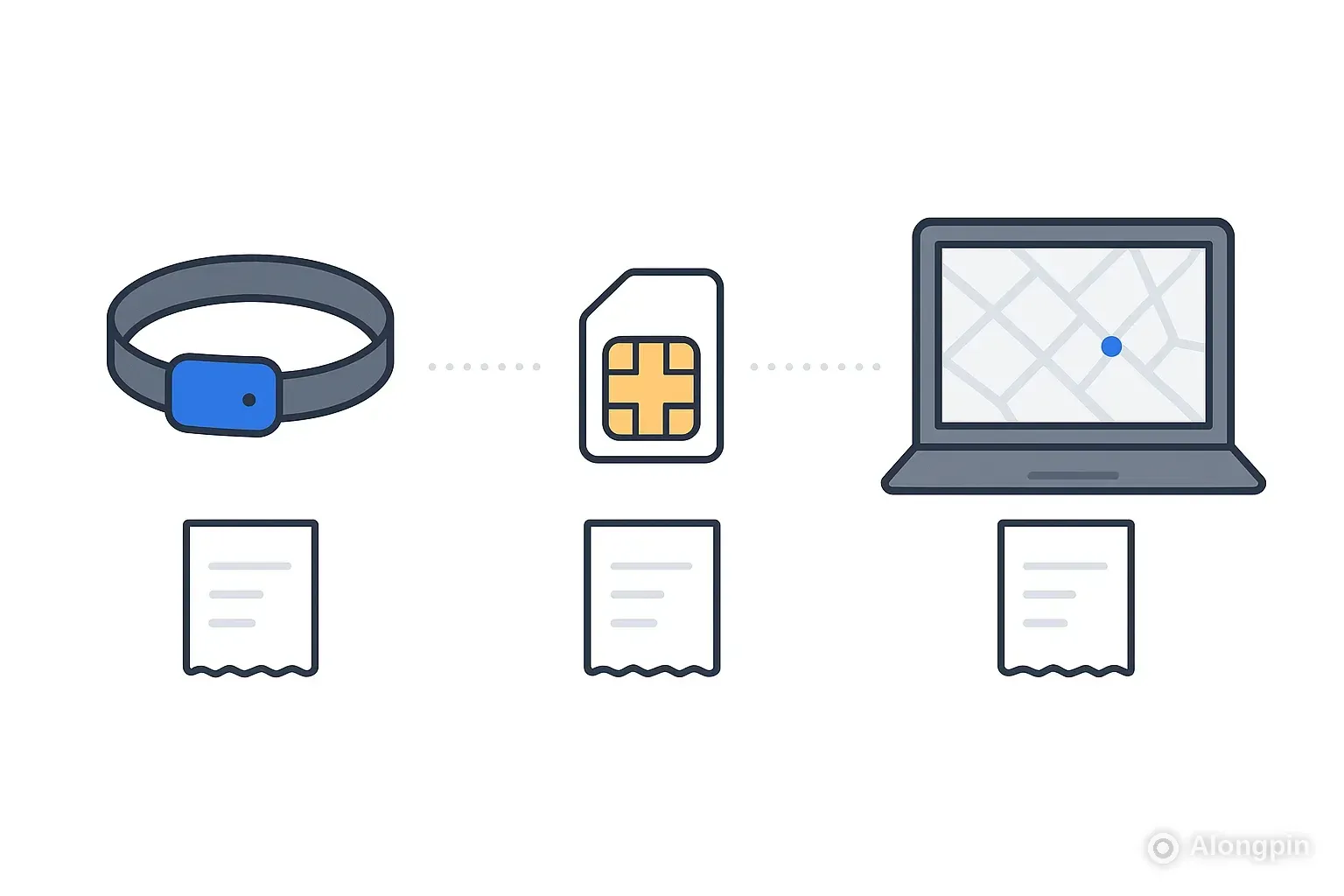
| Part | What it does | How you pay | From whom |
|---|---|---|---|
| The collar | Works out its position, counts steps on some models, raises alarms | Once, when you buy it | The seller or manufacturer |
| The SIM and its data plan | Carries the collar's positions over the mobile network | Monthly, yearly or prepaid top-ups | A mobile operator, sometimes bundled by the seller |
| The platform | Shows the map, keeps the history and replay, sends alerts and reminders, holds the pet's profile | Monthly or yearly, per device or per account | The tracking platform, such as Alongpin |
Alongpin is the third part. It does not sell or endorse collars: you choose a collar from a seller you trust, as long as the platform speaks its protocol. That keeps you free to use a collar you already own, or to replace it later without changing platform.
Why a GPS collar needs a SIM
A GPS collar knows where it is from satellites. To tell you, it sends its position over mobile data, through a SIM card inside it, to the platform that draws your map. No SIM, no live position.
What this means for the cost:
- The data is small. A collar sends short messages, so a basic data plan is usually enough. The right plan depends on how often the collar reports.
- Coverage matters more than price. A cheap SIM on a network with no signal where you walk is worth nothing. Check the operator's coverage for your routes. Do GPS pet trackers work without mobile coverage explains what happens in dead zones.
- Some collars come with a SIM, and the data cost is included in the seller's own fee. Others take a SIM you buy yourself. Ask which, and what happens when the included data runs out.
- Roaming costs extra if you travel abroad with the dog.
A "pet tracker without subscription" is usually one of two things: a collar whose data is paid in the purchase price for a period, or a Bluetooth tag that relies on nearby phones and has no SIM at all. Neither is wrong, but neither is a GPS collar without running costs.
The platform: packages per device or per account
On Alongpin, the pricing page lists the packages, each with its price per month or year, its features and how many devices it covers. Packages come in two kinds:
- Per device: one subscription for each collar. Suits one or two pets.
- Per account: one price for the whole account, up to a device limit. Suits a household with several pets and perhaps a watch for a grandparent, or a dog walker or kennel with many collars.
Packages per device or per account explains the difference in more detail.
A few details matter for pet owners:
- History: a package can keep the history for a set number of days or without limit; the pricing page shows it. If you want to replay a walk from last summer, check this.
- Free trial: where a package has a free trial, the pricing page and the checkout show it; a trial is given once per package. What happens when a free trial ends explains the end of it.
- When a subscription lapses, the devices it covers stop working on the platform until it is paid or renewed.
- A replacement collar: a subscription can be moved to another of your devices, so a lost or broken collar does not mean starting again.
- Pause and cancel: subscriptions can be paused and resumed, or cancelled at the end of the period.
Paying by card, PayPal, Razorpay or bank transfer
At checkout, you choose how to pay among the methods your installation has switched on:
- Card, through Stripe's own payment page.
- PayPal.
- Razorpay, with UPI and cards, in India.
- Bank transfer, against an invoice you pay with its number as the reference.
Online methods take the payment on the provider's page, and renewals are charged automatically; your card details stay with the provider. Every bill is an invoice you can download as a PDF, made out to the billing details you enter, with tax for your country where it applies. Payment methods goes through each one.
Adding it up for your situation
Rather than comparing headline prices, write down the three parts for your own case:
- The collar: its price, its expected life, and the cost of a replacement if it is lost on a walk.
- The data: per month or year, for a SIM that has coverage where you live and walk.
- The platform: the package that covers your pets, per device or per account, and whether it keeps enough history.
Then look at the year, not the month. A collar with a higher price and a SIM included for two years may cost the same over time as a cheaper collar plus a separate SIM. What matters is the total over the time you expect to use it, and whether each part does what you need.
Questions to ask before you commit
About the collar
- Is the model supported? Type it into the device check before you buy. The pet collars page lists what collars report on the platform.
- Does it count steps, report a low battery, store positions out of coverage?
- How long does the battery last at the reporting interval you want?
About the SIM
- Does the collar come with a SIM, and for how long is the data paid?
- Which network does it use, and does it cover the places you walk?
- What does it cost to roam, if you travel?
About the platform
- Per device or per account: which is cheaper for your number of pets?
- How much history does the package keep?
- Is there a free trial, and what happens at its end?
- Which payment methods are offered where you live?
- Can you move the subscription to a new collar, pause it, cancel it?
What you get for the platform part
For the subscription, the platform does the part a collar cannot do alone: the live map with the collar's last position and battery, the replay of walks, a home zone with a Left home alert, the pet's profile with its vet, microchip number, vaccinations and documents and their reminders, sharing with family, and activity for collars that count steps. The pets solution shows it all together.
How Alongpin helps
Alongpin (alongpin.com) is a GPS tracking platform you open in a browser or on your phone. A GPS collar becomes your pet's profile: its position on the live map, a home zone that tells you when it leaves, its walks in trip history, and vaccinations and vet visits with reminders. See how it works for pets, the pet collars it works with, and check yours in the device check.
Frequently asked questions
Can I use a collar I already have?
Often, yes, if the platform speaks its protocol. The device check tells you.
Is there a pet tracker with no monthly cost at all?
A GPS collar always needs data, and someone pays for it. A Bluetooth tag has no SIM, but it only shows where a nearby phone last noticed it.
Do I pay for each pet separately?
With a per-device package, yes; with a per-account package, one price covers every device up to its limit.