Billing and account
Payment methods: card, PayPal, Razorpay or bank transfer
The ways to pay for an Alongpin subscription: card through Stripe, PayPal, Razorpay or bank transfer. How each works at checkout, how to change a saved card, and where coupon codes go. Which you are offered depends on your installation.
Ashish Srivastava3 min read
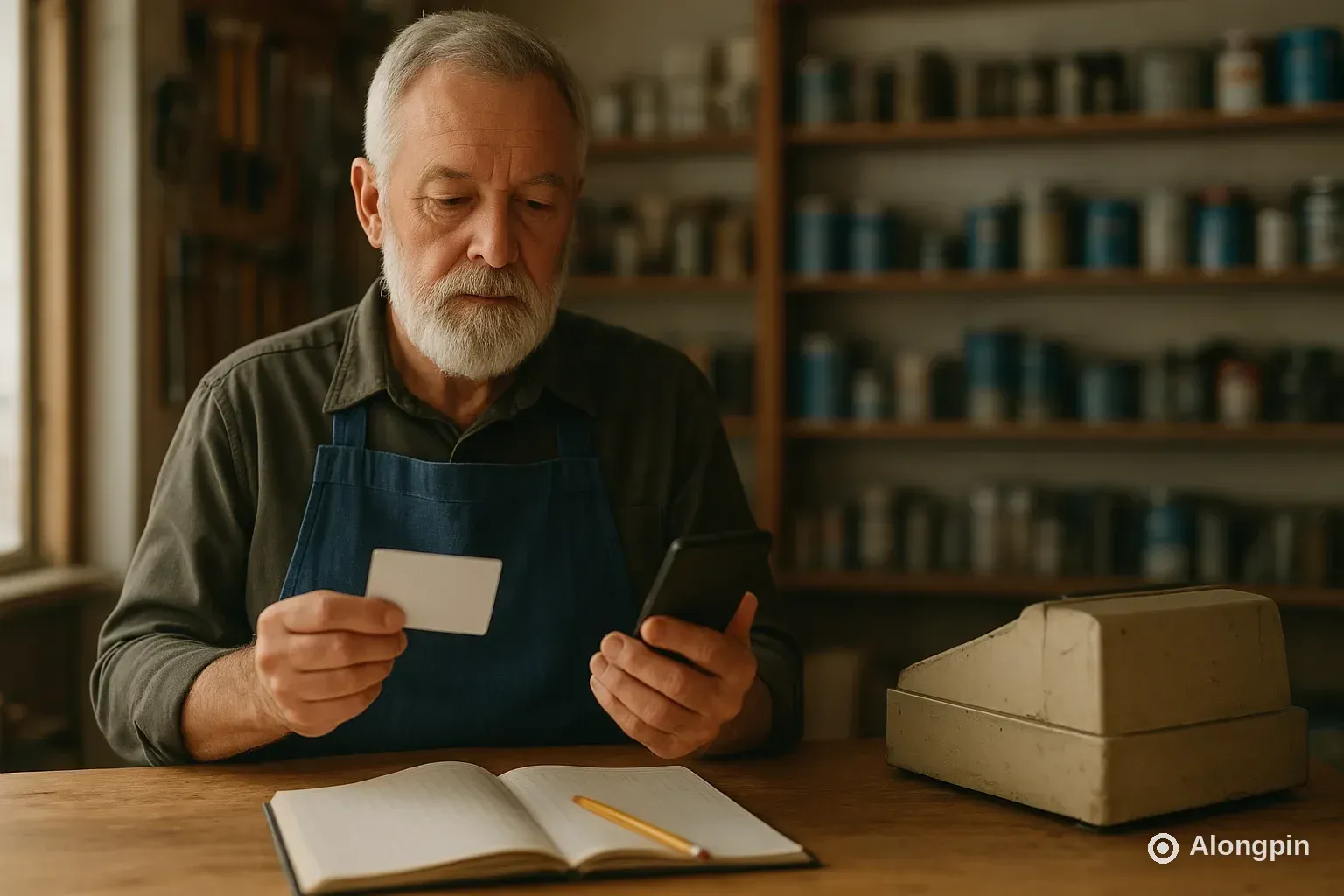
The GPS tracking payment methods on offer are a card through Stripe, PayPal, Razorpay (UPI and cards, in India) and bank transfer against an invoice. Online methods take the payment on the provider's own page; bank transfer gives you an invoice to pay, which is marked paid once the transfer is recorded. Which of them you see at checkout depends on how your installation is set up.
Key takeaways
- The checkout's How you pay lists only the methods switched on for your installation.
- Card, PayPal and Razorpay: you pay on the provider's page, and renewals are charged automatically.
- Bank transfer: pay the invoice with its number as the reference; an administrator records it.
- Saved cards are changed on the provider's page; coupon codes go in Have a coupon? at checkout.
Online checkout on the payment provider's own page
When you subscribe to a package from the pricing page, the checkout shows How you pay. The online choices are:
| Method | What happens |
|---|---|
| Card at Stripe | Visa, Mastercard, Amex on Stripe's page |
| PayPal | Pay with PayPal; renewals are charged automatically |
| Razorpay | UPI and cards on Razorpay's page |
Select Pay on the provider's page. The provider's page takes the payment, then sends you back to the portal, which shows "Confirming your payment" and then "Payment confirmed: your subscription is active", usually within seconds. Your card details stay with the provider; the portal never sees them.
If you close the provider's page without paying, the subscription waits for its first payment for about a day ("Complete the payment" on the subscription), then is dropped. You can also cancel it yourself and start again.
Bank transfer
Choose Pay by bank transfer ("We issue an invoice to pay by bank transfer"). The checkout tells you how long you have to pay, and the subscription starts with an open invoice under Billing → Invoices.
- Open the invoice, or download it with Download PDF: it shows the amount, the due date and how to pay.
- Transfer the amount with the invoice number as the reference.
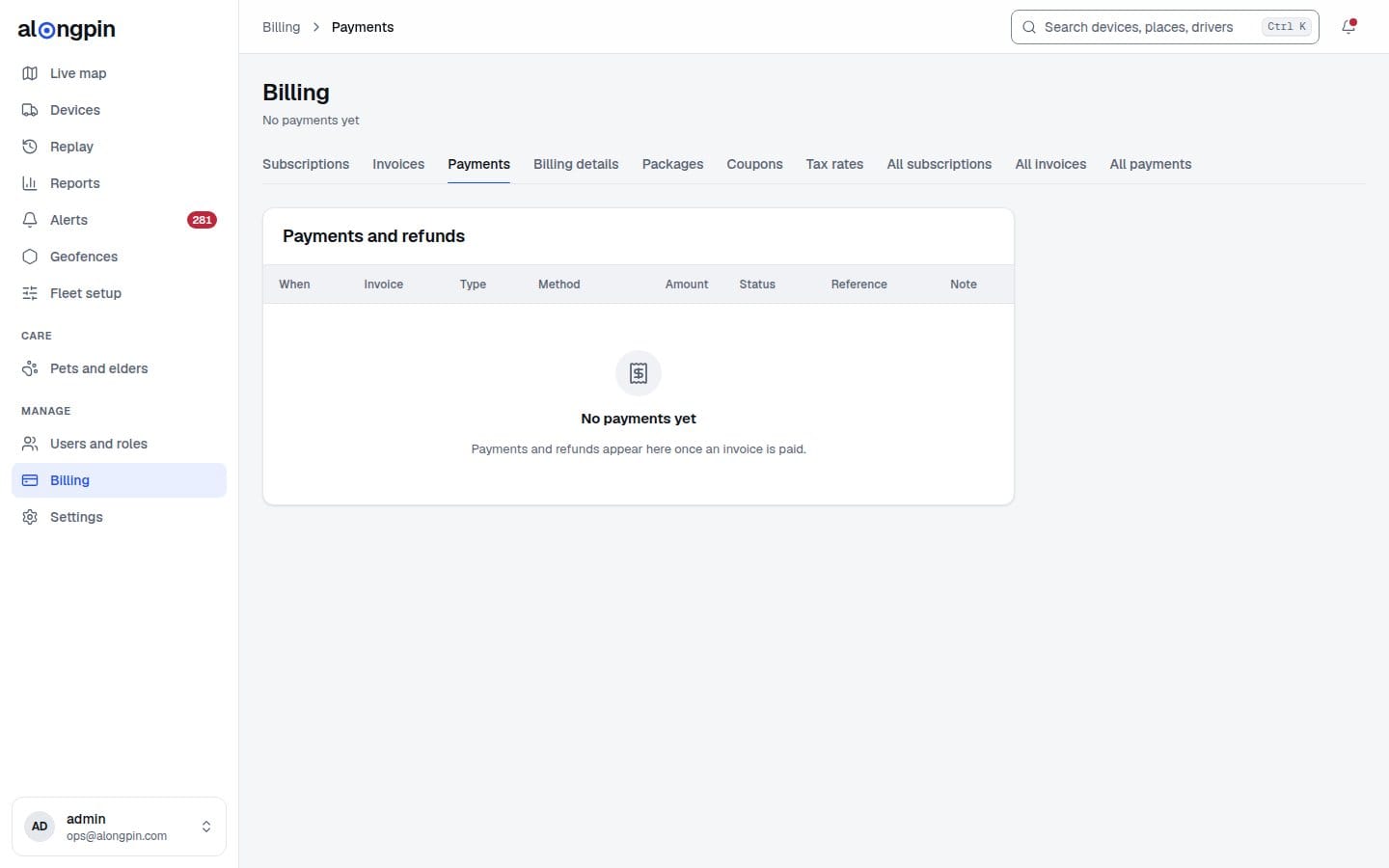
- When the money arrives, an administrator records the payment and the invoice shows as paid.
Each renewal issues a new invoice to pay the same way. On some installations the subscription starts only once the first invoice is paid; the checkout says so. Free packages always go through this route, with nothing to pay.
Manage saved cards on the provider's page
For a subscription paid by card through Stripe, open Billing → Payments. The Card at Stripe box explains that your card is kept by Stripe, not by us; select Manage payment methods to open Stripe's page, where you change the card and see Stripe's receipts. The link is made when you select it and works for a few minutes.
PayPal payments are managed in your PayPal account.
Change the card on a subscription
With Razorpay, the card belongs to the subscription. When a payment is due, the subscription's page offers Change the card: Razorpay's checkout opens, you enter the new card, and Razorpay charges the open invoice again on it. The subscription is active once that payment is confirmed. This works for card payments; UPI and e-mandate subscriptions are changed at Razorpay.
With Stripe, change the card under Manage payment methods as above; the next charge uses it.
Coupon codes at checkout
At checkout, open Have a coupon?, type the code and select Check. The checkout shows the price with the discount and how many invoices it applies to; a valid code is filled in when you subscribe. You can also apply a coupon later from the subscription's page with Apply a coupon.
Coupons work with bank transfer and Stripe. PayPal takes no coupons, and with Razorpay only codes that name a Razorpay offer work.
Which methods you are offered
The operator of your installation decides which providers are switched on. On the hosted service you see the methods available for your country; on an installation run by your company or a partner, ask them. Tax and invoices work the same whichever method you choose, except that online providers may tax the invoices they issue by their own rules.
Frequently asked questions
Can I switch from bank transfer to card?
Not on a running subscription. Cancel it at the end of the period and subscribe again with the other method, or ask your billing administrator.
Why is the checkout marked Test or Sandbox?
The provider is in test mode on that installation, so no real money is taken. Tell the operator.
More billing answers are in the help center; for a payment method you need that is not listed, contact us.