Billing and account
What happens when a free trial ends
Where a package has a free trial: how to see when it ends, what the first invoice will be, how to cancel before the end, why a package gives one trial only, and what stops if the subscription ends.
Ashish Srivastava3 min read
When a free trial ends, the subscription carries on into its first paid period and the first invoice is issued: pay it and the device or account keeps working; leave it unpaid and the subscription ends. You see the GPS tracking free trial end date on the subscription in Billing, together with what the first invoice will be, and you can cancel any time before the end if you do not want to continue. A package gives you one trial only.
Key takeaways
- The subscription shows Free trial until with the date, and what the first invoice will be.
- At the end of the trial the first invoice is issued; with bank transfer it is due within a few days.
- Cancel at the end of the trial and nothing is billed; the device or account stops when the trial ends.
- One trial per package: subscribing to the same package again starts without one.
See the end of the trial on the subscription
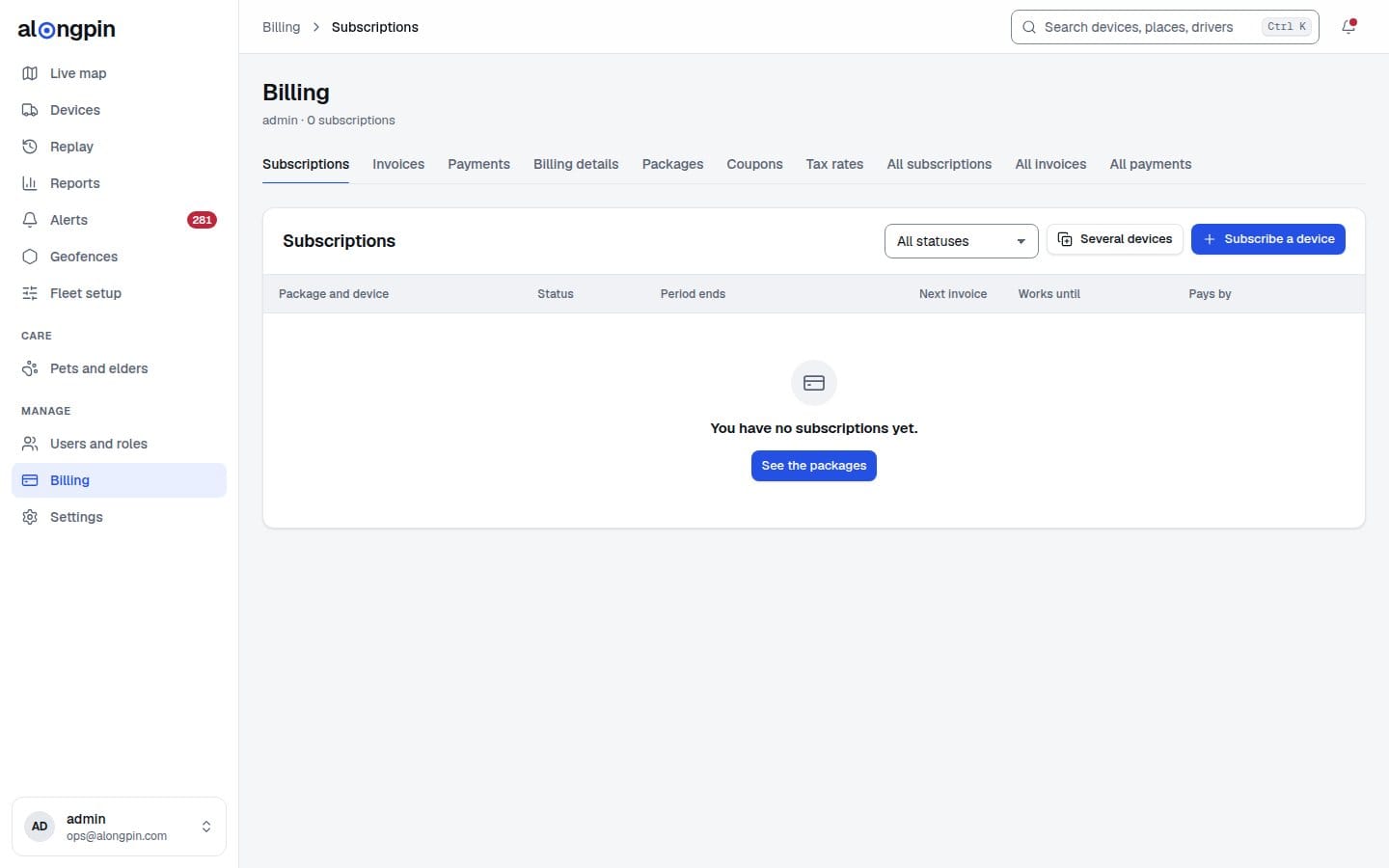
Open Billing in the menu and stay on Subscriptions. A subscription on trial shows "trial ends" with the date in the list; open it to see Free trial until and the date, and the line "Then the first invoice is …" with the amount.
You are also told by message in the portal, and by e-mail where the server sends e-mail, when the first invoice is issued.
What the first invoice will be
The first invoice covers the first paid period, which starts when the trial ends. Its amount is the package's price with your country's tax, and with a coupon if you entered one when subscribing: a coupon given at the start discounts the first paid invoice.
How it is paid depends on how you subscribed:
- Bank transfer. The invoice is issued at the end of the trial and is due within the payment term the checkout named (seven days in a standard setup). The subscription keeps working while the invoice is open. Pay with the invoice number as the reference; an administrator records your transfer.
- Card or another online method. The payment provider you chose at checkout bills the first period itself when the trial ends, with the details you gave on its page.
The invoice appears under Billing → Invoices, where you can download it as a PDF.
Want different features before you pay? During the trial a package change takes effect at once, without an invoice. See changing your plan in the help center.
Cancel before the end if you do not want to continue
- Open the subscription in Billing.
- Under What you can do, select Cancel.
- Choose At the end of the trial and confirm with Cancel at the end of the period.
The device or account keeps working until the trial ends, then stops, and no invoice is issued. Where the payment provider allows it, you can take the cancellation back until then with Undo the cancellation. Choosing Now instead ends the trial at once.
One trial per package
A trial is given once per customer and package. If you cancel a trial and later subscribe to the same package again, the new subscription starts without a trial and its first invoice is due at once: the checkout says "No trial: you already used it." A different package with its own trial still gives you that trial.
What stops working if a subscription ends
If the first invoice is not paid, the subscription becomes due, and after a short grace period it ends. Then:
- A device subscription: the device stops. The server ignores its new positions and events, and its history stays.
- An account subscription: the account and every device it owns stop. You can still sign in, but only to billing, to pay the invoice or subscribe again.
An unpaid invoice can still be paid later, but paying it alone does not restart an ended subscription: subscribe again from the pricing page.
Frequently asked questions
Do I need a card to start a trial?
Not when you choose bank transfer: the trial starts without a card, and the first invoice is sent at the end. Online providers ask for their own details on their page.
Can I extend my trial?
Not yourself. Ask whoever runs your billing; administrators can give extra days.
I have no account yet. Where do I start a trial?
Sign up, then choose a package with a trial and select Start free trial.
More on billing and subscriptions is in the help center.