Billing and account
Packages per device or per account
The two ways to subscribe to Alongpin: a package for one device, or one package for your whole account. Where to see what each includes, your subscriptions with their end dates, and until when a device works.
Ashish Srivastava4 min read

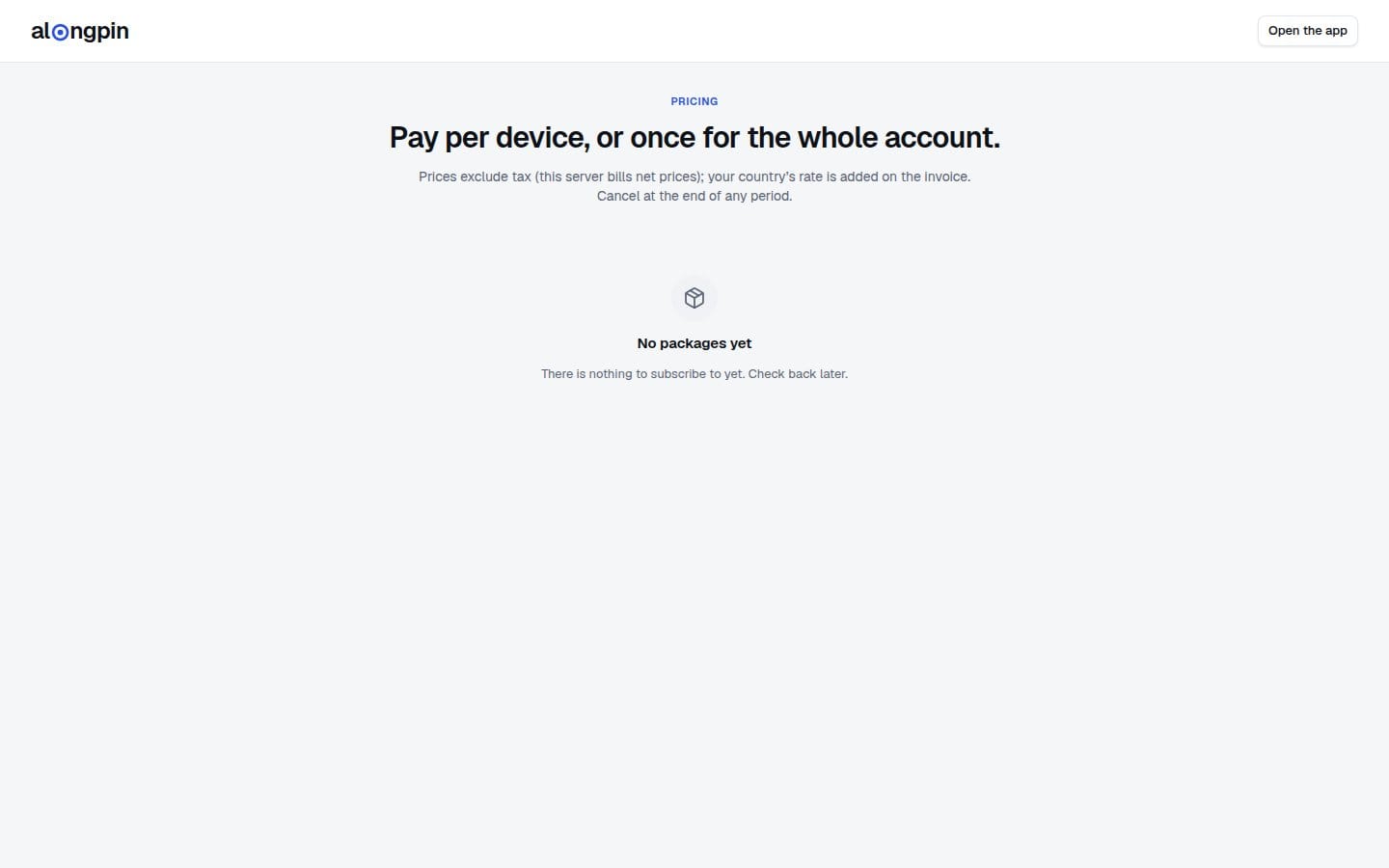
Alongpin's GPS tracking subscription plans come in two kinds: a per-device package that covers one tracker, watch, phone or collar, and a whole-account package that covers your account and every device you own, up to the package's device limit. Each package lists the features it includes on the pricing page, and your own subscriptions, with the date until which each device and your account work, are in the portal under Billing.
Key takeaways
- Per device: one subscription and one invoice per device. Whole account: one subscription for the account and all your devices.
- Each package shows its features, interval, any free trial and, for account packages, how many devices it covers.
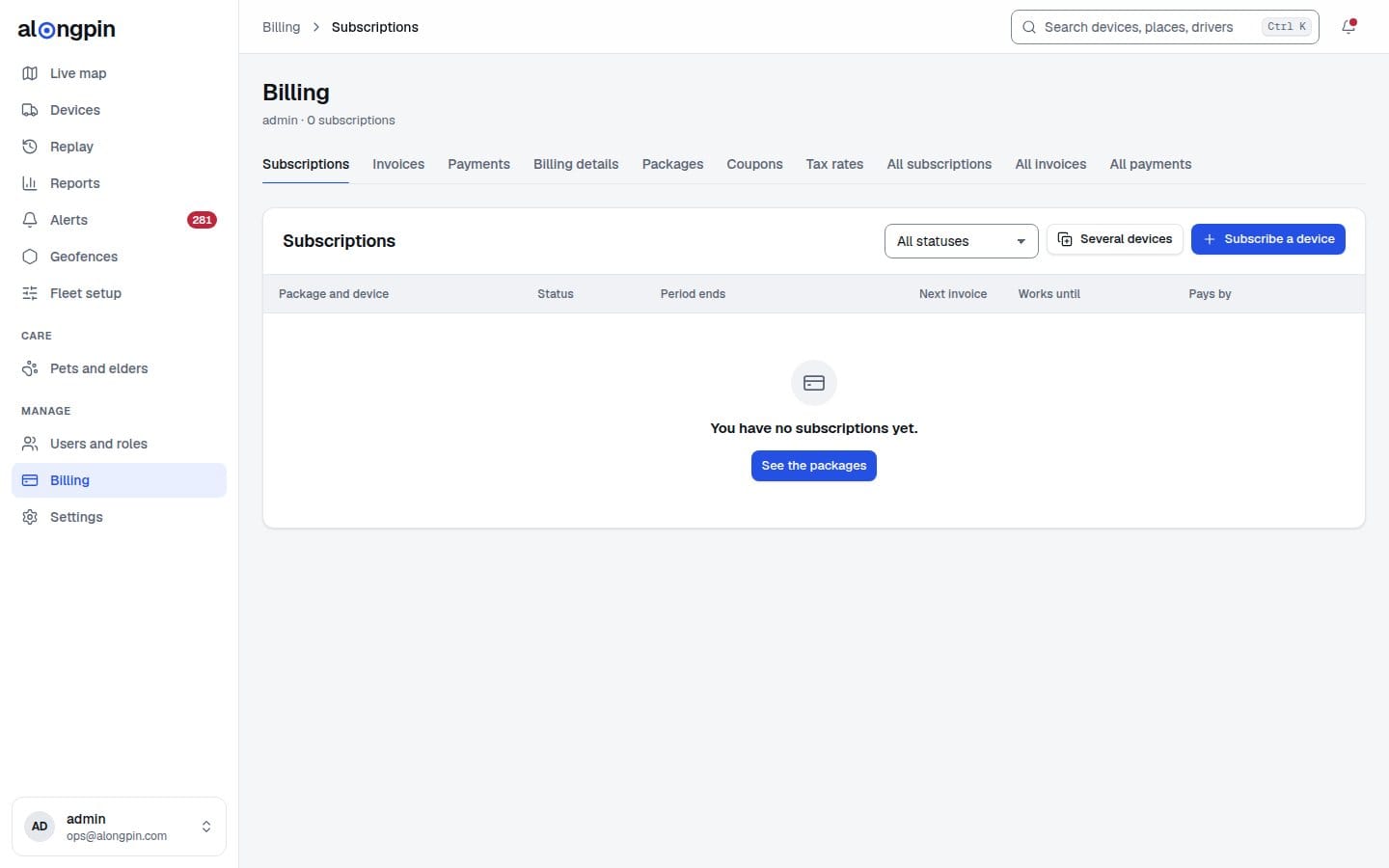
- Billing → Subscriptions shows every subscription with its status, next invoice and Works until.
- Who bills you depends on where your account lives: the hosted service, or an installation run by your company or a partner.
Per-device and per-account packages
| Per device | Whole account | |
|---|---|---|
| What it covers | One device | Your account and every device you own, also devices you add later |
| Invoices | One per device and period | One for the account per period |
| Adding a device | Subscribe the new device on its own | Covered at once, up to the device limit |
| When it ends | That device stops; the account and other devices carry on | The account and all its devices stop; you can still sign in to billing |
| Suits | A few vehicles, or devices that come and go | A fleet that grows, or a family with several devices |
A whole-account package covers your devices in the order they were added, lowest first, up to its limit. A device beyond the limit works only with a subscription of its own; above the limit you cannot add new devices until you change to a bigger package. An account has one account subscription at a time.
You can mix the two: an account package for the fleet, plus a device package for a device beyond the limit.
What each package includes
Every package on the pricing page shows:
- its price per interval (a month, a year, or another period the operator chose) and whether tax is included or added;
- the features it lists, such as the live map, reports or how many days of history you can see;
- a free trial, where the package has one;
- for account packages, how many devices it covers.
The features of a package come with it while the subscription runs: when you subscribe, the portal says which access the package gives you, and the subscription's page shows it under What your plan gives. Features that depend on the device itself, such as a dashcam's video, or on what the operator switched on, such as SMS or Telegram alerts, need that too.
To start, choose a package and select Subscribe, or Start free trial where the package has one. If you have no account yet, create one first.
Where your subscriptions and their end dates are
Open Billing in the menu (under Manage). The Subscriptions tab lists each subscription with:
- Package and device: the package, and the device it covers, or Whole account;
- Status: running, on trial, paused, ending, payment due or ended;
- Period ends and Next invoice: when the current period ends and what the next invoice will be, tax and coupons included;
- Works until: the last moment the device, or the account, keeps working.
Open a subscription to see the details, its invoices and what you can do with it: change the package, pause, cancel or move it to another device.
Until when a device or the account works
Works until is the end of the paid period plus a short grace period for a payment on its way (three days in a standard setup). Once a subscription is cancelled, it is the end of the period itself. The device's own page shows the same date as Works until, with a link to its subscription.
When a device's subscription ends, the device stops: the server ignores its new positions and events, while its history stays. When an account subscription ends, you can still sign in, but only to billing, to pay or subscribe again.
Hosted and self-hosted: who bills you
On the hosted Alongpin service, we publish the packages and send the invoices. If your company or a partner runs its own Alongpin installation, the operator of that installation sets the packages, prices, payment methods and tax, and bills you; ask them about your plan. Either way, the portal's Billing area works the same.
Frequently asked questions
Can I switch from per-device to a whole-account package?
Yes: subscribe to an account package, then cancel the device subscriptions you no longer need. A package change itself only moves between packages of the same kind and currency.
Do I buy the tracker with the package?
No. A package covers the platform; you bring a compatible device. The pricing page links to the device check.
Questions about your contract or a quote for a large fleet: contact us.