Elder care
After a hospital stay: closer attention for a few weeks
How a family can step up attention for a parent coming home from hospital and step it down again: shares that end on a set date, extra contacts, reminders for follow-up appointments and new medication, and alerts tuned to recovery.
Ashish Srivastava6 min read
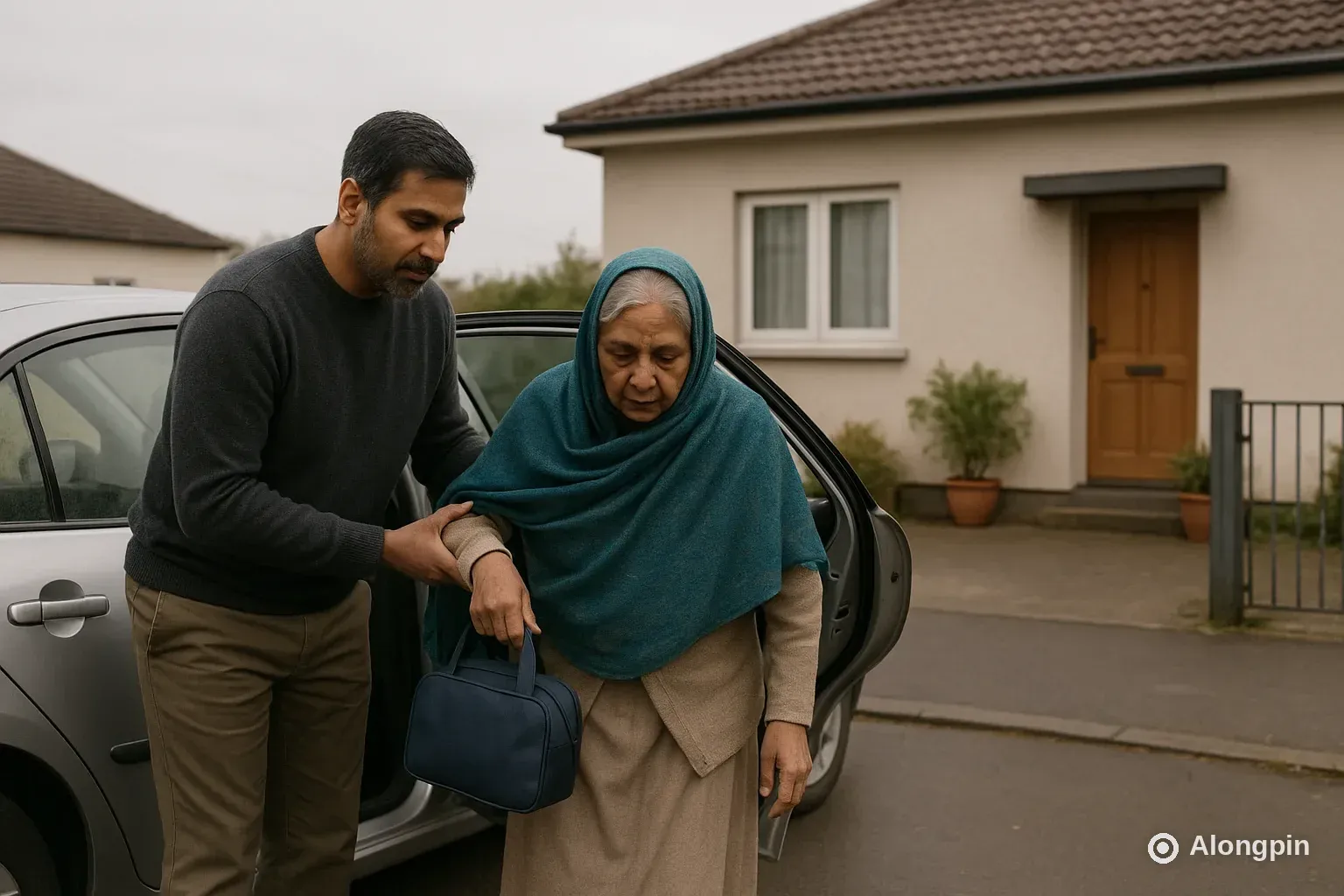
Caring for an elderly parent after hospital discharge usually means a few weeks of closer attention, then a careful return to normal. In those weeks more people help (a sister who stays for a fortnight, a neighbour who looks in, a visiting nurse), there are follow-up appointments and new medication, and the family wants to hear sooner if something is wrong. A care profile in Alongpin can be stepped up for that period and stepped down again: shares that end on a set date, extra contacts, reminders for the follow-ups, and alerts tuned to recovery. This guide walks through both directions.
Key takeaways
- Agree with your parent, before she comes home, who helps in the first weeks and what they need to see.
- Give temporary helpers a share that ends by itself on a date you choose.
- Put follow-up appointments and new medication in the profile, with reminders to the people who handle them.
- Tune alerts for recovery: a shorter no-movement window during the day, leaving-home alerts if she is unsteady.
- Plan the step down from the start: shares end, extra contacts go, alerts relax.
Before you start
You need your parent's care profile with her watch linked, and her agreement to the extra attention, even if only for a few weeks. If your installation requires consents, check on the profile's Consents tab that what you plan is covered: a temporary helper can only be given a share if the sharing consent lists them, and medication and appointments need a health consent. A hospital stay is also a good moment to ask her again whether she still agrees to what was set up before. The care profiles page describes each part of a profile.
Step 1: Work out the first weeks at home and who can help
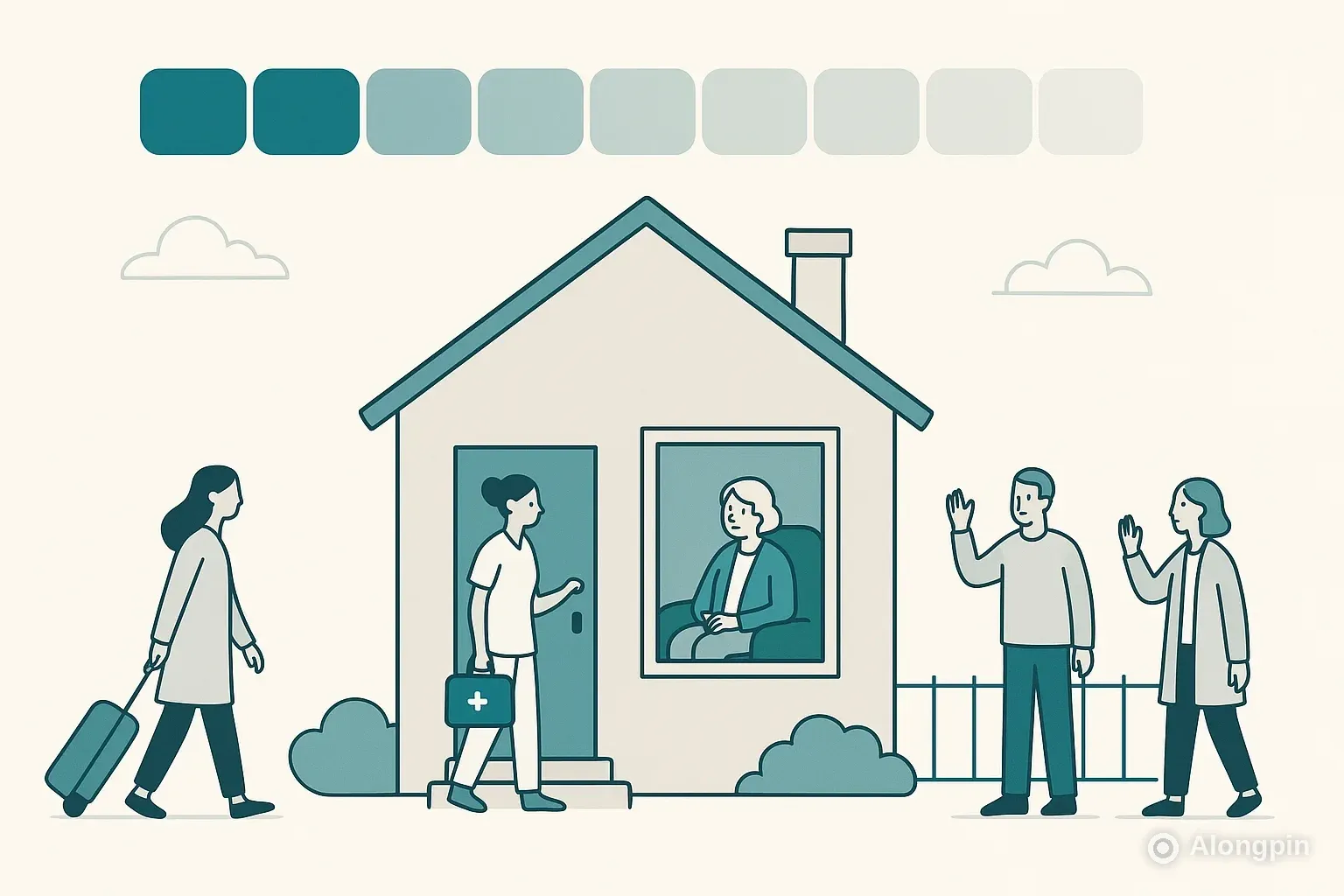
The first days after discharge are often the hardest: she is weaker than before, new medicines take getting used to, and the house may need small changes. Sit down with her, and with the people who can help, and write down:
- who is there when: the sister staying for two weeks, the neighbour who looks in every afternoon, the son who visits at weekends;
- who needs to see what: the location and alerts, the appointments, the medication;
- what the hospital asked for: follow-up appointments, a wound check, physiotherapy, tests.
This list becomes the plan for the next steps. Keep it short; a recovery is not the time for a complicated set-up.
Step 2: Give temporary helpers a share with an end date
A relative who helps for a few weeks and has an account on your installation can be given a share of the profile that ends by itself. Open the profile, choose Share, and pick the person or add them by the email of their account. Then set:
- What they see: Everything if they handle medication and appointments, Location only if they only need the map, alerts and contacts;
- Ends: the last day of their help. After that day they see nothing and the share leaves the list, with no need to remember to stop it;
- Also share the watch, if they should see the map and her daily activity.
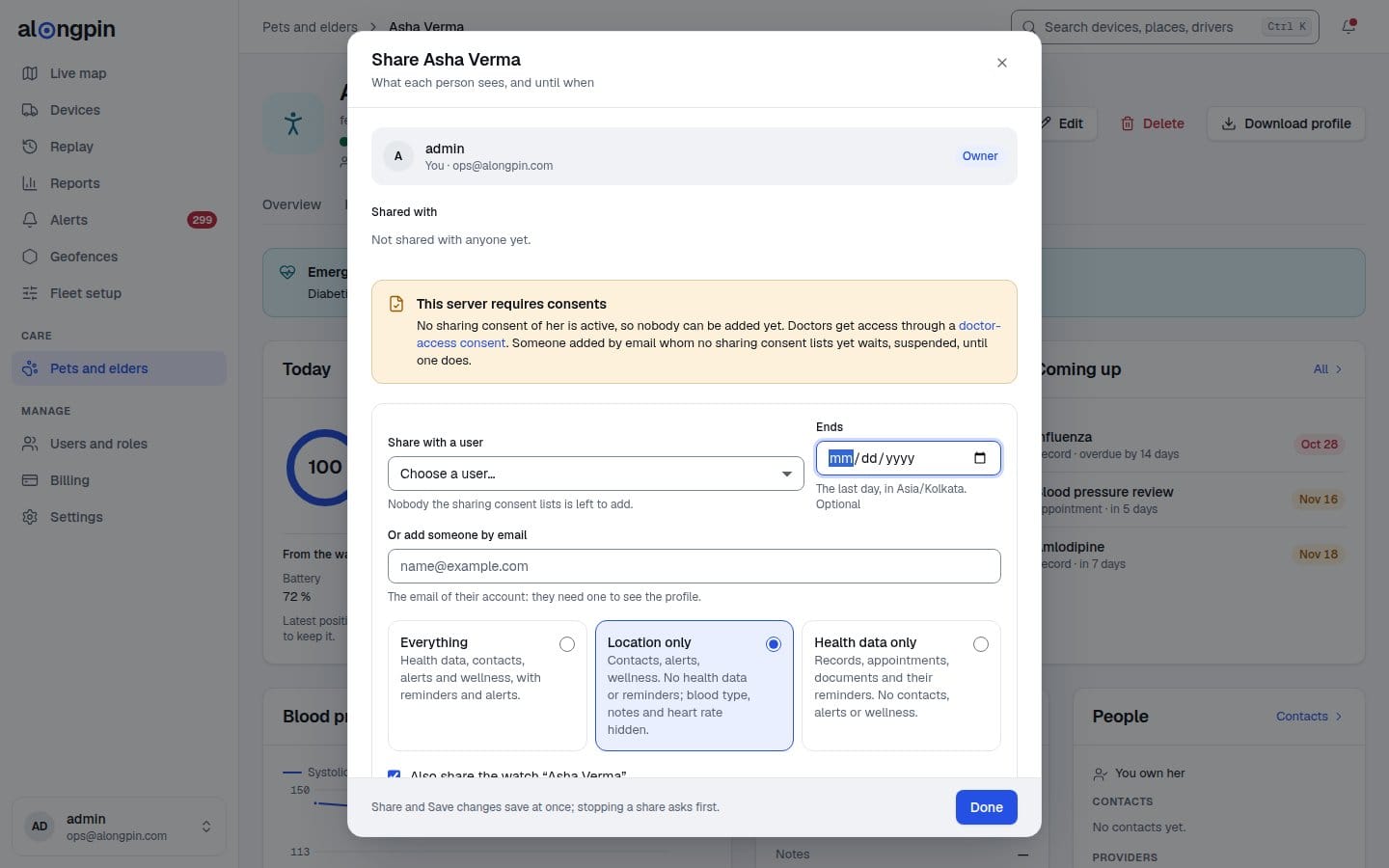
A visiting doctor or nurse can be given Health data only, which shows records, appointments and documents but no map, contacts or alerts, with an end date too. Where consents are required, a doctor's access is given through a doctor-access consent with its own Until date instead. See how to share a care profile with family, a sitter or a doctor.
People without an account, such as a neighbour, can be added as contacts instead: they receive alerts and reminders by email and text message. Contacts have no end date, so note in the contact's Notes until when they help, and remove them when the time comes.
Step 3: Add follow-up appointments and new medication
Hospital discharge comes with dates. Put each one in the profile so the right people are reminded:
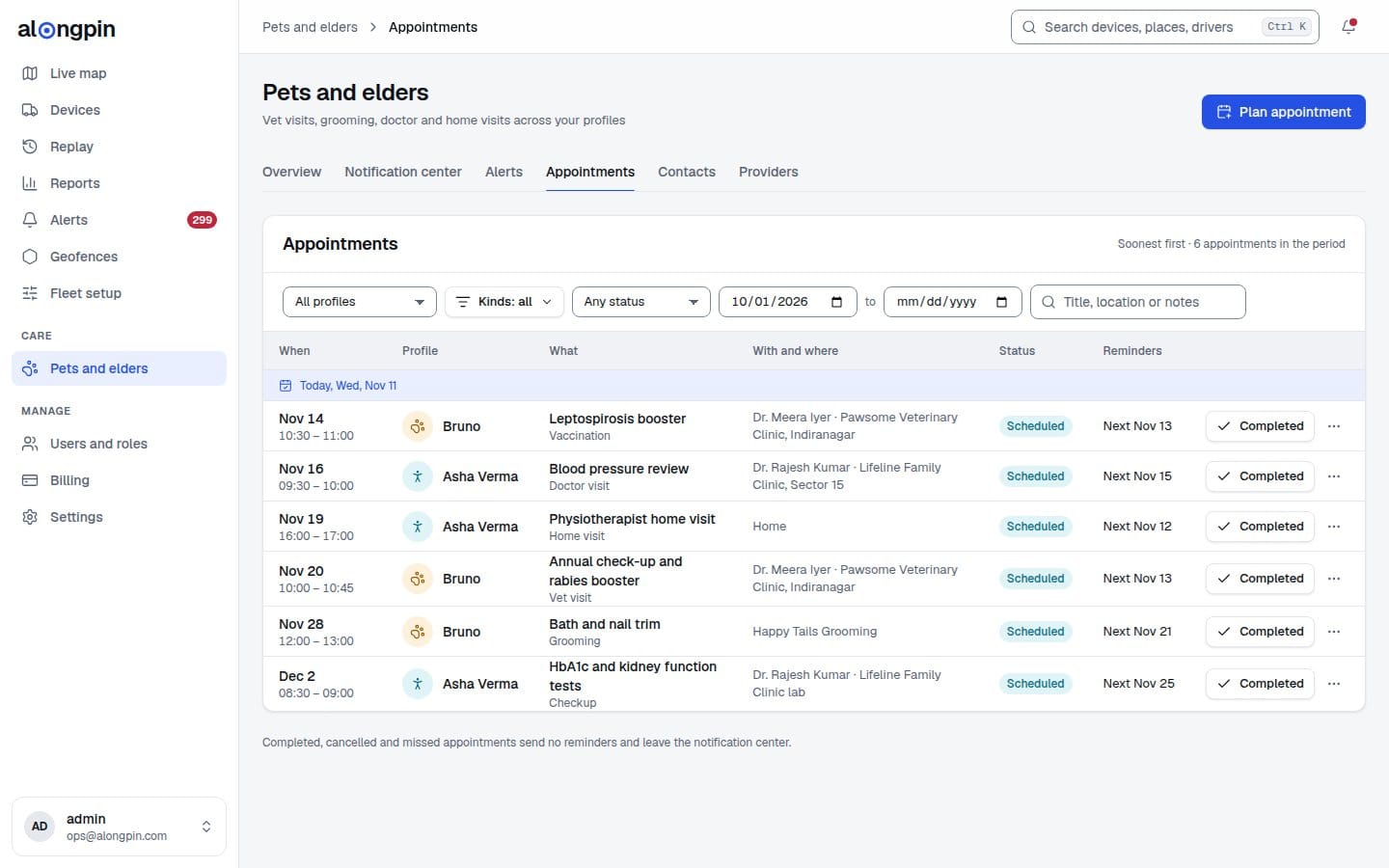
- Appointments: a doctor visit, a checkup, therapy or a home visit, with the time, the place and the provider. Each appointment has its own reminders, by default 15 and 7 days before; for a check next week, set 2 days and 1 day instead, and choose the channels (portal, email, text message). Afterwards, mark it completed, cancelled or missed; any of these stops its reminders.
- Medication: each new medicine as a health record of kind medication, with the dosage, how often she takes it, and a Next refill date. Reminders count down to the refill so nobody discovers an empty box on a Sunday. They are not daily dose alarms: the platform reminds you of the refill, not of each pill.
- Documents: the discharge letter or a new prescription can be stored as a document with its scan, so it is to hand at the next appointment.
Reminders go to the profile's owner, to people with an Everything or Health data only share, and to contacts marked Receives reminders. The notification center shows everything that is due and which reminders went out. How to set medication and appointment reminders has the details.
Step 4: Choose alerts that make sense during recovery
The profile's Alert settings decide what raises an alert and how it is sent. During recovery, consider:
- No movement: an alert after a set number of minutes without movement or new steps, Only between the hours you choose, while the watch keeps reporting. In the first weeks a shorter window during the day may be right; at night, leave it out of the hours so a long sleep does not wake anyone.
- Left home: useful if she is unsteady or confused after the stay; less so if she is meant to walk to the corner shop as part of her recovery.
- Low battery: worth switching on, because routines are disrupted and the watch may not be charged as usual.
- SOS is always on. Fall alerts come only from watches that report falls.
Make sure the temporary helpers are among the people told: a share in force, or a contact with Receives alerts. The Who gets told page lists everyone. More on the no-movement alert in setting up the inactivity alert for an elder.
Step 5: Watch the recovery, gently
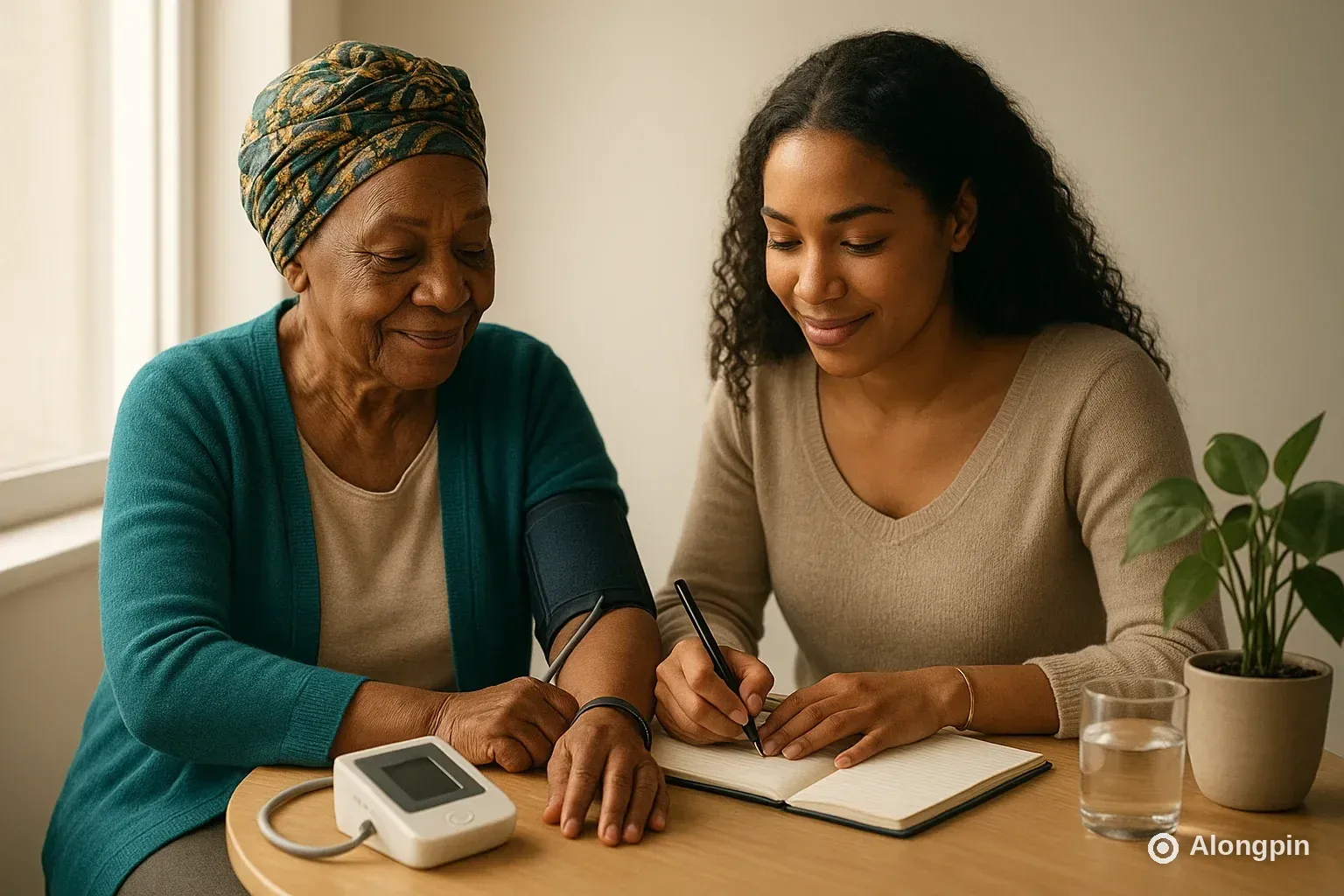
The profile's Wellness tab shows her steps, active time and time at home each day. After a hospital stay, a slow rise in activity over the weeks is a good sign to notice together; a sudden fall is a reason to call. If the watch reports heart rate, it appears there too. Readings she or a nurse takes with a home monitor, such as blood pressure, can be added as measurements and seen over time. The health readings page explains what a watch can and cannot report. None of this replaces the follow-up appointments; it gives you something concrete to mention at them.
Step 6: Return to normal
Plan the step down on the day you step up:
- Shares end by themselves on the date you set. Check the profile's Shared with list once they have.
- Remove temporary contacts, or untick Receives alerts for them.
- Relax the alerts: a longer no-movement window, leaving-home off again if she is back to her routine.
- Close what is over: mark the follow-up appointments completed and set finished medication to completed, so they leave the notification center.
- Ask her whether she wants to keep any of the extra attention. Some parents find they like the neighbour looking in.
Common mistakes
- Shares with no end. Months later, a cousin who helped for a week still sees everything.
- Reminders to the wrong person. The sister who takes her to appointments is not ticked to receive them.
- Night-time no-movement alerts. A long sleep is part of recovery.
- Everything at once. Set up only what the next few weeks need.
The elder care solution shows how families set up a profile around a parent from the start.
How Alongpin helps
Alongpin (alongpin.com) is a GPS tracking platform you open in a browser or on your phone. A parent's GPS watch or alarm becomes a care profile: SOS, fall, leaving-home and inactivity alerts reach the family and emergency contacts, and health readings, medication refills and appointments sit in one place you can share. See how it works for elder care, and check a watch in the device check.
Frequently asked questions
Can a helper see the profile without an account?
Not the profile itself. As a contact, they receive alerts and reminders by email and text message. To see the map and acknowledge alerts, they need an account and a share.
What happens when a share ends?
From the day after the end date, they no longer see the profile or receive its alerts and reminders. Nothing is deleted.
Can the platform remind her to take each dose?
No. Medication reminders count down to the refill date. For daily doses, use a pill organiser or the routine your pharmacist suggests.