Kids and family safety
How to talk to your child about a GPS watch
Introduce a GPS watch as a tool the family uses together, not a secret. What to say it does and does not do, showing the map and zones, teaching the SOS button, agreeing when you will look, and reviewing the rules as your child grows.
Ashish Srivastava6 min read
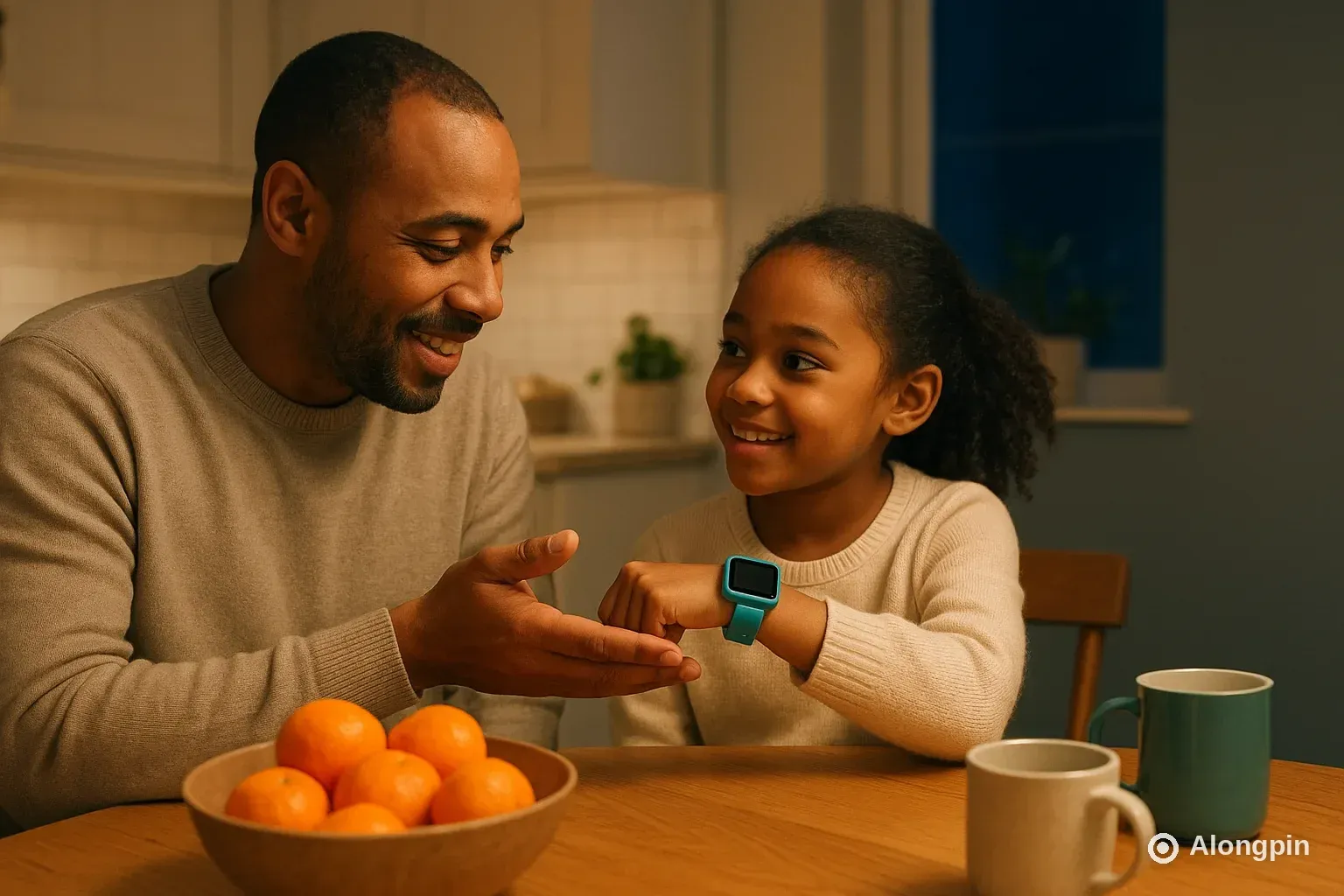
The best way to talk to your child about GPS tracking is to do it before the watch goes on their wrist, in plain words, as something the family uses together and not a secret. Tell them what the watch shows you and what it does not, show them the map and the safe zones on your phone, teach them the SOS button and when to press it, agree when you will look and when you will not, and promise to review the rules as they grow. Ten minutes at the kitchen table, with the watch in their hand, does more for their safety and your relationship than any setting in the app. Below are the five parts of that conversation, with words you can borrow.
Key takeaways
- Say what the watch does and what it does not, in words your child can repeat.
- Show them the map and the zones, so the watch is not a mystery.
- Practise the SOS button once together, and agree what counts as real trouble.
- Agree when you will look at the map, and keep to it.
- Put a date in the calendar to look at the rules again.
Before you start
- Set up the watch first, so you can show it working. Setting up a child's GPS watch walks through it.
- Draw the safe zones you plan to use, so you can show them.
- Pick a calm moment, not the morning of the first school day.
- Have both parents there if you can, so the rules are the same in both homes.
1. Say what it does, and what it does not
Children fill gaps with guesses, and the guesses are usually bigger than the truth. Be precise.
What the watch does, on the platform:
- It sends where it is, every so often, to your account.
- It tells you when it arrives at or leaves a place you marked, such as school.
- It sends an alarm with its position when the SOS button is held.
- It shows its battery level.
What it does not do:
- It does not show you what they say, who they play with, or what they do at school.
- It does not know exactly where they are inside a building. Indoors, positions can be a street or more off.
- It does not call for help by itself. You do, when an alarm comes.
Some watches have extras of their own, such as calls to stored numbers, a camera or a call-back feature that lets a parent listen. These belong to the watch, not to your tracking account. If yours has one, tell your child honestly whether you will ever use it.
Words you can borrow: "This watch tells me where it is, and sends me a message when you get to school. It doesn't tell me what you're saying or doing. If you're ever in trouble, this button tells me where you are."
2. Show them the map and the safe zones
A watch your child has seen working is a tool. A watch they have only heard about is a mystery, and mysteries invite tests. Open the map on your phone with them beside you and show:
- Their watch on the map, and how the dot moves when they walk around the garden.
- The zones you drew, around home, school and perhaps a grandparent's house, and the message you get when the watch crosses one.
- Who else can see it: the other parent, a grandparent, nobody else.
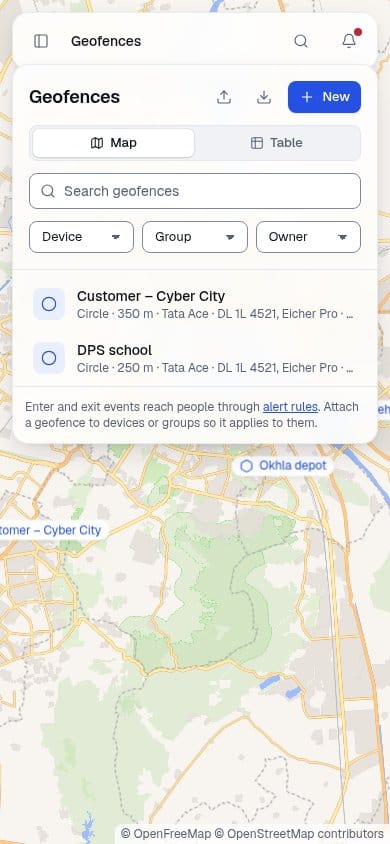
Children often ask "can you see me in the toilet?" or "do you know when I'm at Sam's house?" Answer truthfully. If Sam's house is not a zone, you only know if you look. The post on safe zones for the school run explains the zones and messages in detail.
3. Teach the SOS button and when to press it
The SOS button is the one feature your child must use correctly, and the one most likely to be pressed for fun in the first week. Make it concrete.
When to press it:
- They are lost and cannot find a grown-up they know.
- They are hurt and nobody is there to help.
- Someone is frightening them or trying to make them go somewhere.
When not to press it:
- To say hello, or because they are bored.
- When a teacher or a trusted adult is right there. Tell them first.
Then practise once, together. Hold the button the way the watch's manual says, and check on your phone that the alarm arrives with the position. On the platform, an alert rule for the SOS alarm sends it to the people you chose, and someone can acknowledge it, so the others see it has been taken. The SOS feature page shows what happens after a press. Explain what will happen next: "I'll see it straight away and I'll call you, or come, or send someone."
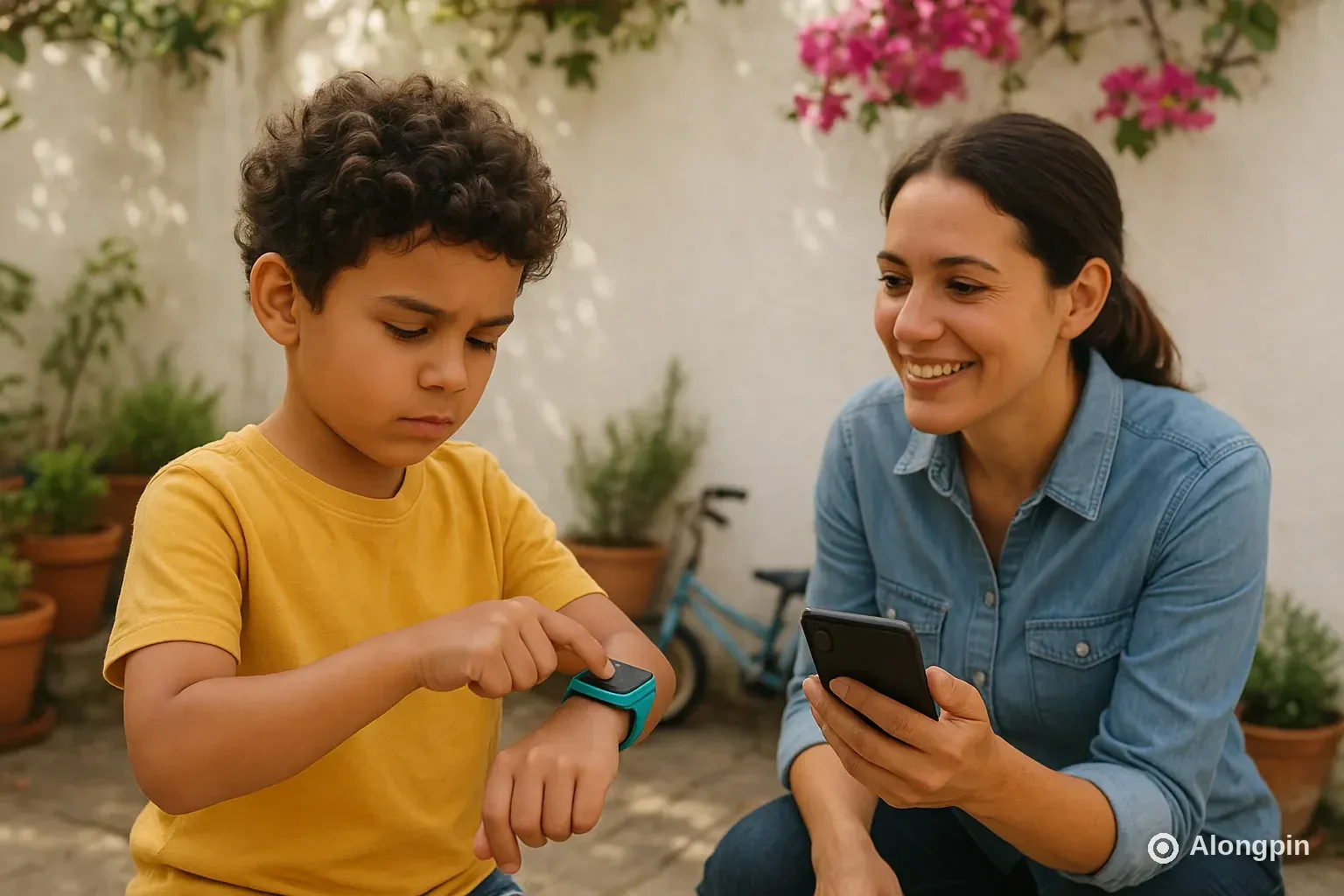
Words you can borrow: "This button is for real trouble: if you're lost, hurt or scared. If you press it, I'll know where you are and I'll come. It's not a game, so if you press it by mistake, tell me straight away and that's fine."
If the watch is pressed by mistake, thank them for telling you. A child who is scolded for a false alarm learns to hide the next one, real or not.
4. Agree when you will look and when you will not
This is the part parents most often skip, and the part children remember. If your child believes you watch the map all day, the watch becomes something to hide from. If they know when you look, it becomes part of the routine.
Agree something like:
- "I get a message when you arrive at school and when you leave. I won't look at the map in between."
- "If you're more than 20 minutes late home, I'll look, and then I'll call."
- "When you're at Grandma's, she can see it too."
Then keep to it. Arrival messages make this easier, because you do not need to look to know they got there. If you break the agreement, say so and explain why.
5. Review the rules as they grow
What suits a seven-year-old irritates a ten-year-old. Put a date in the calendar, a birthday or the start of a school year, and sit down again:
- Are the zones still the right ones?
- Do they still need the watch on every journey, or only some?
- Is it time for more privacy, fewer messages, or a phone instead?
Children who know the rules will change are more patient with them now. When the move to a phone comes, teenagers and location sharing covers how the conversation changes.
What to do if your child objects
Some children do not want a watch at all. Listen to why. If it is the look of it, let them choose the strap. If it is feeling watched, show them again what you see and agree fewer messages. If it is friends teasing, ask whether a watch kept in the bag on some days would do. A watch worn grudgingly but honestly is worth more than one worn under protest.
Common mistakes
- Starting with a hidden watch and explaining later. Children find out, and lose trust in the rest.
- Describing it as more than it is. "I'll always know where you are" is not true indoors, and children notice.
- Never practising SOS. The first real press is the wrong time to find it does not work.
- Checking the map more than you said. Children often know.
The personal safety page shows how families use zones, SOS and sharing, and the watches page explains what children's watches report.
How Alongpin helps
Alongpin (alongpin.com) is a GPS tracking platform you open in a browser or on your phone. A child's GPS watch or a teenager's phone shows on your family's map, geofences around home and school tell you about arrivals, and the SOS button reaches the people you choose. See how it works for family safety, check a watch in the device check, and read how Alongpin treats privacy.
Frequently asked questions
How young is too young for this conversation?
If your child can wear the watch, they can understand a simple version: "it tells me where you are, and this button is for trouble."
Should I tell my child every zone I have drawn?
Yes. Zones are part of the agreement, and a surprise message about a place they did not know about undermines the rest.