Kids and family safety
Your child's location data: questions to ask any tracking service
Six questions to ask any service that stores your child's positions: who sees them, how long they are kept, what alert messages reveal, how to export and erase, sign-in security and where the data lives. Each answered for Alongpin.
Ashish Srivastava6 min read
Kids GPS watch data privacy comes down to six questions you can put to any tracking service before you hand it your child's movements: who can see the positions, how long they are kept, what alert emails and text messages reveal, how you get a copy and have it deleted, how your own sign-in is protected, and where the data physically lives. A good provider answers each one plainly, and in writing. Below is each question, why it matters for a child, and how Alongpin answers it, including the parts that depend on how the service you use is set up.
Key takeaways
- Ask who can see the positions: you, the people you share with, anyone with a link, and the people who run the service.
- Ask how long history is kept and who decides. On Alongpin it is a setting of whoever runs the server, 365 days for positions in a standard setup.
- Alert emails and texts can carry an address. Ask whether the service can send minimal messages instead.
- You should be able to download your data and delete it, without writing to anyone.
- Protect the parent account with two-factor sign-in.
- Hosted or self-hosted: know which, and who the processor is.
Who can see the positions?
This is the first question because a child's location history shows their home, their school, their routine and the houses of their friends. Ask the provider to list every kind of person who can see it.
On Alongpin, a watch you add belongs to your account, and these people can see its positions:
- You, as the owner of the device.
- People you share it with. A partner or a grandparent with a user in your account sees it read-only once you share it, and stops seeing it the moment you stop sharing.
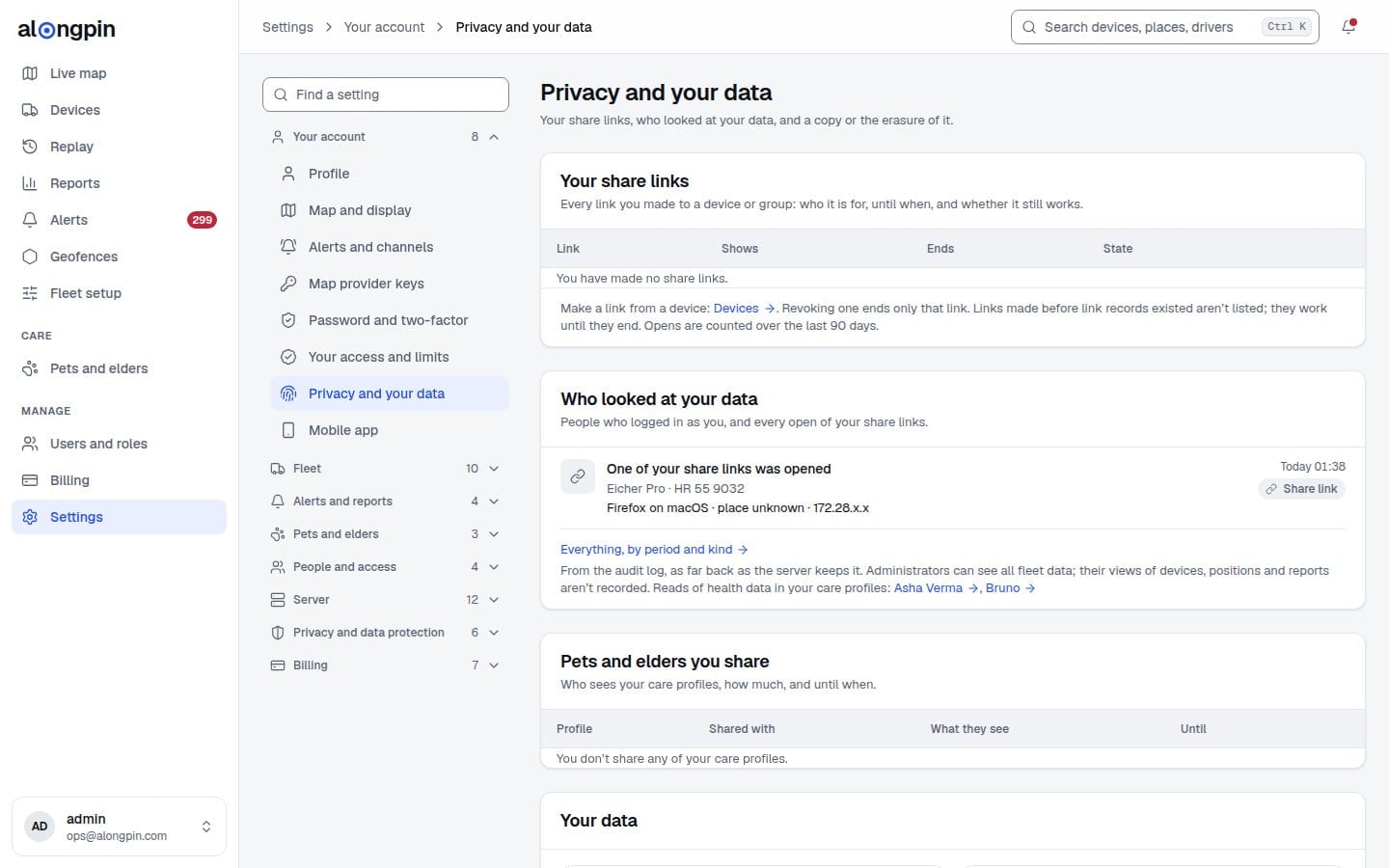
- Anyone holding a share link you create. A link is read-only, ends on a date you choose (7 days at most on a new installation), can carry a PIN where the server offers it, and can be revoked on its own. Every opening of a link is recorded, and you see when your links were opened under Settings → Your account → Privacy and your data.
- The administrators of the installation. Whoever runs the server can see the accounts on it. Ask the provider who that is and under what agreement.
What nobody else gets: the watch is not on a public map, and calls and voice messages between the watch and the numbers stored in it go over the watch's SIM, not through the platform.
How long is history kept, and who sets that?
Some services keep everything forever; some delete after a few days. Neither is automatically right, but you should know which you are getting.
On Alongpin, retention is set per kind of data by whoever runs the server, under Settings → Privacy and data protection → Retention and deletion. In a standard setup positions and events are kept for 365 days; after that they are deleted at the next nightly run. Each device's latest position stays, so the map still shows where it last was. A family on a hosted service does not change these periods itself; ask the provider what they are. If you run the platform yourself, you set them.
You can also remove history yourself before then. Deleting the watch from Devices removes it with its history, links and media. That is the clean way to finish when a child outgrows the watch.
What do emails and text messages reveal?
Alerts travel outside the platform, through email, text messages, push messages and, where it is switched on, Telegram. Ask what those messages contain, because they sit in inboxes and on lock screens.
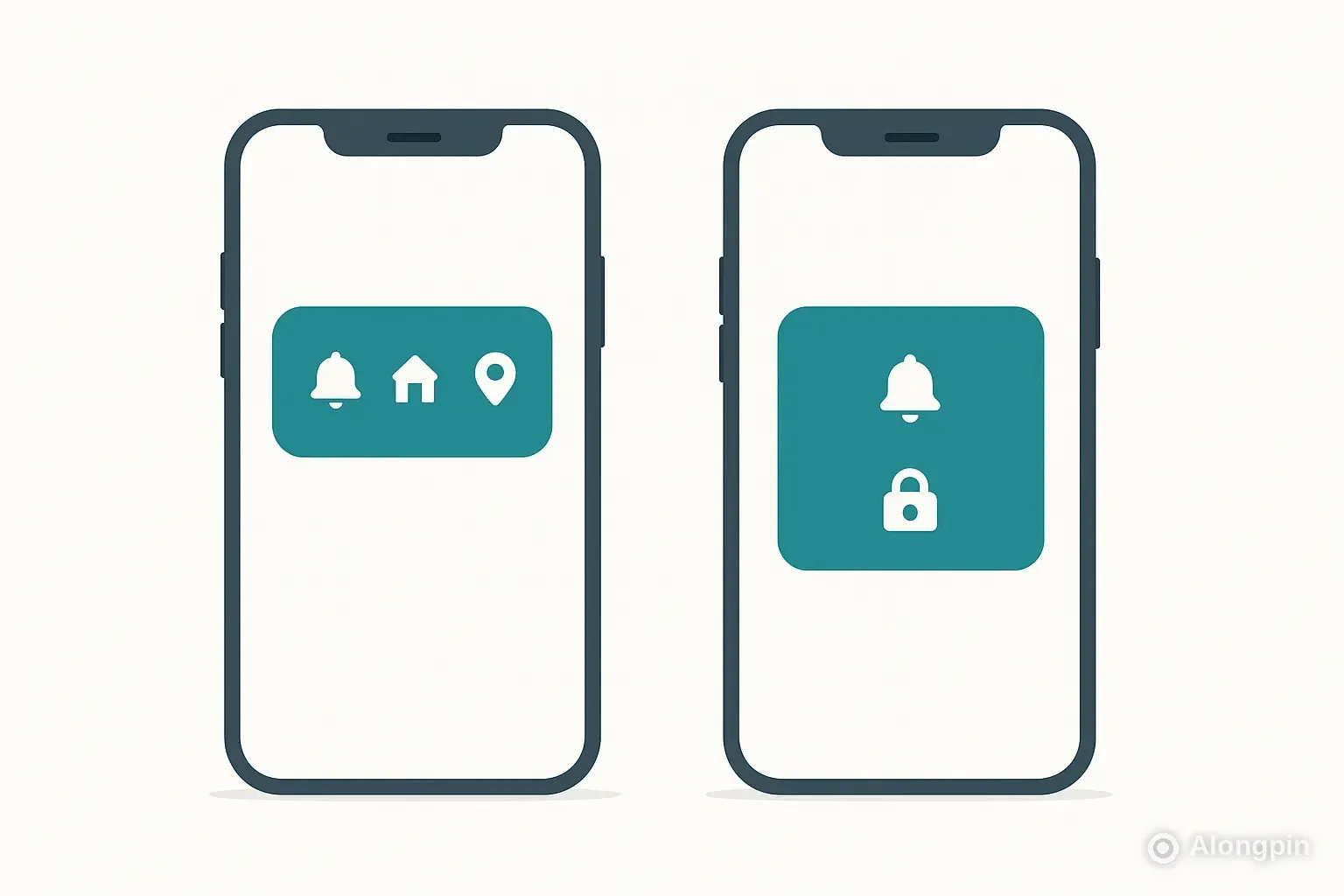
On Alongpin, it depends on a privacy setting of the installation:
- Full messages: an email carries what happened, the time and the address where it happened; a text message carries what happened and the place, for example the zone name and the street.
- Minimal messages: only the device's name and what happened, with a link that opens the alert after you sign in. Telegram always gets the minimal text.
Two things are in your hands. Name the watch carefully: the device name appears in every message, so "Aarav's watch" or a nickname is better than a full name. And name zones without addresses: "Home" and "School" say less than the street name. The privacy and GDPR page lists the other privacy settings an installation can change.
Can I export my data and have it erased?
You should not need to write a letter to see or delete your child's data. Ask the provider how you do both yourself.
On Alongpin, both are under Settings → Your account → Privacy and your data:
- Download my data gives you one ZIP file with your account, your devices, their positions as CSV, events, trips and stops, with a README that says what each file holds. You can narrow positions and events to a period. You confirm it is you with your password, and your two-factor code if you use one.
- Erasure deletes your whole account after a 14-day waiting period, during which the account is locked and you can still cancel by a link in an email. Billing records that tax law requires are kept for the period the law sets.
In the portal you export only your own data. Since the watch belongs to your account, its positions are part of your export.
How is the parent's sign-in protected?
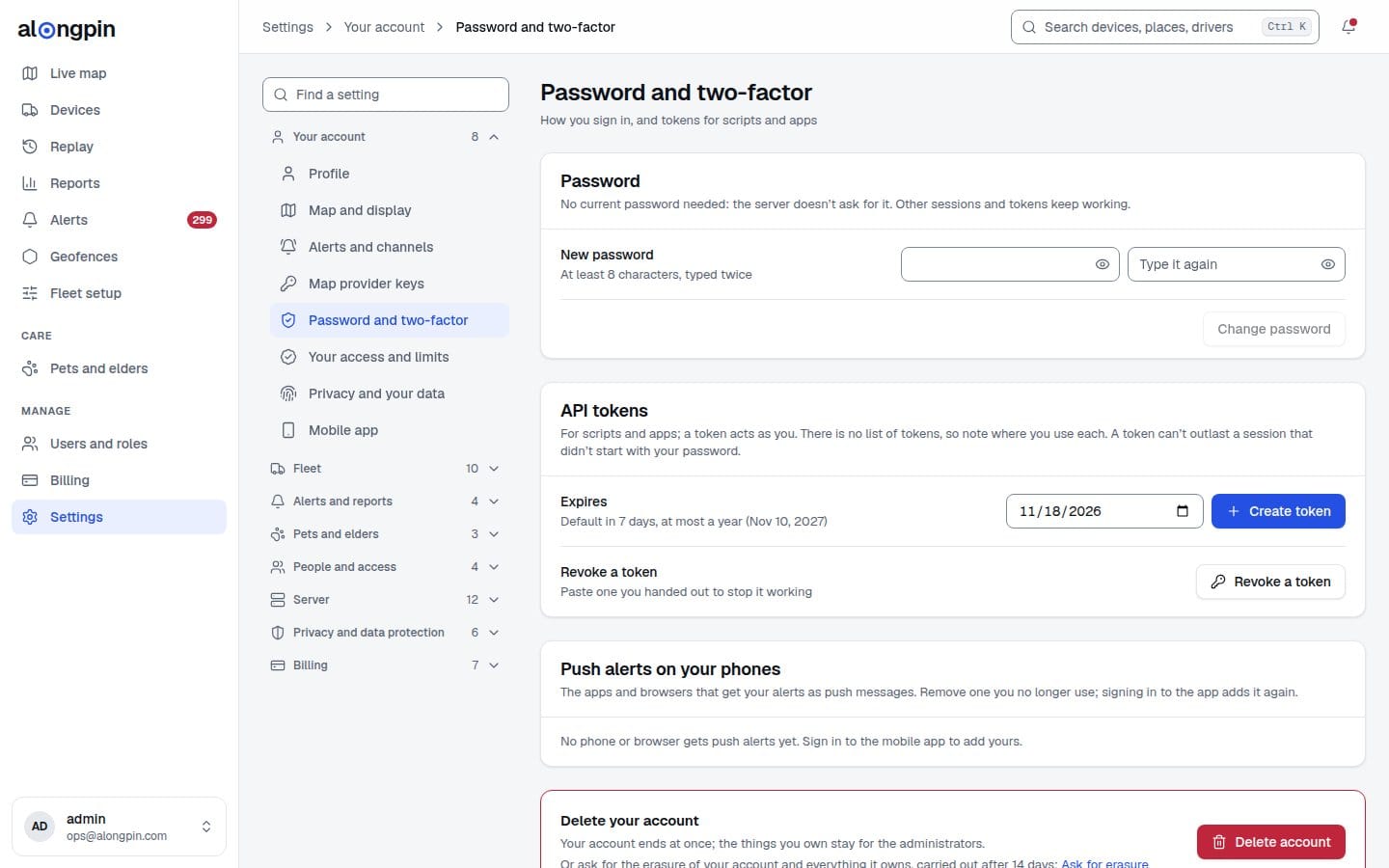
A parent's password is the key to a child's location. Ask whether the service offers two-factor sign-in, and whether you can end sessions on a lost phone.
On Alongpin, switch on two-factor sign-in under Settings → Your account → Password and two-factor: after your password, you type a 6-digit code from an authenticator app. Signing out ends only that browser's session; other sessions keep working, so sign out on a shared computer as well. Use a password you use nowhere else, and do not share one login between parents: give each parent their own user, so each has their own sign-in. The security page describes sessions, roles and the audit log.
Self-hosted or hosted: where does the data live?
Ask where the servers are, who operates them, and which other companies process data for the service: the email provider, the text message gateway, the map provider.
Alongpin can be run on your own servers or hosted for you. On a hosted service, the provider processes the data for you under a data processing agreement, and the companies it uses are listed. As a family, you are the controller of your own data. If you run your own server, the data stays on it, apart from what the services it is set up to use need: the email or text message gateway, the map provider and, where it is switched on, an address lookup.
A short checklist to send any provider
Copy these into an email before you buy a watch or a subscription:
- Who can see my child's positions, including your own staff?
- How long do you keep positions, and can I delete them sooner?
- What do your alert emails and text messages contain?
- How do I download all my data, and how do I delete my account?
- Do you offer two-factor sign-in?
- Where are your servers, and which other companies process the data?
- Does the watch also send data to its maker's app or cloud, and can I switch that off?
The last question is about the watch, not the platform: many children's watches come with their own app. When you point a watch at a different server, ask the maker whether it still sends anything elsewhere. The personal safety page shows how families use watches, zones and alerts once these answers are in hand.
How Alongpin helps
Alongpin (alongpin.com) is a GPS tracking platform you open in a browser or on your phone. A child's GPS watch or a teenager's phone shows on your family's map, geofences around home and school tell you about arrivals, and the SOS button reaches the people you choose. See how it works for family safety, check a watch in the device check, and read how Alongpin treats privacy.
Frequently asked questions
Is a kids GPS watch safe for privacy?
It can be, if you know who sees the data, how long it is kept and how to delete it. The questions above are how you find out for a particular watch and service.
Can the school or another parent see my child's watch?
Only if you share it with them, as a user or with a link. You can stop either at any time.
What happens to the history when we stop using the watch?
Delete the watch from your devices and its history goes with it. Otherwise it is deleted as the retention periods run out.