Personal safety
Running alone: SOS and location sharing for runners
Safety for runners running alone: tell someone your route and return time, carry a watch or small tracker with an SOS button, choose who receives the alert, share a link for long runs, and know what happens without coverage.
Ashish Srivastava6 min read

Safety for runners running alone comes down to three things you arrange before you leave: someone who knows your route and when you expect to be back, a device with an SOS button you can reach while running, and an agreement about what that person does if the alert comes or you are late. A GPS watch or a small personal tracker sends its SOS with your position to the people on your alert rule; a share link lets someone follow a long run live. None of it calls emergency services for you, so the plan has to say who does.
Key takeaways
- Before every run, tell one person the route and the time you expect to be back.
- Choose a watch or small tracker with an SOS button you can press without stopping to dig for it.
- The SOS goes to the people on your alert rule, on the channels your server offers. Test it.
- A share link for a long run lets someone watch live and ends by itself.
- On trails without coverage, an SOS cannot get out until there is signal again; the map may show an older position.
- Alerts go to your contacts, not to emergency services. Agree who calls for help.
1. Tell someone the route and the time you expect to be back
The oldest safety habit is still the most useful. Before you set off, send one person a short message: where you are running, roughly which way, and when you will be back. "Riverside loop and up to the reservoir, back by 7:15." When you are home, send "back".
This costs nothing and needs no device, and it gives the person a time after which to act. Without that time, nobody knows when "late" begins. If you vary your routes, a quick note of the start point and the direction is enough. If your run goes out of town, add where you parked.
Agree once, not every time, what the person does if you are late: call you first, then wait a short agreed time, then go or send someone to the start point, and only then call for help.
2. A device with an SOS button you can reach
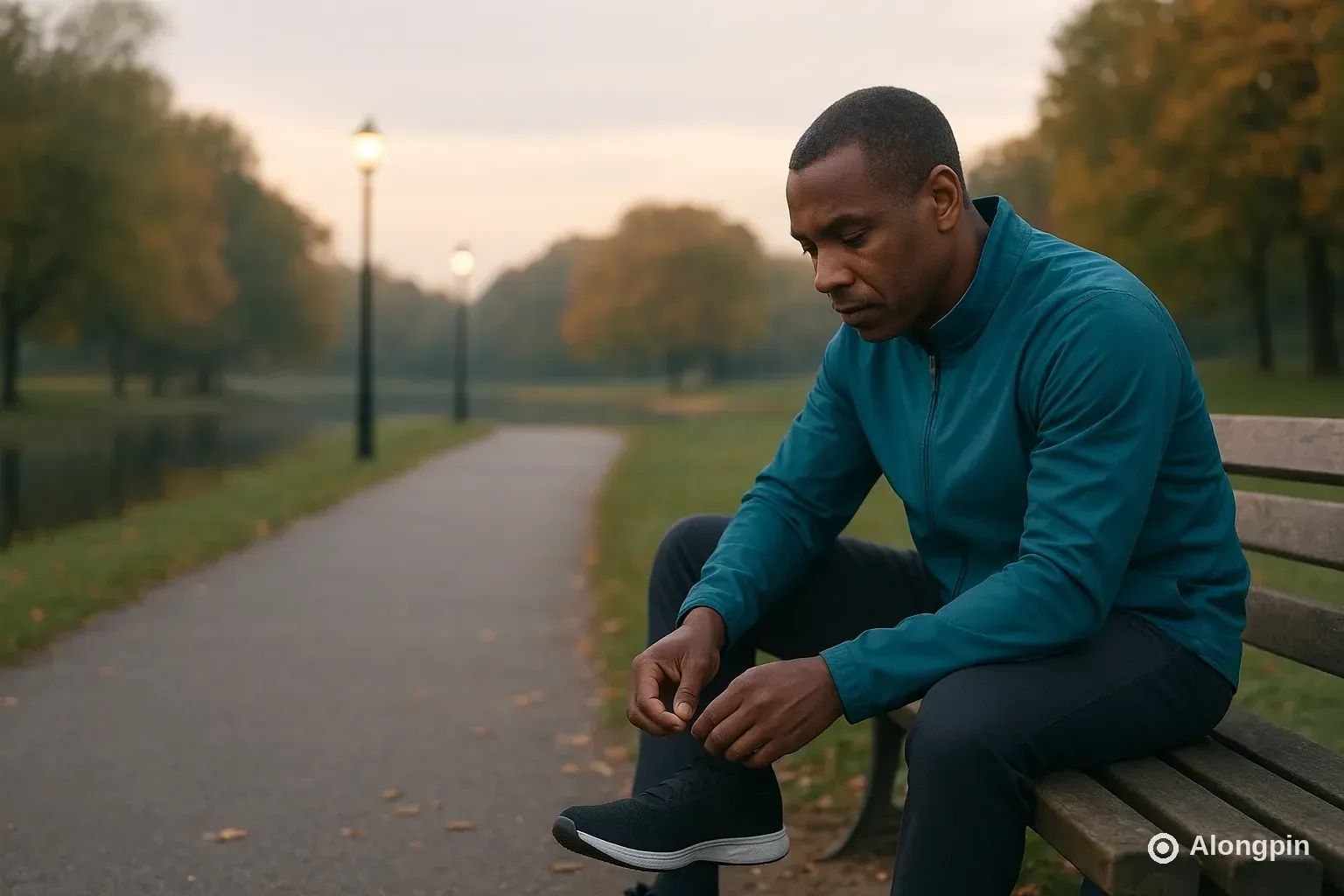
A phone in an armband or a waist belt is better than nothing, but in a fall or a confrontation it can be hard to reach and slow to unlock. A GPS watch or a small personal tracker with an SOS button puts the alarm on your wrist or your clip:
- Watches report location, an SOS button and battery, and some report steps and heart rate. The watches page lists what they report.
- Small personal alarms are a single button on a clip or keyring, which suits runners who wear a sports watch they do not want to replace.
- A phone with a tracking app reports your position, but raises no SOS on the platform. It works for a share link, not for an alarm.
What to check before you buy:
- the button can be pressed with a glove on and without looking, but not by accident against a bag strap;
- the device takes a SIM with data, because it sends the alarm over mobile data, not through your phone;
- its protocol is supported: type the model into the device check;
- the battery lasts longer than your longest run plus a margin.
Set it up like any tracker and press the button once as a test, outdoors, while the device is online. The press should appear on the device's Events tab as an Alarm with SOS. Setting up a personal alarm with an SOS button walks through it.
3. Who receives the alert
An SOS reaches people through an alert rule: under Alerts, a rule for Alarm with SOS ticked under Alarm kinds, the channels under Tell people by, your device under Which devices, and the people who receive it. Which channels you can choose (push notification, text message, e-mail and others) depends on what your server has switched on. Use at least two that reach people when they are not looking at a screen.
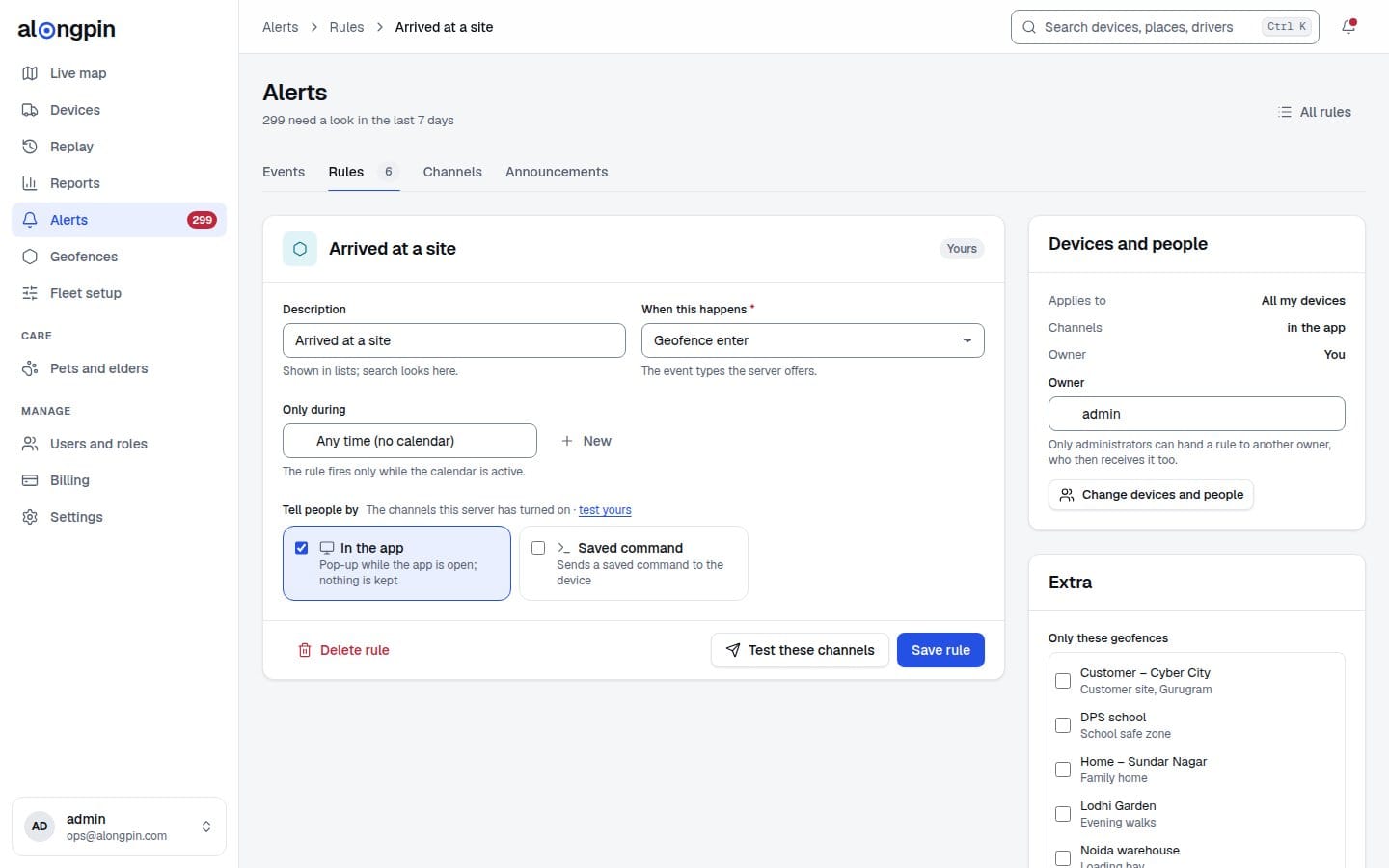
The people on the rule need a user in the account, and only an administrator or a manager can add other people to a rule. On a family or personal account, that is usually whoever set it up. Choose people who:
- keep their phone with them and switched on when you run;
- are not on quiet hours at that time, or have SOS alarm on the list that still goes out during quiet hours;
- know what to do (see step 1), and know each other, so the first one to act can Acknowledge the alarm and the others see it is being handled.
Choose Test these channels on the rule after setting it up, so a missing phone number shows up now and not on the day you need it. The SOS page shows how an alarm travels from the button to the people on the rule.
4. A share link for long runs
For a long run, a trail run or a race recce, a share link lets someone at home watch your device on a map without an account. On the device's Settings, under Share links, choose New link, write who it is for, set Works until to a little after you expect to finish, and send the link. It ends by itself; you can revoke it earlier under Settings → Your account → Privacy and your data.
A link shows where you are, not that you need help: it sends no alerts. It complements the SOS rule, it does not replace it. Sharing your live location for one journey has the details.
5. Coverage on trails, and what a stored position means
Trail running takes you where mobile coverage is weakest: valleys, forests, moorland. Know what that means for your device:
- No coverage, no alarm out. An SOS pressed where there is no signal cannot reach anyone until the device finds coverage again; whether it is sent later depends on the model. That is why the time you told someone (step 1) still matters.
- Stored positions arrive late. Many trackers keep positions while they have no signal and send them when coverage returns, so your history fills in afterwards. The person watching a share link sees your last received position, with the time it arrived, and then a jump.
- A position can be older than it looks. Under trees, in a gorge or indoors, a watch may not get a GPS fix and report its last known position or a rough cell or Wi-Fi estimate. Check the time of the last report before drawing conclusions.
- Battery runs down faster when a device keeps searching for signal.
On a route you know has gaps, tell your contact where the gaps are: "no signal between the bridge and the top of the hill is normal".
6. Alerts go to your contacts, not to emergency services
Alongpin tells the people you chose. It does not call the police, an ambulance or mountain rescue, and nobody at Alongpin watches your alarms. So your plan must say who calls for help and when:
- your contact calls you first, then calls the emergency number with your last position if you do not answer;
- if you can, you call the emergency number yourself from your phone; the SOS tells your people at the same time;
- your contact knows the area well enough to describe it, or opens the position on a map to read it out.
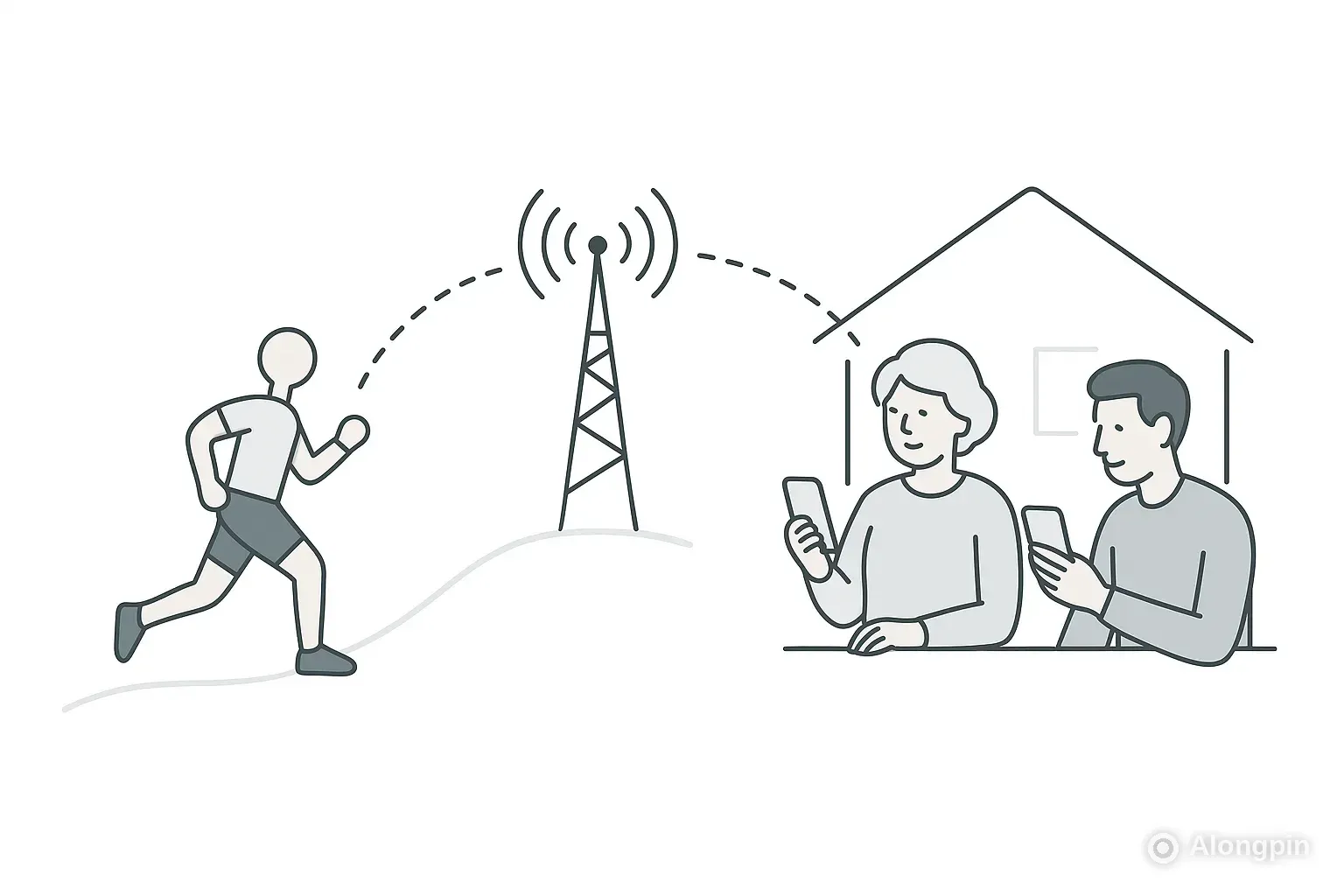
The personal safety page shows how location, SOS and sharing fit together for people who are out on their own.
Before each run: a short checklist
- Device charged and online.
- Message sent: route and time back.
- Share link sent, for a long run.
- Contact not on quiet hours, or SOS allowed through.
- "Back" sent when you are home.
How Alongpin helps
Alongpin (alongpin.com) is a GPS tracking platform you open in a browser or on your phone. A personal tracker, GPS watch or phone shares your position with the people you choose, the SOS button alerts your contacts with where you are, and a share link lets someone follow one journey and then expires. See how it works for personal safety, and check your device in the device check.
Frequently asked questions
Do I need to carry my phone as well?
It helps: you can call for help yourself. The watch or alarm sends the SOS on its own SIM.
Can the alert go to a running club?
To people who have a user in the account and are on the rule. A club member without an account can follow a share link, but receives no alerts.
What if I press SOS by mistake?
Tell your contacts at once, so the first one to see it can acknowledge it and nobody sets off.