Personal safety
Taking a tracker abroad: SIM, roaming and coverage
Will a GPS watch or tracker report from another country? It depends on the SIM's roaming or a local SIM, and on the networks the tracker supports there. What to check before the flight, and a phone app as a fallback.
Ashish Srivastava6 min read

A GPS tracker abroad keeps reporting if its SIM can get mobile data in the country you visit and the network there uses a technology and frequency the tracker supports. Roaming on your home SIM, or a local or travel SIM fitted for the trip, decides the first; the tracker's modem decides the second. The platform side does not change: a watch or tracker sends to the same server address and port from anywhere, and you see it on the same map. This article answers the questions to settle before the flight, for solo travellers and families taking a child's watch, a personal alarm or a tracker with them.
Key takeaways
- The SIM decides: data roaming on the home SIM, or a local or travel SIM. Without data abroad, the tracker cannot report.
- Network technologies and frequencies differ between countries, and some countries have switched off older networks. Check the tracker against the destination.
- The server address and port stay the same. Nothing changes in the portal.
- Test before you leave as far as you can, and check the live map after landing.
- Data use is small, but roaming can still cost money. A phone app is a fallback.
Does a GPS watch work abroad?
The GPS part works anywhere: satellites cover the whole world, and the watch works out its position in Goa as it does in Glasgow. What may not work is sending that position. For that the watch needs a mobile network it can use and a SIM that is allowed to use it. If either is missing, the watch keeps its position to itself, and the map shows the last position it sent, with the time.
The SIM decides: roaming or a local SIM
The SIM card is a frequent reason a tracker falls silent abroad. You have three choices.
Roaming on the home SIM
The simplest option: the tracker keeps its SIM, and the SIM uses a partner network abroad. Check three things with your mobile operator before you go:
- Data roaming is allowed on the SIM. Many prepaid and data-only SIMs have roaming off by default, and a tracker cannot switch it on by itself.
- The destination is covered by the SIM's roaming agreements, and which networks it uses there.
- What it costs. A tracker uses little data, but roaming prices vary a lot between plans and countries. Ask, and set a spending cap if you can.
A local or travel SIM
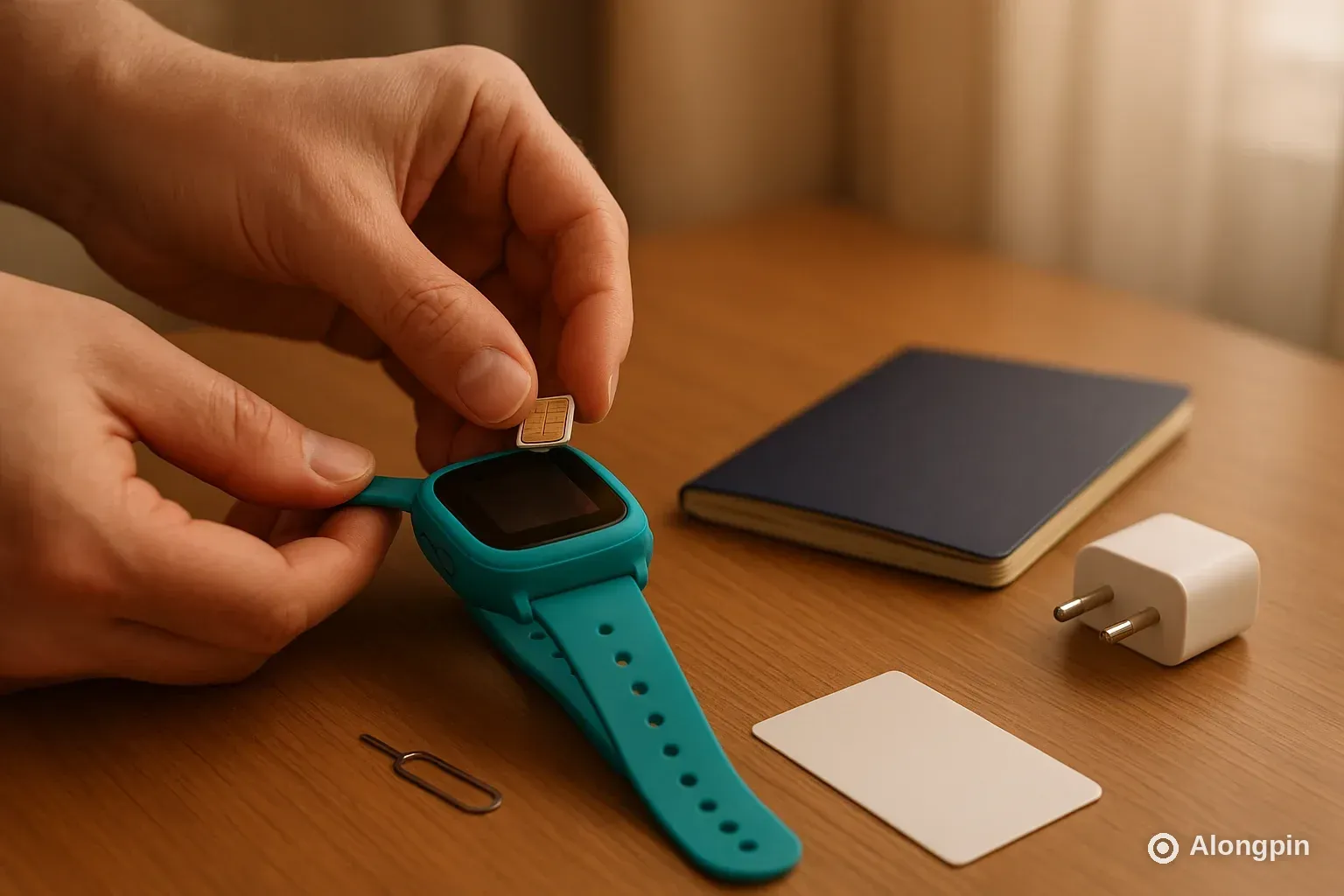
A SIM bought in the destination, or a travel SIM made for several countries, can be cheaper and sometimes gives better coverage. Before you swap:
- The tracker may need its data settings (APN) for the new SIM. How to set them depends on the model; for many watches it is a text message to the watch's number, as the maker describes.
- The PIN must be off, as with any SIM in a tracker.
- The tracker's number changes. Any phone numbers that call or message the watch, and any settings that depend on its number, need updating.
- The identifier does not change. The device is known to the platform by its identifier (the IMEI), not by the SIM, so it appears on the map as before once it reports.
SIMs made for trackers
Some SIMs sold for trackers and IoT devices work on several networks in many countries. If you travel often with a tracker, ask your supplier whether one suits it.
Network types differ by country
Mobile networks are not the same everywhere. Countries use different generations (2G, 3G, 4G, 5G, and low-power networks such as LTE-M and NB-IoT for some trackers) and different frequency bands within them. Several countries have switched off their 2G or 3G networks, or plan to. A watch that works well at home on an older network may find nothing it can use in a country where that network is gone.
Before you buy for travel, or before a long trip:
- Check which network technologies and bands the tracker supports, in its specification.
- Check which networks your destination still runs, with the SIM provider or the local operator.
- Prefer a 4G tracker for travel if your current one is 2G only and you visit countries that have switched 2G off.
The watches and personal alarms page lists the families of devices that work with Alongpin, and the device check tells you whether the platform decodes a model's protocol. Neither tells you which networks a model supports; the maker's specification does.
Testing before you leave
You cannot test roaming in another country from your kitchen, but you can rule out most problems:
- Check the tracker reports at home with the SIM you will travel with. On the device's page, the last update time should be minutes old.
- If you fit a travel SIM, fit it at home a few days before, if it works in your home country, and set the APN. A SIM that fails at home will fail abroad too.
- Confirm roaming is on with the operator, in writing if possible.
- Write down how to reach the operator from abroad, in case the SIM needs unblocking.
- After landing, switch the tracker on outdoors, wait a few minutes and check the live map. The first connection in a new country can take longer.
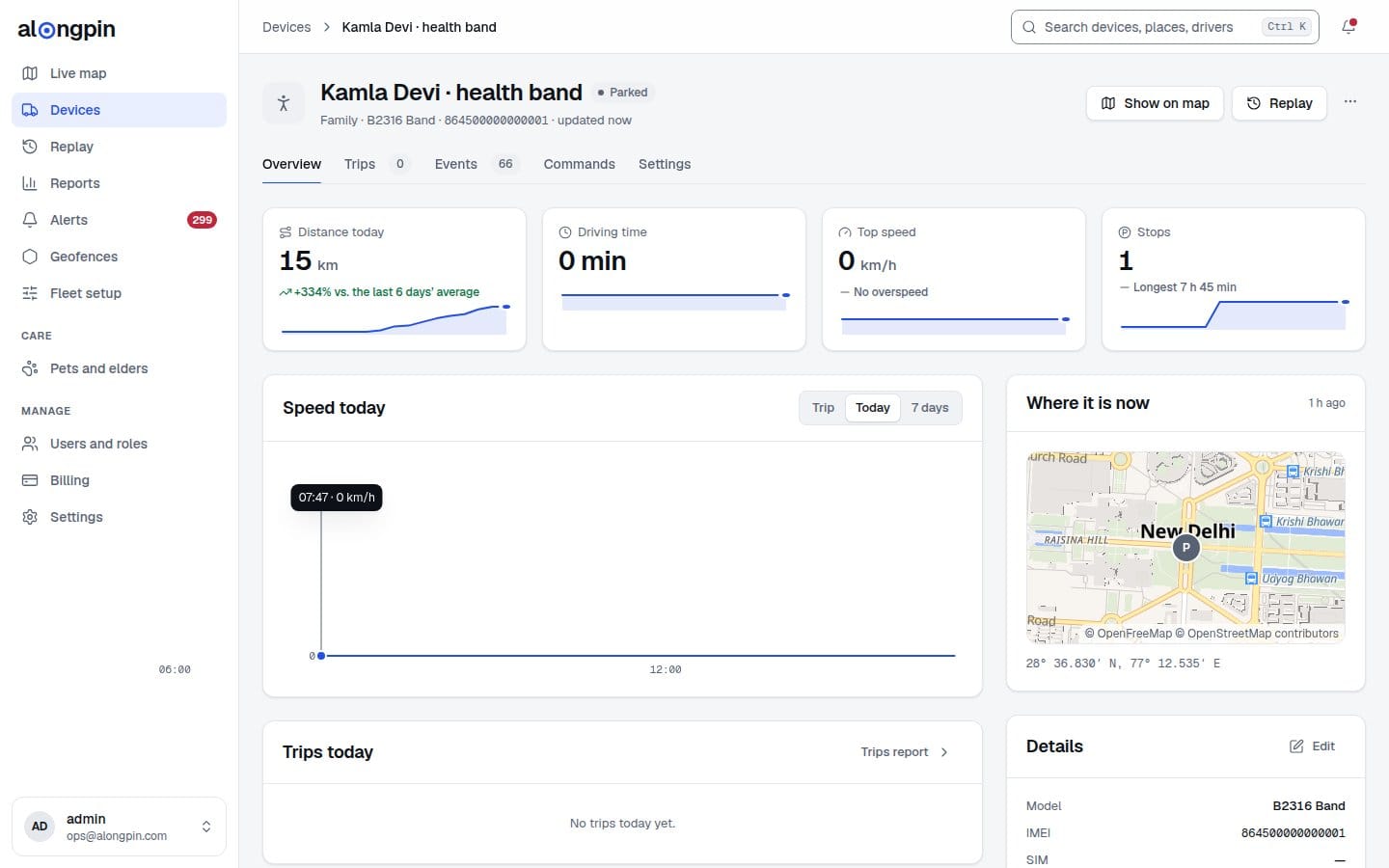
An alert for a device that stops reporting is a useful safety net while you travel: a rule for Device offline on a watch, or Status unknown on a phone, tells you when it goes quiet.
Data use is small but not zero
A tracker sends small messages: a position, a battery level, an alarm. Even reporting every minute or two, the data adds up to little compared with a phone. But "little" is not "none", and on a roaming plan charged per megabyte it can still cost money over a long trip. Reporting less often reduces the data and saves battery. Many watches take a command from the portal to change the upload interval, where the model supports it; changing the reporting interval shows how.
A phone app as a fallback
If the tracker cannot get on a network abroad, a phone with a tracking app can stand in. Your phone probably has a local SIM, an eSIM or roaming already, and an OsmAnd-style tracking app reports its position to the same account. It reports location only, with no SOS button on the platform, but it keeps you on the map. The phone app page explains the setup, and the phone shows as one more device next to the watch.
Time zones and alerts
Positions and alerts carry their time. Each person sees times in the time zone set for their account under Map and display, so a parent at home and a child abroad may read the same event at different clock times. Alert rules on a calendar follow the calendar's own times, so check any school-day or evening rule before a long stay in another time zone.
How Alongpin helps
Alongpin (alongpin.com) is a GPS tracking platform you open in a browser or on your phone. A personal tracker, GPS watch or phone shares your position with the people you choose, the SOS button alerts your contacts with where you are, and a share link lets someone follow one journey and then expires. See how it works for personal safety, and check your device in the device check.
Frequently asked questions
Do I need to change anything in the portal before travelling?
No. The tracker sends to the same server address and port from any country. Only the SIM and the network matter.
Will my child's watch still take calls abroad?
Calls and messages are a feature of the watch and its SIM, not of Alongpin. Roaming calls follow your operator's rules and prices.
Will an SOS work abroad?
If the watch has data, yes: it sends the alarm with its position as at home, and your rules notify the same people. Without data, it cannot send.
Can I use a tracker bought in another country?
If its modem supports your networks and the platform decodes its protocol, usually yes. Check both before you buy.