Personal safety
Students living away from home: location sharing by agreement
For students in hostels, shared flats or a new city, and their parents: share location by agreement, for specific moments such as journeys home and late nights, with links that expire and an arrangement reviewed each term.
Ashish Srivastava6 min read
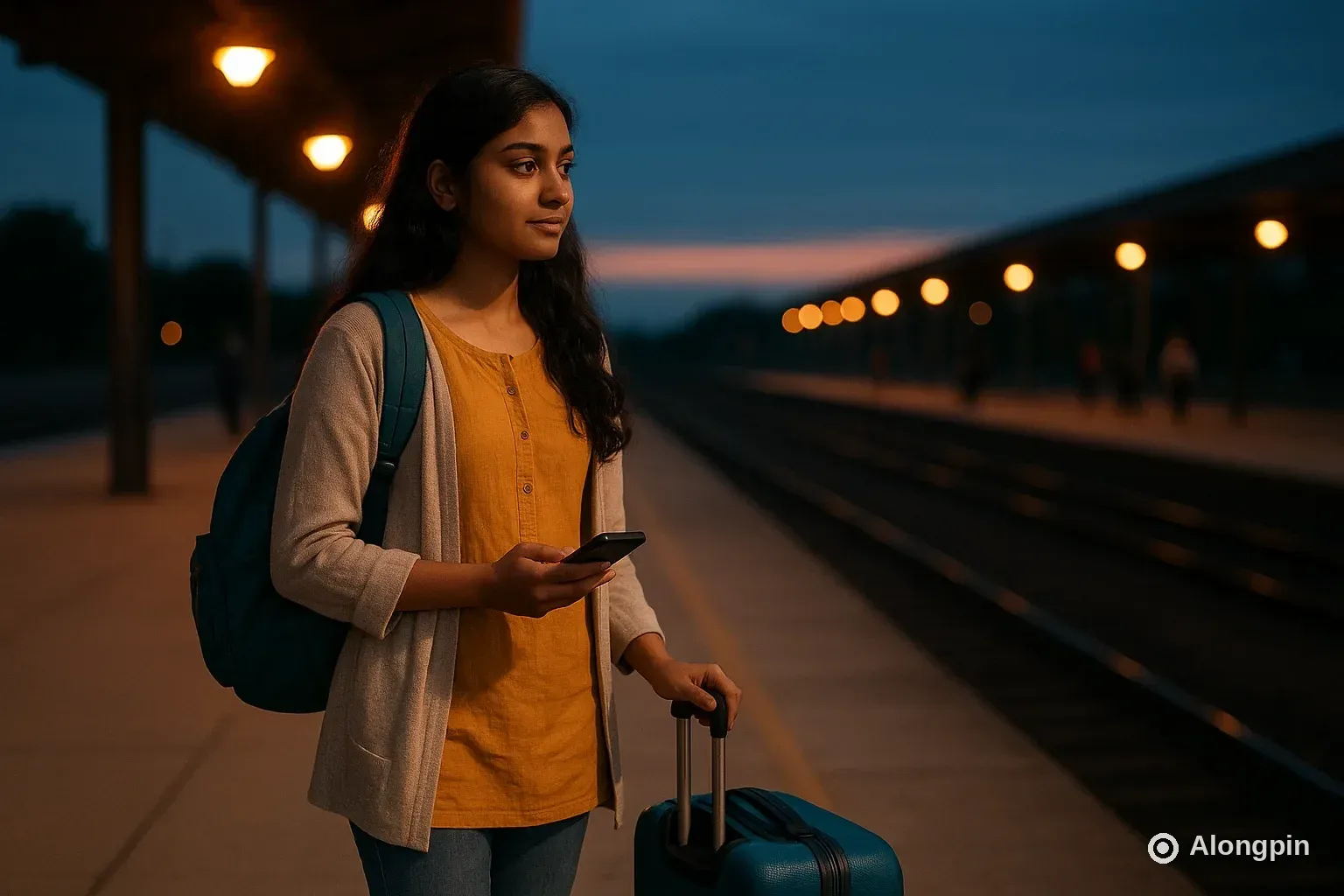
Location sharing for college students works best by agreement and for specific moments, not round the clock. A student in a hostel, a shared flat or a new city is an adult who decides what they share; parents who want reassurance get more of it from a short, honest arrangement, such as a link on the night of the long journey home, than from a map they are not supposed to check. This piece proposes such an arrangement: what to share and when, how a phone becomes the tracker, why links that expire suit students, and why the agreement should be reviewed every term.
Key takeaways
- A student is an adult. Sharing is their choice, and it works better when it is.
- Share for moments: journeys home, late nights, travel. Not every hour of every day.
- A phone with a tracking app is enough. It reports location only, and the student controls it.
- Share links end by themselves at the time set, and the student can see each time a link was opened.
- Review the arrangement each term, and let it shrink as the student settles in.
An adult's choice: what you are willing to share
Leaving home for college changes the relationship between parents and children, in India, in Europe and everywhere else. Parents who could see the school gate from the kitchen now face a hostel in another state or a flat in another country. Wanting to know that their child is safe is natural. Knowing where they are every minute is something else, and most students, rightly, will not accept it.
The starting point is that the student decides. Laws on locating another adult differ by country, but almost everywhere, tracking an adult without their knowledge is at least a breach of trust and often unlawful. A student who agrees to share, on their own terms, is more likely to keep the app running on the night it matters than one who was talked into constant tracking and quietly switches it off.
So the conversation is not "will you let us track you?" but "is there a moment when you would like someone to know where you are?". Most students have an answer: the last train home, the walk from the station to the hostel, the first trip abroad.
Journeys home, late nights and travel
Three kinds of moment come up again and again:
- Journeys home. The overnight train at the end of term, the bus from the airport, a long drive with friends. The family follows the journey, and stops worrying when it ends.
- Late nights. The walk or ride back from a party, a late lab session, a night shift at a part-time job. A friend in the same city may be a better follower than a parent hundreds of kilometres away.
- Travel. A trip abroad during the holidays, a field trip, an exchange semester. Here the student may want family to have a way to find them, as part of a check-in plan. Travelling alone: a check-in plan that works sets one out.
For each of these, sharing starts before the moment and ends after it. Everything in between stays private.

A phone as the tracker
Most students carry a phone everywhere. A tracking app on it sends the phone's position to Alongpin at the interval set, and the phone appears on the map like any other device. The phone app page explains what such an app reports: location only. No messages, photos, browsing or apps are visible to the platform, and a phone raises no SOS alarm on it.
The student keeps control they can see. The app on their own phone shows that it is reporting, and they can pause it. When the app stops sending, the phone shows as Unknown on the map after a while, so a parent sees that the phone is quiet, and not where it is.
Who holds the account matters too. If the phone is a device in the student's own account, the student creates the links, sees who opened them and decides when sharing ends. That is the arrangement this piece recommends. A parent who pays for the account can still leave the device, and the decisions, with the student.
Links that expire
A share link fits the moments above. The student opens the phone's Settings, chooses New link under Share links, writes who it is for under Label, who it is for, and sets Works until to the end of the journey or the morning after the party. Anyone with the link sees the phone on a map in a browser, read-only, with no account and no app, until that time. Where the server allows it, a PIN adds protection: a forwarded link alone then shows nothing.
Under Settings → Your account → Privacy and your data, the student sees Your share links, each with its end and whether it still works, and Who looked at your data, which lists each time one of the links was opened. That is a quiet but important balance: the family can follow the journey, and the student can see that they did. A link can be ended early at any time.
The privacy page explains how location data is kept and protected, and the personal safety page shows how sharing fits with zones and SOS.
What a good agreement looks like
Write it down, even briefly. A message both sides keep is enough:
- What is shared: the phone's location, nothing else.
- When: journeys home at the end of term, travel abroad, and any night the student chooses to send a link.
- With whom: one parent, or a friend in the same city for late nights.
- How: a link that ends at a set time.
- What the follower does: looks only while the link is open, and phones if the phone stops moving for a long time somewhere unexpected, rather than sending ten messages.
- What it is not: a way to check attendance, judge friends or ask about every stop.
Parents find it hard to keep to the last point. It is the one that keeps the arrangement alive.
Reviewing the arrangement each term
What suits a first-year student in their first month rarely suits them in their third year. Agree to look at it again at the start of each term:
- Is the student using the links? If not, why not: too much effort, or no longer needed?
- Has anything changed: a new city, a part-time job with late shifts, a semester abroad?
- Does the family still need it, or has the worry eased?
The usual direction is towards less: from a link every weekend to a link for the long journeys only. That is a sign that it worked. A student who stops needing it, and a parent who stops asking, have both settled.
Data that does not pile up
Positions sent while sharing are kept in the account's history for the period the administrator set, 365 days by default, and then expire. The account holder can download a copy of their own data or ask for it to be erased under Privacy and your data. That matters for students who want the journeys of their first year not to follow them for ever.
How Alongpin helps
Alongpin (alongpin.com) is a GPS tracking platform you open in a browser or on your phone. A personal tracker, GPS watch or phone shares your position with the people you choose, the SOS button alerts your contacts with where you are, and a share link lets someone follow one journey and then expires. See how it works for personal safety, and check your device in the device check.
Frequently asked questions
Can parents see the location without the student knowing?
The arrangement here is built on the student's own account and links they create and can see being opened. Tracking another adult in secret is a breach of trust and, in many countries, against the law.
Does the student need a special phone or device?
No. A tracking app on their own phone is enough. It reports location only.
What if the student wants an SOS button?
A phone app has none on the platform. A GPS watch or a small personal alarm with an SOS button does; see the personal safety page.