Fleet management
How to cut engine idle time in a van fleet
How fleet managers find where engines stand running and reduce it: what idle time is built from, why some vans show none, reading idle per trip and by place, agreeing a target with drivers without ranking, and following the monthly trend.
Ashish Srivastava6 min read
To reduce fleet idle time, first find out where the engines stand running, then agree with the drivers what to change, and follow the trend month by month. Idle time is time a vehicle stands still with the engine on. A tracker that reports the ignition or engine hours lets the platform measure it per trip, list every idle span with the place it happened, and add it up per van per day or month. The figures usually point to a few places (the depot gate, a customer's yard, a favourite lay-by) where a small change in habit saves the most. This guide explains what the figures are built from, why some vans show none, and how to use them without turning them into a league table.
Key takeaways
- Idle time is engine on, vehicle standing. Moving time and engine-off time don't count.
- It needs a tracker that reports the ignition or engine hours. A van whose tracker reports neither shows no idle time.
- Each trip shows its idle time; the Idle view lists every span of a minute or more with its place.
- Most idle time collects in a few places. Find them before you talk to anyone.
- Agree a target with the drivers, as a team, without ranking them.
- Follow the trend in a monthly summary report.
What counts as idle time
The platform looks at each pair of consecutive positions a tracker sends and decides what the time between them was:
- Moving, when the vehicle was in motion;
- Idle, when it was standing and the engine was running;
- Neither, when the engine was off, or when the gap between two positions was too long to know (an hour in a standard setup).
Idle time is the sum of the idle stretches. A van waiting at a red light idles for forty seconds; a van left running outside a customer's while the driver carries in the parts idles for twenty minutes. Both count in the trip's idle time. Short stands like traffic lights are left out of the list of idle spans, which shows only stands of at least a minute (unless your administrator set another threshold), so the list shows the stands that matter.
The device requirement: ignition or engine hours
To know whether the engine is running, the platform needs the tracker to say so. It reads either:
- the ignition, which most wired trackers report through the ignition wire, or many plug-in trackers read from the vehicle; or
- engine hours that go up while the engine runs, where the tracker reports them.
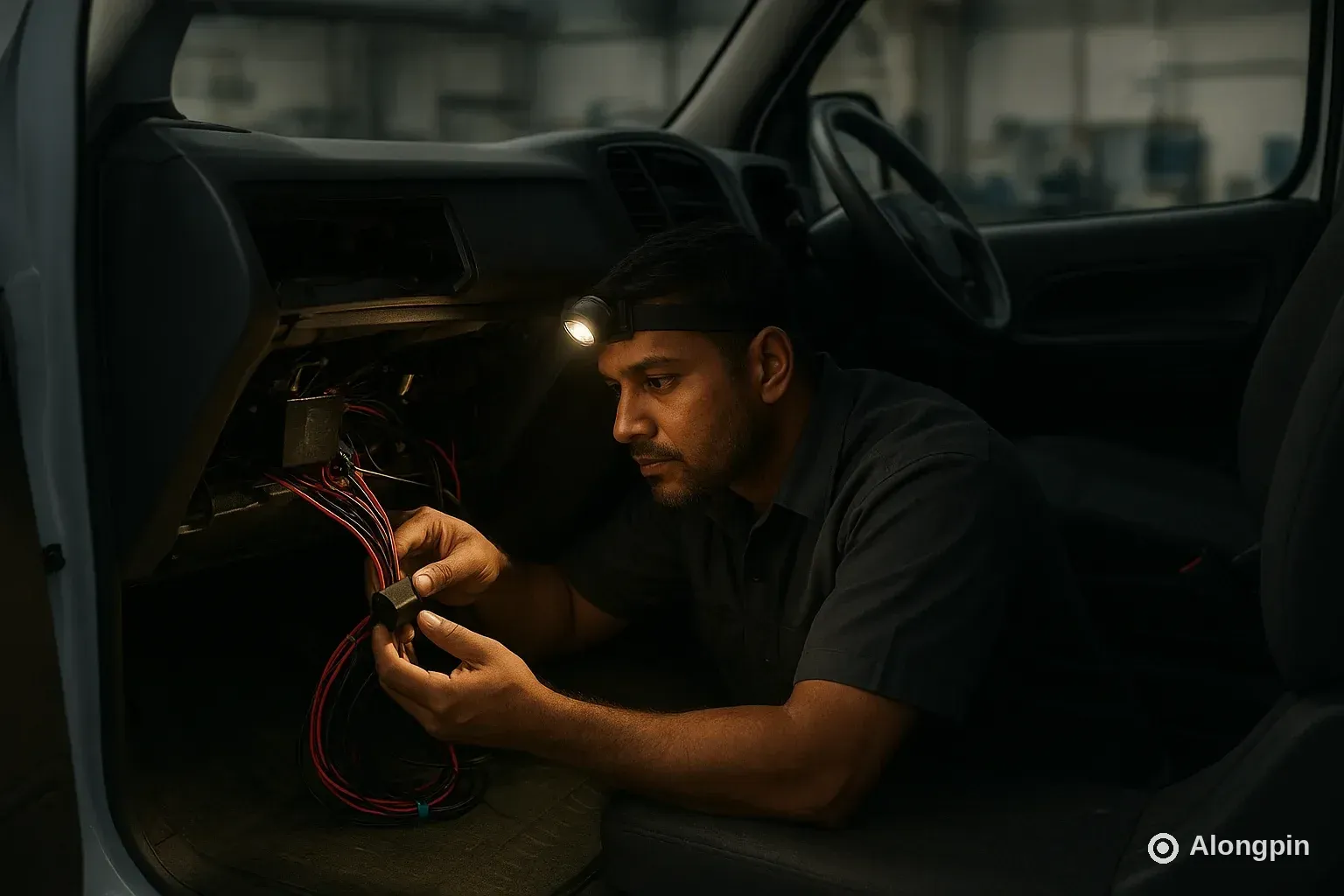
A tracker that reports neither cannot tell a van with the engine running from a van switched off, so it shows no idle time at all, and the live map shows such a van as Parked whenever it stands. That is a common reason a van shows zero idle time while everyone knows it idles. Check the van's details on the live map: if Ignition shows Not fitted, connect the ignition wire or choose a tracker that reports it. Why a vehicle shows idle or parked explains the states, and the driver behaviour page lists what each signal needs.
Reading idle time per trip and the idle report by place
Under Reports, the Trips report shows the totals of the period at the top: distance, driving time, Idle time and overspeeds, with the place where most idling happened. Each trip has its own driving time and idle time, so a trip with fifteen minutes of driving and twenty of idling stands out.
Next to Stops, the Idle view lists every idle span: the van, when it started, how long it lasted, and where. It shows the vans with the most idling, a map of where they idled, and the idle minutes per day. Choose a span to see it on the map.
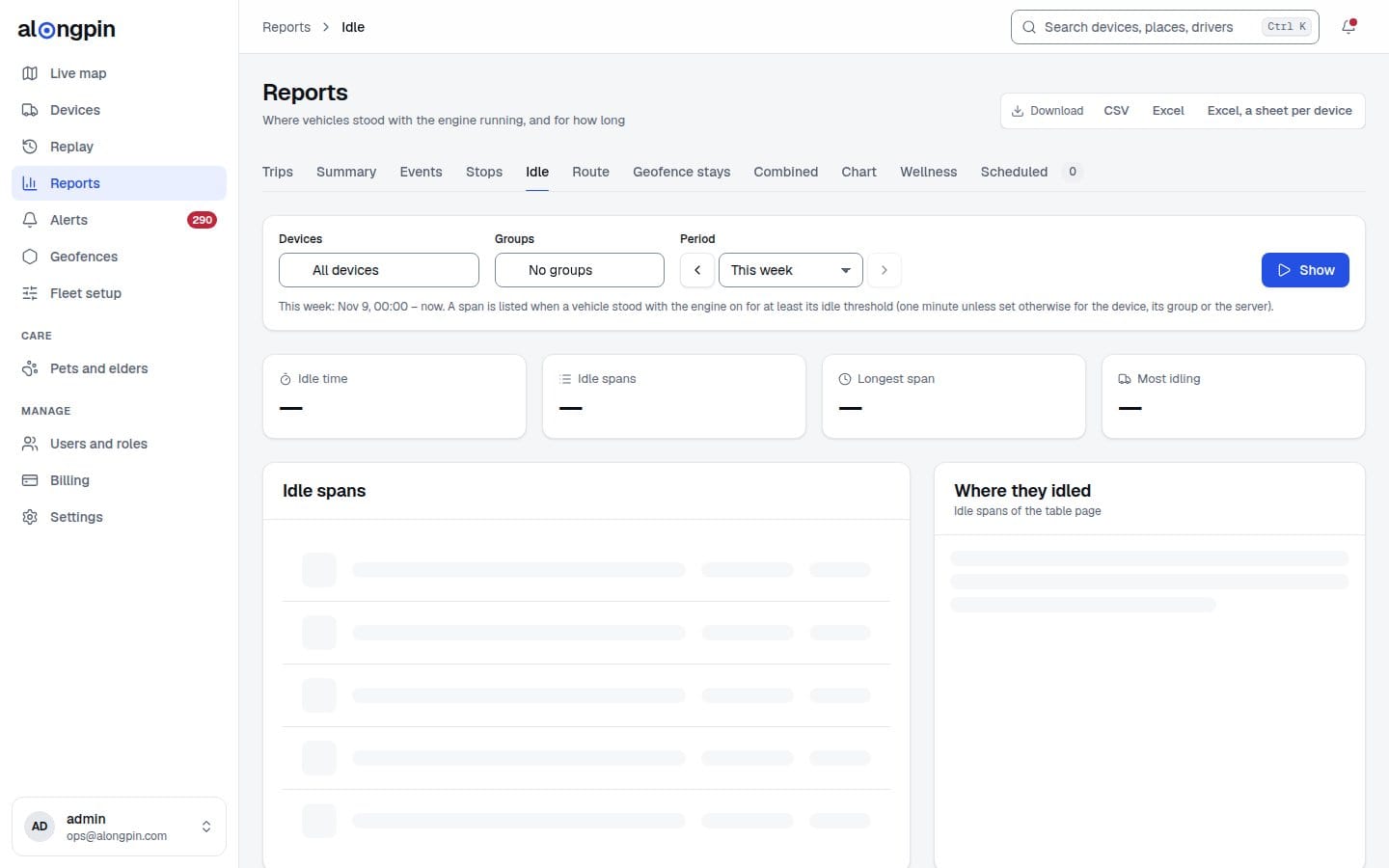
Run it for all vans and the last month. Sort by duration, and read the places. The vehicle idle time report walks through the view step by step, and the reports page lists the formats for download.
Spotting patterns: depot gate, customer yards, lay-bys
Idle time is rarely spread evenly. It collects in places, and each place has its own reason:
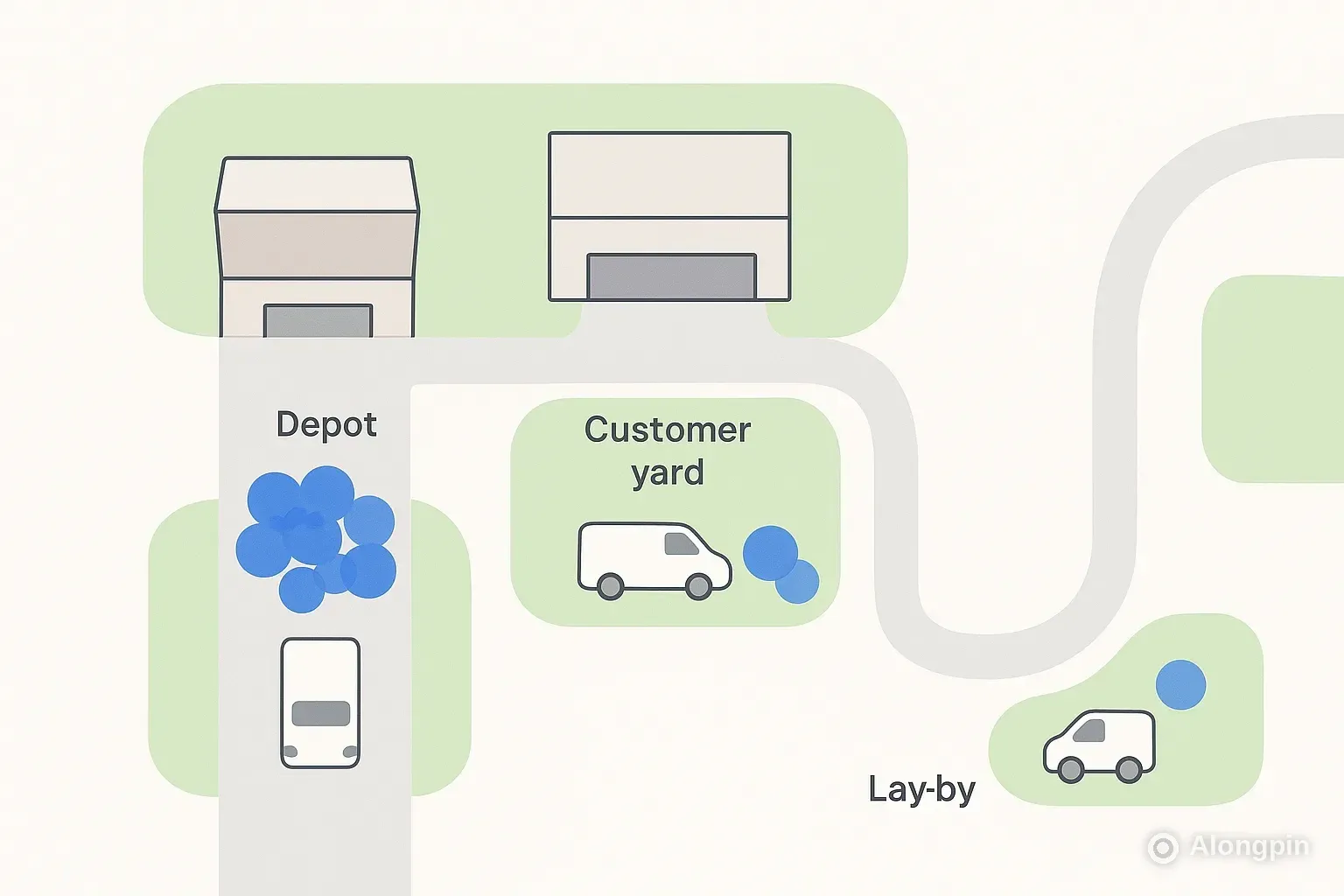
- The depot gate in the morning. Engines warm up while drivers load, chat and wait for the gate. Often the largest single source, and the easiest to change.
- Customer yards. The van runs while the driver waits for a signature or a forklift, or because the tail lift or the heater needs the engine.
- Lay-bys and car parks. Lunch breaks with the engine on for the heater or the air conditioning.
- Outside the driver's home, first thing in the morning on cold days.
Where a place has a zone (your depot, a regular customer), the idle spans carry it, so you can see at a glance how much idling happens at the depot. Draw a zone around places that come up again and again.
Some idling is necessary. A refrigerated van, a tail lift, a crane or a generator may need the engine on. Separate those vans or those places before you count, so the conversation is about the avoidable part.
Agreeing a target with drivers without ranking them
Idle time is a habit, and habits change when the people who have them agree to change them. A few principles keep it constructive:
- Talk about places, not people. "Our vans idle forty hours a month at the depot gate" invites ideas. "You idle the most" invites excuses.
- Agree a team target. For example, engines off at the depot unless loading needs them, and off during breaks except in extreme weather.
- Ask drivers why. They know which customer always keeps them waiting and which van has a heater that only works with the engine on. Their reasons often lead to a fix that has nothing to do with driving.
- No league table. The platform does not score, rank or rate drivers, and the reports describe vehicles and trips, not people. A ranking punishes the driver with the cold-weather round and the slow customer, and the team stops trusting the figures.
Tell drivers what the figures are and what they are for before you show them anything. Where vans go home, private trips outside working hours keep evenings out of the figures.
Following the trend in the monthly summary report
Once the team has agreed what to change, follow the result. Under Reports, the Summary report gives each van's distance, engine hours and idle time for the period, per device or per day, with the change against the previous period of the same length.
To see it without asking, schedule it. Choose Schedule this report on the summary, pick a calendar whose period is a month, and it arrives as an e-mailed link when each month ends. The idle span list itself cannot be scheduled; trips and summary reports, which carry idle time, can.
Look at the trend over two or three months, not week by week: weather, workload and new customers move the figures more than habits do in a single week. When the depot gate figure falls, say so to the team. The fleet solution page shows how reports fit into everyday fleet management.
How Alongpin helps
Alongpin (alongpin.com) is a GPS tracking platform you open in a browser or on your phone. Your trackers, in the vans, trucks and cars you already run, show on one live map with trips, stops, idle time and alerts; reports and scheduled reports answer the questions this article raises, and users and roles let each depot see its own vehicles. Check your trackers in the device check, read how it works for fleets, and start on the pricing page.
Frequently asked questions
Why does one van show no idle time at all?
Its tracker reports neither the ignition nor engine hours, so the platform cannot tell when the engine runs. Connect the ignition wire, or use a tracker that reports it.
Does a traffic jam count as idle time?
Standing still with the engine on counts, wherever it happens. Short stands are left out of the idle span list but still count in the trip's idle time.
Can I get an alert when a van idles too long?
Some trackers raise an alarm of their own when the engine idles too long; where yours does, an alert rule for that alarm sends it. The platform's idle figures are reports: review them weekly or monthly, which is where the patterns show.