Fleet management
GPS tracking for hauliers and truck fleets
Where is the truck, and when did it arrive? What a tracking platform adds for road hauliers: live position, zones at depots and customers, route corridors, trips and stops, customer share links, trackers for tractors and trailers. And what it is not: a tachograph.
Ashish Srivastava6 min read
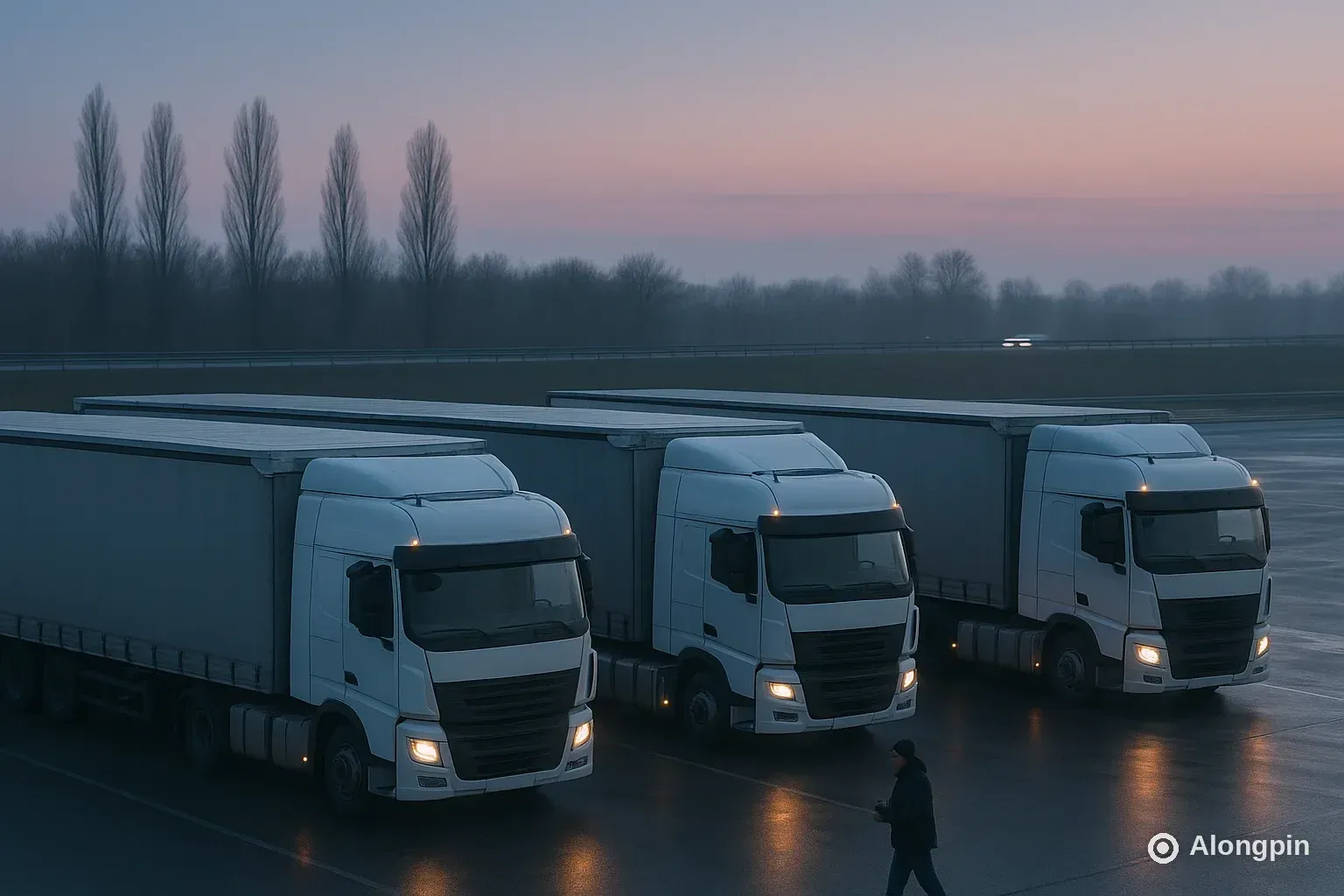
Truck fleet GPS tracking gives a haulier two answers without a phone call: where each truck is now, and when it arrived and left each place. A tracker in the tractor unit reports position and ignition; the platform turns that into a live map, trips and stops, zones at depots and customers, and a read-only link a customer can follow for one load. It sits beside the equipment a truck already carries. It does not replace the tachograph, and it keeps no driving-hours compliance record.
Key takeaways
- Hauliers ask two questions most: where is the truck, and when did it arrive. The live map and zone events answer both.
- Draw zones at depots and customer sites, and route corridors along regular runs, to record arrivals, departures and time on site.
- Trips, stops and driving time per vehicle come from the tracker's positions and ignition, and download for any period.
- A share link with an end date lets a customer follow one truck for one delivery, read-only.
- Tracking is not a tachograph: keep your tachograph and its analysis for driving-hours compliance.
What hauliers ask of tracking
Ask a transport office what tracking should do and the questions are practical:
- Where is the truck now? A customer calls; the planner wants to answer without ringing the driver.
- When did it arrive, and when did it leave? A consignee says the load came late, or the truck waited three hours at the bay.
- What did the vehicle do yesterday? Distance, stops, time with the engine running.
- Is the trailer where it should be? Especially when trailers are dropped and swapped.
The fleet solution page shows the platform from a fleet owner's side. For a haulage business, the parts below carry most of the weight.
Where is the truck: the live map
The live map shows every truck with its state: Moving, Idle (engine on, standing), Parked, Offline, or Unknown when it has not reported for a while. Find one truck by typing its name in the fleet search. Positions arrive live, with no refresh, and a tracker that loses coverage on a remote stretch usually stores its positions and sends them when coverage returns.
Zones at depots, customers and along a route corridor
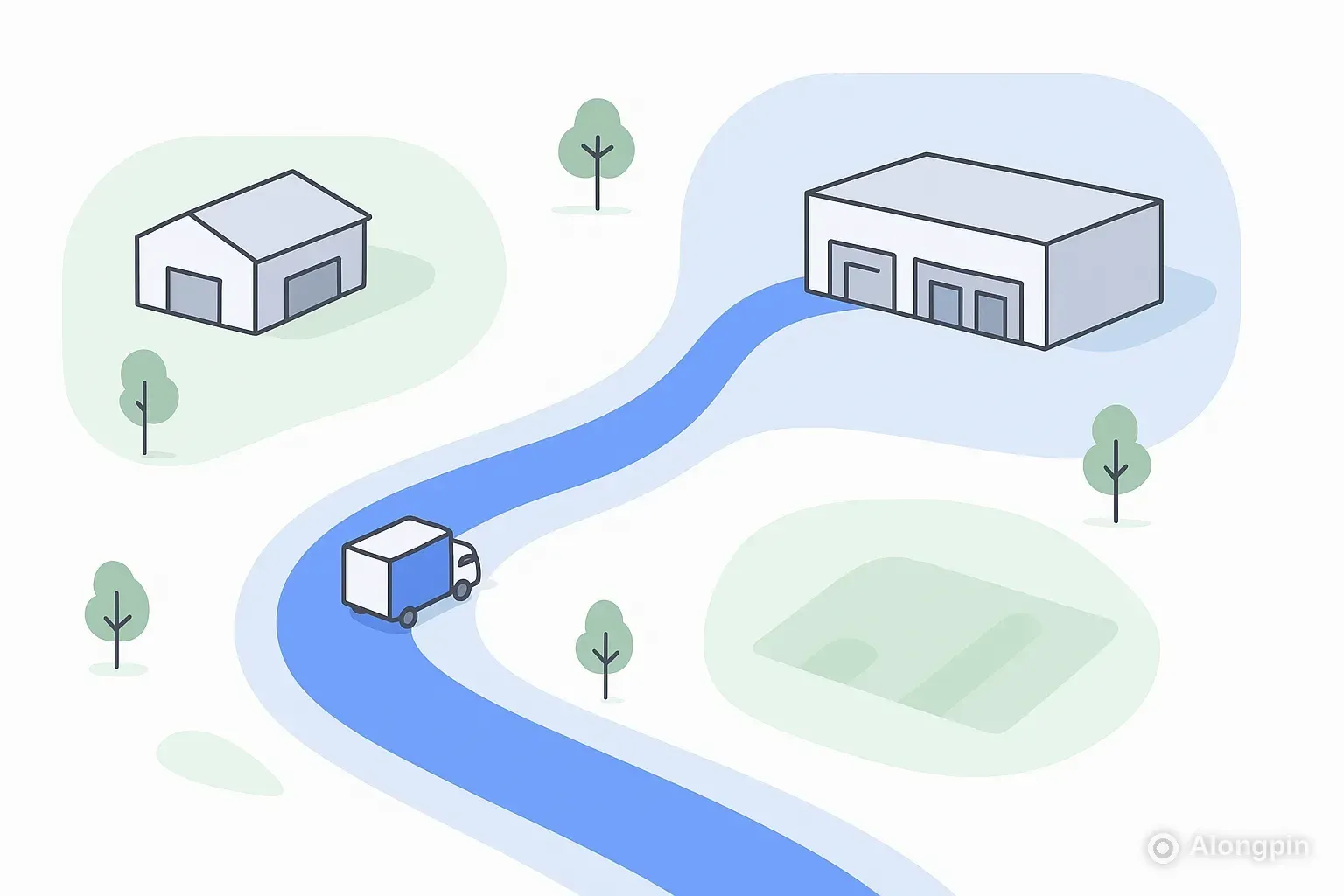
Zones, or geofences, turn positions into events with a place name. Three kinds suit haulage:
Depots and yards
Draw a polygon around each depot or yard, following the fence. Every truck's arrival and departure is recorded, which gives you the first and last movement of each working day without asking anyone.
Customer and distribution centre sites
Draw a zone around each regular customer or distribution centre, including the queue for the gate if trucks wait outside. The Stays report then adds up the time inside each zone per vehicle: a factual record of waiting time at loading bays, which is useful when a customer disputes a delay or when you charge for waiting.
Route corridors
A route geofence is a line with a width: you click the points of a regular route, and anything within the width on either side counts as inside. A Geofence exit rule on the corridor tells you when a truck leaves its usual road, for a diversion, a detour or something worse. The setup guide on setting up a route corridor shows how to draw one.
Zone events can also feed alerts: a Geofence enter rule on a customer site tells the planner the truck has arrived, without a call.
Trips, stops and driving time per vehicle
The tracker reports position, speed and ignition; the platform works out trips and stops from them. For each truck and any period you get:
- Trips: start and end, addresses, distance, duration, moving time, idle time, average and top speed.
- Stops: where the truck stood, for how long, and whether the engine was running.
- Summary: distance, driving time, engine hours and fuel per vehicle or per day, where the tracker reports them.
- Replay: the route on the map with the events along it, for the day a customer asks about.
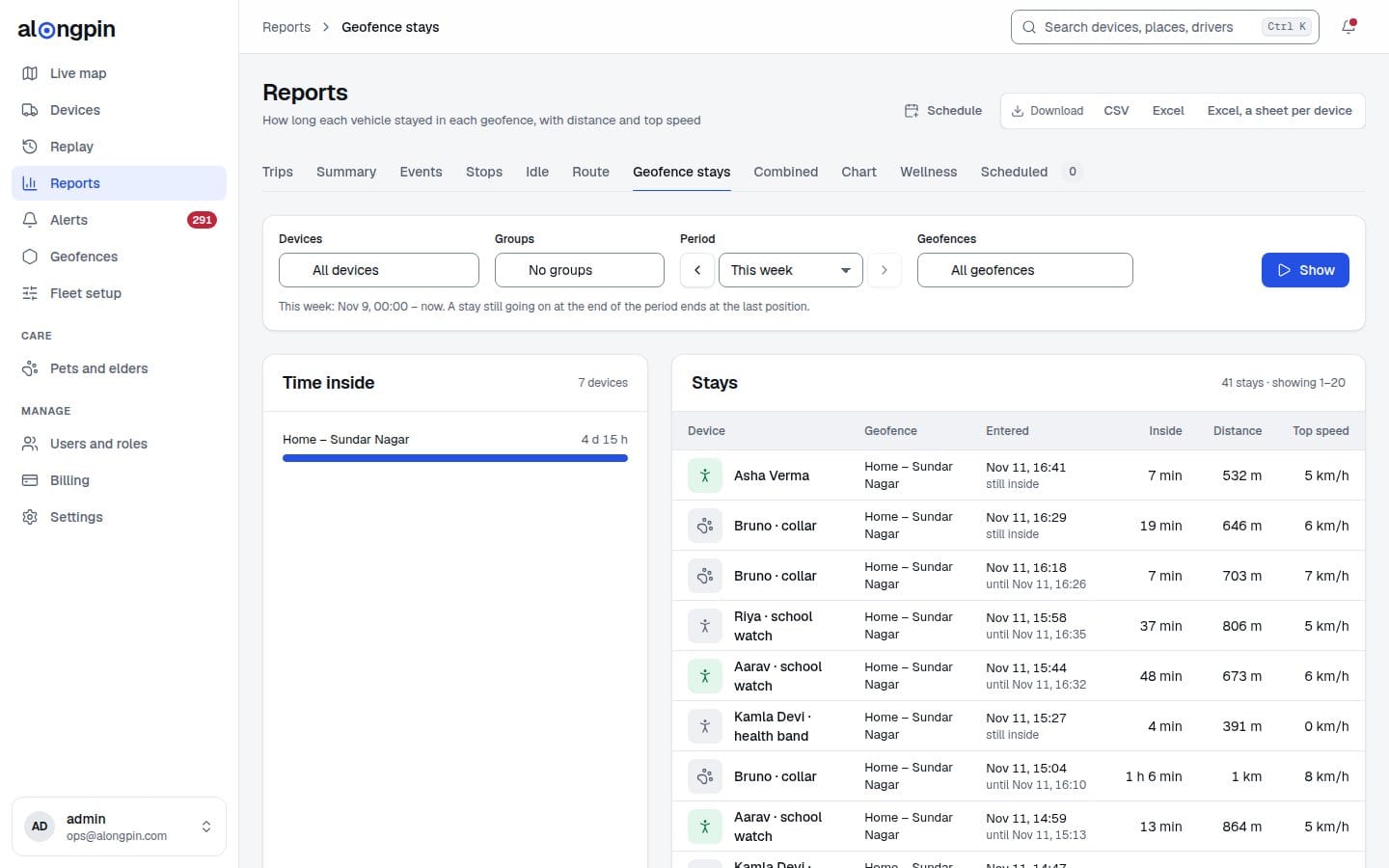
The trip history page shows the replay and what each trip holds. Reports download as CSV or Excel, and can arrive by email on a schedule, for example every Monday for the week before.
Sharing a read-only link with a customer for one load
Customers want to see their load moving without calling you. A share link gives one person a map of one truck, read-only, with no account. Create it from the truck's page with Share, give it a label (the load or the customer), and set it to end shortly after the delivery window. Where your server allows it, add a PIN you give the customer separately. When the delivery is done, revoke the link and it stops working at once.
Two things to keep in mind. The link shows the truck, not the load: anyone with it sees where that truck goes until the link ends, so keep the end time tight. And a share link cannot send commands or change anything, unless your administrator has switched commands on for share links. The article on building a customer tracking page on share links goes further, for hauliers who want to give every customer a tracking page.
What tracking is not: no tachograph or driving-hours record
A tracking platform and a tachograph measure different things for different purposes:
- The tachograph records driving, other work, availability and rest for each driver, from the driver's card, in a form approved for compliance with driving-hours rules. Its data is downloaded and kept as the law requires.
- The tracking platform records where the vehicle went and when its ignition was on, from the tracker's positions. "Driving time" in a trips report is the time the vehicle was moving, not the driver's legal driving time, and it has no standing as a compliance record.
Alongpin reads no tachograph data and makes no driving-hours calculation. Keep your tachograph, your downloads and your analysis service. Tracking adds the map, the places and the customer view that a tachograph does not give. It also does not plan routes or predict arrival times.
Devices for tractors and for trailers
Tractor units
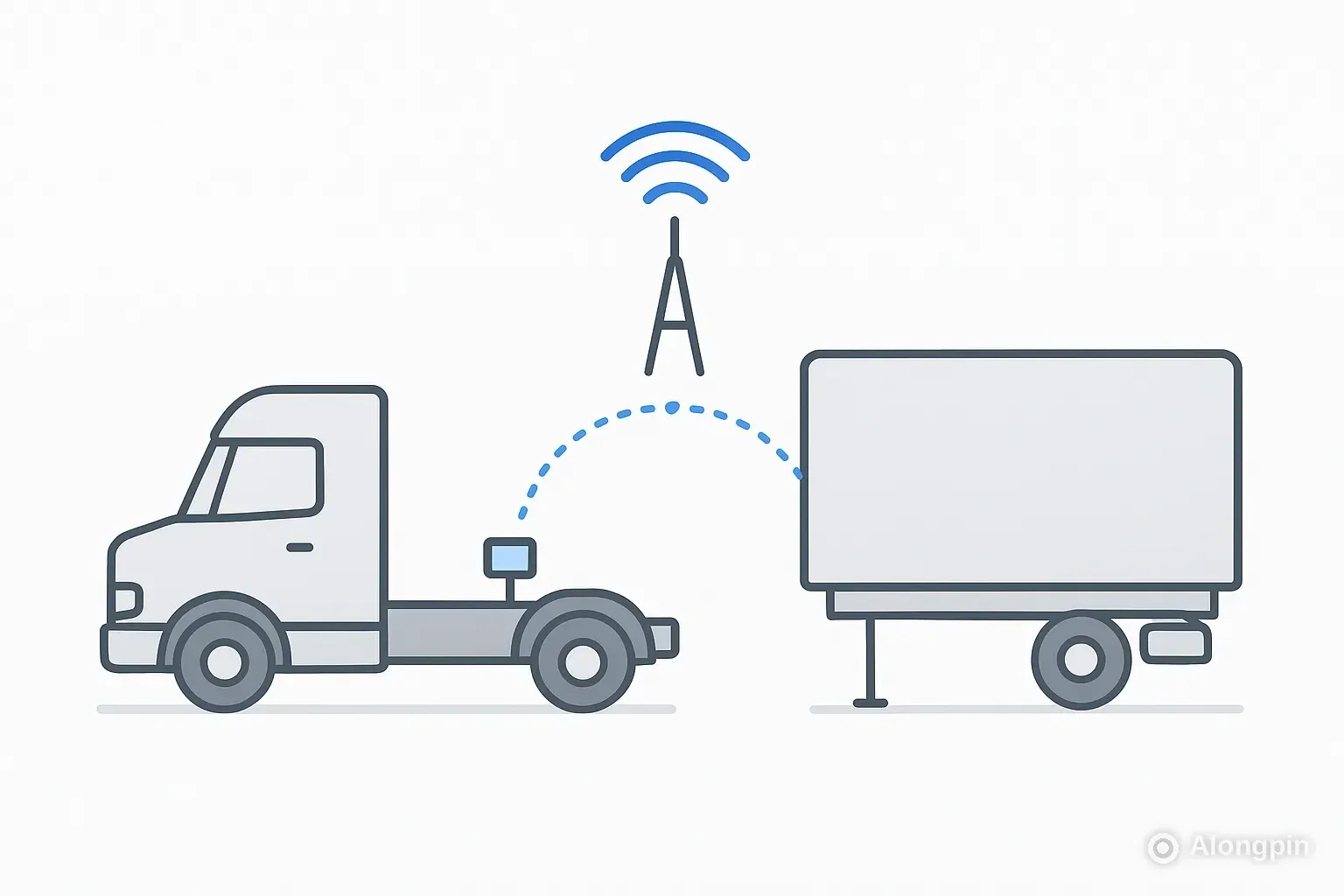
A wired tracker in the cab, connected to permanent power and ignition, reports every few seconds while moving. Many trucks already carry a telematics unit from the manufacturer; check whether it can send data to a platform of your choice, or fit a separate tracker. Trackers that read the truck's own data can add fuel and odometer figures, where the model supports it. Dashcams that speak JT808 add photos and video where you want them. Check any model in the device check before buying more than one.
Trailers
A trailer has no ignition and often no power while dropped. Battery trackers suit trailers: they report less often to make the battery last, so you see where the trailer is rather than every turn it takes. Choose the reporting interval for the job: a trailer that stands for weeks needs a long battery life, one that moves daily may need more frequent reports.
You can link a trailer's tracker to the tractor's, so the platform records when the two are near each other and when they part (Near a linked device, Away from a linked device). A rule on "Away from a linked device" tells you when a trailer is dropped, or taken.
Getting started
Start with three trucks on regular runs, draw zones at your depot and two customers, and look at the Stays report after a week. If you would like to see it with your own routes first, book a demo and tell us what you haul and where.
How Alongpin helps
Alongpin (alongpin.com) is a GPS tracking platform you open in a browser or on your phone. Your trackers, in the vans, trucks and cars you already run, show on one live map with trips, stops, idle time and alerts; reports and scheduled reports answer the questions this article raises, and users and roles let each depot see its own vehicles. Check your trackers in the device check, read how it works for fleets, and start on the pricing page.
Frequently asked questions
Is truck tracking software the same as a tachograph?
No. Tracking records where the vehicle went; the tachograph records each driver's driving and rest for compliance. Keep both.
Can I track a lorry and its trailer separately?
Yes, with a tracker in each. A battery tracker suits the trailer, and linking the two records when they part.
Can a customer see where their delivery is?
Yes, through a share link to the truck, with an end date. It shows the truck on a map, read-only, until the link ends or you revoke it.