Cars and bikes
Plug-in, wired or battery tracker: which type for a private car
OBD vs wired vs battery GPS tracker for a private car: how each is fitted, how easy it is to find, what it reports and the upkeep it needs, and which suits the way you use your car.
Ashish Srivastava5 min read
OBD vs wired vs battery GPS tracker comes down to three trade-offs: how it is fitted, how easy it is to find, and how much upkeep it needs. A plug-in tracker goes into the car's diagnostic port in a minute but is easy to see and unplug. A wired tracker is hidden behind a panel and reports the ignition, but an installer has to fit it. A battery tracker goes anywhere with no wiring but reports less often and must be recharged. For most private cars, the choice follows from how the car is used and what you want the tracker for.
Key takeaways
- Plug-in (OBD): quick to fit yourself, easy to move to another car, but visible and easy to unplug.
- Wired: hidden and always powered, reports the ignition, needs an installer.
- Battery-powered: no fitting at all, but fewer reports and regular charging.
- What a tracker reports depends on the model more than the type; check the alarms you need.
- Whatever the type, check that the tracker's protocol is supported before you buy.
Quick comparison
| Plug-in (OBD) | Wired | Battery-powered | |
|---|---|---|---|
| Fitting | Plugs into the diagnostic port; a minute, by yourself | Connected to power and ignition behind a panel; an installer, usually under an hour or two | Placed anywhere; no tools |
| Visibility | Under the dashboard, easy to find | Hidden, hard to find | Hidden, anywhere in the car |
| Power | From the car, through the port | From the car battery, often with a backup battery | Its own battery |
| Reports | Often while driving | Often while driving | Rarely, to save the battery |
| Ignition | Usually, from the port's power or the car's data | Yes, from the ignition wire | No |
| Upkeep | None | None | Recharge or replace the battery |
| Moving to another car | Unplug and plug in | Needs refitting | Pick it up |
Plug-in to the diagnostic port: quick, visible
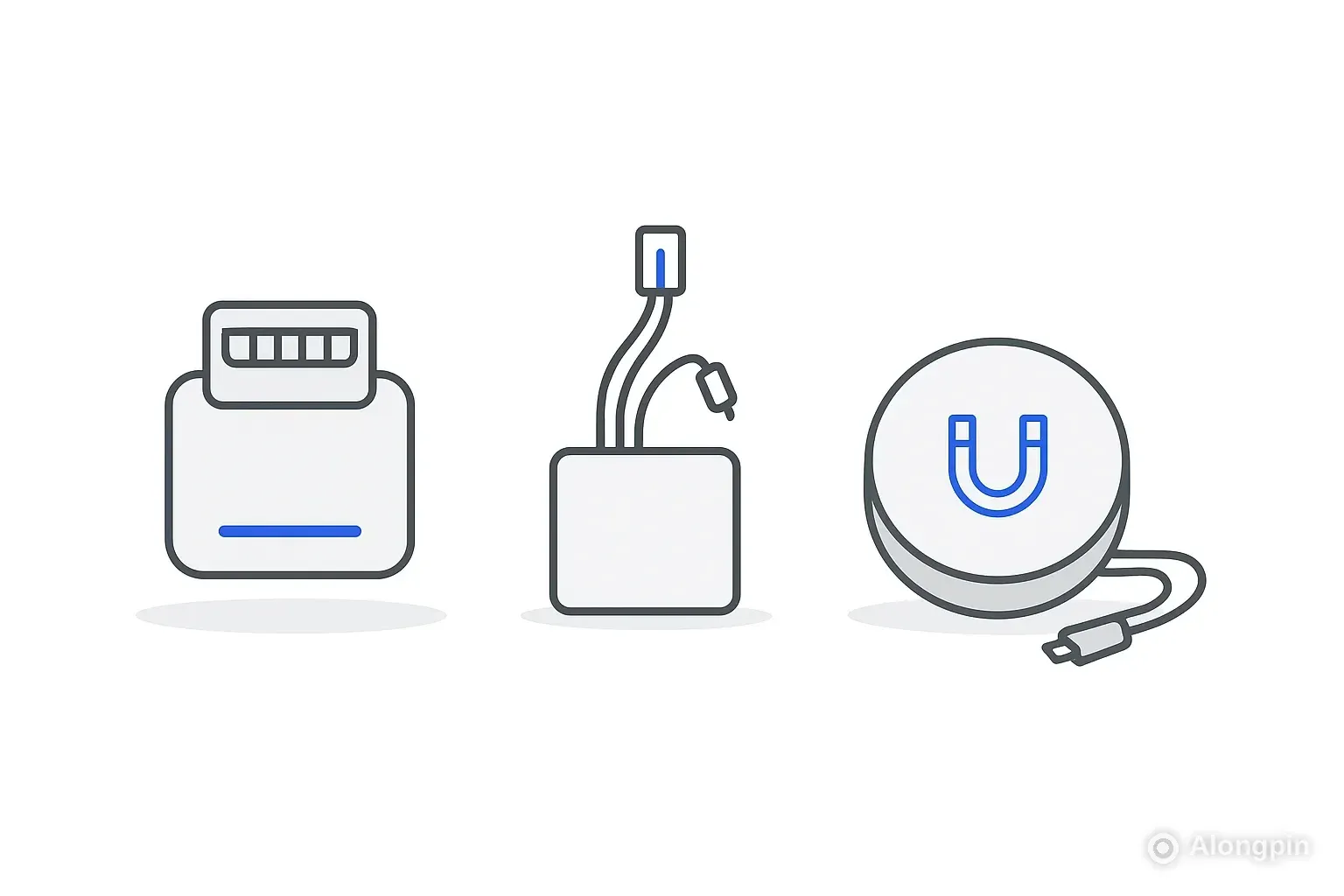
A plug-in tracker goes into the OBD socket that every modern car has under the dashboard, usually near the driver's knees. It takes power from the socket, so it needs no wiring and no installer. You can move it to another car in a minute, which suits a car you plan to sell or a second car you drive in turns.
The same ease is its weakness. Anyone who knows where the port is can find the tracker and pull it out, and some sit in the way of the driver's legs. Some plug-in trackers also read data from the car, such as the odometer or fuel; whether yours does depends on the model, not on the port.
If you choose one, the OBD set-up guide shows the steps in your own car.
Wired: hidden, needs fitting
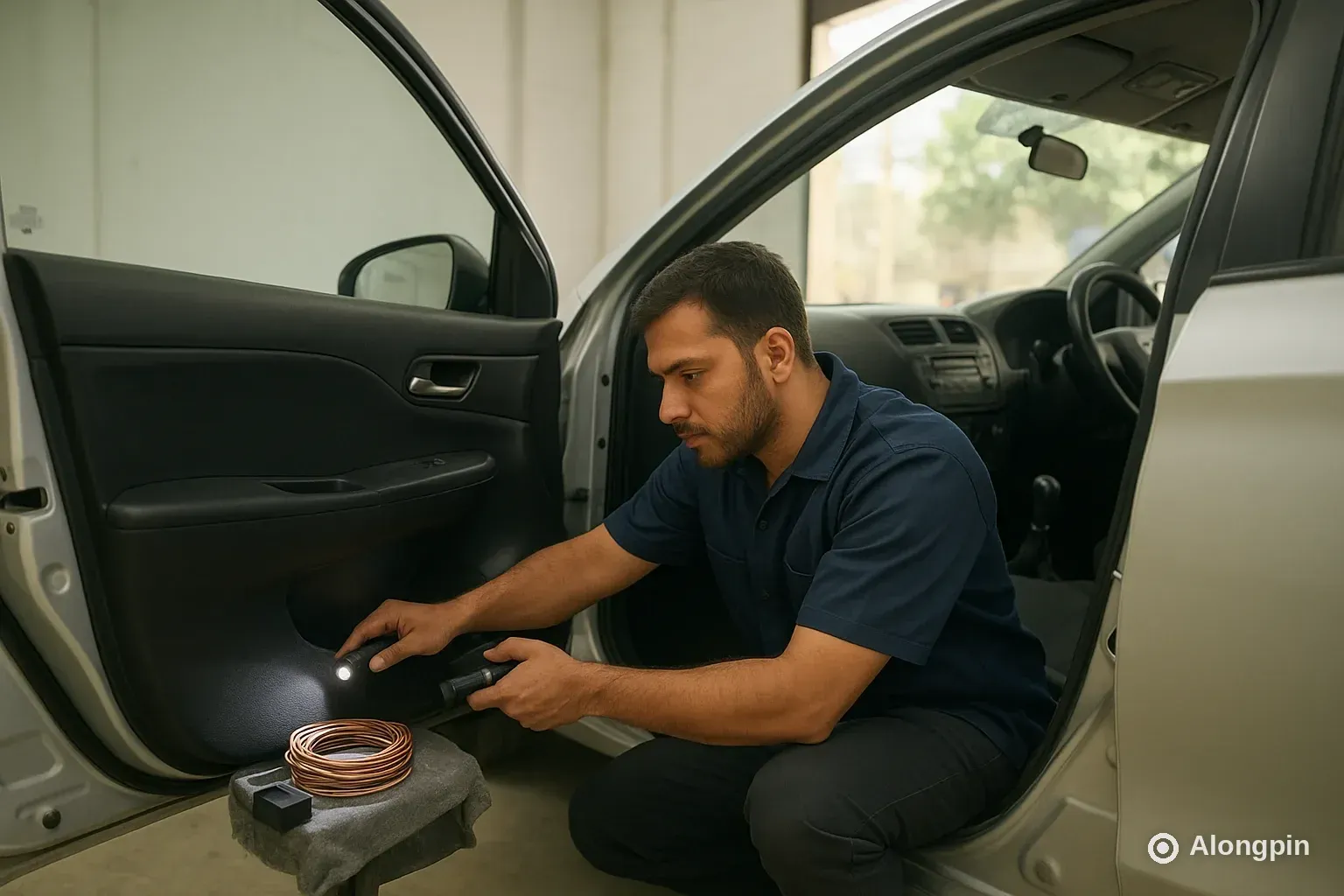
A wired tracker is a small box connected to the car's permanent power, to the ignition so it knows when the engine runs, and sometimes to other wires such as a relay that can stop the engine where the tracker supports it. It sits behind a panel, under the dashboard or in the boot lining, where it is hard to find.
It reports often, never needs charging, and most models carry a backup battery so they can send a power cut alarm if someone disconnects them. The cost is the fitting: an auto electrician or installer, usually less than a morning's work, and a careful job so the car's warranty and electrics are not affected. The GT06-type wired tracker guide shows how one is connected to the platform.
Battery-powered: place anywhere, recharge it
A battery tracker is a sealed box with its own battery, often with a magnet. You put it under a seat, in the boot lining or in a door pocket, and it starts reporting. Nothing to wire, nothing to see.
To make the battery last, it reports rarely, sometimes a few times a day or only when it senses movement. That gives you a position now and then, not a smooth route, and it knows nothing about the ignition. You must remember to charge it; a flat tracker shows as Offline or Unknown on the map. It suits a car that stands most of the time, a classic car in storage, or a car you cannot wire.
What each type can report
The platform shows what the tracker sends, and the vehicle trackers page lists it: position, speed, ignition, battery and the alarms the tracker raises. Some rules of thumb:
- Idle time (engine on, standing) needs a tracker that reports the ignition: wired, and most plug-in trackers.
- Alarms such as power cut, tow, vibration, tampering or harsh braking come from the tracker's own sensors. Two trackers of the same type can differ completely here.
- Fuel, odometer and engine hours from the car come from trackers that read them. Without that, the platform keeps its own distance count from the positions.
- A smooth route on the replay needs frequent reports, which battery trackers give up to save power.
Choosing by how the car is used
- A car you drive every day, kept outdoors: wired. It is hidden, always on, and catches a theft quickly.
- A car you drive every day, and may sell or swap soon: plug-in. Easy to fit and to take with you.
- A car that stands for weeks, or a classic car: battery, or wired with a low standby current. The post on leaving a car at the airport or a second home covers long stays.
- A car you cannot or will not wire, such as a leased or company car: plug-in or battery, after checking what the lease allows.
Check that the protocol is supported
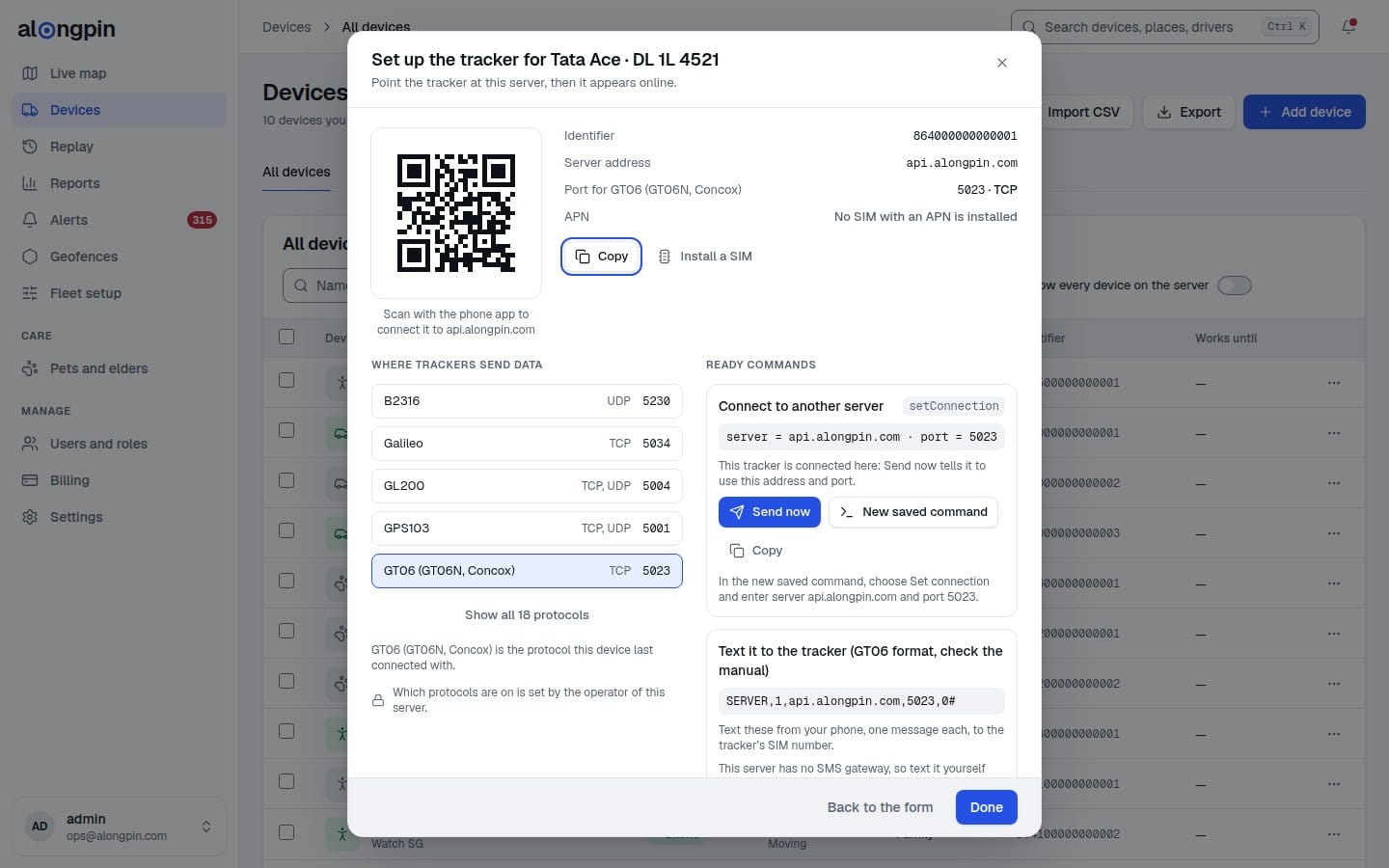
Trackers speak different protocols, and many consumer trackers only talk to the maker's own app. Before you buy any type, look for a tracker whose server address you can set, and type its model, maker or protocol into the device check. The devices overview shows the other kinds of tracker the platform works with. When you add the tracker in the portal, Set up the tracker shows the server address and the port of the tracker's protocol.
How Alongpin helps
Alongpin (alongpin.com) is a GPS tracking platform you open in a browser or on your phone. A tracker in your car, motorbike, scooter or bicycle shows on the live map, with trip history, geofences around home and work, and alerts when it moves or leaves. Check your tracker in the device check, see the vehicle trackers it works with, and start on the pricing page.
Frequently asked questions
Does the type change the running costs?
Not much. Every type needs a SIM with a small data plan and the platform package; the pricing page shows the packages. A battery tracker adds the time it takes you to charge it, or the cost of replacement batteries for models that use them.
Can I fit two trackers?
Yes. Some owners fit a wired tracker for everyday use and hide a battery tracker as a second line, in case the first is found. Each is added as its own device, with its own SIM, and both appear on the map.
Which type is hardest for a thief to find?
A wired tracker behind a panel, or a battery tracker tucked somewhere unusual. A plug-in tracker in the diagnostic port is the easiest to find.
Does a plug-in tracker drain the car battery?
It draws a small current, more while reporting and less while asleep. For a car driven every few days this rarely matters; for one that stands for weeks, ask about the tracker's standby current.
Can I fit a wired tracker myself?
If you are comfortable with car wiring and fuses, yes. If not, an auto electrician does it quickly and knows where your car's power and ignition wires are.