Cars and bikes
Service reminders for the family car
A car service reminder by distance driven or by date, sent by your GPS tracker when the car is due: how maintenance plans work, why "whichever comes first" is two plans, who in the household is told, and how to keep a simple service history.
Ashish Srivastava5 min read
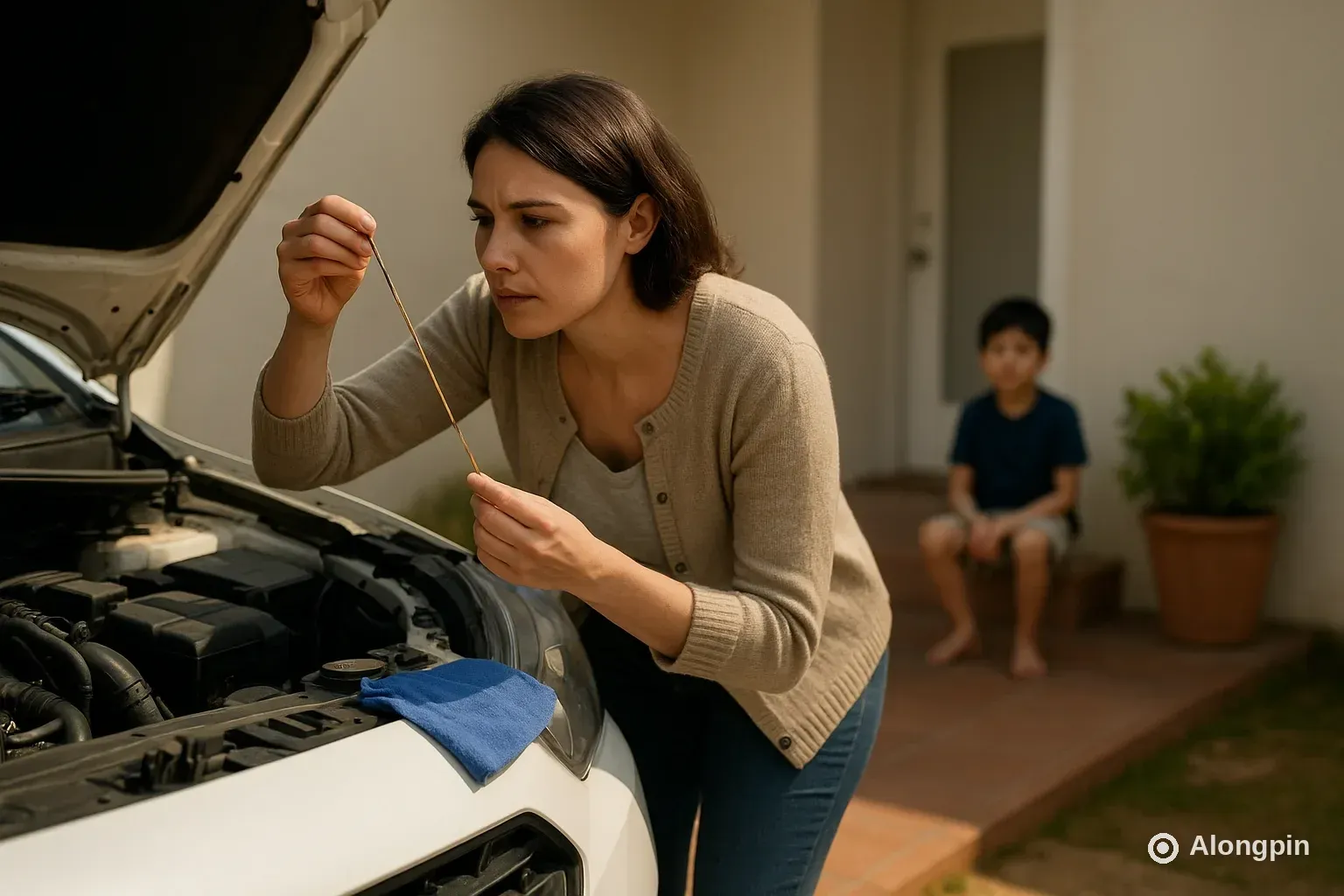
A car service reminder from your GPS tracker arrives when the car is actually due, by the distance it has driven or by the date, instead of depending on a sticker on the windscreen that nobody reads. In Alongpin this is a maintenance plan: you tell it what to count and how often, for example "oil change every 10,000 km" or "inspection every 365 days", attach it to the car, and an alert rule sends the reminder to whoever in the household looks after the car. Here are the questions owners ask most when they set one up.
Key takeaways
- A maintenance plan counts distance, engine hours or time, and raises a maintenance event each time the car passes a mark.
- "Every 10,000 km or every year, whichever comes first" is two plans, one by distance and one by date.
- Warn before adds an earlier "due in" message, so there is time to book the garage.
- The reminder reaches the people the alert rule is set up for, through the channels your server offers.
- The platform keeps no "done" state: keep your own short service history next to it.
Getting started
What is a maintenance plan?
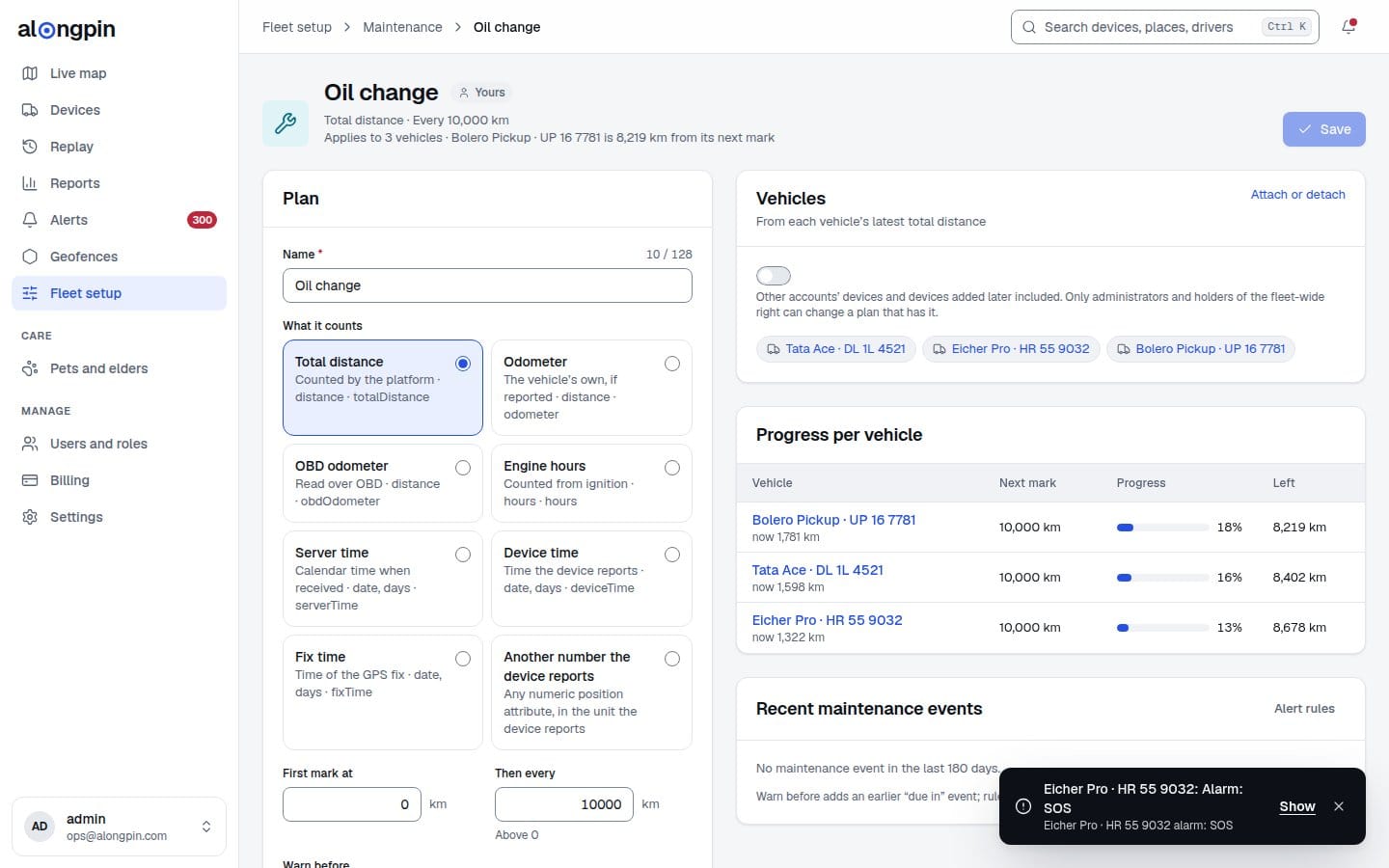
A maintenance plan is a rule about one number the platform knows for your car: the distance driven, the engine hours, or the calendar date. You give it a first mark and an interval ("first at 50,000 km, then every 10,000 km"). Each time the car passes a mark, the platform records a maintenance event. An alert rule turns that event into a message on your phone or in your inbox.
You find the plans under Fleet setup → Maintenance. The name suggests a fleet, but a plan for one family car works the same way.
What do I need?
A vehicle tracker in the car that reports its position, so the platform can count the distance. For engine hours the tracker must report the ignition. For a plan by date, nothing more than the car being in your account.
How do I set one up?
- Under Fleet setup → Maintenance, choose New plan.
- Give it a Name, such as "Oil change".
- Under Counts, choose what it counts: Total distance (counted by the platform), Odometer (the car's own, if the tracker reports it), Engine hours, or a time.
- Enter the First mark at (or First mark on for a date) and Then every.
- Under Then attach to, pick the car, and choose Add plan.
On the plan's own page you can set Warn before, for example 1,000 km, and see each car's progress to its next mark. Setting up a maintenance plan and its alert goes through every field.
Reminders by distance or by date
Should I count distance or time?
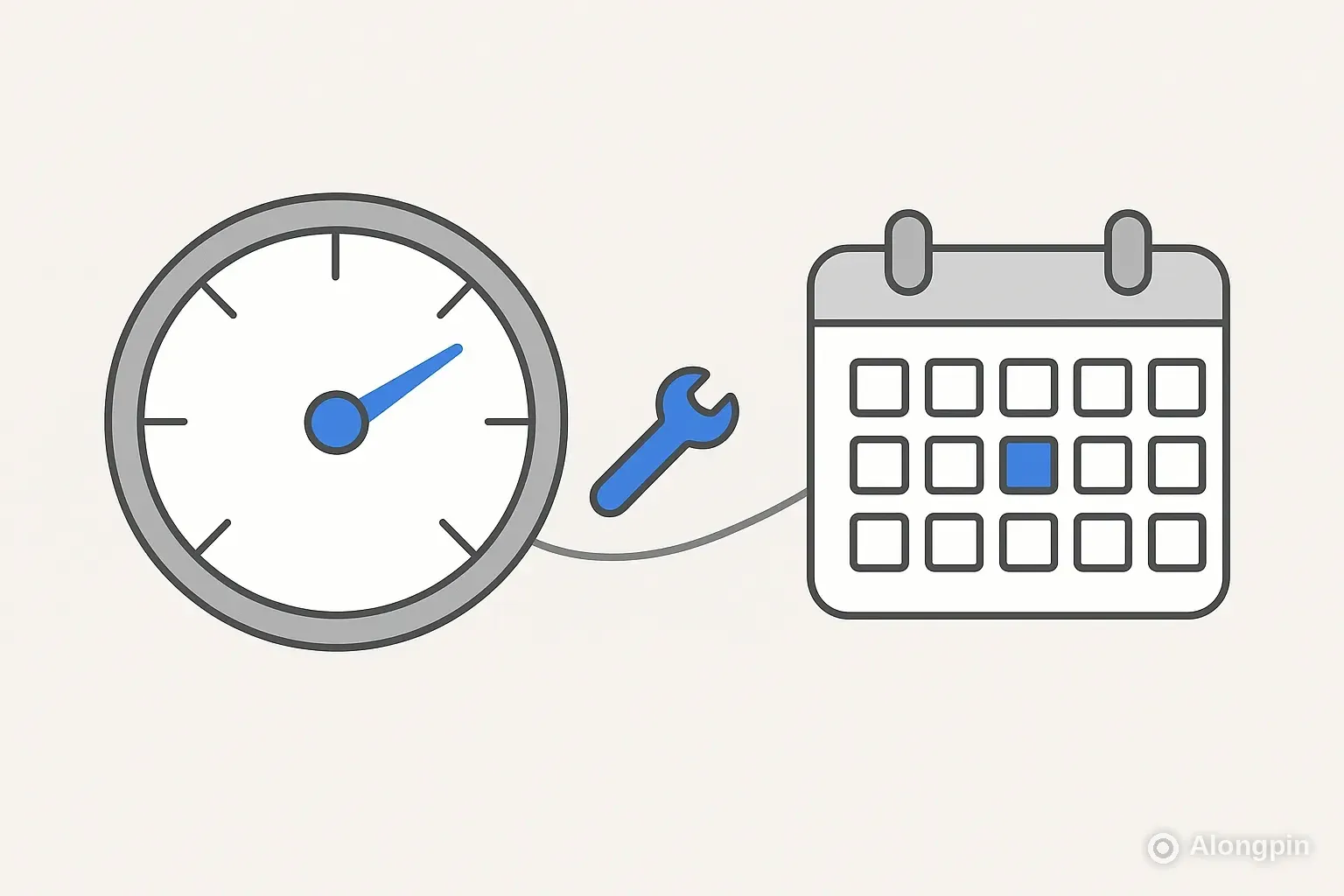
Most service schedules give both: so many kilometres or so many months, whichever comes first. A plan counts one thing, so make two plans:
- By distance: Total distance, first mark at the next service reading, then every 10,000 km (or what your handbook says).
- By date: a time type, first mark on the next service date, then every 365 days.
The one you reach first sends the reminder. A car that mostly does short trips will usually hit the date first; a commuter car will hit the distance.
My dashboard shows a different number of kilometres. Does that matter?
Total distance is what the platform has counted since the tracker was fitted, so it rarely matches the dashboard. Either set the first mark from the platform's own figure (the plan page shows each car's current value), or set the car's odometer once in the device's settings so the platform's counter starts from the dashboard reading. After that, marks and dashboard agree closely enough to book a service.
What does Warn before do?
It adds an earlier event, once per interval: with an oil change every 10,000 km and a warning of 1,000 km, you hear at 9,000 km that the car is due in 1,000 km, and again when it passes the mark. Both arrive through the same alert rule.
Who in the household is told
How does the reminder reach me?
Through an alert rule for maintenance events. Under Alerts, create a rule for maintenance, link it to the car, and choose the channels in Tell people by. Push to the mobile app, email, text messages and Telegram appear when the operator of your installation has switched them on. Alerts explains rules and channels.
Can my partner get the reminder too?
Yes, if they have their own login. Share the car with their user and set up the rule for them as well, and each of you gets the message on your own phone. Whoever books the garage should be on the list; the others can stay off it.
Keeping a simple service history
Does the platform know when the service was done?
No. The platform keeps no "done" state: the next reminder comes at the next mark, whenever the service actually happened. If the oil was changed 2,000 km early, edit the plan's first mark so the next one lines up with the new service.
Where do I keep the history?
The plan's page lists its recent maintenance events, and the events report shows when each reminder was raised. That tells you when the car was due, not what the garage did. Keep a short note of each service: date, odometer reading, what was done and the garage. A spreadsheet or the car's service book is enough, and it is what a buyer will ask for one day.
When a reminder does not arrive
The car passed the mark but nobody was told. Why?
Work through it in this order:
- The plan is paused. A plan whose interval is 0 sends nothing; the plan page says so and asks for a period above 0.
- The car reports no value. If the plan counts the car's own odometer and the tracker does not report one, the plan page shows "No reading yet" for that car. Switch the plan to Total distance.
- The plan is not attached. A plan counts only on the cars attached to it, directly or through a group.
- No rule carries the event. The maintenance event is recorded, but only an alert rule for maintenance sends it to someone. Check that the rule is linked to the car.
- The channel is off. A rule can only use the channels your server has switched on. Test these channels on the rule sends you a test message through each one.
One more use for a tracker you already have
Is this worth setting up for one car?
If the car already has a tracker, a maintenance plan costs ten minutes and saves the guesswork. It complements the other things the tracker does, from the live map to trip history; all features are listed in one place. For a fleet, maintenance scheduling by mileage and engine hours covers the same plans across many vehicles.
How Alongpin helps
Alongpin (alongpin.com) is a GPS tracking platform you open in a browser or on your phone. A tracker in your car, motorbike, scooter or bicycle shows on the live map, with trip history, geofences around home and work, and alerts when it moves or leaves. Check your tracker in the device check, see the vehicle trackers it works with, and start on the pricing page.