Kids and family safety
GPS watch or a first phone: which comes first
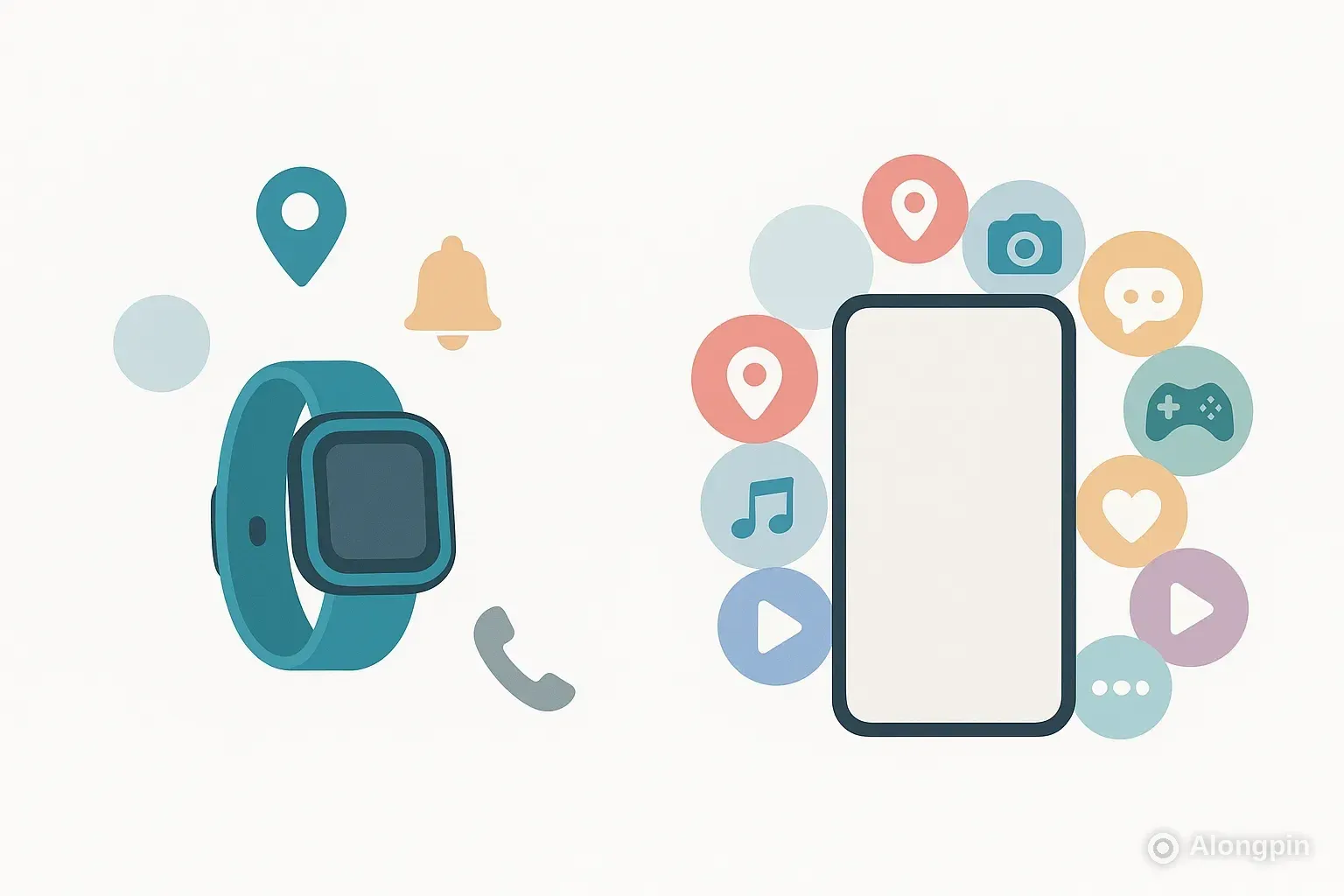
A children’s GPS watch gives location, an SOS button and a few contacts without everything a phone brings. How a watch and a first phone compare on safety, distraction, cost of ownership and school rules, and how to move from one to the other.
Ashish Srivastava6 min read
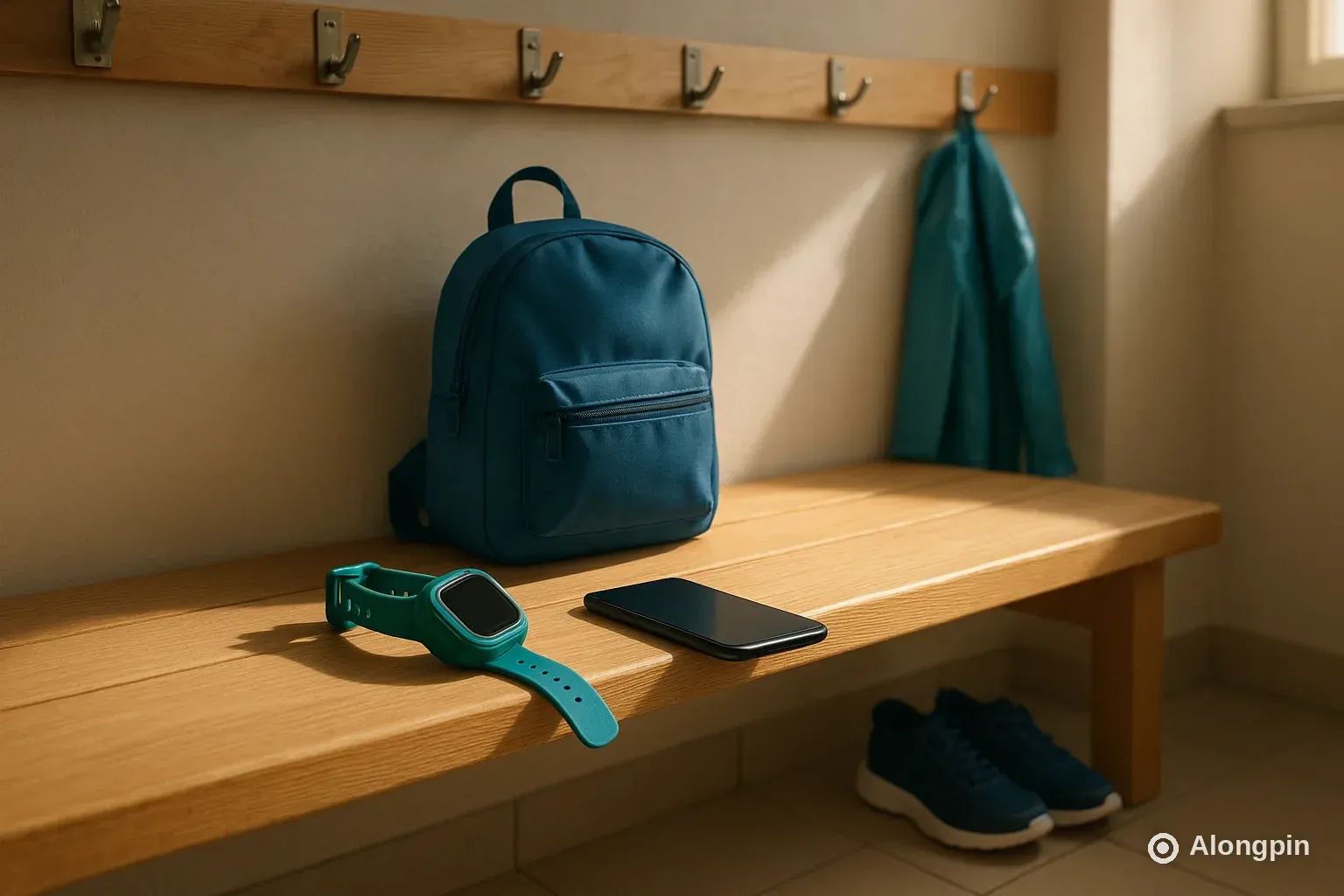
A GPS watch or a phone for kids: for most children in primary school, the watch comes first. A children's GPS watch gives you location, an SOS button and calls to a few numbers you choose, without the apps, games, social media and camera roll that come with a smartphone. A first phone gives your child much more, including more to manage, more to lose and more to break, and as a tracker it shares location only, with no SOS button. Many families start with a watch on the way to school and move to a phone in the early teens, keeping the same tracking account, the same zones and the same rules. This comparison sets out what each gives you, what each costs to own, what schools tend to allow, and the questions to settle before either.
Key takeaways
- A watch: location, SOS and a few contacts, little to distract. A phone: location and everything else.
- As a tracker, a phone with a tracking app shares location only. It has no SOS button and can be switched off.
- A watch is harder to lose and easier to replace; a phone holds more value and more of your child's life.
- Check the school's rules for both; many restrict phones more than watches.
- The same account carries over: add the phone as a new device and attach the zones and rules to it.
Quick comparison
| Children's GPS watch | First smartphone with a tracking app | |
|---|---|---|
| Location | Yes, from the watch itself; less exact indoors | Yes, while the app runs and location is on |
| SOS button | Yes, an alarm with the position | No SOS alarm on the platform |
| Calls | To and from numbers stored on the watch, with a voice plan | Anyone, any app |
| Messages and apps | Few or none | Everything |
| Distractions | Low | High |
| Can the child switch it off? | Usually only by taking it off or letting it run flat | Yes, in seconds |
| Lost or broken | Stays on the wrist; cheaper to replace | Easily left behind; costly to replace |
| School rules | Often allowed with a quiet mode | Often banned in class or kept in a locker |
| Safe zones and arrival messages | Yes, set up in your account | Yes, set up in your account |
What each gives you
Location
Both report where they are. A watch sends positions by itself, as long as it is charged and has signal, and your child does nothing. A phone sends positions only while its tracking app is running with location allowed in the background; a phone that closes the app to save battery stops reporting. Indoors, both fall back to rougher positions, and many watches more so than a phone.
SOS
This is the clearest difference. A watch with an SOS button sends an alarm with its position when the button is held; an alert rule passes it to the people you chose. The SOS feature page shows what happens next. A phone app used as a tracker raises no SOS alarm on the platform. A teenager in trouble can call, but cannot press one button that tells everyone where they are.
Calls
A watch calls and takes calls from a short list of numbers stored in it, which suits a child who needs to reach a parent and nobody else. A phone calls anyone and is called by anyone.
Distractions
A children's watch has nothing to scroll. A phone brings games, video, group chats and the rest, and with them the questions of screen time, content and contact with strangers that families then have to manage.
Cost of ownership, and what gets lost or broken
Without quoting prices, which change, the costs fall into the same four groups for both:
- The device itself: a children's watch is usually a fraction of the cost of a smartphone.
- The SIM plan: a watch needs data and, for calls, a small voice plan; a phone plan is usually larger.
- The tracking subscription: one device on your account either way.
- Replacement: a watch on a wrist is lost less often than a phone in a pocket, and costs less when it is. A cracked phone screen at ten is a common story.
There is also a cost that does not show on a bill: a smartphone holds your child's photos, chats and accounts. Losing one is a bigger event for them than losing a watch.
School rules
Check both before you buy. Many schools ban phones in class or ask that they stay switched off in a bag or a locker during the day. Watches are more often allowed, sometimes on condition that they are silent in lessons; many children's watches have a quiet or class mode, and on many models it can be set from the tracking platform with a command. Ask the school what it allows, and buy for that.
A watch now, a phone later, same account
You do not have to choose once and for all. A common path:
- A watch in primary school, with zones for home and school and an SOS rule. The parent's guide to a first GPS watch covers choosing one.
- A phone in the early teens, with a tracking app, added to the same account as a new device. Following a teenager's phone on the family map walks through the setup.
- Attach the existing zones and rules to the phone, and adjust them with your teenager, who is now old enough to agree the rules.
- Retire the watch when it is no longer worn. Where your package is per device, its subscription can move to the phone instead of starting a new one.
Your history, zones and rules stay in the same place, and your child sees the change as a step up, not a new system.
The watches page explains what children's watches report, and the phone app page what a phone can and cannot do as a tracker. The personal safety page shows how families use both.
Questions to settle before either
Whichever you choose, agree these with your child first:
- What is it for? Getting to school, after-school clubs, days out, or all of these.
- What will you see? The position, arrival messages, the SOS alarm. Not their messages or photos.
- When will you look? Only when a message is late, or as you agreed.
- Who else can see it? The other parent, a grandparent, nobody else.
- What happens if it is lost or broken? Who pays, and what happens in the meantime.
- When will you review it? A birthday or the start of a school year.
At what age does a child need a GPS watch helps with the first question, and the same conversation works for a phone.
Who should choose what
- Choose a watch if your child is in primary school, starting to walk or travel without you, and needs a way to call for help and reach you, but not much more.
- Choose a phone if your child is old enough to manage one, needs it for school or friends anyway, and you have agreed how location sharing works. Accept that it is location only.
- Choose both, in turn, if you want the simplest path: a watch now, a phone later, on the same account.
How Alongpin helps
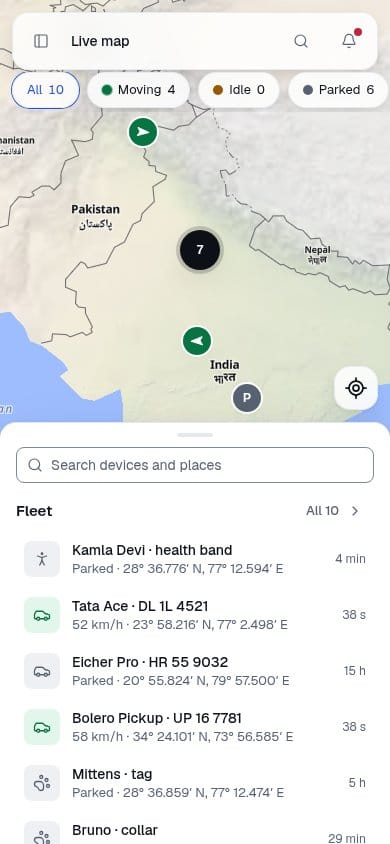
Alongpin (alongpin.com) is a GPS tracking platform you open in a browser or on your phone. A child's GPS watch or a teenager's phone shows on your family's map, geofences around home and school tell you about arrivals, and the SOS button reaches the people you choose. See how it works for family safety, check a watch in the device check, and read how Alongpin treats privacy.
Frequently asked questions
Can a GPS watch replace a phone completely?
For calls to a few numbers, location and SOS, yes. For anything else, no, and at this age that is often the point.
Can I track a phone and a watch in the same account?
Yes. Each is one device on the same map.
Does a phone app send an SOS like a watch?
No. A phone used as a tracker shares location only. For an SOS button, use a watch or a personal alarm.