Kids and family safety
A first GPS watch for your child: a parent's guide
What to look for in a first GPS watch for a primary-school child: location, SOS, safe zones and battery, a strap that survives the playground, the SIM it needs, and how to check the model works before you order.
Ashish Srivastava6 min read
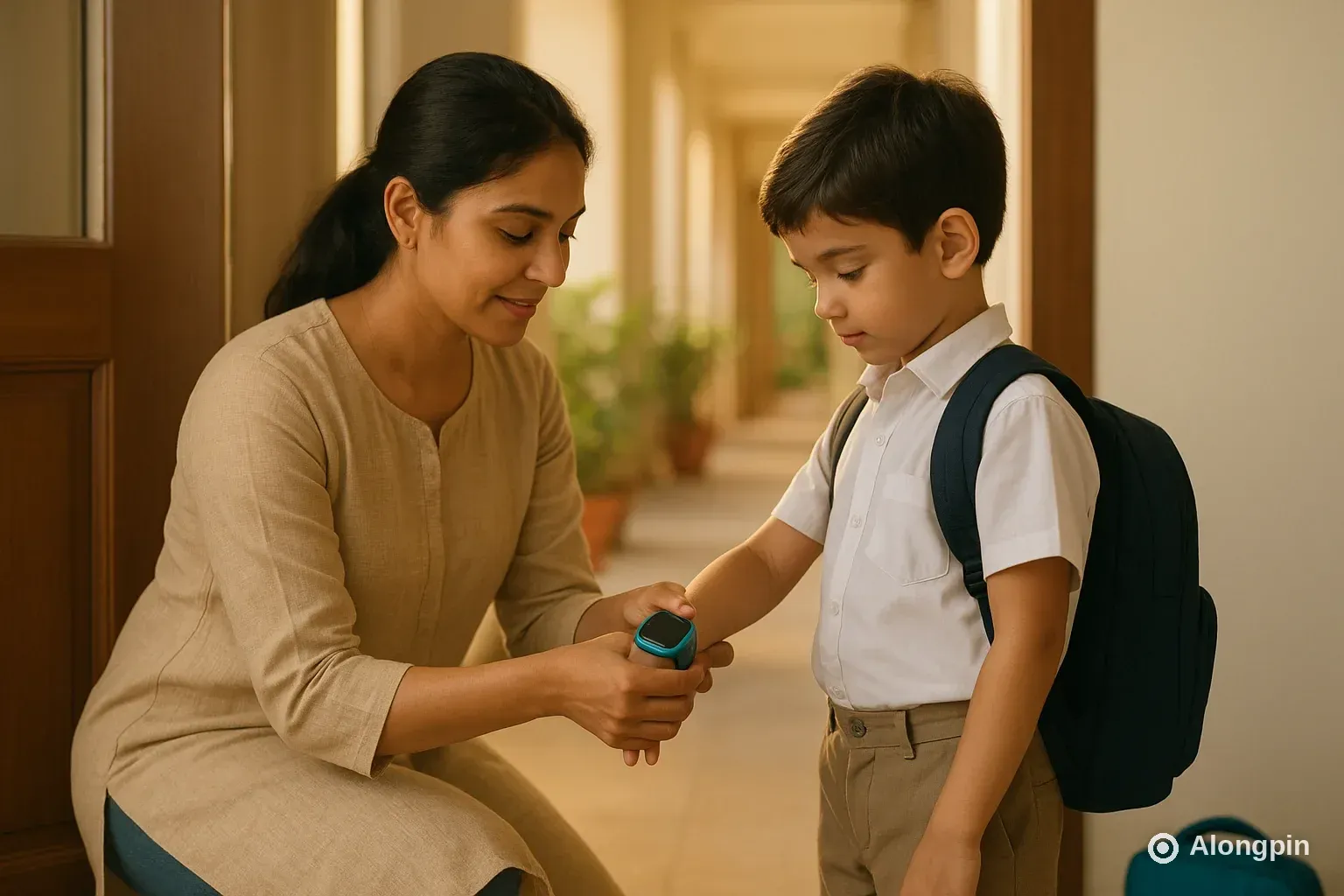
A first GPS watch for a child of primary-school age should do four things well: show where your child is, send an alarm when they hold the SOS button, tell you when they arrive at or leave a safe zone such as school, and show its battery level so it is charged before it goes flat. Add a strap and case that survive the playground, a SIM with a data plan on a network that covers your area, and a model whose protocol your tracking platform supports, and you have a good first watch. Games, cameras and app stores add little at this age and drain the battery. This guide goes through what to look for, what to check before you order, and how the watch connects to an account your family controls.
Key takeaways
- At primary-school age, a watch gives location and an SOS button without the distractions of a phone.
- Location, SOS, safe zones and battery level are the functions that matter. Most of the rest is optional.
- Check water resistance, the strap and how long the battery lasts on a school day with reporting switched on.
- The watch needs its own SIM with data; calls need a voice plan too.
- Type the model into the device check before you buy, and talk to your child before the first day.
Why a watch rather than a phone at this age
A watch stays on the wrist. It is not left in a coat pocket, dropped on the bus or handed round at break time. A simple children's watch has no browser, no social media and no app store, so it does one job: keep you and your child in touch on the way to school, at the park and at a friend's house.
It is also easier to agree on. Many schools that ban phones in class accept a watch with a quiet mode, and a child can wear one years before most parents feel ready to hand over a phone. When the time for a phone comes, the post on whether a GPS watch or a first phone comes first compares the two.
The functions that matter
Location
The watch works out where it is from satellites outdoors and sends the position over its mobile connection. Indoors, many watches cannot get a satellite fix and fall back to an estimate from mobile cells or Wi-Fi, which can be a street or more off. That is normal for every children's watch and worth knowing before the first time the map shows your child next door to the school.
The SOS button
Holding the SOS button sends an alarm with the position. Many watches also call or text numbers stored on the watch. On the platform, an alert rule for the SOS alarm sends it to the people you choose, by push, email, text message or Telegram, as far as your service has these switched on. The SOS feature page shows what happens after the press. A watch that is off, flat or out of signal cannot send an SOS, which is why battery matters so much.
Safe zones
A safe zone is a geofence you draw around home, school or a grandparent's house. The platform checks each position against it and can send a message when the watch enters or leaves. This is done in your tracking account, not on the watch, so it works with any watch that reports its position. The post on safe zones for the school run walks through it.
Battery level
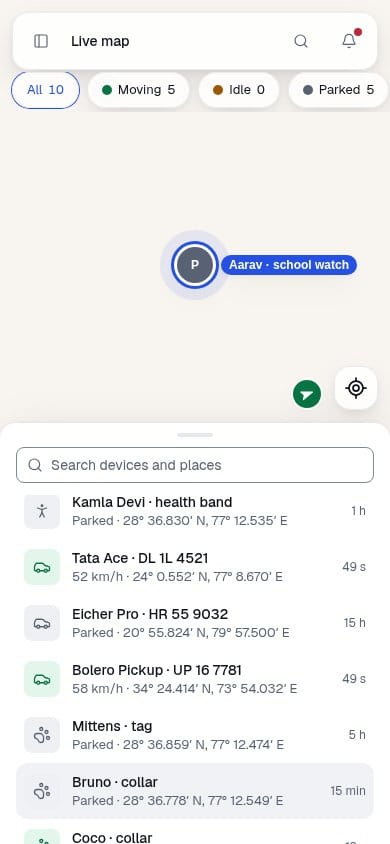
The watch reports its battery with its positions, and the live map shows it. If your watch reports a low-battery alarm, an alert rule for it reminds you to charge it in time.
Fit, water resistance and a strap that survives a playground
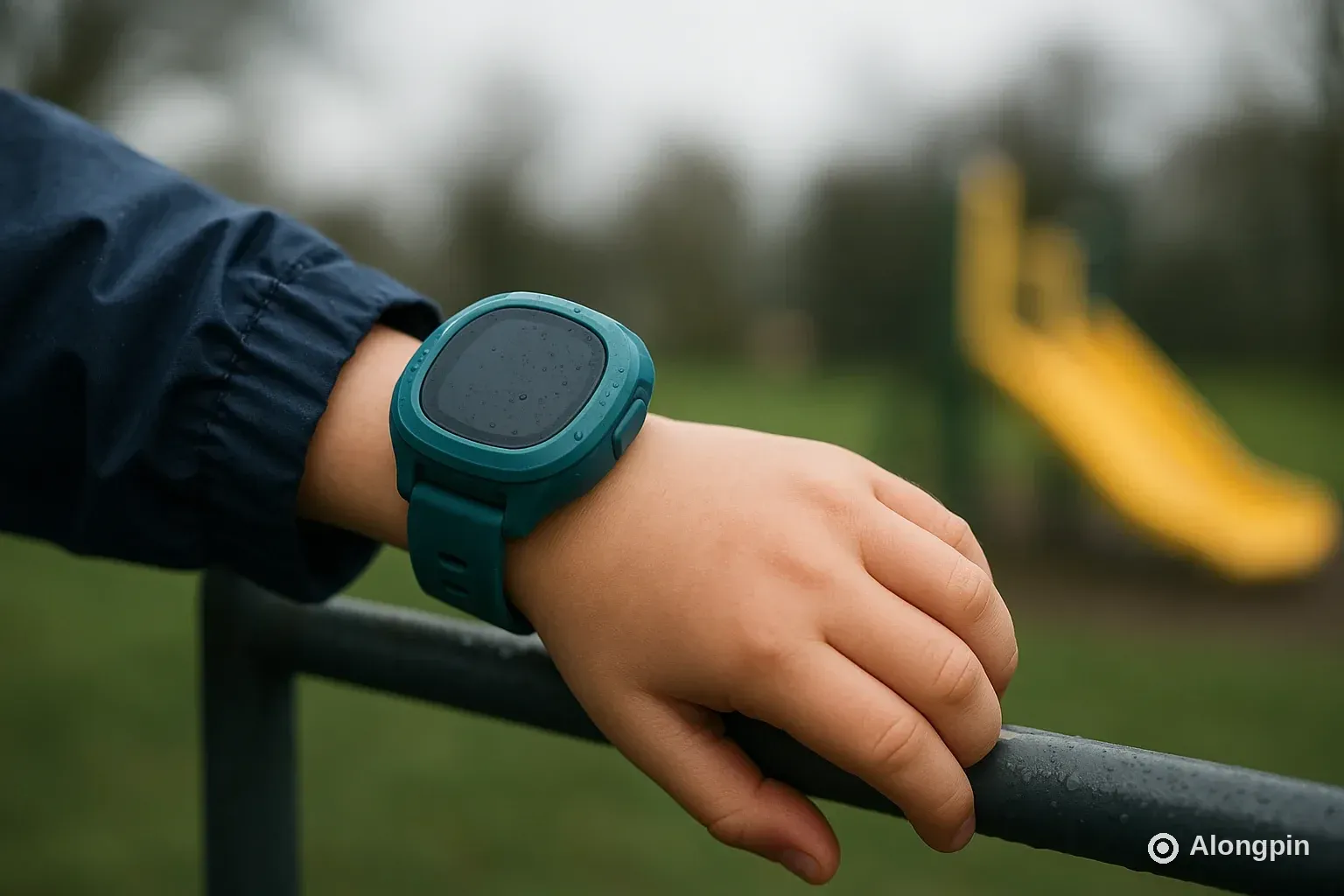
The best watch is the one your child keeps wearing. Before ordering, check:
- Size and weight on a small wrist. Some children's watches are chunky. A watch that slides about or catches on sleeves comes off at school.
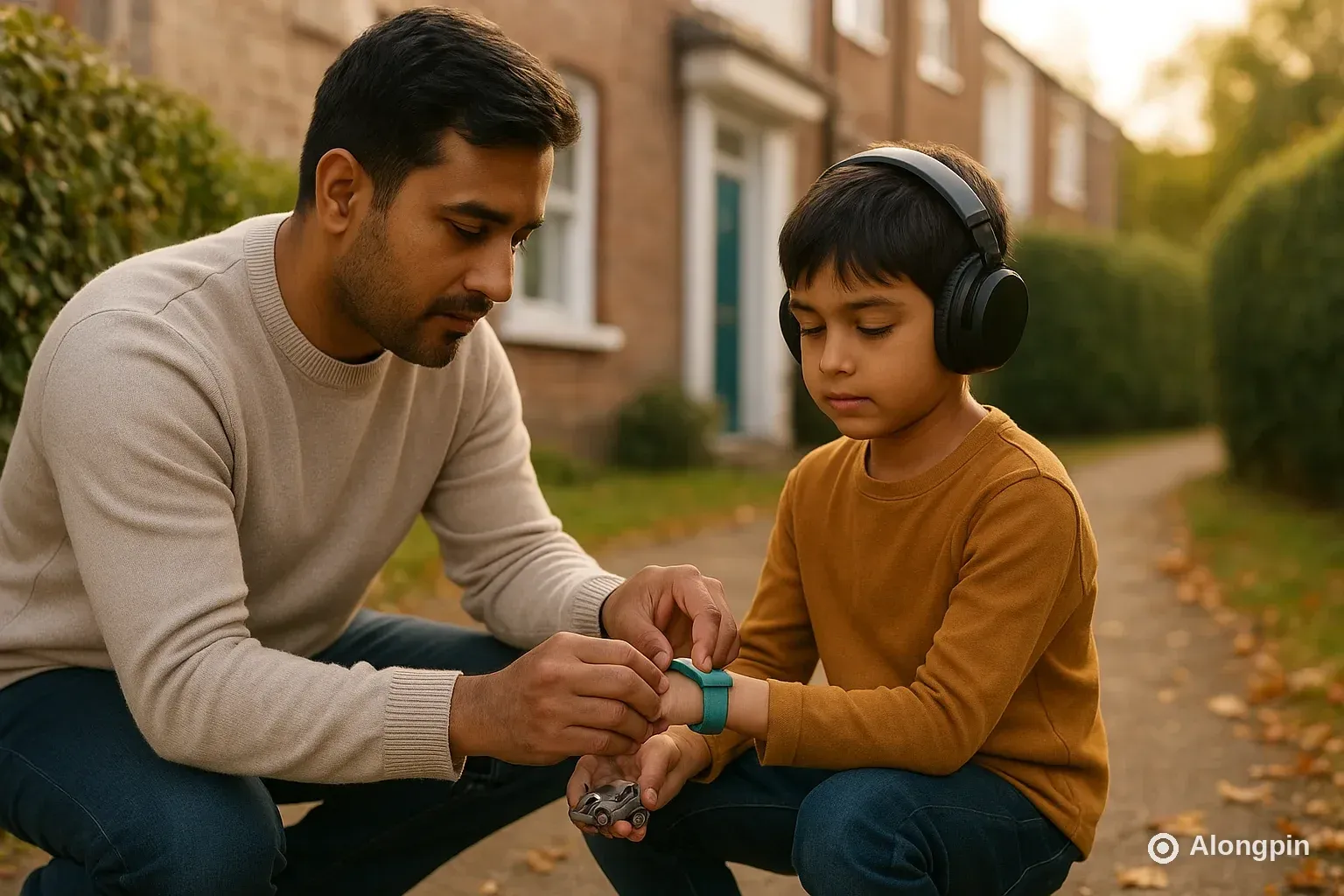
- The strap and buckle. Soft silicone with a buckle a child can fasten is easier than a stiff band. Ask whether replacement straps are sold.
- Water resistance. Hand-washing, rain and puddles are a given. Check what the maker says about splashes and immersion rather than assuming.
- The screen. Toughened glass or a raised bezel survives climbing frames better than a flush screen.
- Charging. A magnetic or clip charger is easier than a fiddly port, and a spare charger at a grandparent's house saves arguments.
- Battery life on a school day with location reporting switched on. Makers often quote standby time; ask how long it lasts with positions every few minutes.
The SIM and the mobile network it needs
A GPS watch is a small phone. It needs its own SIM, usually a nano SIM, with:
- A data plan, for positions and alarms. The data used is small.
- A voice plan, if you want the watch to make and take calls.
- The PIN switched off, or the watch cannot use it.
- Coverage where your child goes, on a network generation the watch supports. Older watches may need a network your operator is switching off; check before you buy.
Calls and messages run between the watch and the numbers stored in it; they do not go through your tracking account.
Check the model is supported before you order
The watch must speak a protocol your tracking platform decodes. Many children's watches use the protocol of Wonlex- and SeTracker-type watches; others use the Topin protocol. Type the model or maker into the device check before you order: a match means the protocol is decoded, not that every model has been tried. The watches page lists what these watches report, which commands they take, and what simple children's watches leave out, such as heart rate.
How the watch connects to an account your family controls
With Alongpin, the watch reports to your own account, not to an app the watch maker controls:
- Add the watch under Devices with its identifier, usually its IMEI from the label, the box or the watch's menu.
- Point the watch at the server: the portal's Set up the tracker shows the server address and the port for the watch's protocol. You usually send these to the watch by a text message its manual gives.
- See it online on the live map, in a browser on your computer or phone.
- Add safe zones and an SOS rule.
- Share it with the other parent, read-only, if they have a user in your account.
History is kept for a set period, 365 days by default, so it does not pile up for ever. The step-by-step version is in setting up a child's GPS watch, and the personal safety page shows how families use the platform.
Setting expectations with your child
A watch works best when your child knows what it does. Before the first school day, tell them that you can see where the watch is and get a message when they reach school, that the SOS button is for real trouble, and that it needs charging every evening. Practise one SOS press together and check it arrives. Children who understand the watch are less likely to take it off, hide it in a bag or press SOS for fun.
A checklist before you order
- The model appears in the device check.
- It reports location, SOS and battery; safe zones are handled by your account.
- Water resistance, strap and size suit your child.
- A nano SIM with data (and voice if you want calls), PIN off, with coverage where your child goes.
- Battery life on a school day with reporting on.
- A quiet or class mode, if your school asks for one.
How Alongpin helps
Alongpin (alongpin.com) is a GPS tracking platform you open in a browser or on your phone. A child's GPS watch or a teenager's phone shows on your family's map, geofences around home and school tell you about arrivals, and the SOS button reaches the people you choose. See how it works for family safety, check a watch in the device check, and read how Alongpin treats privacy.
Frequently asked questions
Does my child need a smartphone for the watch to work?
No. The watch reports by itself over its own SIM. You see it in a browser or on your phone.
Will the position be exact inside the school?
Often not. Indoors many watches use cell or Wi-Fi estimates. Draw the school zone generously.
Can I use a watch I already own?
Often, if its protocol is supported. Check the model in the device check.