Elder care
Keeping a parent's GPS watch charged: routines and alerts
The most common reason a watch fails on the day it is needed is a flat battery. Simple charging routines, low battery alerts that let a relative step in, and how the reporting interval affects battery.
Ashish Srivastava6 min read

GPS watch battery life for the elderly matters more than any other feature, because a watch that is flat sends nothing: no SOS, no position, no alerts. A frequent reason a watch fails on the day it is needed is not the button or the signal, it is the charger. The answer is a charging habit tied to something your parent already does every day, low battery alerts that let a relative step in with a friendly phone call, and a reporting interval that fits the watch. This guide shows all three, and the signs that a watch is simply too demanding for the person wearing it.
Key takeaways
- A flat watch cannot send an SOS or a position. Battery comes first.
- Tie charging to a fixed daily moment, with the charger always in the same place.
- Switch on Low battery in the profile's alert settings, so a carer gets an alert and can ring.
- Add an alert for a watch that stops reporting: it catches the watch that went flat anyway.
- Reporting more often uses more battery. Change the interval only if the model supports it, and test.
Why battery matters more than any other feature
Every other feature depends on it. An SOS button on a flat watch is a decoration. A leaving-home alert needs a position, and a position needs power. A no-movement alert is not raised when the watch has gone silent, because silence is not stillness. And the person least likely to notice a flat watch is often the one wearing it: the screen goes dark, the watch still looks like a watch, and nothing seems wrong until someone tries to reach her.
How long a charge lasts depends on the model, how often it reports, how often it has to search for signal, and features such as heart rate. The manufacturer's figure is a best case. Watch the battery level for the first two weeks to learn what your parent's watch really does.
Step 1: Build a charging habit tied to a daily routine
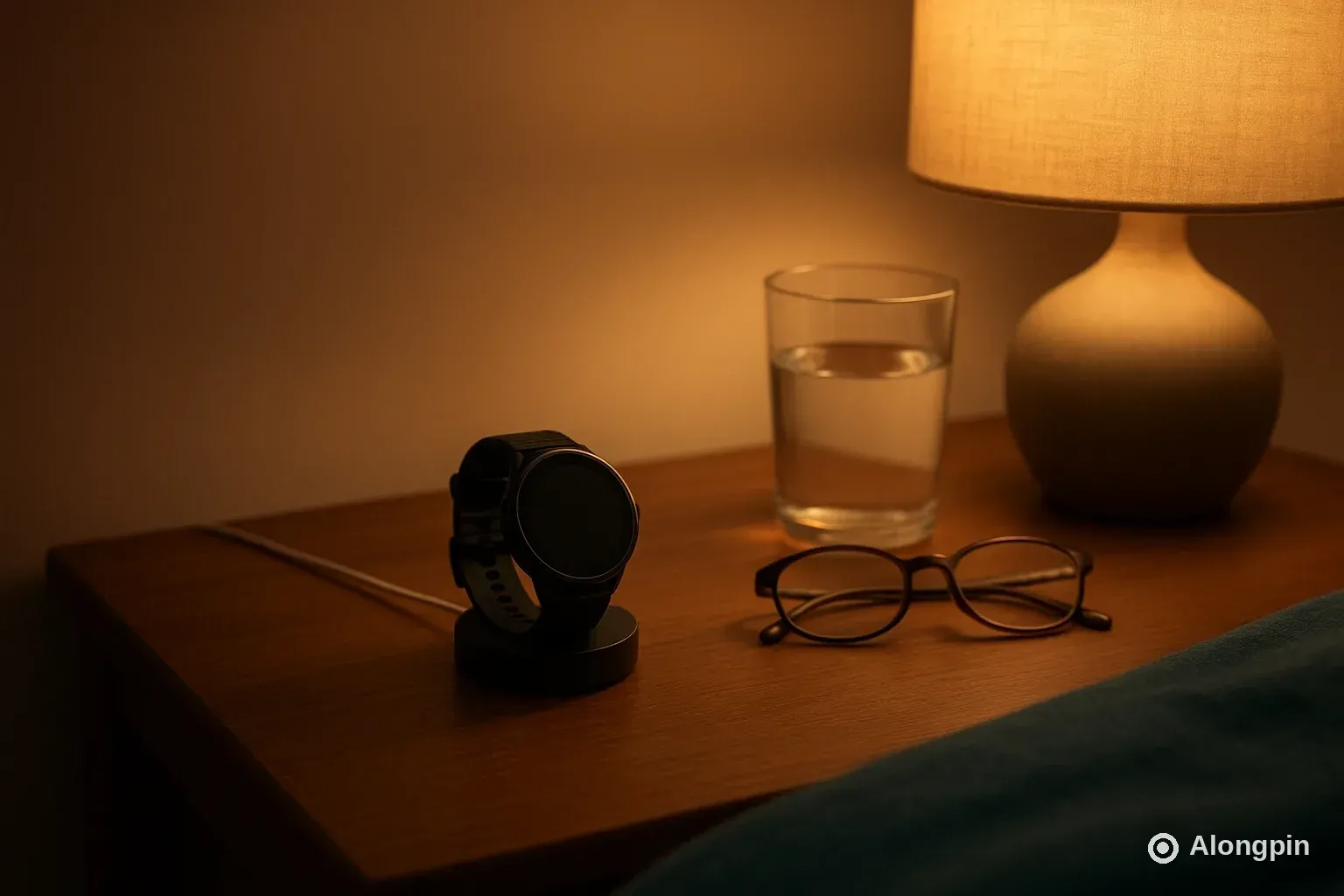
Habits stick when they hang on something that already happens every day. Pick one moment and one place:
- At the bedside, at night. The watch comes off with the glasses and goes on the charger beside them; it goes back on with the glasses in the morning. This works for watches that last more than a day.
- During breakfast or the morning news. For watches that need a top-up during the day: it charges while she eats and goes back on before she leaves the house.
- With the evening phone call. If a family member rings every evening, "is the watch on the charger?" can become part of the call.
Make it physically easy. Leave the charger plugged in permanently in that one place. A cradle or magnetic charger the watch drops onto is easier for stiff fingers than a small clip. Keep a second charger where she spends the afternoon if she naps or reads there for hours.
Then write the routine down in her own words and stick it near the charger. It is her habit, not yours.
Step 2: Turn on low battery alerts for carers
Low battery alerts are off by default. Open your parent's profile under Pets and elders, choose Alert settings (or go to Settings → Pets and elders → Care alerts and pick her profile), and switch on Low battery: "When the tracker reports a low battery". Save.
From then on, when the watch reports that its battery is low, a Low battery care alert goes to the profile's owner, everyone it is shared with for Everything or Location only, and contacts with Receives alerts, through the channels ticked under Send alerts by. The level at which a watch reports a low battery is set by the watch, not the platform.
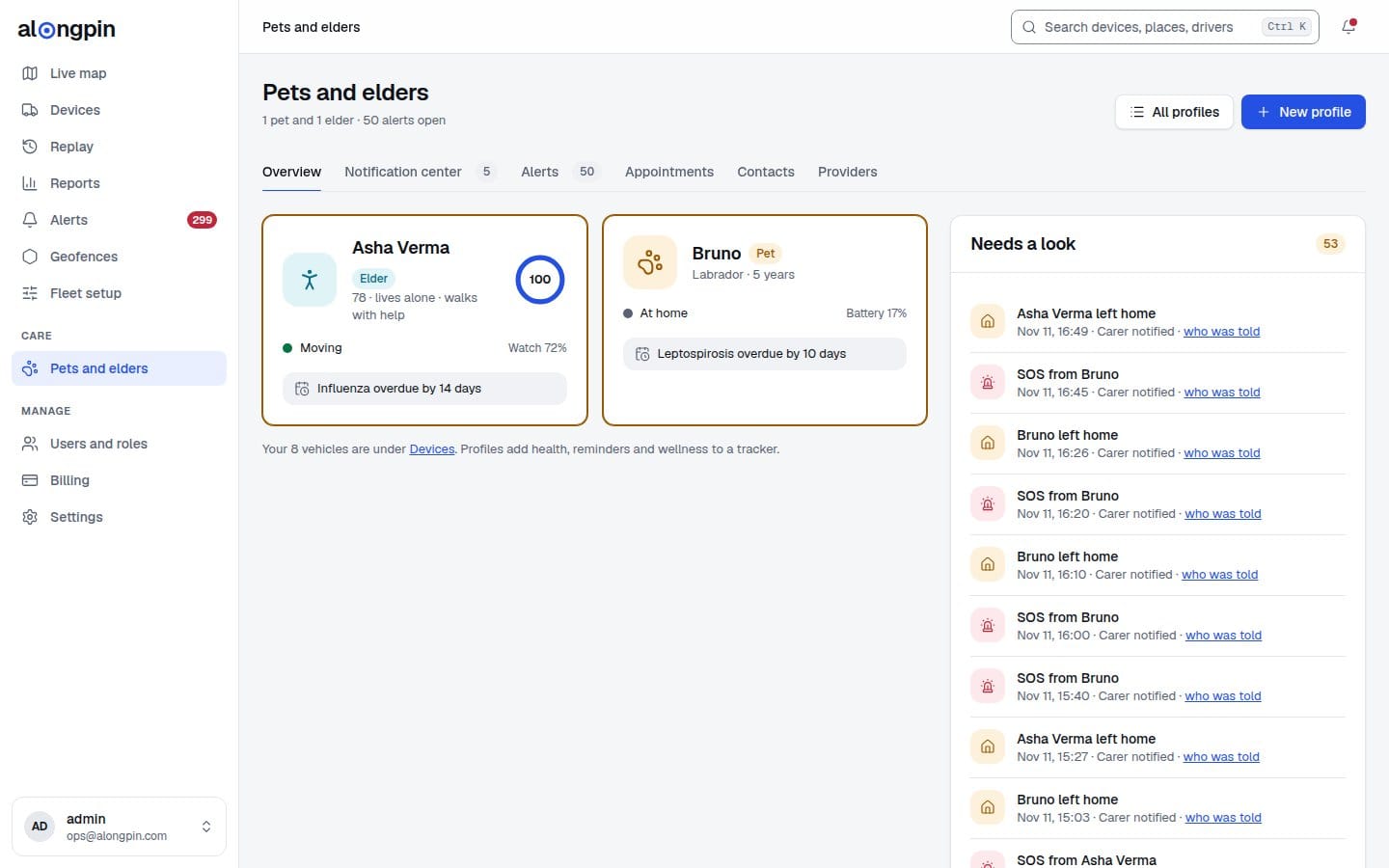
The Pets and elders overview also lists a low watch under Needs a look with "Charge it soon", and the profile shows the watch's battery among its readings.
Step 3: Do something friendly with the alert
A low battery alert is a reason for a short, kind call, not a reprimand:
- Whoever sees the alert first rings: "Your watch says it's getting tired, could you pop it on the charger?"
- They acknowledge the alert, so the rest of the family knows it is handled.
- If she does not answer, the watch will go flat soon. Try the neighbour or the relative nearest to her.
If the same alert comes at the same hour every day, the routine is in the wrong place. Move charging to a moment before that hour.
A neighbour or a home help who visits daily can be a contact with Receives alerts, so the person who can actually put the watch on the charger hears about it. Giving a paid carer or neighbour location-only access shows how to involve them without opening her health records.
Step 4: Add an alert for a watch that stops reporting
Sometimes the watch goes flat anyway. An alert rule under Alerts can tell you when a device stops reporting, so a dead battery does not go unnoticed until the next time you need the watch. Getting an alert when a device stops reporting shows how to set it up. On the live map, a watch that has not reported for a while shows as Unknown, and later as Offline.
Together, low battery and an offline alert cover both ends: the warning before it goes flat, and the notice once it has.
Step 5: Understand the reporting interval and its effect on battery
A watch reports its position at intervals. The shorter the interval, the fresher the map, and the faster the battery drains. Searching for a weak signal indoors also costs power.
Many watches let you change the interval, and some have power-saving modes. Where the model supports it, you can send such settings from the watch's page in the portal with Send command, for example Report periodically with a number of seconds. Which commands a watch accepts depends on its model and protocol.
Before you change anything, think about what you need. For a parent who mostly stays home, a longer interval often costs little: the SOS alarm is sent when it is pressed, not at the next scheduled report. For someone who walks out alone and might get lost, a fresher position is worth more battery. Change one thing at a time and watch the battery for a few days. The remote commands page explains how commands reach a device.
Signs a watch is too demanding for the person
A good routine fails if the watch asks too much. Watch for:
- It needs charging more than once a day, and she cannot manage that.
- The charger is fiddly: small pins, a clip that needs two hands, a cable that falls behind the table.
- She cannot tell when it is low, because the screen is small or the battery icon is not clear to her.
- Low battery alerts come most days despite a routine she is trying to keep.
- She takes it off to charge and forgets to put it back on, so it spends the day on the charger.
Then the fix is the device, not the person. A model with a longer battery life, a simpler charging cradle, or a different form such as a pendant may suit her better. Compare what models report and how they charge on the watches and personal alarms page.
Common mistakes
- Leaving low battery alerts off. They are off by default; switch them on.
- Shortening the interval for a fresher map without checking what it does to the battery.
- Charger in a drawer. Out of sight is out of routine.
- Relying on her to notice. The alert is there so she does not have to.
What success looks like
The watch is charged at the same moment every day, a low battery alert is rare and ends with a short call, and the family would know within a while if the watch went silent. The alerts page covers rules and channels, and the elder care solution shows the whole setup.
How Alongpin helps
Alongpin (alongpin.com) is a GPS tracking platform you open in a browser or on your phone. A parent's GPS watch or alarm becomes a care profile: SOS, fall, leaving-home and inactivity alerts reach the family and emergency contacts, and health readings, medication refills and appointments sit in one place you can share. See how it works for elder care, and check a watch in the device check.
Frequently asked questions
How long should a GPS watch battery last for an elderly parent?
It depends on the model, the reporting interval and the signal where she lives. Watch the real battery level for two weeks and set the routine from that.
Who gets the low battery alert?
The profile's owner, everyone it is shared with for everything or for location, and contacts who receive alerts, on the channels ticked for the profile.
Can I change how often the watch reports from the portal?
On models that support it, yes, with a remote command such as Report periodically. Test the effect on battery before keeping it.