Cars and bikes
A tracker for your scooter: everyday use in the city
A GPS tracker for your scooter: a small wired tracker with a local SIM, a parking zone at home and at work, a map the whole family can check, and a package you pay by Razorpay, card or bank transfer.
Ashish Srivastava5 min read

A GPS tracker for a scooter is a small wired box hidden under the body panels, with a local SIM, that shows where the scooter is and tells you when it leaves the place you parked it. In Indian cities, where most two-wheelers stand on the street outside home, the office or the metro station, and the same scooter is ridden by several people in the family, that is what owners want from a tracker: a parking alert at home and at work, and a map that everyone who rides it can check.
Key takeaways
- Two-wheelers are tracked mostly for street parking and shared use in the family.
- A compact wired tracker, fitted by a two-wheeler electrician, runs off the scooter's battery; it needs a local SIM with data.
- Draw a parking zone at home and one at work, with a leaving alert for the hours the scooter should stand.
- Family members see the scooter through their own sign-in or a share link that ends on a date.
- Pay for the package by Razorpay, card or bank transfer, as your checkout offers.
Why track a scooter at all?
Two reasons come up again and again.
Street parking. A scooter outside a housing society, an office or a station stands in the open for hours, often in a row of near-identical two-wheelers. A tracker tells you if it moves while it should be standing, and shows you where it went.
Shared use. The same scooter goes to college in the morning, to the market in the afternoon and to the gym in the evening. "Where is the scooty?" is answered on the map instead of a round of phone calls, and the trip history shows when it came back.
A compact wired tracker and a local SIM
For a scooter, a small wired tracker is the usual choice:
- It fits under the body panels or the seat, connected to the scooter's battery by an electrician who knows two-wheelers. Keep it under plastic, not metal, so it keeps a GPS and mobile signal, and away from heat and water.
- It needs a SIM with a data plan from a local operator that covers where you ride and park. Each message is small, so a basic data plan is usually enough. Check that the operator still serves the network type your tracker uses.
- It reports the ignition on most wired models, so the map can tell riding from standing.
- On an electric scooter, the main battery runs at a higher voltage than a petrol scooter's 12-volt battery. Ask for a tracker rated for that voltage, or have the electrician fit a suitable converter.
Before you buy, type the tracker’s model or protocol into the device check to see whether the platform decodes it, and read the vehicle trackers page for what it shows: position, ignition, battery and the alarms the tracker raises. When you add the tracker in the portal, Set up the tracker shows the server address and the port of the tracker's protocol, which you send to the tracker as its manual describes.
A parking zone at home and at work
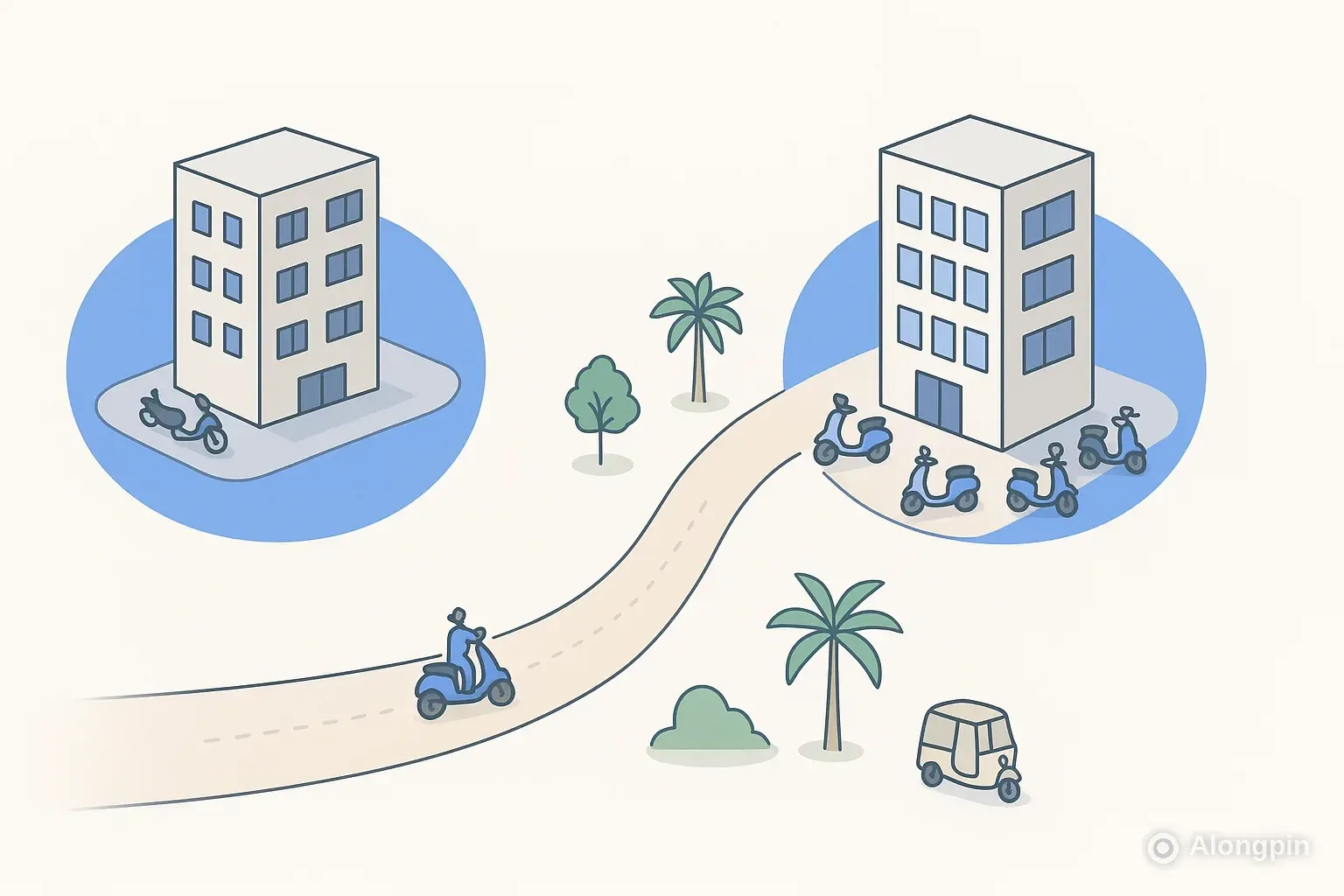
A zone is a shape you draw on the map. Two zones cover most of a scooter's standing time:
- In Geofences, draw a circle around the parking area of your building or society, wide enough to cover the whole row of two-wheelers with some margin, because a parked scooter's position drifts by a few metres.
- Draw a second circle around where it stands at work, college or the metro station.
- Attach both to the scooter.
- In Alerts, choose New alert rule, pick Geofence exit under When this happens and limit it with Only these geofences to the two zones.
- If the scooter is ridden every day, add Only during with a calendar, for example the night at home and office hours at work, so the alert comes only when nobody should be riding it.
The geofences page shows how zones and their alerts work. If you also want to know when the scooter reaches home, add a second rule on Geofence enter.
Who in the family can see it?
There are two ways to let others see the scooter.
Their own sign-in. If your account may add users, you add each family member under Users and roles and share the scooter with them. Each one signs in with their own email and password, sees the scooter on the map and can receive the alerts. Whether your account can add users depends on your package and on the server.
A share link. On the scooter's page in Devices, Settings has Share links, where New link creates a link that anyone can open without signing in. You choose when it stops working, and can end it at any time. This suits a cousin who borrows the scooter for a week.
Whoever rides the scooter should know it has a tracker. Tracking is easier to agree on when everyone knows what is visible.
The alerts can reach more than one person. Each family member with a sign-in can make their own alert rule for the scooter, or, as the account holder, you add them under Who receives it in your rule. One person can then get the night-time parking alert while another only wants to know when the scooter is back home.
What you see after a day of riding
The scooter's page in Devices shows the day at a glance: distance today, driving time, top speed and stops. Under Trips, each ride has its start and end, its distance and its speeds, and Replay plays it back on the map. That answers the everyday questions without a phone call: when did it leave college, did it come straight home, where was it parked at the market.
Paying in a way that suits you
The package you pay for is the platform: the map, the trips, the zones and the alerts. The SIM is paid to your operator, and the tracker is bought once. The pricing page shows the packages and their prices.
At checkout you choose how to pay among the methods your server offers, which can include:
- Razorpay, with the cards, UPI and other methods it offers you;
- a card, through an online provider;
- bank transfer, where you receive an invoice and pay it within the days shown.
The help article on payment methods explains each one.
How Alongpin helps
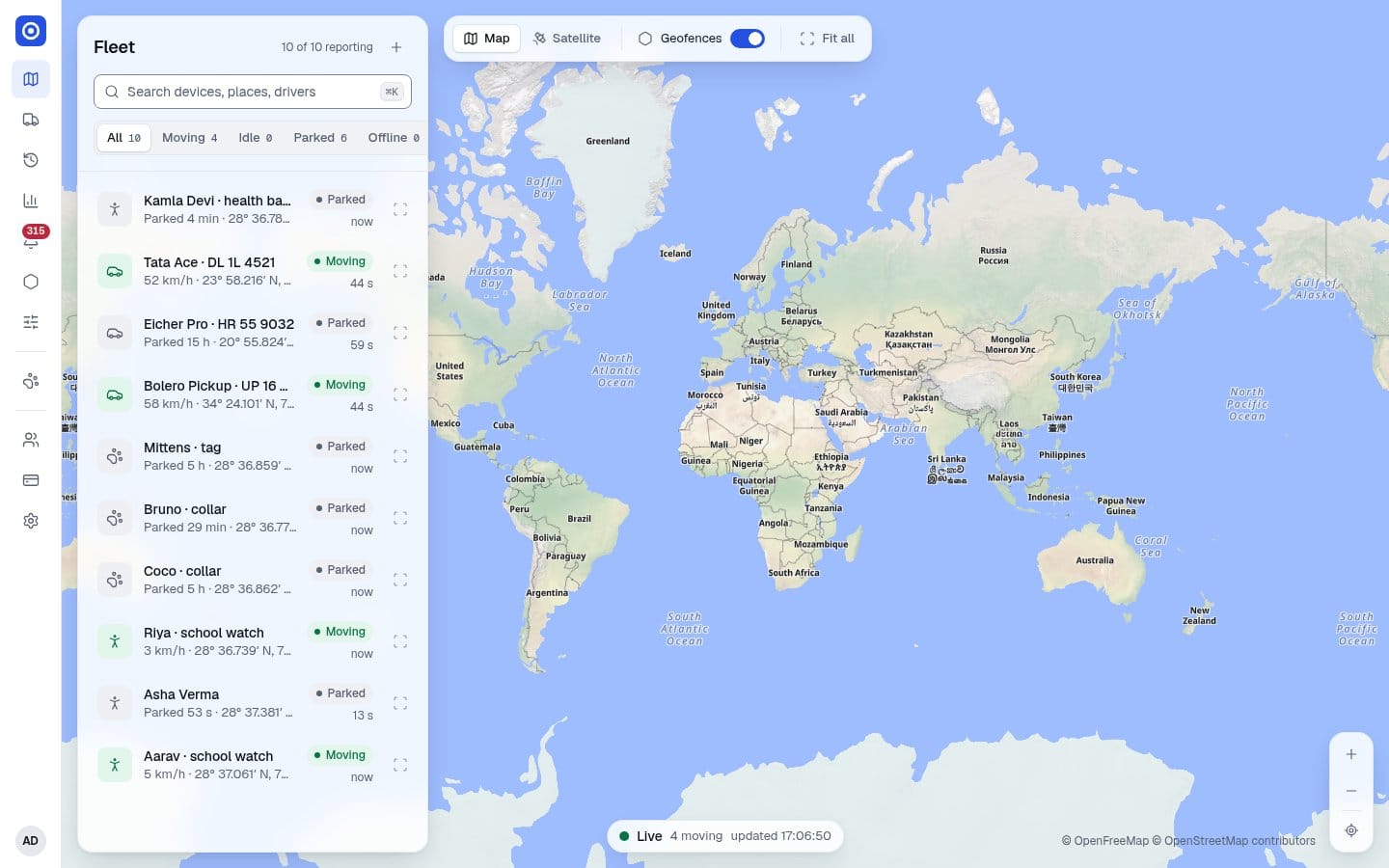
Alongpin (alongpin.com) is a GPS tracking platform you open in a browser or on your phone. A tracker in your car, motorbike, scooter or bicycle shows on the live map, with trip history, geofences around home and work, and alerts when it moves or leaves. Check your tracker in the device check, see the vehicle trackers it works with, and start on the pricing page.
Frequently asked questions
Does a GPS tracker work on any scooter?
A wired tracker works on any scooter with a battery it can draw from. Petrol scooters run on 12 volts; electric scooters need a tracker rated for their battery voltage, or a converter.
Will the tracker drain the scooter's battery?
It draws a small current, less while it sleeps. On a scooter ridden every day this is rarely noticed. If it stands for weeks, ask about the tracker's standby current and sleep mode.
Does it help if the scooter is stolen?
It tells you quickly and shows where the scooter is, which you give to the police. It does not recover the scooter; the post on car theft and GPS trackers explains what a tracker can and cannot do, and the same applies to two-wheelers.