Cars and bikes
Car theft and GPS trackers: what a tracker can and cannot do
Does a GPS tracker help recover a stolen car? It gives you an alert and a position for the police; it does not recover the car. What stops a tracker, how a home zone warns you early, and what to hand the police.
Ashish Srivastava6 min read

A GPS tracker helps after a car theft in one specific way: it tells you quickly that the car has moved and shows where it is, so you can give the police a current position, a time and a route. It does not recover the car. Getting a stolen car back is a matter for the police and your insurer, and a tracker can be stopped by cutting its power, by losing mobile coverage or by a jammer. Set up well, it gives you an early warning and good evidence; it is not a guarantee.
Key takeaways
- What you get from a tracker after a theft is an alert and a position, and the route the car took.
- Power cuts, no coverage and jammers can stop a tracker from reporting; some trackers raise an alarm first.
- A small zone around where the car is parked is the earliest warning you can set.
- Give the police the position, the time and the route; do not go after the car yourself.
- A share link with an end date lets the right people watch the car without your password.
What does a tracker tell you when a car is stolen?
Two things: that something happened, and where the car is.
The alert. A rule on Geofence exit tells you the moment the car leaves the zone around where you parked it. Depending on the tracker, you may also get an Alarm such as a power cut, a tow alarm (the car moves with the ignition off), vibration or tampering. Which alarms exist depends on the tracker model; the platform passes on what the tracker reports.
The position. The live map shows the car as it moves, with its speed and the time of the last report. The car's Trips and Replay show where it has been since it left, stop by stop.
What can stop a tracker from reporting?
Being honest about this is what makes a tracker useful rather than a false comfort.
No power
A wired or plug-in tracker lives on the car battery. A thief who finds it can unplug it or cut the wires. Many wired trackers have a small backup battery and send a power cut alarm when the supply goes, which is itself an alert worth having. A plug-in tracker in the diagnostic socket is the easiest to find and remove.
No coverage
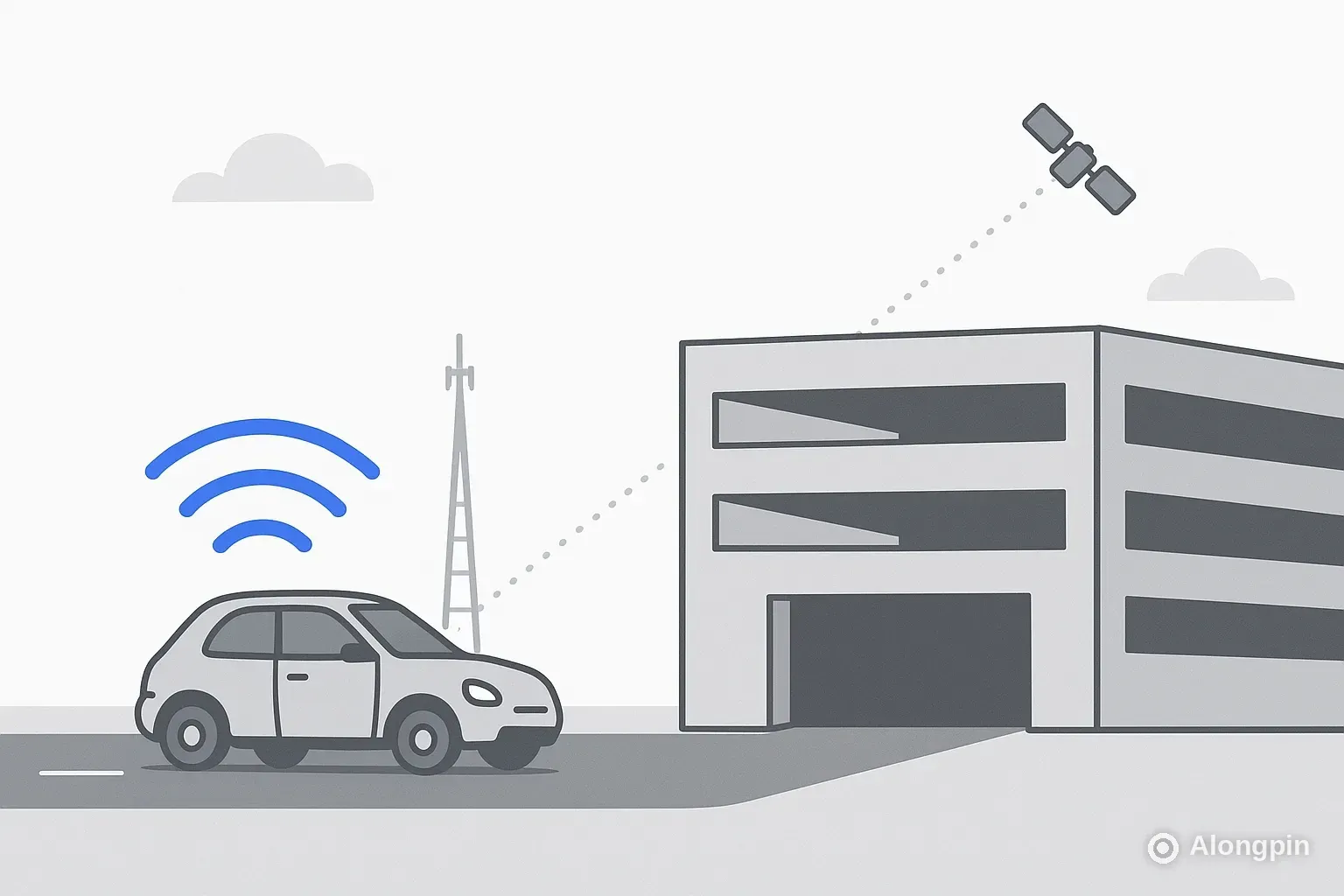
The tracker needs mobile coverage to send, and a GPS fix to know where it is. In an underground car park, a metal container or a remote valley it may report nothing. Most trackers keep their positions and send them when coverage returns, so the route fills in later. Alerts for events more than 15 minutes old are not sent in a standard setup, so the history arrives without a flood of late messages.
A jammer
A jammer blocks the mobile or GPS signal around the car. Some trackers detect it and report a jamming alarm before they go quiet; many do not. In practice, a car that suddenly turns Offline or Unknown on the map while it should be parked is a signal to look, whatever the cause.
A home zone as the early warning
Most cars are stolen from where they are normally parked, and most theft happens when the owner is asleep or away. The simplest early warning is therefore a small zone:
- In Geofences, draw a circle around your drive or the stretch of street where the car stands. Leave a margin of some tens of metres, because a parked car's position drifts a little.
- Attach the geofence to the car.
- In Alerts, add a New alert rule on Geofence exit, limited with Only these geofences to the home zone, and choose channels that wake you up: a text message or push, where your server offers them.
- If you do not want an alert every morning, use Only during with a night-time calendar.
The geofences page explains zones in general, and the home parking guide covers the night-time schedule and quiet hours in detail.
What should you give the police?
When the alert arrives and the car is not where it should be, call the police and tell them you have a tracker. They usually want:
- The current position, or the last one the tracker sent, with its time.
- The time the car left, from the geofence exit or the first movement of the trip.
- The route since then, from Replay; a trip can be exported as CSV, GPX or KML if they ask for a file.
- The car's description and registration, which the tracker does not know.
Keep the portal open and tell them when the position changes.
Do not go after the car yourself
It is tempting when the car is on your screen two streets away. Do not. You do not know who is in it or what they will do, and confronting them puts you at risk. Leave the recovery to the police, follow their advice, and tell your insurer as soon as you can.
A share link for the people who need to see it
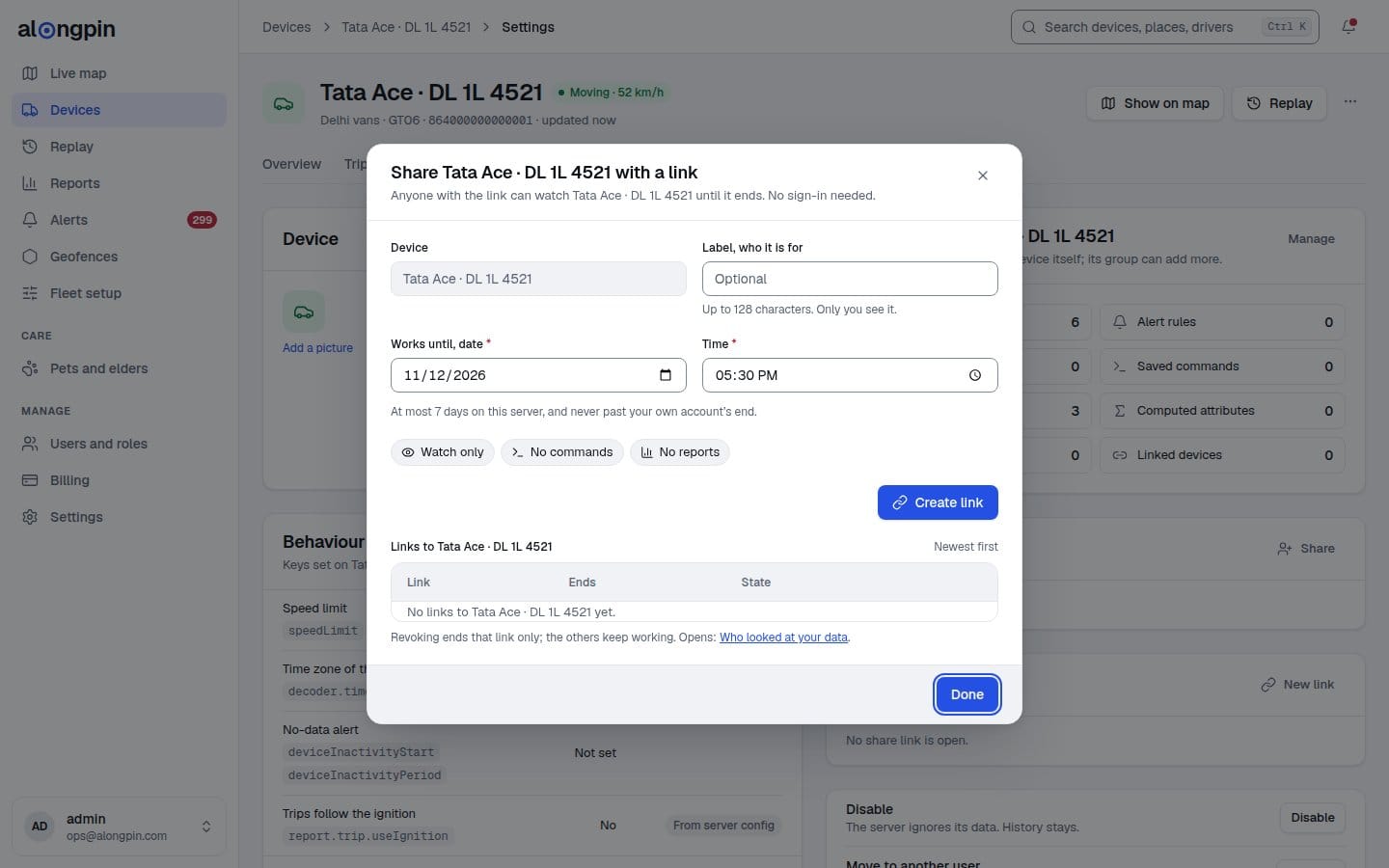
You may want someone else to watch the car with you: a partner, a relative, or the police if they ask for it. On the car's page in Devices, open Settings and choose New link under Share links. Anyone with the link can watch the car until the link ends, with no sign-in needed. You set the end date and time under Works until, give the link a label so you remember who it is for, can add a PIN (where the server allows it) and end the link at any time with End. The person sees the car, not your account, and cannot change anything.
Send the PIN separately from the link, for example by phone, so a forwarded message alone does not open it. When the car is back, end the link: a link to a car's position should not outlive the reason it was made.
How to set up a tracker for theft
A few choices make a tracker more useful against theft:
- Hide it. A wired tracker behind a panel is harder to find than a plug-in one in the diagnostic socket.
- Choose a model with a backup battery and a power cut alarm, and check which other alarms it reports.
- Set the alerts before you need them: the home zone, a power cut or tow alarm, and Device offline or Status unknown.
- Test the channels. In the rule, Test these channels sends a test message, so you know the alert reaches your phone.
- Check the tracker first in the device check, and see what the platform shows for each report on the vehicle trackers page.
How Alongpin helps
Alongpin (alongpin.com) is a GPS tracking platform you open in a browser or on your phone. A tracker in your car, motorbike, scooter or bicycle shows on the live map, with trip history, geofences around home and work, and alerts when it moves or leaves. Check your tracker in the device check, see the vehicle trackers it works with, and start on the pricing page.
Frequently asked questions
Does a GPS tracker help recover a stolen car?
It helps the police find it by giving them a position and a route, and it tells you quickly that the car has gone. Whether the car is recovered depends on the police and on how fast the tracker's position reaches them.
Can I stop the engine from the portal?
Only where the tracker and its wiring support an engine stop, and only as a command you send. Stopping a moving car in traffic can cause an accident, so talk to the police before you use it.
Does my insurer accept a tracker?
Some insurers ask for particular approved systems. Ask yours before you count on a discount; a tracker on its own is not an insurance product.