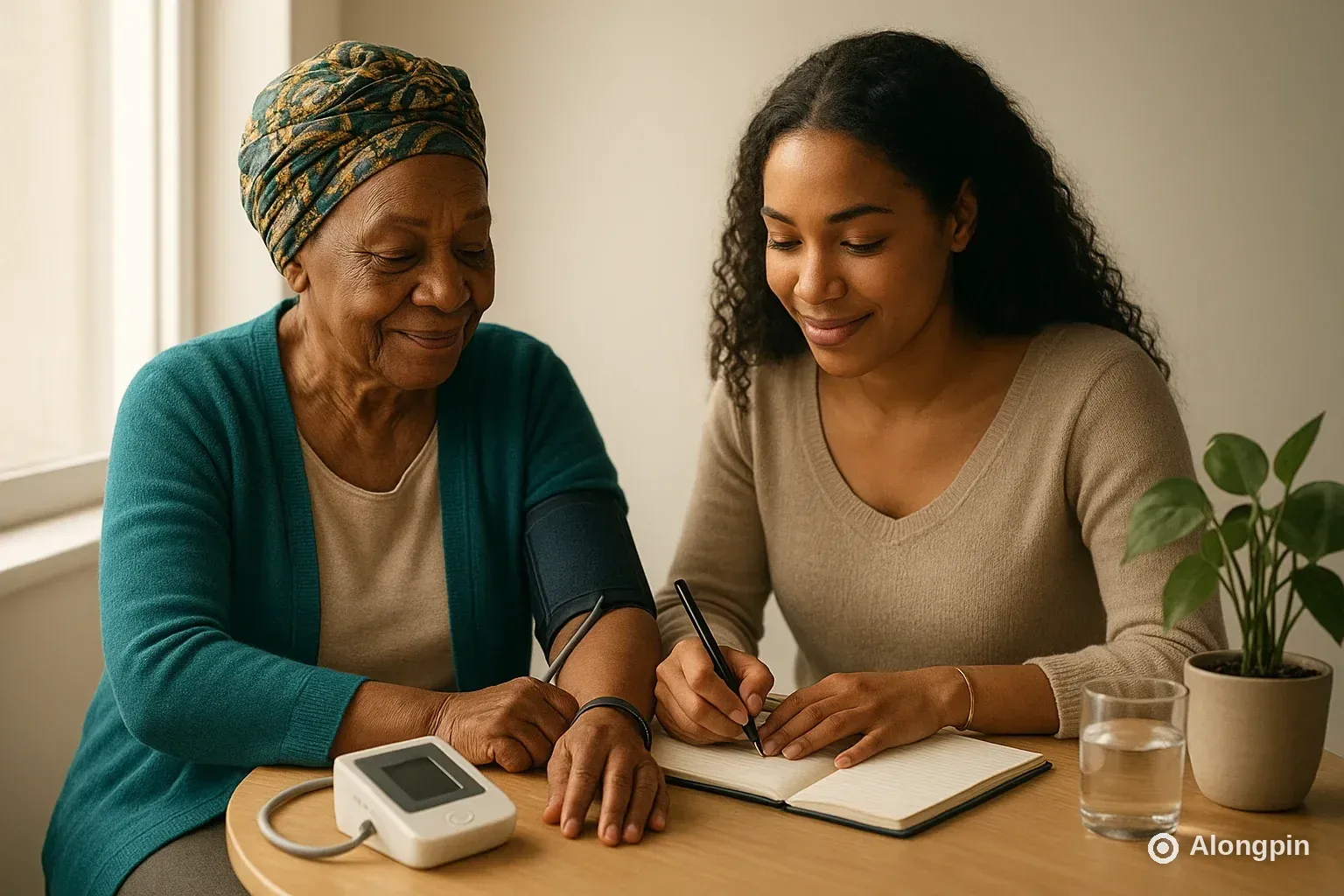
Elder care
GPS tracker for elderly parents living alone: what to look for
A buying guide for adult children choosing a GPS watch or personal alarm for a parent who lives alone: which functions matter, what depends on the model, how alerts reach the family, and what a tracker cannot do.
Ashish Srivastava5 min read

The best GPS tracker for elderly parents living alone is the one your parent will actually wear and charge, with an SOS button she can press without thinking, a reliable position, and alerts that reach you and the other people who look in on her. Fall alerts and health readings are useful extras, but only some models have them. Before you compare devices, start with the person; then check the functions that matter, how the alerts reach the family, and whether the model works with the platform you plan to use.
Key takeaways
- Choose for the wearer first: what she is comfortable wearing every day, and whether she will charge it.
- The functions that matter most: location, an SOS button, a leaving-home alert and a low-battery alert.
- Fall alerts and heart rate or blood pressure readings depend on the model; the platform shows them only when the device sends them.
- Decide who receives the alerts and how: in the app, by email, or by text message where it is switched on.
- A tracker does not replace an emergency service or a visit. Check the model before you buy.
1. Start with the person, not the device
A tracker that lives in a drawer protects nobody. Before you look at specifications, think about your parent's day:
- What will she wear? Some people are happy with a watch; others never wore one and will take it off. A pendant or a small alarm on a key ring may suit them better. Our comparison of a GPS watch or a pendant alarm goes through the trade-offs.
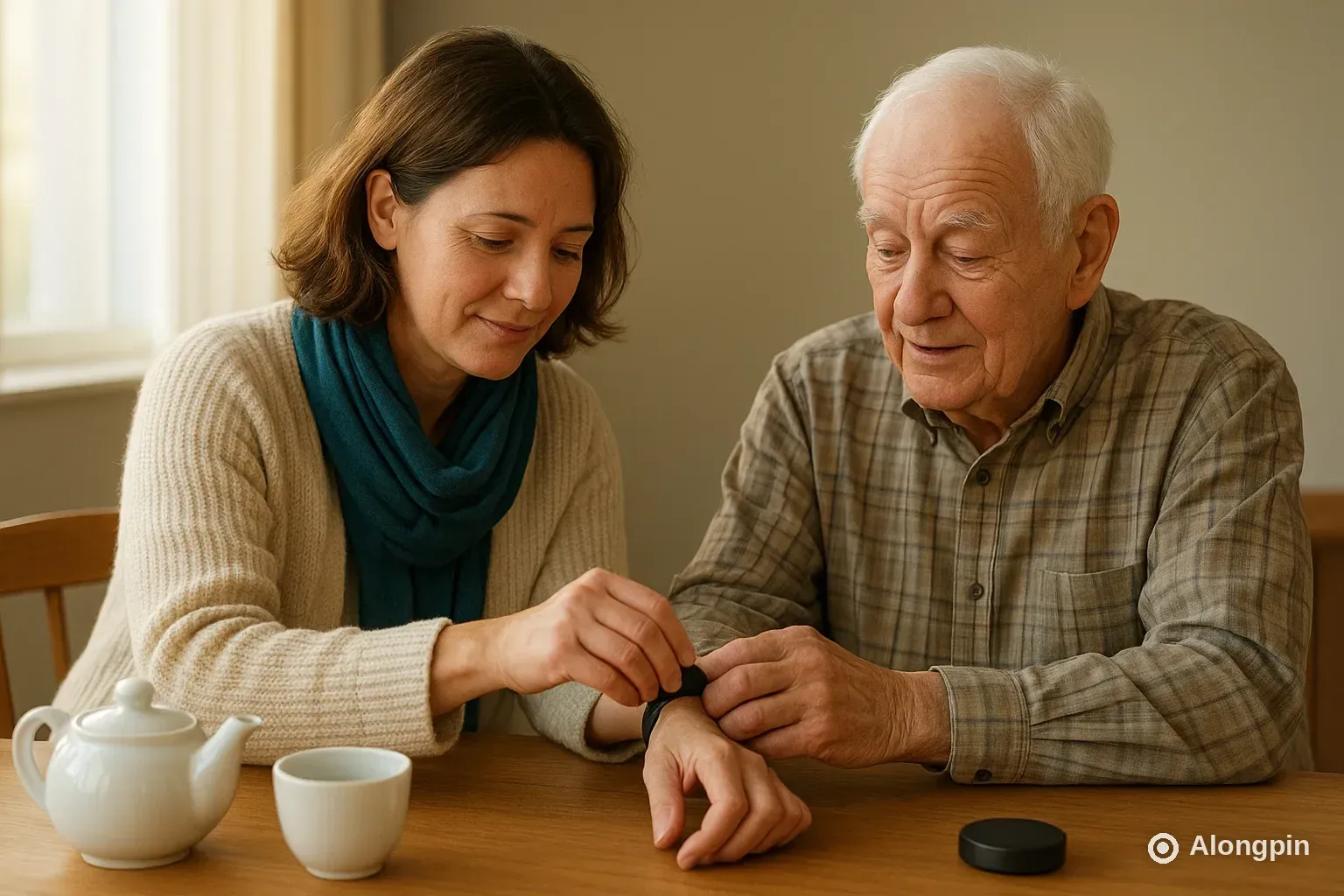
- Will she charge it? Most GPS watches need charging every day or two. A parent who forgets will have a flat device on the day it matters. A charging cradle by the bed, and a routine around it, help.
- Can she use the button? The SOS button should be large and easy to find by touch. Ask her to try it.
- What does she want? Talk about it with her. A device she agreed to is worn; one imposed on her may not be. Where the platform asks for a recorded consent before it stores her location, you record her agreement in her care profile.
2. Location that works where she goes
Every GPS tracker reports where it is. Look for one that also uses mobile cells and Wi-Fi, because indoors many watches cannot get a GPS fix and report the last known position or a cell or Wi-Fi estimate. Expect the position to be less exact inside buildings. The tracker also needs a SIM with mobile data that works where she lives and walks.
3. An SOS button
This is the function that matters most. When she presses it, the device sends the alarm with its position, the platform raises an alert at once, and everyone you chose is told. In the platform, SOS alerts cannot be switched off: every SOS the tracker reports raises an alert. Some watches also call one or more phone numbers themselves when the button is pressed; that is a feature of the watch, set on the watch.
4. A leaving-home alert
Draw a home zone around her house on the map, and you get a message when the tracker leaves it. This suits a parent whose memory is starting to slip, or who might go out at night. You can limit it to certain hours. How leaving-home alerts work explains how large to draw the zone and how to avoid false alerts.
5. A low-battery alert
A flat tracker cannot call for help. Choose a device that reports a low battery, and switch the low-battery alert on, so someone can remind her to charge it. An alert rule for a tracker that has gone offline adds a second safety net for the day it stops reporting altogether.
6. What depends on the model: falls and health readings
Two functions vary a great deal between devices:
- Fall alerts. Only a device that reports falls raises a fall alert. Some watches and personal alarms do; many do not. The platform does not detect falls from movement itself. A fall alert is useful, but no fall sensor catches every fall, so read what fall alerts can and cannot tell you before you rely on one.
- Health readings. Heart rate, blood pressure, oxygen or temperature appear only on watches and bands that have the sensor and send it. They are a record, not medical advice.
The platform adds a check of its own that works with any tracker that keeps reporting: a "no movement" alert after a set number of minutes without movement or new steps, within hours you choose. For a parent who lives alone, that is often more useful than a heart rate.
7. Who receives the alerts, and how
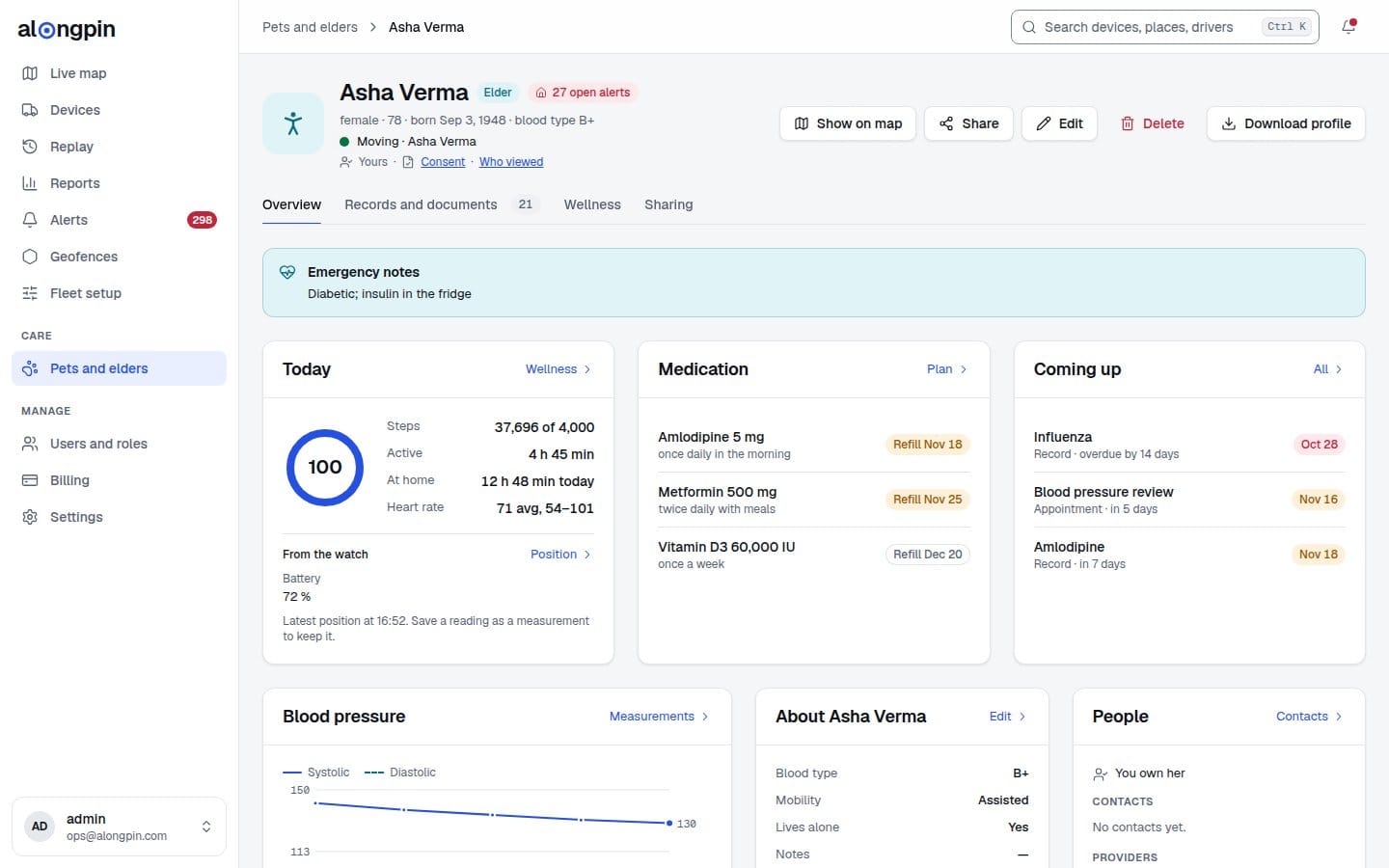
The device is only half of the system. The other half is the platform that turns its reports into alerts for the family. In a care profile for your parent you decide:
- Who is told: you as the owner, family members you share the profile with, and contacts such as a neighbour or a carer, who need no account of their own.
- How: in the app, by email, or by text message where the SMS channel is switched on for your account.
- What the message says: by default, emails and text messages say only that there is a new alert and to open the app, so nothing about her whereabouts or health travels by email or text.
An alert stays open until someone acknowledges it, and you see who was notified and whether the message arrived, so two people do not both rush over, and nobody assumes someone else went. The elder care page shows the whole flow from the button to the acknowledgement.
8. What a tracker is not
Be clear with yourself and with her about the limits:
- It is not an emergency service. The platform sends alerts from the tracker's own reports. It does not call an ambulance or a monitoring centre. Agree who will go, and keep the emergency number where she can find it.
- It does not replace a visit or a call. It tells you when something it can measure happens. It does not tell you she is lonely, or that the fridge is empty.
- It needs signal and battery. A watch with no coverage or a flat battery cannot report.
9. Check the model before you buy
Watches and alarms speak different protocols, and not every model works with every platform. Before you buy, type the model into the device check. The watches and personal trackers page lists the families the platform supports and what each reports, so you can see whether the fall alert or heart rate you want is part of that model.
A short buying checklist
| Question | Why it matters |
|---|---|
| Will she wear it and charge it? | An unworn tracker protects nobody |
| Is the SOS button easy to press? | It is the function she will need most |
| Does it use GPS, cell and Wi-Fi? | Indoor positions |
| Does it report a low battery? | So you can remind her to charge |
| Does this model report falls? | Only some do |
| Does the model pass the device check? | Otherwise the platform cannot read it |
| Does the SIM work where she lives? | No coverage, no alerts |
| Who will receive the alerts? | Agree it with the family before you start |
How Alongpin helps
Alongpin (alongpin.com) is a GPS tracking platform you open in a browser or on your phone. A parent's GPS watch or alarm becomes a care profile: SOS, fall, leaving-home and inactivity alerts reach the family and emergency contacts, and health readings, medication refills and appointments sit in one place you can share. See how it works for elder care, and check a watch in the device check.