Elder care
GPS watch or pendant alarm: which suits an older parent
A watch on the wrist or an alarm around the neck: how each is worn, which is simpler for unsteady hands, what each usually reports, and how either one shows up in the same care profile. For families deciding which one a parent will keep on.
Ashish Srivastava5 min read

Choosing between a GPS watch or pendant alarm for an elderly parent comes down to one question: which one will she keep on? A watch stays on the wrist, can show the time and often carries more sensors, but needs frequent charging and some people take it off. A pendant or pocket alarm is simpler, with one large button and usually a longer time between charges, but it is easier to leave on the bedside table. Both can send an SOS with their position, and both show up the same way in the family's care profile, so the decision is about the person, not the platform.
Quick verdict
- Choose a watch if your parent already wears one, is comfortable with a small screen and a daily charging routine, and you want fall alerts or health readings that some watches report.
- Choose a pendant or pocket alarm if she has never worn a watch, has unsteady hands or poor eyesight, or wants one obvious button and nothing else.
- Either way, check the exact model: fall alerts and health readings depend on it, not on the form.
The two forms
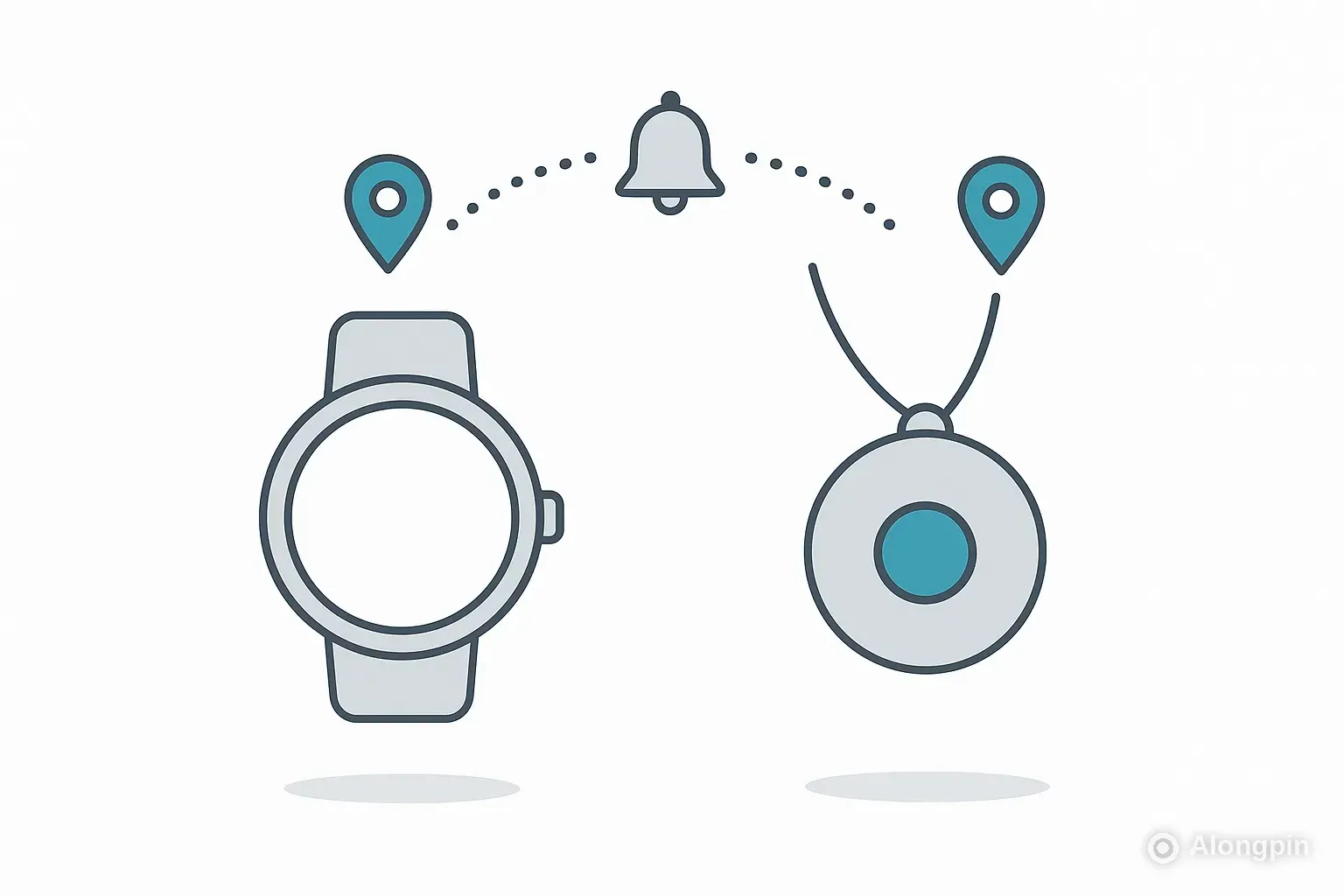
A GPS watch is worn on the wrist like any watch. It has a small screen, one or more buttons and a SIM inside. Many report location from GPS, mobile cells and Wi-Fi, an SOS button, and, on some models, fall alerts, being taken off, steps, and heart rate or blood pressure.
A pendant or personal alarm hangs on a cord around the neck, clips to a belt or sits in a pocket. It usually has one large SOS button and few or no other controls. Many report location and SOS; some report falls.
Quick comparison
| GPS watch | Pendant or pocket alarm | |
|---|---|---|
| How it is worn | On the wrist, all day | Around the neck, on a belt or in a pocket |
| Left behind | Taken off for washing or sleeping | Left on the table or in a coat |
| Buttons | Small; sometimes several | Usually one large SOS button |
| Screen | Small screen with the time | Usually none |
| Charging | Often every day or two | Often less often; check the model |
| Fall alerts | On some models | On some models |
| Health readings | On some health watches | On some models; check |
| Familiar look | Looks like a normal watch | Looks like an alarm |
| Best for | People who already wear a watch | People who want one simple button |
How each is worn, and how likely it is to be left behind
The best device is the one on the person when something happens. Watches have an advantage here: once on, they stay on through the day, and people who have worn a watch all their life barely notice it. But a watch is often taken off for washing, for sleep or because the strap feels tight, and it does not always go back on.
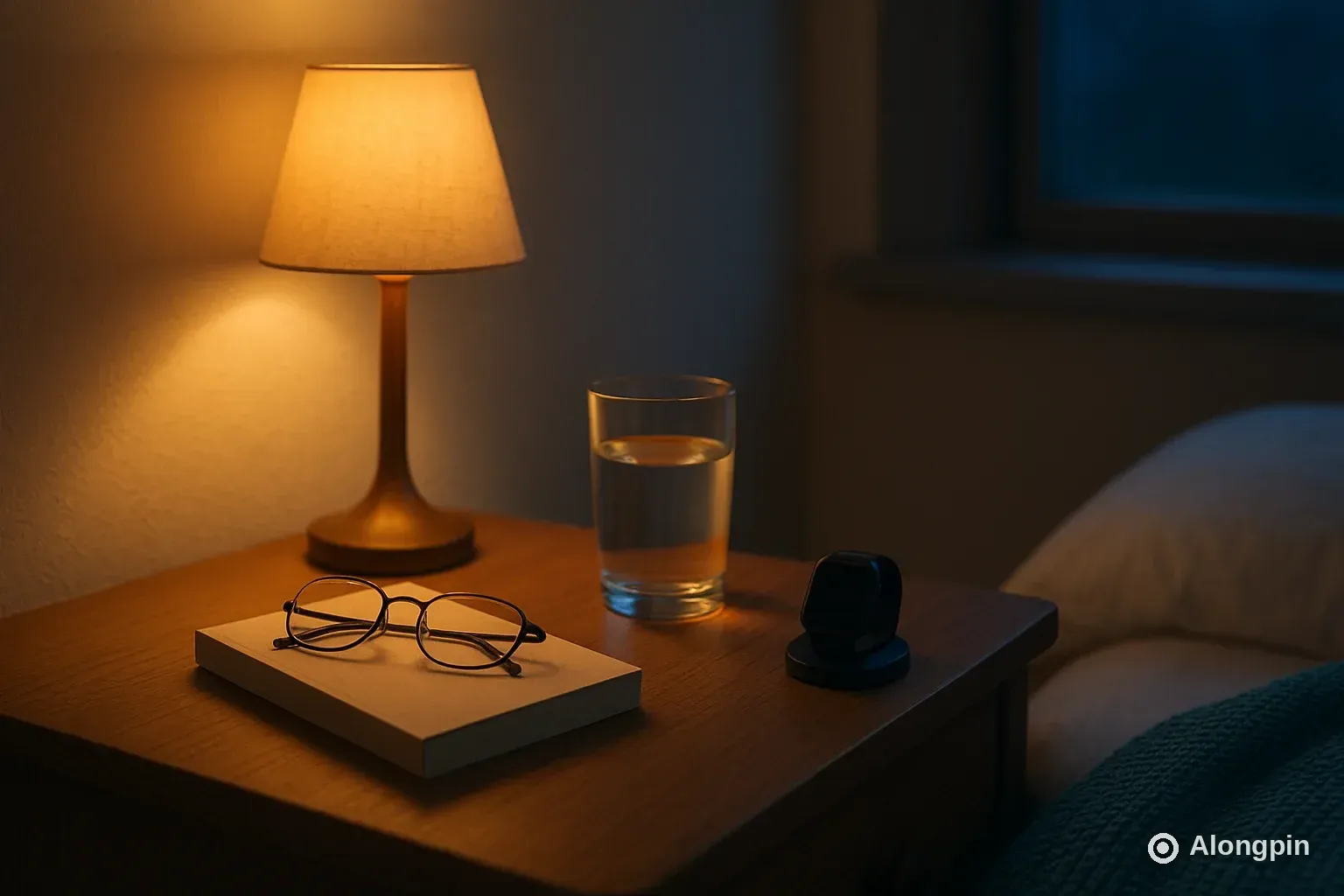
A pendant is easy to forget in a different way: it is put down on the table, left in yesterday's cardigan, or taken off because it knocks against things. A pocket alarm is only useful if it is in the pocket of the clothes she is wearing.
Ask her which she would forget less. If she is not sure, borrow or try both for a week.
Buttons, screens and charging: what is simpler for unsteady hands
For hands with arthritis or a tremor, a single large button on a pendant is easier than a small button on the side of a watch. A watch's screen can be useful for the time and for messages, but small text and touch screens frustrate some older users.
Charging is the hidden difference. Most GPS watches need charging every day or two, because the screen and the sensors use power. Pendants with no screen often last longer between charges, though this varies a great deal by model and by how often it reports. Whatever you choose, set up a routine (a cradle by the bed, charged during the evening news) and switch on the low-battery alert so someone notices a flat device.
What each type usually reports
Both forms commonly report:
- Location, outdoors from GPS and indoors often from mobile cells and Wi-Fi, which is less exact;
- SOS, with the position at the time it was pressed;
- Low battery.
What varies by model, not by form:
- Fall alerts. Some watches and some personal alarms report falls; many do not. The platform raises a fall alert only when the device sends one, and does not detect falls from movement itself.
- Taken off. Some watches report being taken off the wrist.
- Health readings. Heart rate, blood pressure, oxygen or temperature appear only on devices that have the sensor and send it, whichever form they take. Health watches are the usual choice when readings matter.
The watches and personal trackers page lists the device families the platform supports and what each reports.
Water, battery life and comfort at night
Water. Showers and washing up are where falls often happen and where devices come off. Check the water resistance rating of the model and what the maker says about showering with it. A device that must come off in the bathroom is absent where it is most needed.
Battery life at night. A device charged overnight is not on the person at night. If she gets up at night, consider charging during a quiet part of the day instead, or a model that lasts long enough to charge every other day.
Comfort. Some people find a watch uncomfortable in bed; a pendant cord can feel unsafe around the neck at night. A wrist alarm, a soft strap or a clip may suit her better. Ask her.
How either type shows up in the same care profile
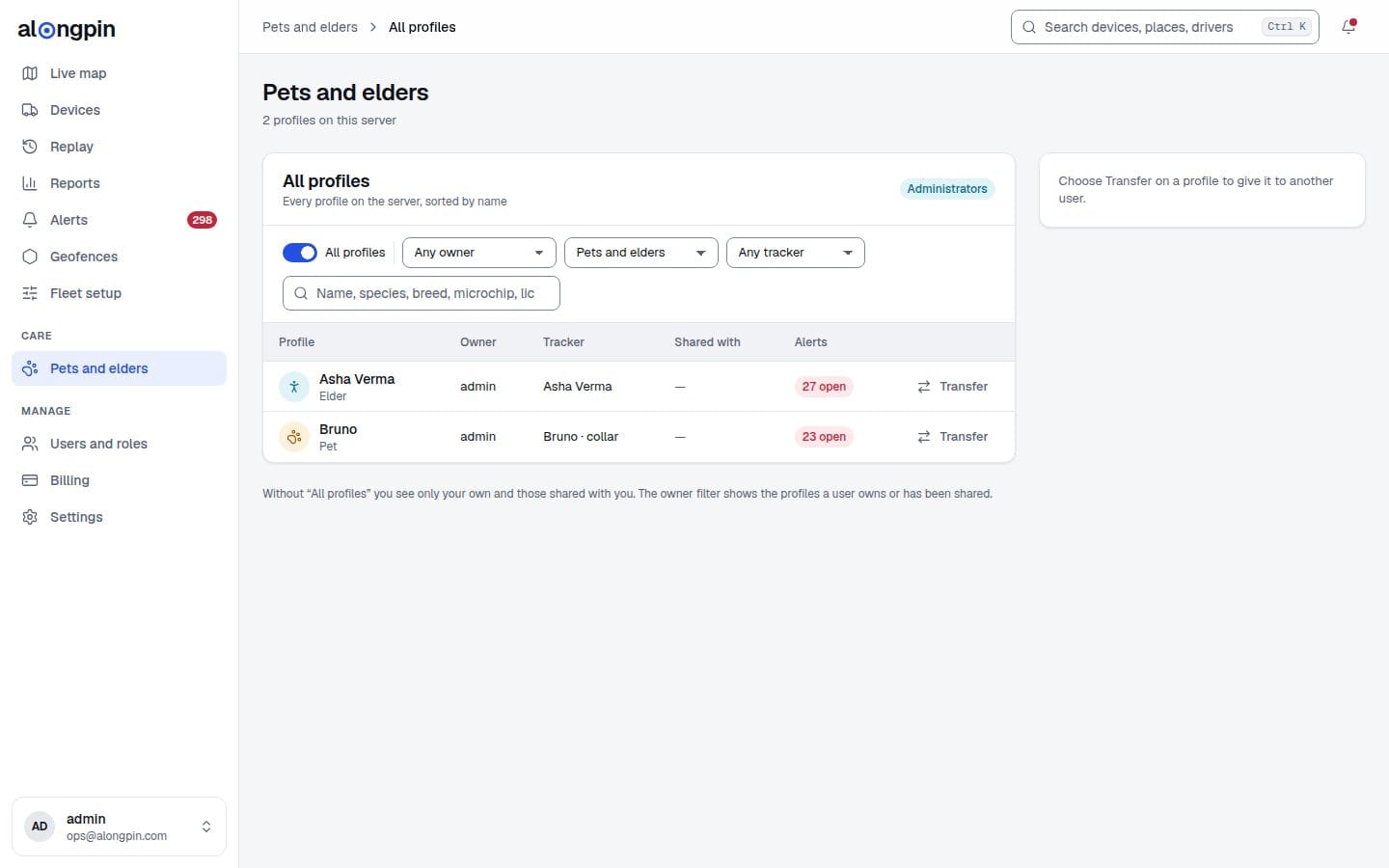
In the platform, it makes no difference to the family which form she wears. Either device is linked to her care profile in Pets and elders, and the same settings apply:
- the alerts that are switched on (SOS always; fall when the device reports falls; leaving home, low battery and no movement if you switch them on);
- who receives them: you, family members you share the profile with, and contacts such as a neighbour who need no account;
- the channels: in the app, by email, or by text message where it is switched on.
You can change the device later without rebuilding the profile, for example if the pendant turns out to be forgotten and a watch would suit better. The elder care page describes the profile and the alert flow.
A short checklist to decide together with your parent
Go through these with her, not for her:
- Do you wear a watch now, or did you ever?
- Would you rather have a button on your wrist or around your neck?
- Can you press this button easily? (Try it.)
- Would you wear it in the shower?
- When would you charge it, and where?
- Do you want to see the time on it, or just have a button?
- Who should be told when you press it?
Then check the model you chose in the device check, and read what to look for in a GPS tracker for a parent living alone for the rest of the setup.
How Alongpin helps
Alongpin (alongpin.com) is a GPS tracking platform you open in a browser or on your phone. A parent's GPS watch or alarm becomes a care profile: SOS, fall, leaving-home and inactivity alerts reach the family and emergency contacts, and health readings, medication refills and appointments sit in one place you can share. See how it works for elder care, and check a watch in the device check.