Cars and bikes
One car, several drivers: sharing a family car fairly
A family car sharing tracker shows where the car is and who has it, without phone calls: the live map for everyone who drives it, trip history for when it came back, and a "car is back" alert from a home zone.
Ashish Srivastava5 min read
A family car sharing tracker answers the question every household with one car asks several times a week: where is the car, and who has it? A small tracker in the car shows its position on a map that every driver in the family can open with their own sign-in, the trip history shows when it left and when it came back, and a zone at home sends a "car is back" message. Nobody has to phone round, and nobody is checked up on in secret, because everyone who drives the car knows it is tracked.
Key takeaways
- "Where is the car?" is answered on the live map, by anyone in the family with access.
- Each family member can have their own sign-in, where your account can add users; a share link with an end date covers occasional drivers.
- The car's trips show when it left, where it went and when it came back.
- A zone at home with an arrival alert sends the "car is back" message.
- Everyone who drives the car should know it is tracked, and what the others can see.
"Where is the car?" answered on the map
The live map shows the car where it is now, with its state in a word: Moving, Idle, Parked, Offline, or Unknown when it has not reported for a while. Click it and you see its speed and the time of the last report. On a phone, the portal opens in the browser.
For a shared car this settles most questions at a glance. The car is Parked at the station: your partner took the train from there. It is Moving on the ring road: your son is on his way back. It is Parked outside the house: you can take it.
Each family member with their own sign-in
The cleanest set-up gives each adult who drives the car a sign-in of their own:
- Under Manage, open Users and roles and choose Add user for each family member, with their own email address.
- Share the car with them: on the car's page in Devices, open Settings and add them under Share and attach.
- Each person signs in with their own password and sees the car on their own map.
Own sign-ins mean nobody shares a password, each person can set their own alert rules and channels, and you can take one person's access away without changing anything for the others. The users and roles page explains how accounts, sharing and read-only access work.
Whether you can add users depends on your account: the package or the server administrator decides how many users an account may create. If yours cannot, there is a simpler way.
A share link for occasional drivers
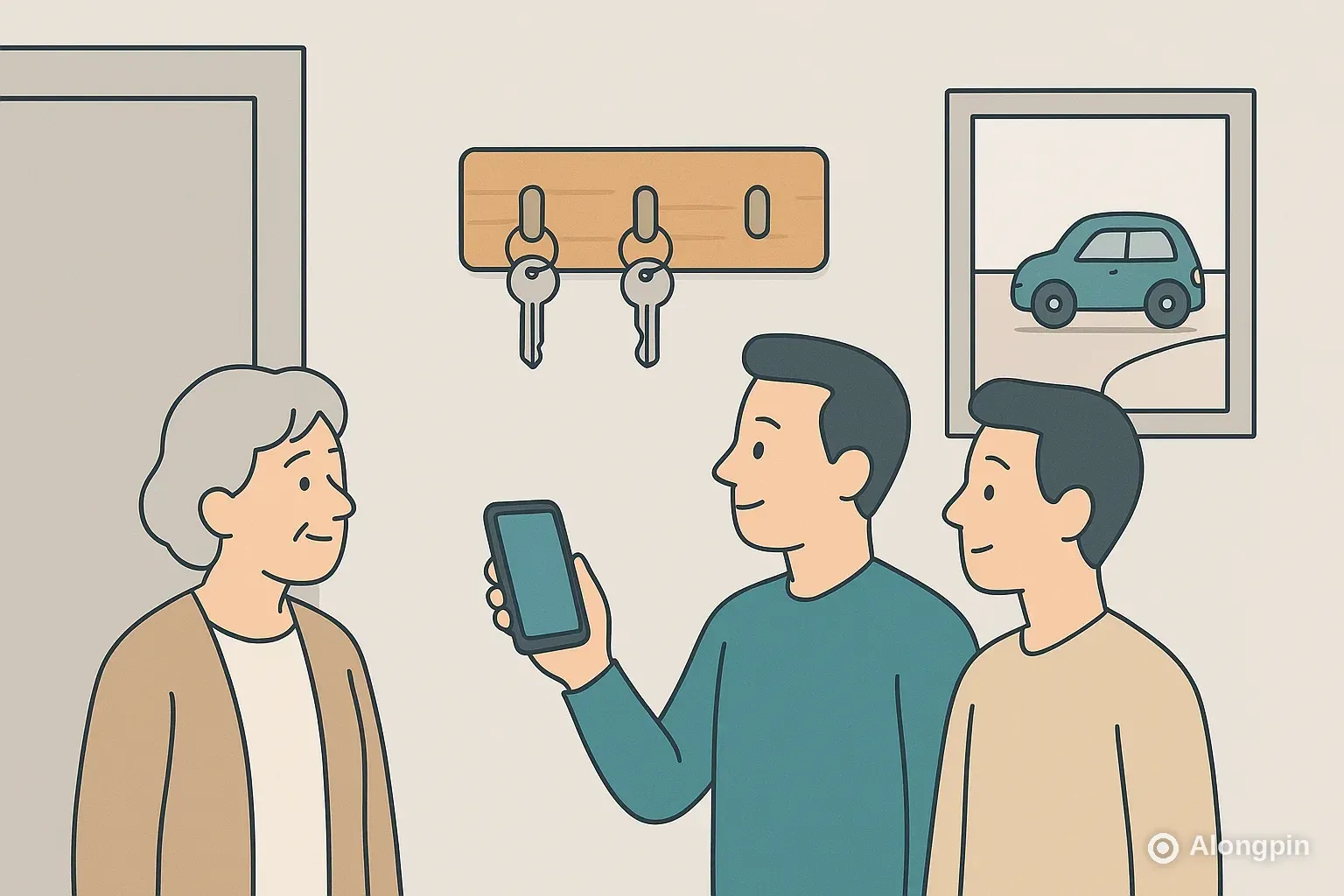
On the car's page, Settings has Share links, where New link creates a link that opens the car on a map with no sign-in. You choose when it stops working under Works until, and can end it at any time. It suits a grandparent who borrows the car for a fortnight, or a relative visiting for the summer. The person sees the car, not your account, and cannot change anything.
Trip history: when did it come back?
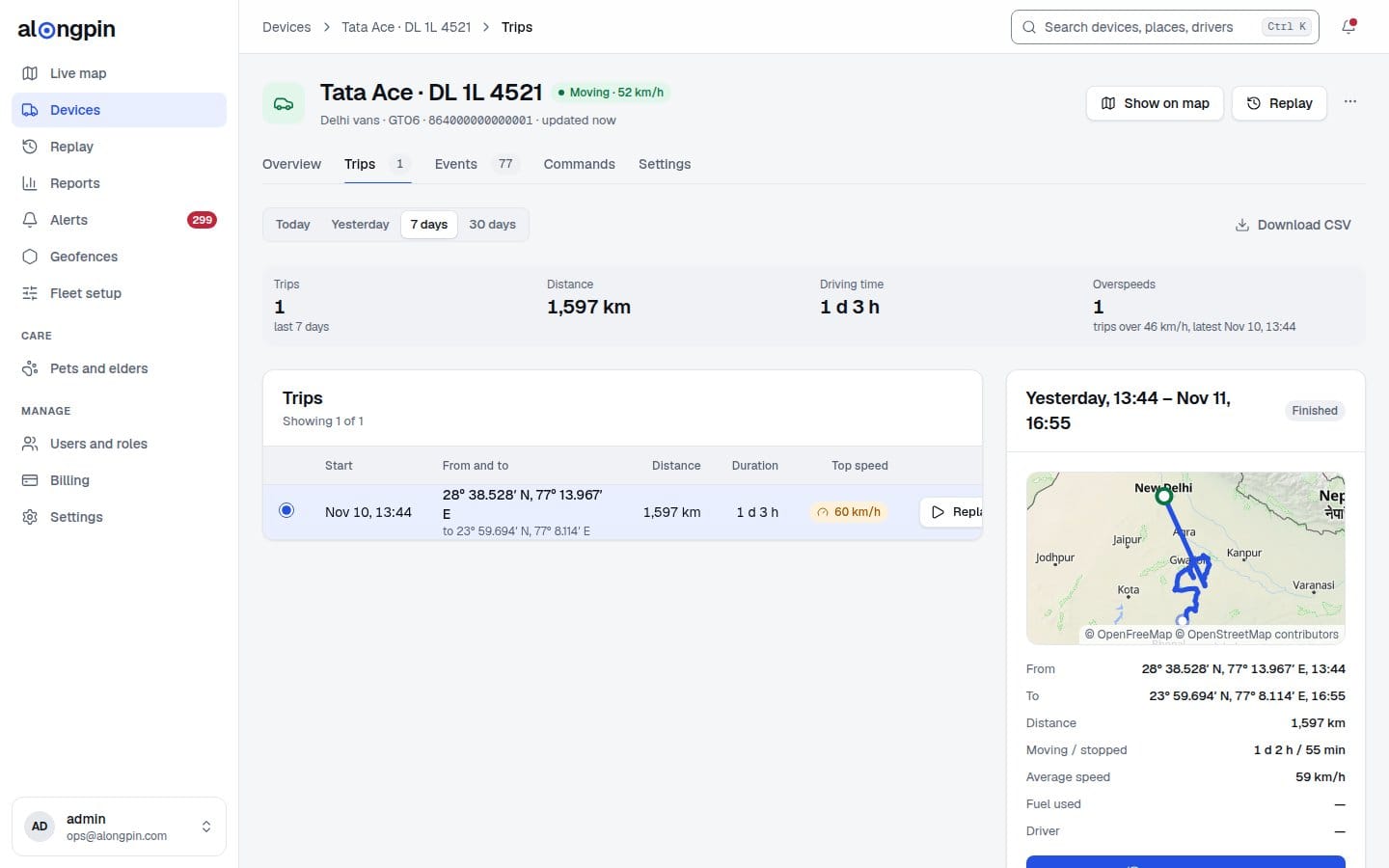
The car's page in Devices lists its journeys under Trips: each with its start and end time, its start and end place, the distance, the top and average speed and the driving time. Replay plays a trip back on the map. The trip history page shows what a trip contains.
Trip history settles the small questions that otherwise turn into arguments:
- When did the car get back last night?
- Did it go to the garage for the tyre check, as planned?
- How far did it go this week, if you split the fuel by distance?
The trips report in Reports gives the same list for any period as a table you can download, if one person keeps the household's accounts.
A zone at home as the "car is back" message
The message most families want is not about where the car goes, but when it is home again. A zone does that:
- In Geofences, draw a circle around your drive, garage or the street outside, with a margin of some tens of metres because a parked car's position drifts a little.
- Attach the geofence to the car.
- In Alerts, choose New alert rule, pick Geofence enter and limit it with Only these geofences to the home zone.
- Choose the channels, and under Who receives it add the people who want to know, where your account manages them. Others can make the same rule for themselves.
If the car is used during the day and you only care in the evening, add Only during with a calendar so the message arrives only then. The opposite rule, Geofence exit at night, warns you when the car leaves while everyone is asleep; the post on a geofence at home parking explains it.
Sharing the costs fairly
"Fairly" in a shared car is usually about money and about the car being there when you need it. The trips help with both, without anyone keeping a notebook in the glovebox:
- Fuel and running costs by distance. The trips report for a month gives each trip's distance and time. Match the trips to who drove them, usually obvious from the times, and split the costs by kilometres rather than by guesswork.
- A car that comes back on time. If the agreement is that the car is home by 19:00 on weekdays, the "car is back" message tells everyone when it arrived, and the trips show it later if anyone forgets.
- Service and repairs. The car's total distance helps decide when the next service is due; the post on service reminders for the family car shows how to be reminded.
Everyone who drives it knows it is tracked
A tracker in a shared car only works if the people who drive it trust it. Before you fit one, tell everyone who drives the car:
- That the car is tracked, and why: to know where it is, not to watch each other.
- What is visible: position, trips, speed, and the alerts each person receives.
- Who can see it: the people with a sign-in and anyone with an open share link.
Some families agree that nobody looks at another person's trips unless there is a reason, such as a missing car or a speeding fine. That works as long as it is said out loud. For an adult who uses the car for their own errands, being told is the least you owe them; in some countries, tracking another adult without telling them is unlawful.
How Alongpin helps
Alongpin (alongpin.com) is a GPS tracking platform you open in a browser or on your phone. A tracker in your car, motorbike, scooter or bicycle shows on the live map, with trip history, geofences around home and work, and alerts when it moves or leaves. Check your tracker in the device check, see the vehicle trackers it works with, and start on the pricing page.
Frequently asked questions
Can each of us see who drove the car?
The platform shows the car's trips, not the person in the seat. Where a tracker reads a driver card or key, trips can show the driver's name; for a family car, the trip times usually tell you anyway.
Can someone in the family stop seeing the car?
Yes. Remove the share with that person, end their share link, or remove them from Users and roles. Each change affects only that person.
What about lending the car to a friend?
A share link with an end date is the simplest way, and the friend should know the car is tracked. The post on lending your car goes through it.