Cars and bikes
Lending your car to a friend or relative
Lending a car with a GPS tracker fitted: tell the borrower it is tracked, give a co-owner a read-only share link that ends by itself, get an alert when the car is home, and leave the trip history alone unless there is a reason.
Ashish Srivastava6 min read
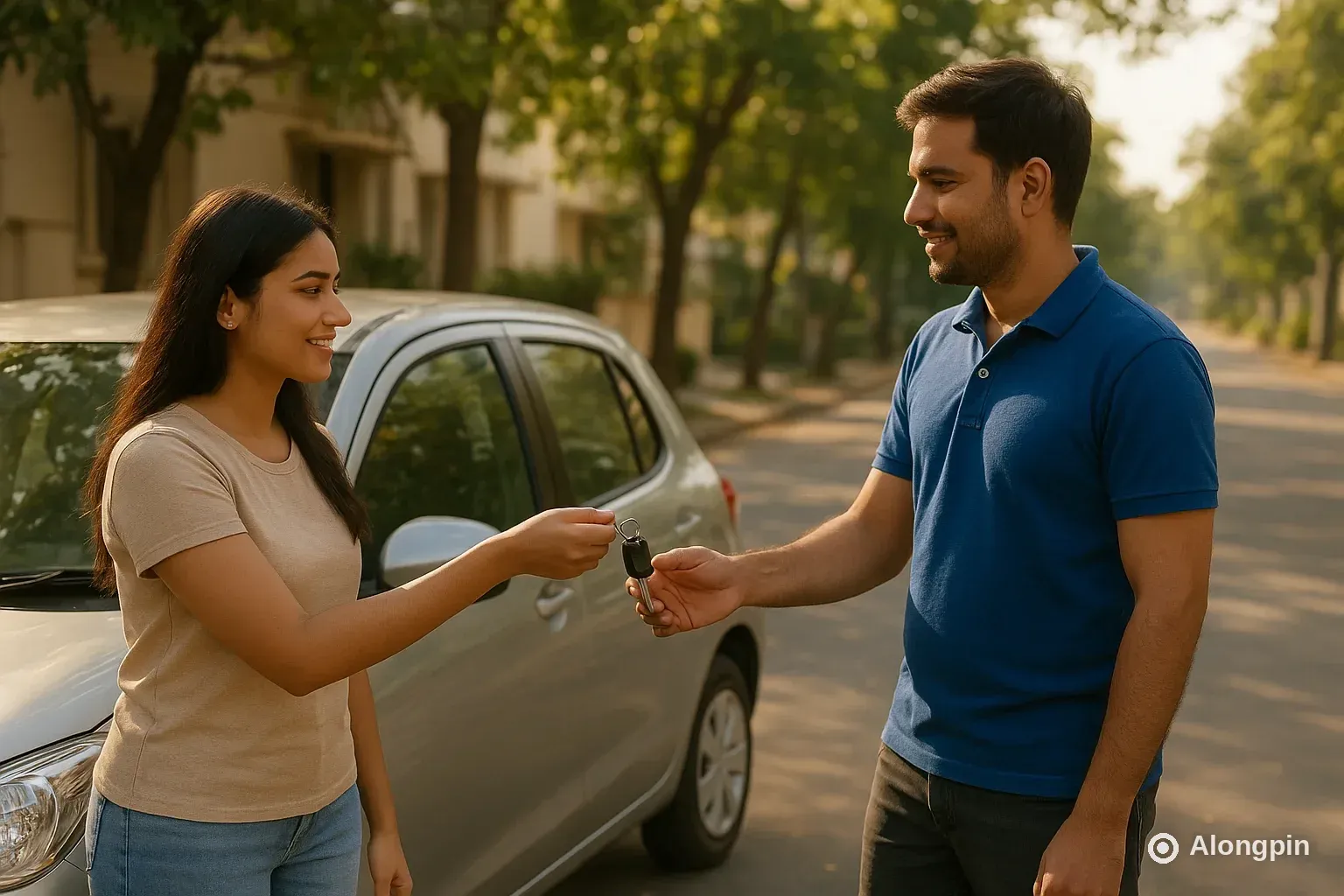
Lending your car to a friend or relative with a GPS tracker fitted works best when nobody is surprised by it. Tell the borrower the car is tracked before you hand over the keys, give a co-owner a read-only share link that ends on its own when the car comes back, and set one alert for the car returning to its home zone. Then leave the trip history alone unless something actually needs explaining. This guide walks through each of those steps in Alongpin, and what the person with the link can and cannot see.
Key takeaways
- Say it out loud: the borrower should know the car reports its position and records trips, and who can see them.
- A share link lets a co-owner watch the car without an account. It has an end date and, where your server allows it, a PIN.
- A geofence around your home parking with an alert tells you when the car is back, without watching the map.
- Trips are recorded either way. Look at them afterwards only when there is a reason, and tell the borrower if you do.
- A link ends at its end date by itself; revoke it earlier when the car is back.
Before you lend the car: what the tracker records
A vehicle tracker does not know who is driving. It reports where the car is, how fast it moves and, on most wired trackers, whether the ignition is on. The platform turns that into a position on the live map, trips with a start, an end and a distance, and alerts for the rules you have set.
So while your cousin has the car for a week, the same data is collected as when you drive it yourself. That is why the first step is a conversation, not a setting.
Step 1: Tell the borrower the car is tracked
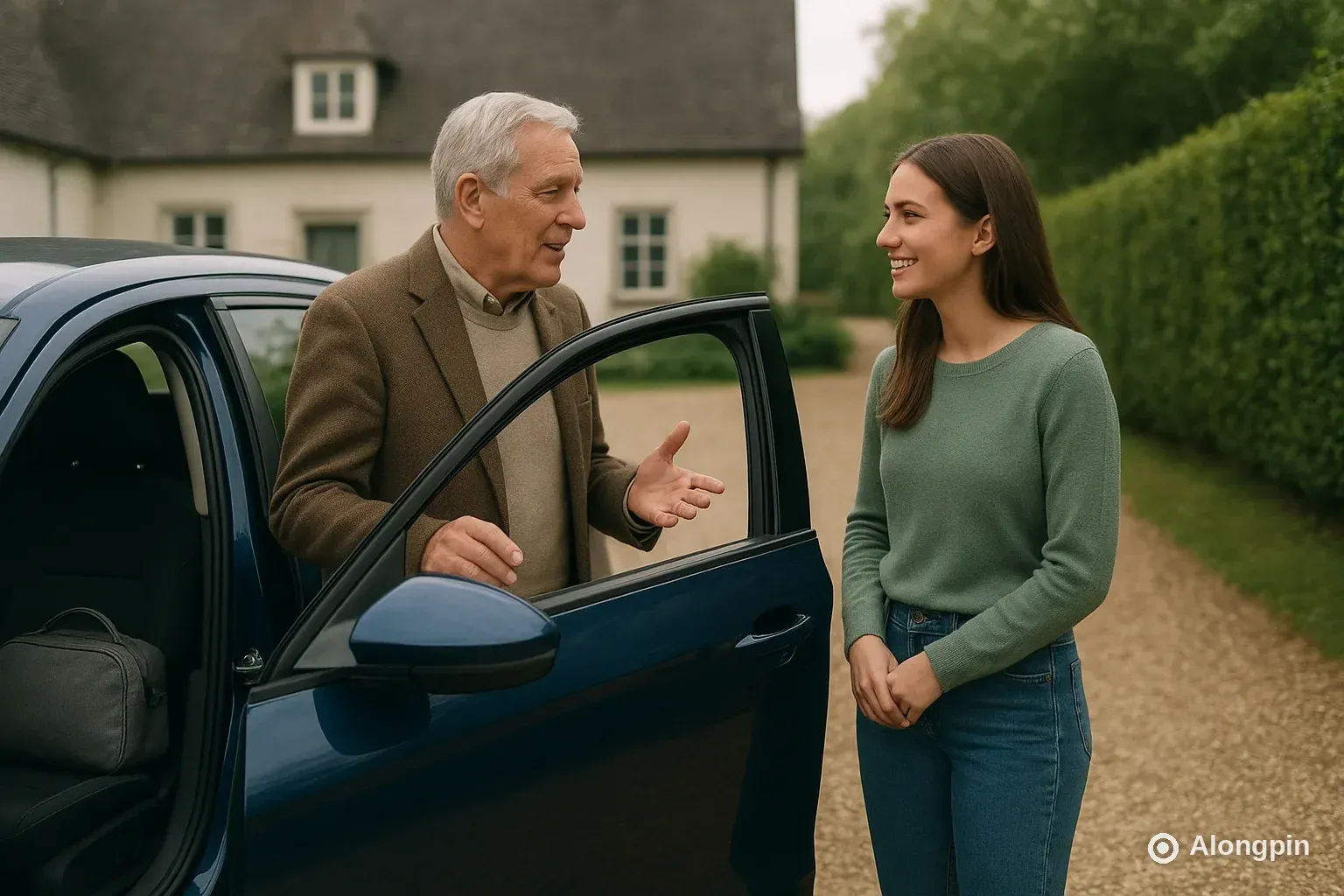
Tracking by agreement is the only kind that keeps a friendship intact. When you hand over the keys, say three things plainly:
- What is recorded: where the car is, its speed and its trips, for as long as they have it.
- Who can see it: you, and anyone you give a share link to, such as a partner who co-owns the car.
- Why: the car is insured, valuable or simply yours, and you want to know it is back, not to check on them.
Rules about tracking a person differ from country to country, and this is not legal advice. Agreement given in advance is the fair baseline in every case. If the borrower would rather not be tracked, that is a conversation worth having before the trip, not after it.
Step 2: Give a co-owner an expiring share link
A co-owner who has no Alongpin account can still watch the car through a share link. Open the car under Devices, choose Share, and create a link. The dialog explains it in one line: anyone with the link can watch the car until it ends, with no sign-in needed.
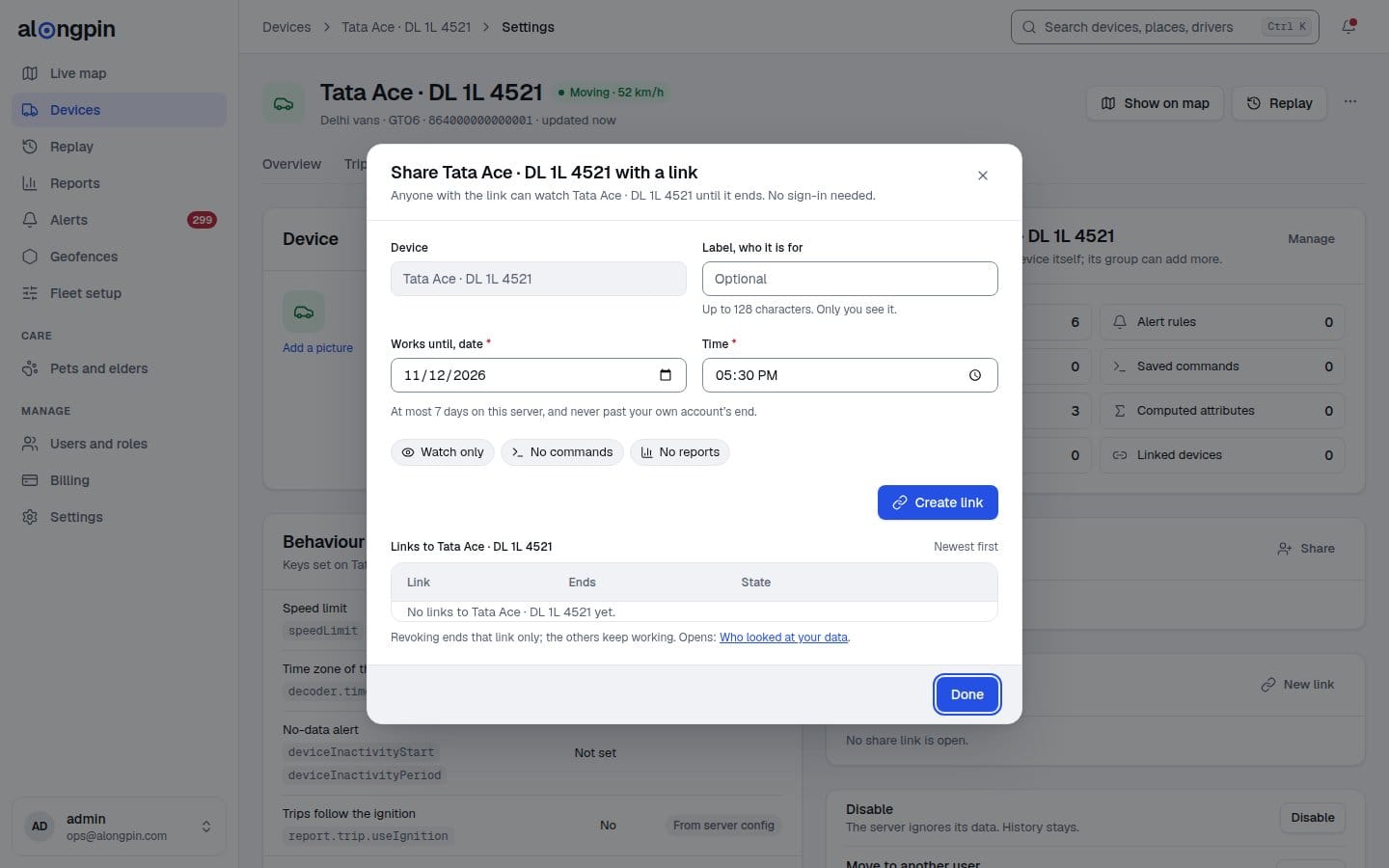
Fill in three things:
- Label, who it is for: a name such as "Priya, while Arjun has the car". Only you see the label.
- Works until, date and Time: the day the car is due back, with a little margin. Your server may set a longest allowed period, and a link never outlasts your own account.
- PIN: optional or required, depending on your server. Send the PIN separately from the link; whoever opens the link types it first.
Choose Create link and copy it. The person who opens it sees the car on a map. By default a link only watches: the dialog says whether links on your server can also run reports or send commands, and on most servers they cannot.
If the co-owner already has their own account, you can share the device with their user instead. That suits someone who looks at the car every week; a link suits one borrowing period.
Step 3: An alert when the car is back in the home zone
Watching a dot on a map for a week is no way to relax. A zone does the watching for you.
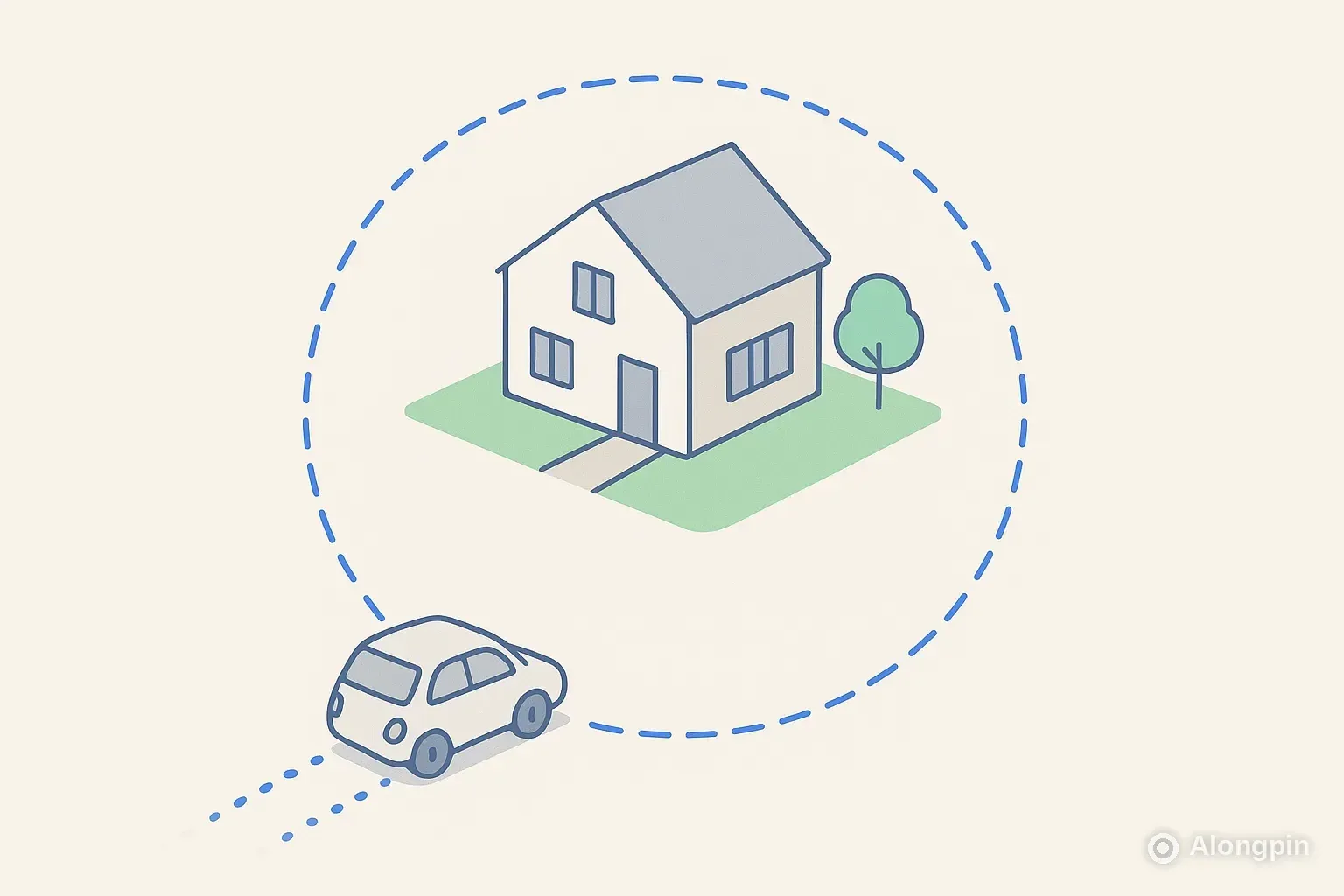
- Under Geofences, draw a circle around the place the car normally stands: your driveway, your street or the building's car park. Make it generous enough that parking a few doors down still counts.
- Under Alerts, create a rule for entering a geofence, linked to the car, and choose how you want to hear about it in Tell people by. Which channels you see (push, email, text message, Telegram) depends on what the operator of your installation has switched on.
When the car rolls back into the zone, you get one message. Geofences explains how zones and their events work; the same zone can later warn you if the car leaves at night, as described in a geofence at home parking.
Step 4: Look at trips afterwards only if there is a reason
Trips are recorded whether you look at them or not. Replay and the trips report will show every journey the borrower made. That is useful if the car comes back with a scrape and nobody knows where it happened, or if a parking fine arrives from a city you did not expect.
It is not a reason to read through someone's week out of curiosity. A simple rule keeps it fair: if you open the history, say so, and say why. Most borrowers will be glad you could settle a question with facts instead of guesses.
Step 5: End the link when the car is back
A share link stops working at the end date you gave it, so nothing is left open by accident. If the car comes back early, end it sooner:
- Open the car's share dialog again. Under Links to the car, each link shows its label, its end and its state. Choose Revoke on the one you no longer need.
- Whoever opens a revoked link gets nothing, and anyone watching through it is cut off at once. Your other links keep working.
All your links are also listed under Settings → Your account → Privacy and your data, together with who opened them and when. Revoking a share link covers the details.
Common mistakes to avoid
- Sharing your own password with a co-owner. A link or a share to their own user gives read access and nothing more; your password gives everything.
- A link with no end in sight. Pick the return date. A new link takes a minute to make if the loan is extended.
- A home zone that is too tight. GPS positions near tall buildings wander by tens of metres. A small circle may miss the car parked across the road.
- Forgetting to tell the borrower. It is the one step that cannot be fixed afterwards.
How Alongpin helps
Alongpin (alongpin.com) is a GPS tracking platform you open in a browser or on your phone. A tracker in your car, motorbike, scooter or bicycle shows on the live map, with trip history, geofences around home and work, and alerts when it moves or leaves. Check your tracker in the device check, see the vehicle trackers it works with, and start on the pricing page.
Frequently asked questions
Does the borrower need the app or an account?
No. The tracker in the car reports on its own. Only you, and anyone you give a link or a share to, look at the data.
Can the co-owner change anything through the link?
On most servers, no: a link is for watching. The share dialog shows what links can do on your server, for example "Watch only", "No commands" and "No reports".
Will I know who opened the link?
Yes. Each opening is listed under Privacy and your data, with the time and the browser, so you can see that the link went only where you sent it.