Video telematics
One camera or several: road, cabin and load channels
A multi channel dashcam records several views from one unit: road, cabin, sides, rear or load. What each channel is good for, the privacy cost of a cabin camera, and the data and fitting effort of every extra view.
Ashish Srivastava5 min read
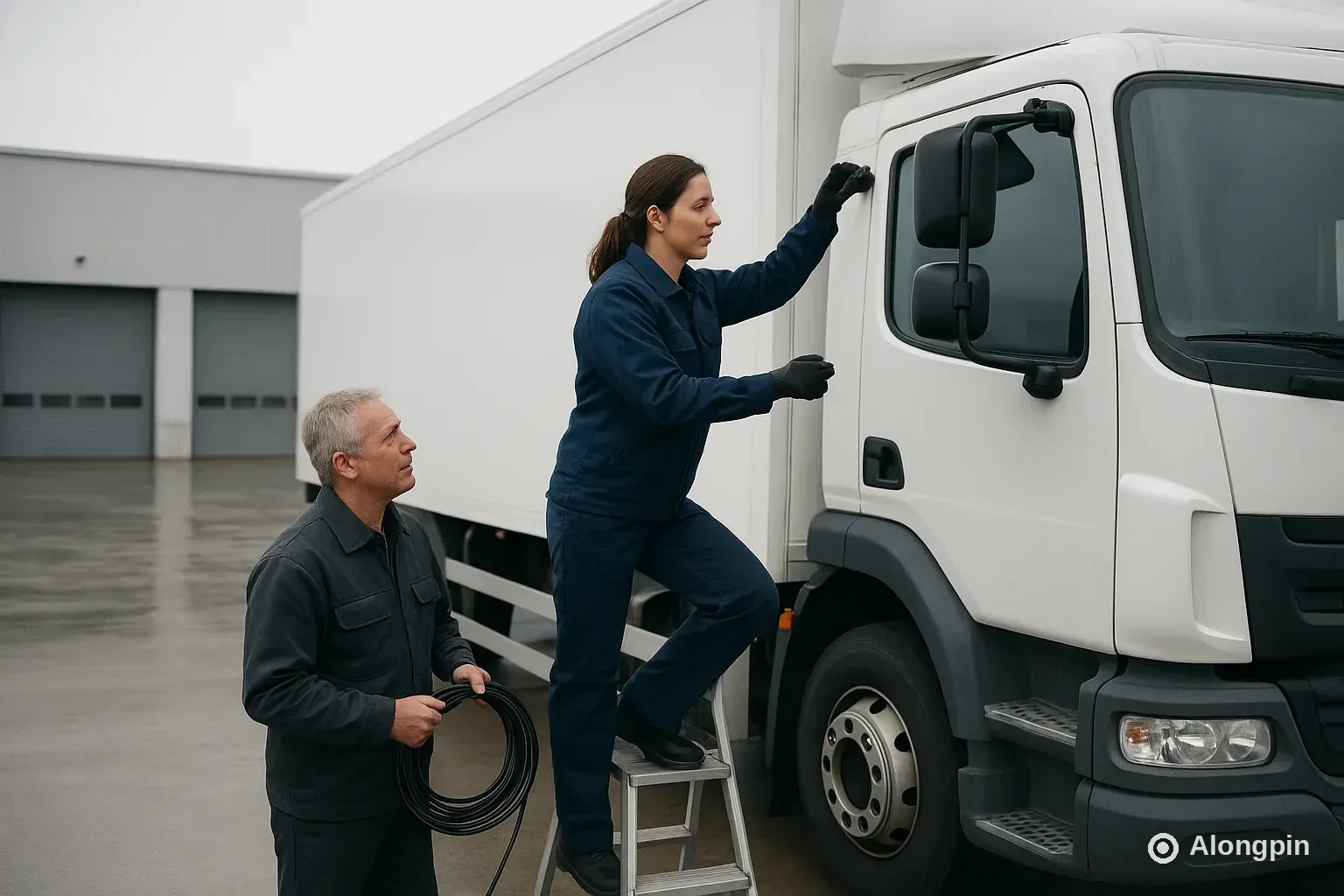
A multi channel dashcam is one camera unit with several camera inputs, each called a channel: typically one looking at the road, one at the driver, and on trucks more at the sides, the rear or the load. A single road-facing channel answers most claims and is where most fleets start. A second, cabin-facing channel helps with disputes about what the driver was doing, at a real cost in privacy. Side, rear and load cameras pay off on large vehicles with blind spots or valuable cargo. Each extra channel adds hardware, fitting time, mobile data and stored footage, so choose them for a reason, not because the unit has the sockets.
Key takeaways
- A channel is one camera input of a dashcam unit; recordings and live video are per channel.
- Road-facing only is the common starting point: it shows what happened in front of the vehicle.
- A cabin-facing channel shows the driver. Decide it with drivers and their representatives, not just with the insurer.
- Side, rear and load cameras suit trucks and vans where blind spots, reversing or cargo matter.
- In Alongpin you pick the channel in live video, and every photo and clip names its channel.
- More channels mean more fitting work, more data and more footage to protect.
What a channel is
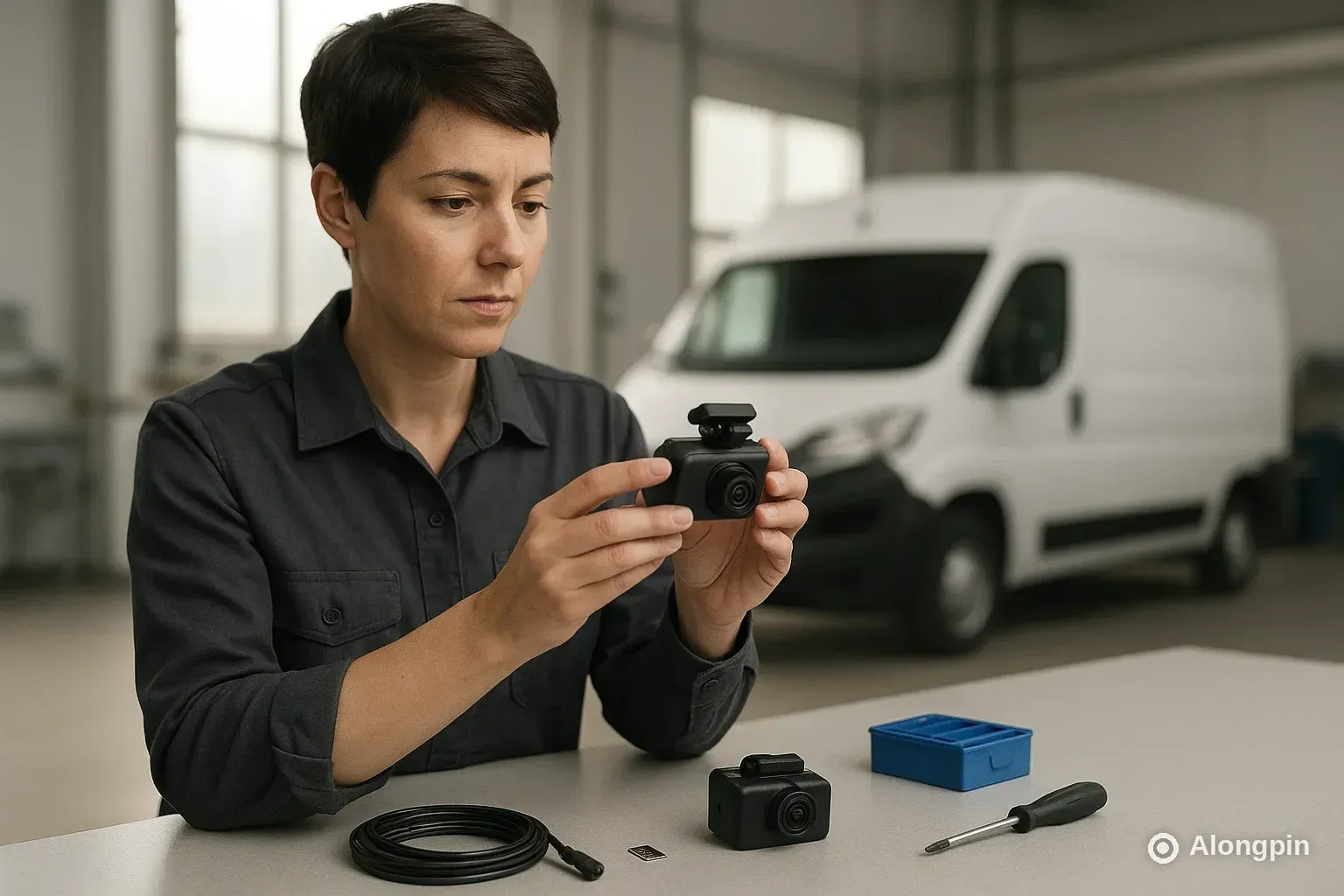
A fleet dashcam is often a recorder box, sometimes built into the windscreen unit, with several camera sockets. Each socket is a channel, numbered CH1, CH2 and so on. The recorder stores each channel on its memory card and, depending on the model and its settings, uploads photos and clips for events. Cameras that speak the JT1078 protocol can also stream live video per channel.
The platform sees channels as numbers. Which number is the road and which is the cabin depends on how the installer plugged them in, so write it down per vehicle when the camera is fitted and keep the same order across the fleet. The compatible dashcams page explains which camera protocols the platform works with.
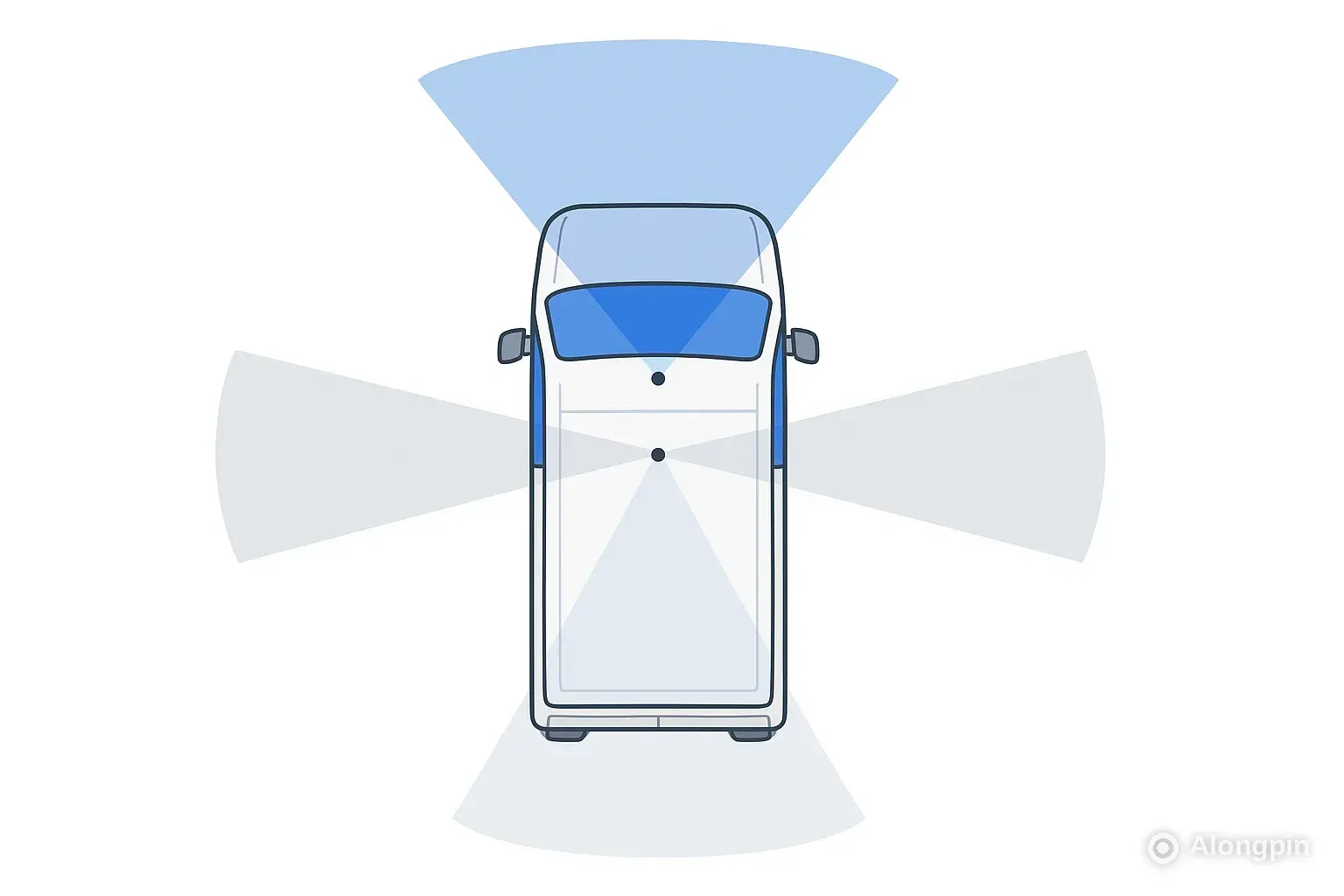
Road-facing only: the common starting point
A single road-facing camera covers the questions most incidents raise: who pulled out, whether the light was red, how close the car in front was, what the road surface was like. It records other road users more than the driver, which makes it the easiest camera to explain to a team.
Choose it when:
- the aim is defending against false claims and documenting collisions;
- the vehicles are vans and cars without serious blind spots;
- you are introducing cameras for the first time and want acceptance before anything else.
Cabin-facing: benefits and the privacy conversation
A cabin-facing channel shows the driver's seat, and on some cameras the passenger. It can settle disputes that a road view cannot: whether the driver was looking at a phone, whether a passenger caused trouble, whether the driver was attacked. Some cameras use a cabin camera to detect fatigue or distraction and upload a clip with that reason.
It is also the camera drivers object to most, because it watches them for the whole working day. Before you fit one, decide:
- why it is needed, and whether a road camera alone would do;
- what is kept: the capture policy can limit stored photos and clips to reasons such as SOS and collisions, so that the cabin is recorded on the platform only when something happens;
- who may open cabin recordings, and that every view is logged;
- what happens outside working hours: during private trips, uploads are deleted and live video is refused.
Cabin audio is a separate question and stays off in a standard setup; do fleet dashcams record sound? explains why.
Side, rear and load cameras on trucks
Trucks and large vans have needs that a windscreen camera cannot cover:
- Side cameras show the nearside blind spot, where cyclists and pedestrians are hardest to see during turns.
- Rear cameras help with reversing at depots and loading bays, and record the vehicle behind in a rear-end collision.
- Load cameras in the cargo area show the state of the load and who opened the doors, which matters for valuable or temperature-sensitive goods. A door trigger on some cameras uploads a photo when the doors open.
These channels are often recorded on the card and looked at only after an incident. Uploading them all for every event multiplies data use, so check which channels the camera uploads for which reasons.
Choosing the channel in live view and in the media history
On the live video page of a camera vehicle, Alongpin lists the Camera channels. Start the channel you need, watch several side by side, take a snapshot or use Stop all. Each channel can play the main stream for detail or the sub stream to save data, where the camera offers one. Watching live video and choosing channel and stream covers the controls.
Under Devices → Media, each photo and clip shows the Camera it was recorded on, as Channel 1, Channel 2 and so on, next to the reason, time and place. When you ask a camera for a photo, the Camera number picks the channel. Everything here depends on the camera model: some upload every channel for an event, others only the first. The dashcam feature page lists what the platform shows for each recording.
Data, storage and fitting effort per channel
| Road only | Road and cabin | Road, cabin, sides, rear, load | |
|---|---|---|---|
| Typical vehicle | Car, van | Van, minibus, taxi | Truck, large van, bus |
| Fitting | Windscreen unit, power | Windscreen unit, one extra cable | Recorder box, several cables, often a day's work |
| Mobile data | Event clips and photos of one view | About twice, if both channels upload | Depends on which channels upload; live video of each channel adds up |
| Footage to protect | Mostly other road users | Also the driver, for the whole shift | The driver, the surroundings, sometimes the load and people at the doors |
| Privacy conversation | Short | Essential | Essential, channel by channel |
Some practical points apply to any choice:
- Live video is the main data cost. It streams only when someone watches and stops by itself after a few minutes without a viewer, 5 minutes by default. The live video page shows how much video was received this month.
- Retention applies to all channels alike. Media is kept for the period the operator sets, 30 days in a standard setup, unless a hold keeps a file.
- Every channel is a camera the drivers need to know about. Name each one in the driver notice.
The video telematics overview shows how cameras fit around trackers, alerts and the access log.
How Alongpin helps
Alongpin (alongpin.com) is a GPS tracking platform you open in a browser or on your phone. Supported dashcams send photos and event recordings with the vehicle's position, live video plays in the browser, and every view is logged; a capture policy decides what is kept. See video telematics and the dashcam feature, or check your camera in the device check.
Frequently asked questions
Can I give a channel a name such as "Road" or "Cabin"?
The platform shows channel numbers. Keep a note of the order per vehicle, ideally the same across the fleet, so that Channel 1 always means the road.
Can one person watch the road channel but not the cabin?
Rights apply to the vehicle's recordings and live video as a whole, not per channel. If a role should not see the cabin, it should not have the recording rights for that vehicle.
Does a second channel double the subscription?
The platform counts devices, not channels: a camera unit with several channels is one device. The SIM's data use does grow with what the channels upload and stream.