Video telematics
What is video telematics?
Video telematics connects a dashcam to your fleet platform: photos and clips arrive with the place, time, camera channel and reason they were recorded, and live video is there when you ask. What changes, what it is not, and who it suits.
Ashish Srivastava6 min read
Video telematics is a dashcam connected to your fleet tracking platform. Instead of only writing to a memory card in the windscreen, the camera sends photos and short clips over mobile data, each tied to the place, the time, the camera channel and the reason it was recorded, and a manager can open live video from the vehicle when it is needed. For a fleet owner who knows dashcams from a private car, the difference is simple: the moment that matters reaches you within minutes, next to the vehicle's position and trips, without anyone fetching a card.
Key takeaways
- A connected dashcam uploads photos and clips for events, on a schedule set on the camera, or when someone asks for a photo.
- Every upload carries where it was taken, when, on which camera channel and why: SOS, collision, harsh braking, requested and so on.
- Live video plays in the browser a few seconds after you ask, on cameras that support it.
- On Alongpin it is not continuous cloud recording, not a driver score and not face recognition.
- Administrators decide which recordings are kept, who may open them, and every view is logged.
From a memory card in the windscreen to a connected camera
A consumer dashcam records in a loop to its memory card. When something happens, someone has to find the vehicle, take the card out, skim through hours of driving and copy the right minute before the loop overwrites it. That works for one car. It does not work for twenty vans spread over a region, where the driver is still on the road and the office needs to know now.
A fleet dashcam adds two things a consumer camera lacks: a SIM card with mobile data, and a protocol that a tracking platform understands. With both, the camera behaves like a GPS tracker (it reports position, ignition and alarms) and, on top of that, sends pictures and clips. On Alongpin, the camera appears on the same live map as your other trackers and in the same reports, and its recordings sit next to its trips.
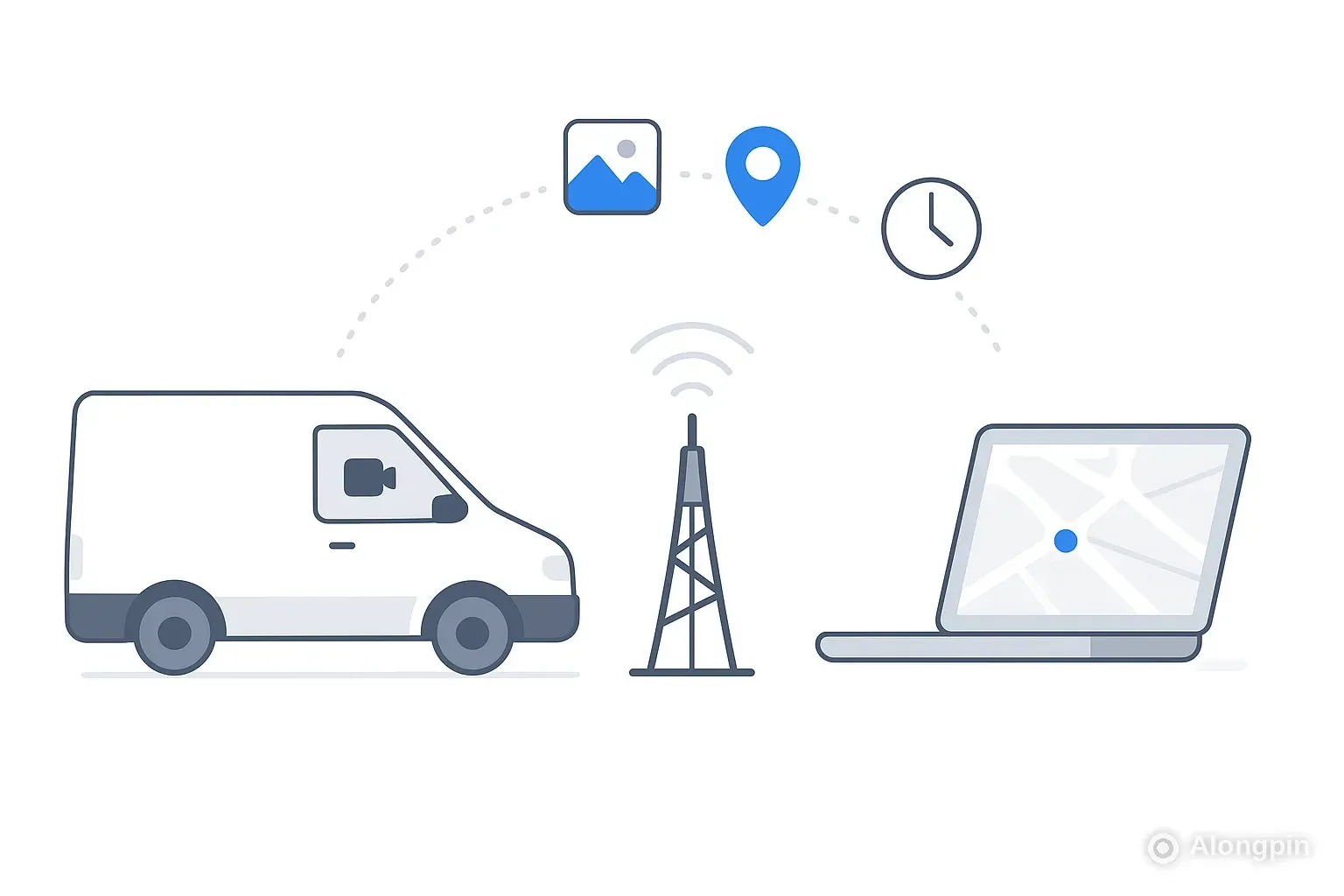
What the camera uploads, and when
A connected camera does not stream everything it sees. It uploads files for three kinds of reasons:
- Events. The camera detects something, such as a collision, harsh braking or an SOS button press, and uploads a photo or a clip around that moment. Which events trigger an upload is set on the camera.
- A schedule. Many cameras can take a photo every so many minutes or kilometres, which is useful for checking a load or a route without anyone asking.
- A request. From the portal you can ask a camera to take a photo now. It arrives a few seconds later, marked as requested.
Which of these a camera actually does depends on the model and its configuration. Fatigue and distraction clips, for example, only come from cameras that detect those themselves.
Each item comes with place, time, channel and reason
What makes an upload useful is the context around it. Every photo or clip is stored with the position where it was taken, the time, the camera channel (a road-facing camera is often channel 1 and a cabin camera channel 2, though the installer decides) and, when the camera gives one, the reason. In Devices → Media the files are listed newest first and titled by that reason: SOS, Collision, Door, Harsh braking, Harsh acceleration, Harsh cornering, Fatigue, Distraction, Driver check, Scheduled, Requested or Other event.
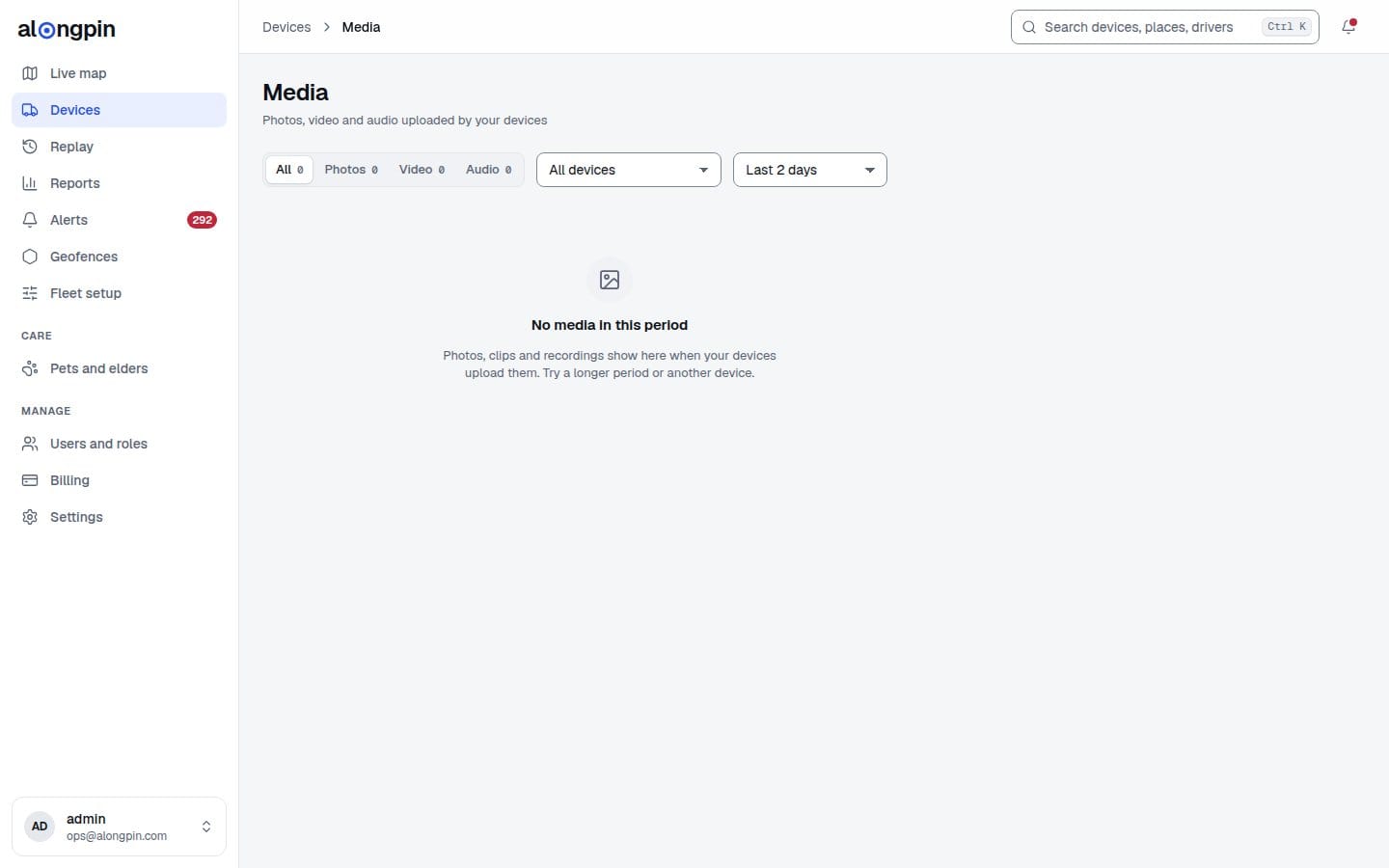
Each upload is also an event of the vehicle, so it appears in the vehicle's history and can be opened from there. Select a file to play it and see the device, the reason, the time, the place and the channel, with Open event and Download. The dashcam feature page shows the whole flow.
Live video on request
Cameras that also speak the live video protocol (JT1078) can stream. On the camera's Live video page you choose Start on a channel, and the picture appears in your browser a few seconds later. You can pick the main stream for detail or the sub stream, which uses less mobile data. A stream that nobody watches stops by itself after a few minutes, 5 by default, so a forgotten browser tab does not drain the SIM.
Live video is video only, without sound, and it is not stored as a recording: when you stop watching, nothing of it is kept.
What video telematics on Alongpin does not do
Clear limits help when you explain cameras to drivers and to whoever pays for them:
- Not continuous cloud recording. The platform stores what the camera uploads, plus live video while someone watches. If you need a stretch of driving that was not uploaded, it can only come from the camera's own memory card, for as long as the card still has it.
- Not driver scoring. The platform lists events and recordings as they happened. It does not rank drivers or turn them into a number.
- Not face recognition. The platform does not identify people in pictures. Reasons such as fatigue or distraction are the camera's own detection, passed on as the camera labelled them.
- Not an alarm service. Alerts go to the people you choose in your alert rules, not to emergency services.
The safeguards that come with it
Video is more sensitive than a dot on a map, so the controls matter as much as the camera:
- A capture policy. Administrators choose which kinds of recording are kept, by reason, and whether cabin audio is kept at all. Cabin audio is off in a standard setup.
- Roles. Opening photos and clips and watching live video are separate rights, so a dispatcher can follow positions without seeing recordings.
- An access log. Every view of a file or a live stream is written to the audit log, unless an administrator switched that off.
- Private trips. When a vehicle is on a private trip, live video is refused and recordings from that time are not kept.
- Retention. Media files are kept 30 days in a standard setup; the operator can change that, and a legal hold keeps a specific recording for a claim.
Who it suits
Video telematics earns its place where an incident is costly or disputed, or where a picture answers a question faster than a phone call:
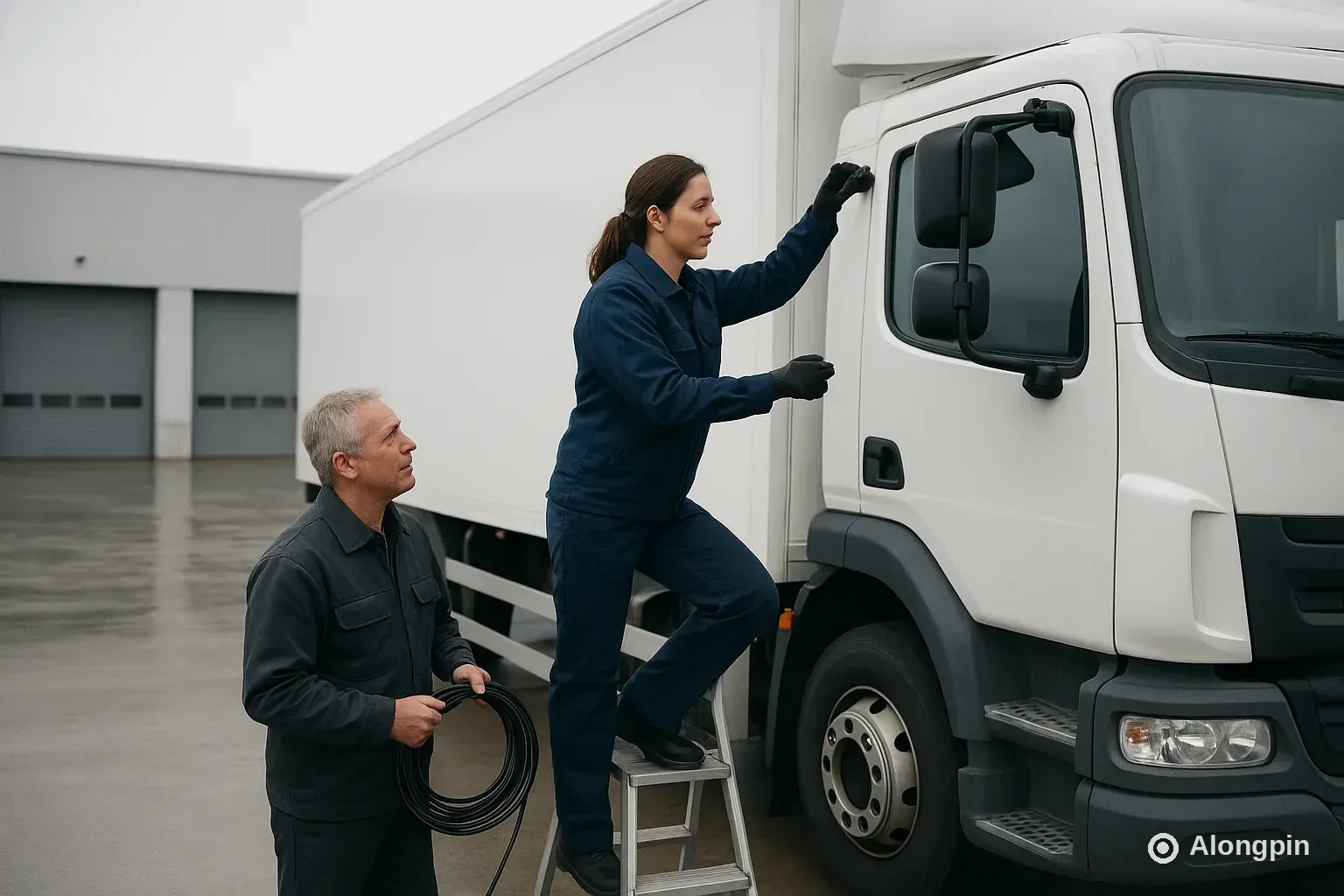
- Delivery and service vans, where a collision clip with its position settles what happened.
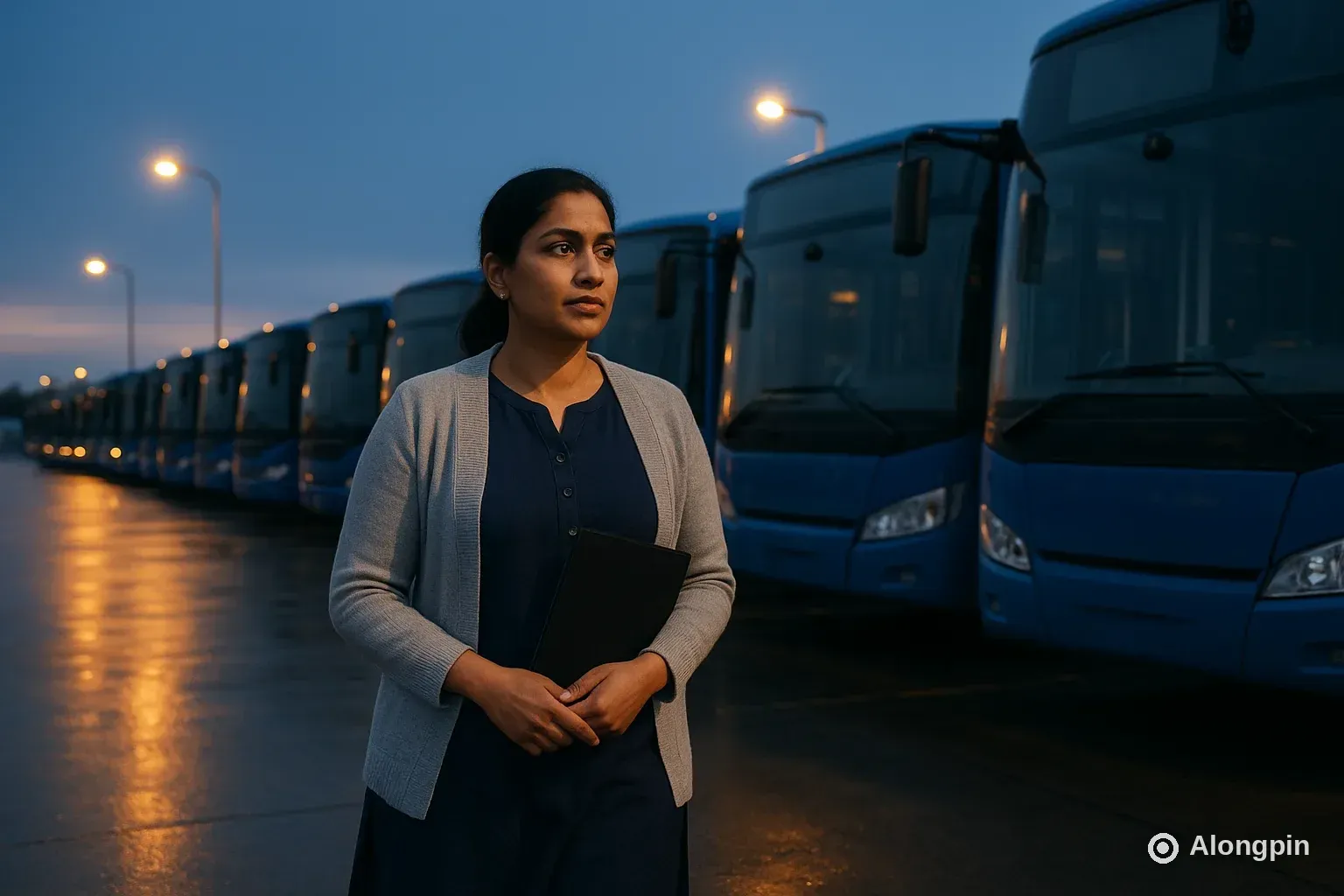
- Buses and passenger transport, with a cabin channel for the safety of passengers and staff, where the law and your policy allow it.
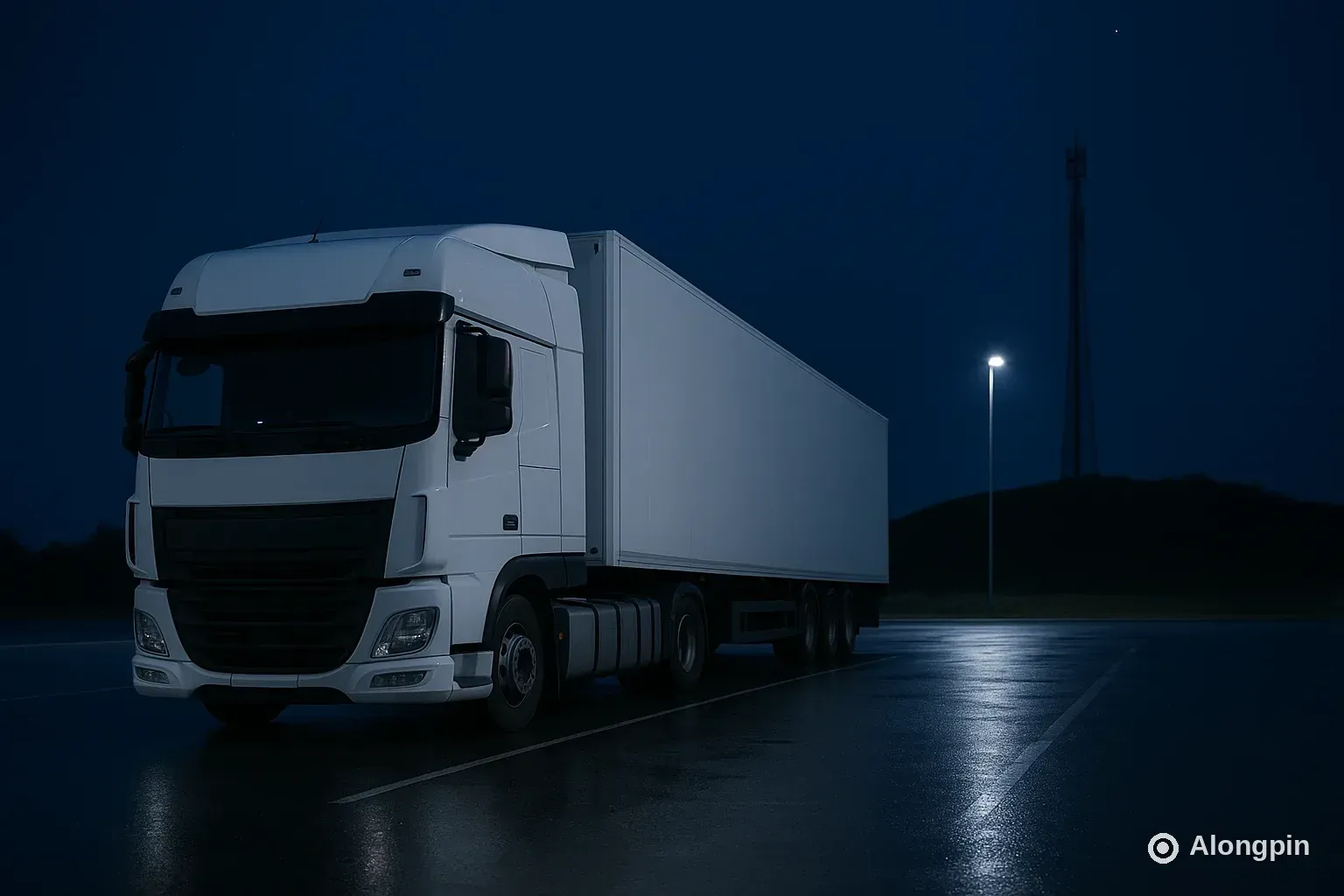
- Trucks with valuable loads, where a scheduled or requested photo shows the load or the trailer door.
- Mixed fleets, where only some vehicles carry cameras and the rest keep a GPS tracker on the same map.
It suits a fleet less well if nobody will look at the recordings, or if the reason for filming has not been agreed with drivers. Cameras without a purpose create questions without answers.
What you need to start
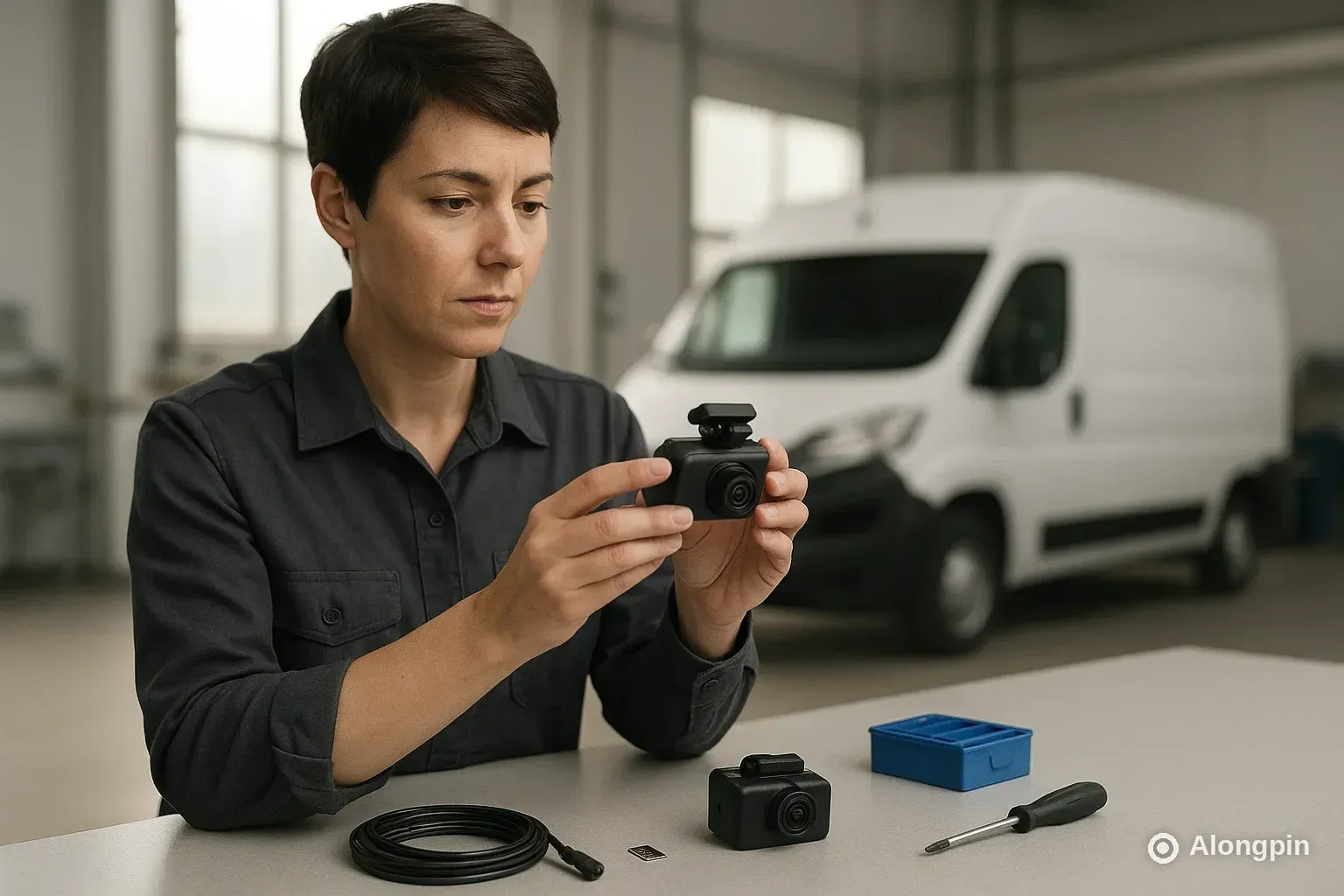
- A compatible camera. Cameras on the JT808 protocol upload photos, audio and clips; those that also speak JT1078 give live video. Behaviour differs by model, so test one unit first. The dashcams page lists what a camera reports and what it needs.
- A SIM with enough data for uploads, and more if you plan to watch live video.
- A decision on purpose and policy with whoever handles data protection: what you record, who may see it, how long it is kept, and what drivers are told.
- The camera added in the portal by its identifier, with the server address and port from Set up the tracker. The guide to connecting a JT808 dashcam walks through it.
The video telematics solution page shows how fleets use clips for incidents and coaching.
How Alongpin helps
Alongpin (alongpin.com) is a GPS tracking platform you open in a browser or on your phone. Supported dashcams send photos and event recordings with the vehicle's position, live video plays in the browser, and every view is logged; a capture policy decides what is kept. See video telematics and the dashcam feature, or check your camera in the device check.
Frequently asked questions
Is a connected dashcam the same as a GPS tracker?
It does the same tracking job: position, ignition and alarms on the live map. It adds photos, clips and, on some models, live video. Vehicles without a camera can keep a plain tracker on the same map.
Does the camera film all the time?
The camera may record continuously to its own card, depending on its settings. The platform stores only what the camera uploads, plus live video while someone watches.
Can drivers see who watched them?
Drivers do not read the log themselves. Administrators can, and people who manage the vehicle see who opened each file, so you can answer a driver's question with names and times. More in what the platform stores from a dashcam.