Logistics and delivery
Tracking subcontractor drivers with a phone app
How to track subcontractor and seasonal drivers on the same map as your fleet with a phone app instead of hardware, what a phone reports and what it cannot, and how to agree it with the driver and end it cleanly.
Ashish Srivastava6 min read
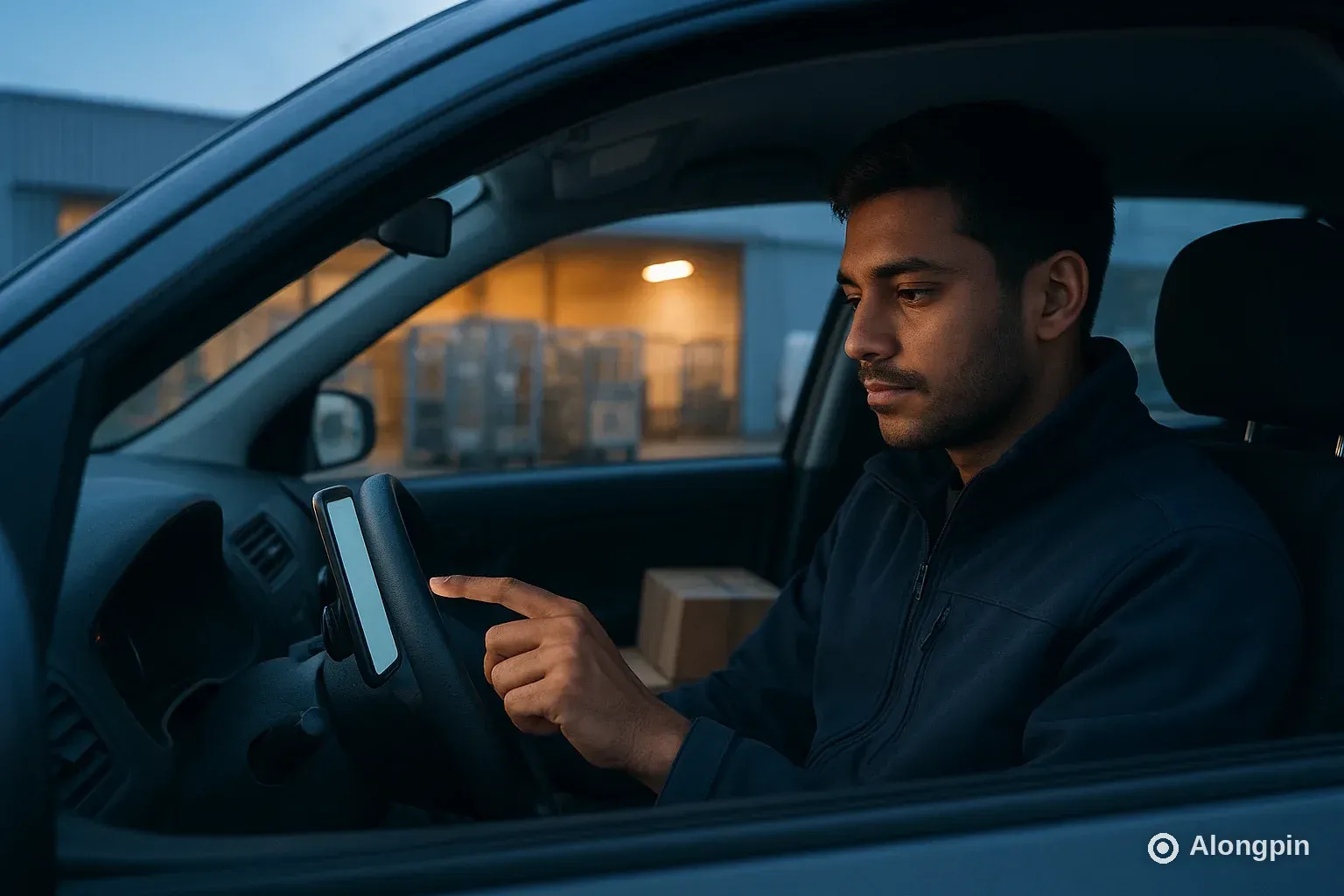
To track subcontractor drivers without fitting hardware to vehicles you do not own, use the phone they already carry: a tracking app that speaks a supported protocol sends the phone's position to Alongpin, and the driver appears on the same live map as your own fleet. You get positions, trips and zone visits; you do not get ignition, alarms or commands, because a phone reports where it is and nothing more. It works well for seasonal and subcontracted drivers, provided the driver agrees in writing and you remove the phone from your account when the contract ends.
Key takeaways
- A phone with an OsmAnd-style tracking app becomes one more device on your map, with no hardware in the vehicle.
- You see its position, trips, stops and geofence visits; reports work as for any device.
- A phone reports no ignition, raises no SOS alarm and takes no commands.
- Agree in writing with the subcontractor what is recorded, when, and who sees it.
- When the contract ends, disable or delete the device and ask the driver to stop the app.
Why hardware does not suit short-term drivers
A wired tracker is the right choice for a vehicle you own and keep: it reports the vehicle whoever drives it, it reports the ignition, and it cannot be switched off from the cab. For a subcontractor's van, or a seasonal driver in their own car, the same tracker is the wrong tool:
- The vehicle is not yours. Fitting means asking the owner's permission, wiring into their electrics, and removing it again, with any damage on your account.
- The contract is short. Christmas peak, a summer season, a three-month route. The fitting and removal take longer than the value they bring.
- You need the driver, not the vehicle. A subcontractor may swap vans between jobs. A phone follows the person who does your work.
A phone app has none of these problems. The driver installs an app, enters three settings and is on the map within minutes. The phone app page explains what such an app reports.
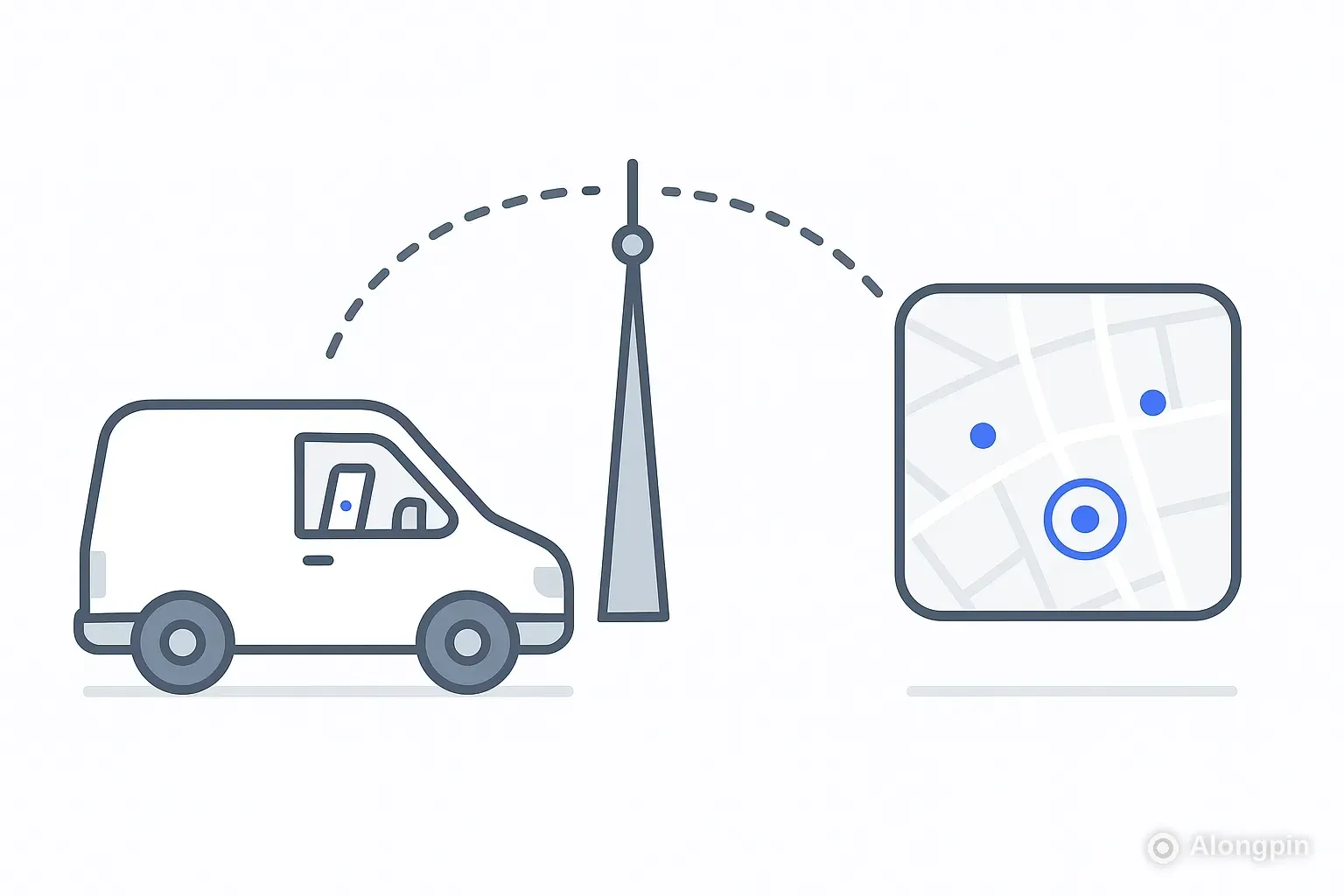
A phone with a tracking app that speaks a supported protocol
Alongpin does not need its own app on the driver's phone. It decodes what tracking apps send, and phone apps usually send positions in the OsmAnd format over HTTP. Many such apps exist for Android and iPhone; if you are unsure which protocol an app speaks, type its name into the device check.
Setting one up takes four steps:
- In the portal, open Devices and choose Add device. Name it after the driver and the contract, such as "R. Kumar, subcontractor, peak", and enter a short ID of your choice as the Identifier (IMEI), such as
rkumar01. - Choose Add and set up. Set up the tracker shows the Server address and, under Protocols this server accepts, the port for phone apps. In a standard setup it is 5055, but use the one the dialog shows.
- In the app, enter the server address with that port, the same ID, and a reporting interval of a minute or two.
- On the phone, allow the app to use location all the time and exclude it from battery saving, or the phone will stop it during the day.
Using a phone as a tracker with a tracking app has every screen. Put all subcontractor phones in one group, such as "Subcontractors, peak": zones, reports and the people who may see them can then be set once for the group.
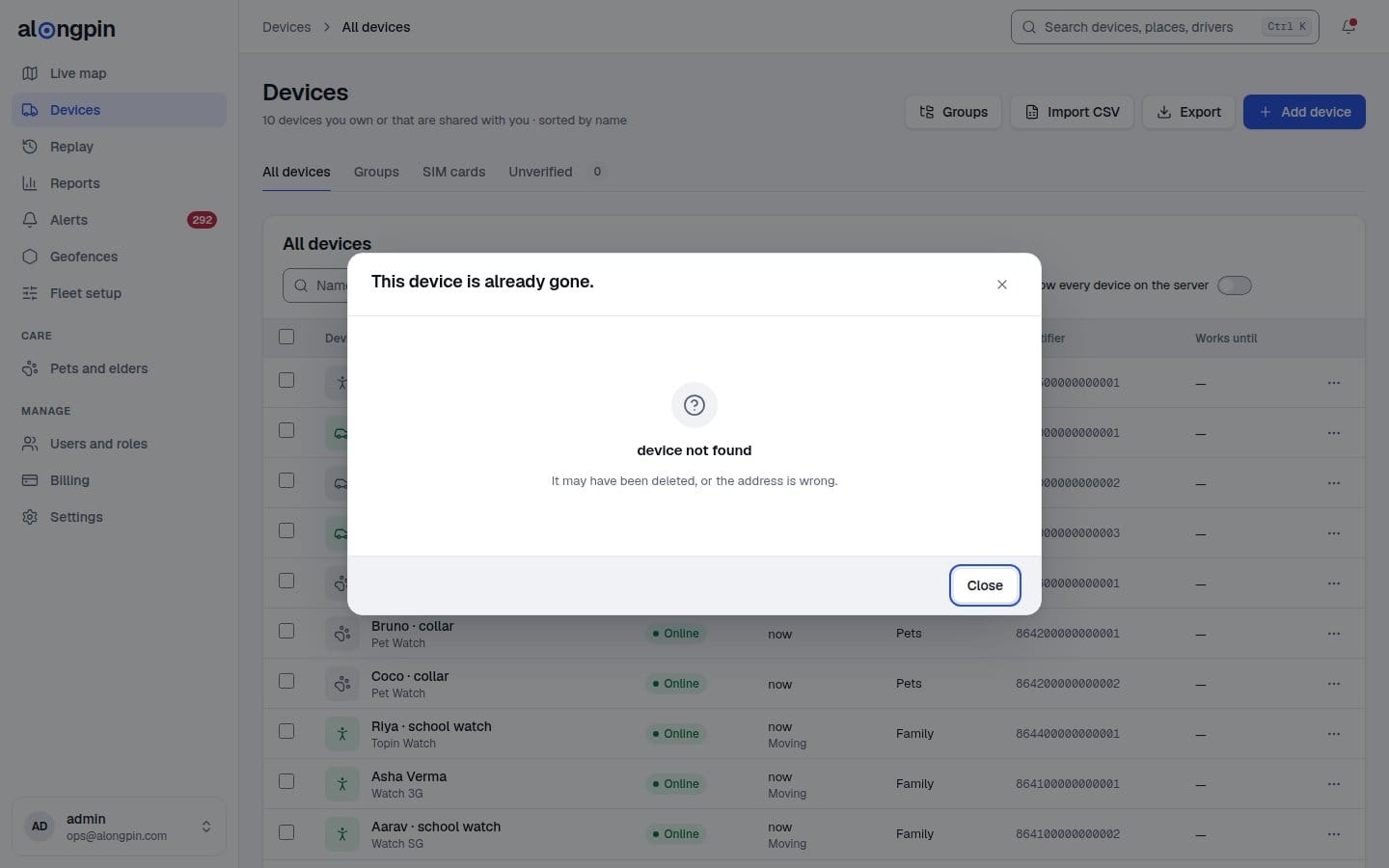
What you get: position on the map, trips, zones
Once the app sends its first position, the phone appears on the live map and behaves like any other device:
- Live position on the map, next to your own vans, so a dispatcher sees the whole day's capacity in one place.
- Trips and stops built from the positions, with replay of any day.
- Zones: arrivals and departures at depots and customer sites, alert rules on those, and the Geofence stays report for time on site.
- Reports: trips, stops, summaries and geofence stays for the group, to view, download or schedule.
For a delivery firm, the geofence visits are often the point: you see when the subcontractor collected at the depot and when they reached each customer, without phoning them.
What you do not get: ignition, alarms, commands
Be clear with your own team about what a phone cannot tell you:
- No ignition. The map cannot tell a parked van from one standing with the engine running, so there is no idle time and no ignition-based trip detection. Trips come from movement alone.
- No alarms. A phone app raises no SOS, no power-cut alarm and no tow alarm on the platform.
- No commands. You cannot ask a phone for its position or stop a vehicle through it.
- The phone, not the vehicle. If the driver leaves the phone at home, the vehicle is invisible. If they carry it on their day off, the phone is still the phone.
- Silence looks different. A phone app keeps no connection open between positions, so when it stops sending, the phone turns Unknown after a while (ten minutes in a standard setup), not Offline. An alert rule on Status unknown tells the dispatcher; see getting an alert when a device stops reporting.
Where you need any of the first three, the vehicle needs a fitted tracker after all.
Agreement and transparency with the subcontractor
A subcontractor's phone is their own phone, and it goes everywhere they go. Tracking it is only acceptable when the driver knows exactly what happens and has agreed to it. Put it in writing, in the contract or an annex to it:
- What is recorded: the phone's position at the interval set in the app, and from it trips, stops and visits to your zones.
- When: only during the hours they work for you. The driver switches the app on at the start of your work and off at the end, or the app's own schedule does it.
- Who sees it: name the roles, for example dispatchers at the depot. Give those people a role limited to the subcontractor group.
- How long it is kept, and what happens at the end of the contract.
- What it is for: planning and proof of delivery times, not judging the person.
You also need your own legal basis for processing a self-employed driver's location under the data protection law that applies to you; the platform does not decide that for you. The driver privacy page describes the privacy tools, such as working hours and private trips, that you can apply to the subcontractor group as well.
Removing access when the contract ends
The last day of the contract is the day to switch tracking off, on both sides:
- Ask the driver to stop the app and remove your server from its settings. Until they do, the phone keeps sending.
- Disable the device in Devices. The server then refuses its data: no new positions or events, while its history stays for your records. Or delete it, if you have no reason to keep the history: its positions, events and files are deleted for everyone.
- Revoke any share links you made for the phone, for example for a customer.
- Check the group: remove the device from the subcontractor group, so it no longer appears in reports and on the dispatchers' map.
Whichever you choose, keep the history no longer than the agreement says. Your administrator sets how long positions are kept for the whole account. The field service page shows how mixed teams of own and contracted drivers work from the same map.
How Alongpin helps
Alongpin (alongpin.com) is a GPS tracking platform you open in a browser or on your phone. Dispatch sees every vehicle on the live map, geofences record arrivals and time on site at depots and customers, and a share link lets a customer follow one delivery without an account. Trip history and reports settle questions after the fact. See how it works for fleets, check your trackers in the device check, or sign up.
Frequently asked questions
Does the subcontractor need an account in the portal?
No. The phone is a device in your account. The driver only needs the app and the three settings.
Can the driver see their own track?
Only if you give them access, for example a share link to their phone's device for a day. A request for the data held about them goes through your privacy process.
Will a phone's position be as good as a tracker's?
Usually close in the open; indoors and between tall buildings it can wander more, and a phone that saves battery may report less often.