Personal safety
Travelling alone: a check-in plan that works
A check-in plan for solo travellers: one person with the itinerary, check-in times you can keep, a phone as the tracker and a share link for each travel day, and what your contact does if a message does not come.
Ashish Srivastava6 min read

A solo travel safety check-in plan has three parts: one person at home who has your itinerary, check-in times you can actually keep, and an agreed answer to the question "what do I do if I don't hear from you?". Location sharing fills the gaps between messages: on travel days, a share link lets your contact see your phone on a map until the evening, without an account or an app. This guide builds the plan step by step, for anyone travelling alone for work or pleasure, and is plain about what a phone used as a tracker can and cannot do.
Key takeaways
- Give one person the whole itinerary: flights, trains, addresses, booking references and copies of your documents.
- Choose check-in times you can keep in every time zone. A missed check-in should mean something.
- A phone with a tracking app reports its position, nothing more. It has no SOS button on the platform.
- Create a share link for each travel day, with an end time, and send it with the day's plan.
- Agree in writing what your contact does when a check-in is missed, step by step, and note the local emergency numbers.
Step 1: Give one person the itinerary
Pick one person, not a group chat. A group spreads the responsibility so thin that nobody acts. Your contact should be someone who is reachable most of the day, who will take a missed check-in seriously and who is calm on the phone.
Send them, in one place they can find again:
- Transport: flight numbers, train and bus times, the name of the car hire company and the pick-up place.
- Where you sleep: each address with dates, the booking reference and the phone number of the place.
- Documents: a copy of your passport's photo page, visas and your travel insurance with its emergency number.
- People: anyone you meet on the way for work, a local guide, a friend in the city.
- Changes: agree that you send every change of plan, even small ones. An old itinerary sends a search to the wrong town.
A shared document or a pinned message in a private chat works. What matters is that your contact can find it at 2 a.m. without asking you.
Step 2: Choose check-in times you can keep
Ambitious plans fail. Three messages a day become one by day four, and your contact stops knowing whether silence means trouble. Choose a rhythm you will keep for the whole trip:
- One fixed daily check-in, such as when you wake up or at breakfast, in your local time.
- Two extra messages on travel days: one when you set off, one when you arrive.
- One word: "OK", or an emoji you agree on. Anything longer is a bonus.
Write down the time zones. A message "every day by 9" means different things in Lisbon and in Bangkok. State check-in times in your contact's time zone, so they know exactly when to start worrying.

Step 3: Use a phone as the tracker, for location only
Most solo travellers carry a phone already, so a tracking app on it is the easiest way to add location to the plan. The app sends the phone's position to Alongpin at the interval you set, and the phone appears on the live map like any other device. Using a phone as a tracker shows the setup: add the phone under Devices with a device ID of your choice, then enter the server address, the port for phone apps and that ID in the app.
Know what you are getting. A phone used this way reports location only: no SOS button on the platform, no fall alerts, and it stops reporting when the battery is flat, the app is closed or data is off. Phones also do not keep a connection open, so when the app stops sending, the phone shows as Unknown on the map rather than offline. The phone app page sets out what a phone reports.
Three practical settings before you leave:
- Allow the app to use location all the time and exclude it from battery saving, or the phone stops it in the background.
- Choose a sensible interval. A position every few minutes is enough for a travel day and kind to the battery.
- Check roaming data. The app needs mobile data abroad, so either roaming or a local SIM or eSIM. Taking a tracker abroad covers SIMs and roaming in more detail.
If you want an SOS button too, a watch or personal alarm with its own SIM does that. It adds a device to carry and charge.
Step 4: Share links for travel days
The moments when location helps most are the travel days: the night bus, the transfer from the airport, the long drive to the next town. For each of them, create a share link:
- Open Devices, choose the phone and open its Settings.
- Under Share links, choose New link.
- Under Label, who it is for, write who it is for and which day, such as "Mum, Porto to Lisbon".
- Set Works until, date and Time to the evening of the travel day, with some margin.
- Add a PIN if your server offers one, and send it in a different message from the link.
- Choose Create link, copy it and send it with the day's plan.
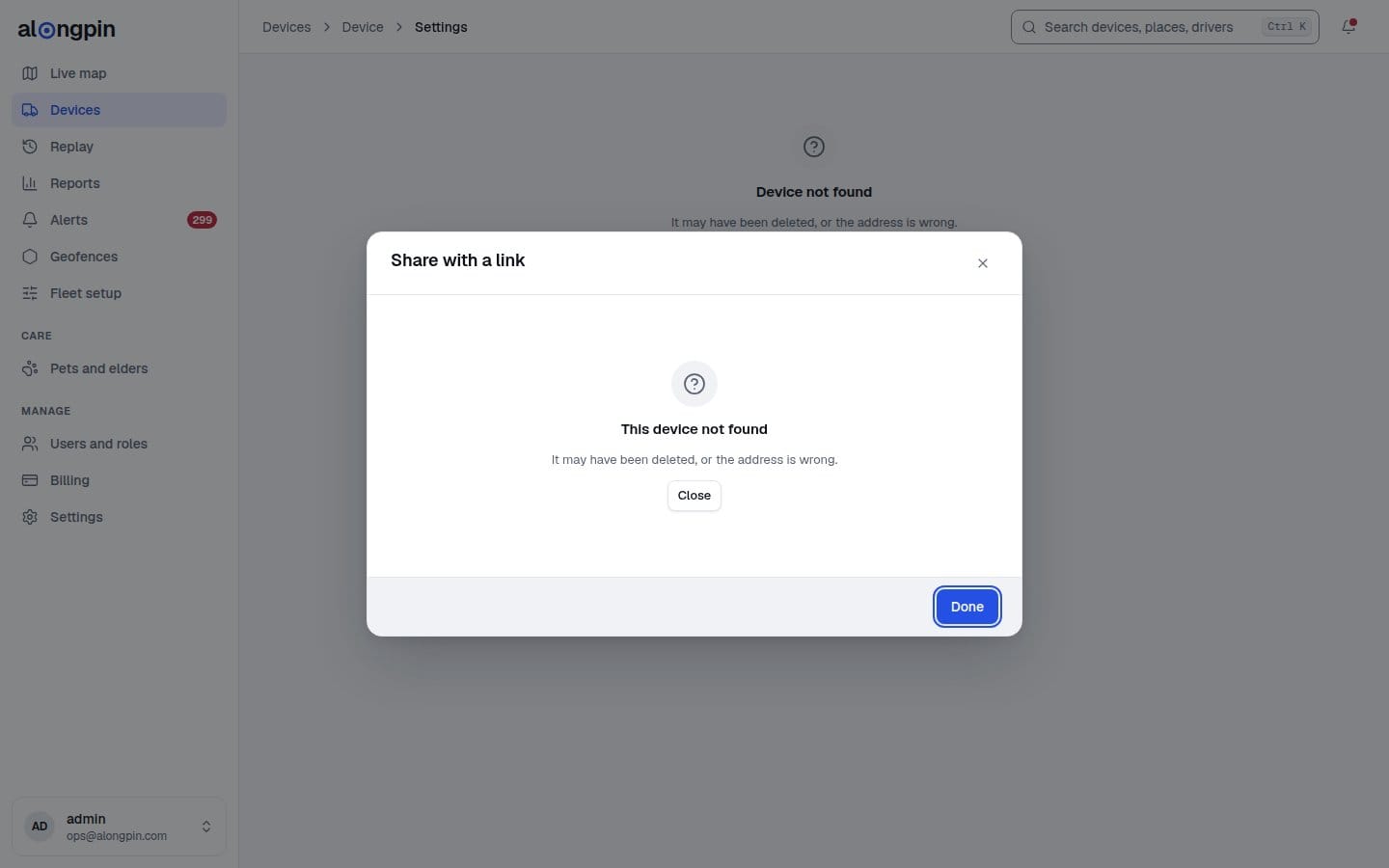
Your contact opens the link in a browser and sees your phone on a map, read-only, with no account and no app. The link stops working by itself at the time you set. To end it early, open the phone's share links and end it. Sharing a device with a link has the details.
Under Settings → Your account → Privacy and your data, Your share links lists every link with its end, and Who looked at your data shows each time one of your links was opened. If a link was opened by more people than you expected, end it and make a new one.
One link per day is better than one for the whole trip. It keeps the habit deliberate, and if a phone or message is lost, the link that leaks ends that evening.
Step 5: Agree what your contact does if you miss a check-in
This is the part most plans leave out, and the part that matters when something goes wrong. Write it down together, with times:
- Thirty minutes after a missed check-in: your contact messages and calls you.
- After an hour: they open the day's share link and note your last position and the time it was reported. A position from a few minutes ago with you moving is reassuring; one from four hours ago is not.
- After two hours: they call the place you are staying, the airline or the tour operator, and anyone on your list who is near you.
- If there is still no news: they contact your travel insurer's emergency line and your country's embassy or consulate, and the local police where that makes sense.
Your thresholds may be shorter or longer. A trek in an area without coverage needs a later alarm; a night arrival in a city you do not know, an earlier one. Agree on it before you leave, so your contact does not have to decide alone at the worst moment.
Step 6: Note the local emergency numbers
Before each country, write down the local emergency number, the number of your embassy or consulate, and your insurer's emergency line. In the countries of the European Union, 112 reaches the emergency services; elsewhere numbers differ, and some countries have separate numbers for police, ambulance and fire. Keep them on paper as well as on the phone.
The platform does not call anyone on your behalf. It shows your contact where your phone is. Calling for help is still done by you, or by the person who knows your plan.
When you are home
End any share link still running, and tell your contact the trip is over. If you used a phone only for this trip, switch the app off. Your history stays in the account for the period your administrator set, so the journey can be replayed later and then expires. The personal safety page shows how sharing and history work for adults and families.
How Alongpin helps
Alongpin (alongpin.com) is a GPS tracking platform you open in a browser or on your phone. A personal tracker, GPS watch or phone shares your position with the people you choose, the SOS button alerts your contacts with where you are, and a share link lets someone follow one journey and then expires. See how it works for personal safety, and check your device in the device check.
Frequently asked questions
Does my contact need an account or an app?
No. A share link opens in any browser. They need the link, and the PIN if you added one.
What if my phone has no data for a while?
Your contact sees the last position that got through, with its time. Some tracking apps keep positions while offline and send them later; check yours.
Can I share my location for the whole trip?
You can set a later end time, up to the maximum your server allows. A link per travel day keeps the sharing to the moments that need it.