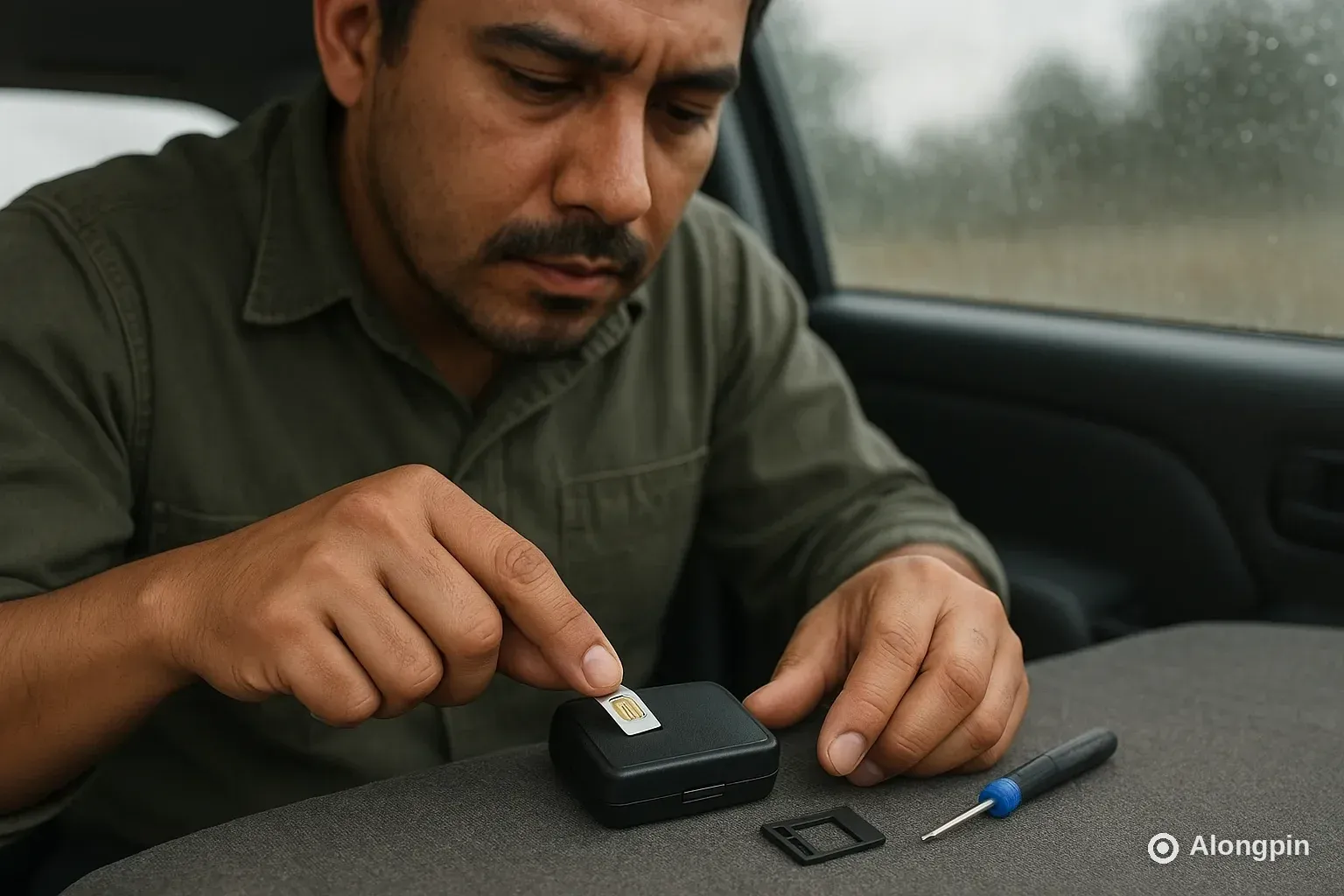
GPS trackers and devices
Keeping track of the SIM cards in a fleet of trackers
SIM cards expire, get swapped and keep billing after a vehicle is sold. How to keep a register of providers and cards, which tracker each card is in, and a quarterly review that finds the cards you pay for and do not use.
Ashish Srivastava6 min read
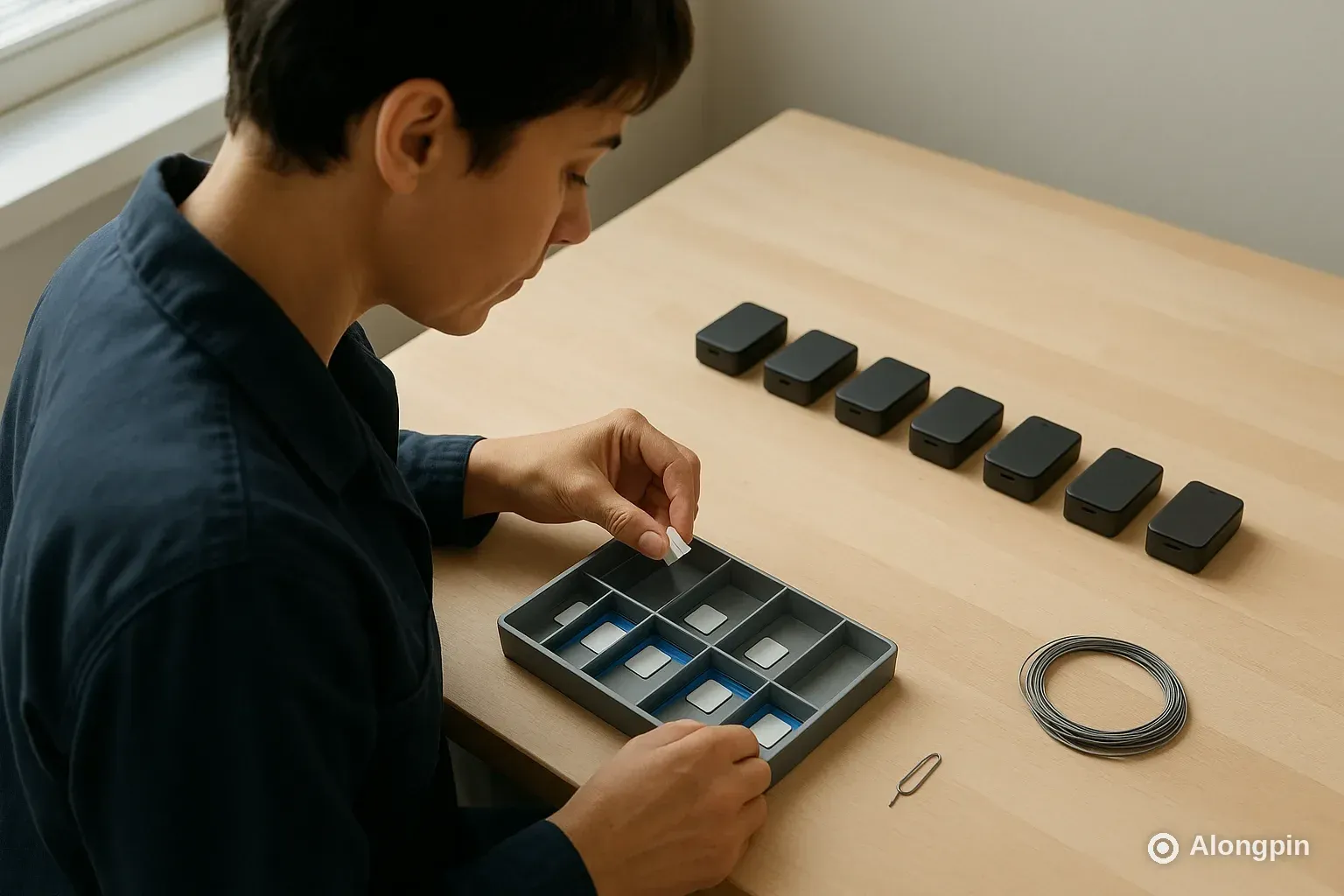
SIM management for GPS trackers means keeping one register of every SIM card in your fleet: which operator it comes from, its number, whether it is active, when its plan ends, and which tracker it sits in today. In Alongpin that register lives under Devices → SIM cards. You record each provider with its APN and support contact, add each card by its ICCID, install it in a device or keep it in stock, and every card keeps a history of the devices it has been in. One thing to know from the start: status and expiry dates are for your records. The platform flags cards that are about to expire, but it never suspends or ends a card at the operator. That stays with you and your provider.
Key takeaways
- Record providers first (name, APN, support contact), then each card with its ICCID, number, status and dates.
- A card is either In stock or installed in a device; moving it keeps a history of where it has been.
- Cards that expire within 30 days are flagged in the list. Nothing else happens on its own.
- Suspending or terminating a card in the register does not change it at the operator: tell the provider too.
- A short quarterly review against the operator's bill finds the cards that keep billing for nothing.
The hidden asset: SIMs that expire, get swapped or keep billing
Trackers are easy to count: they show on the map. SIM cards are not. With a few dozen trackers, and more so with a few hundred spread across customers, the same problems come back:
- Plans that expire quietly, and a tracker goes offline on a Friday evening for no visible reason.
- Cards swapped during a repair or a reinstall, so the number you text a configuration to is no longer the one in that tracker.
- Cards that keep billing after the vehicle was sold, the tracker returned or the customer left.
- Spare cards in a drawer that nobody can tie to a contract.
A SIM register answers three questions at any moment: where is this card, which card is in this tracker, and what does each card cost us. For installers and resellers who fit trackers for many customers, it is also the record you hand over when a customer asks why their tracker stopped reporting.
Before you start
- The operator's list of your cards, with ICCID, number and plan dates. A spreadsheet export from the operator's portal is ideal.
- A login whose role may manage SIM cards. Administrators can; for other users, the right to manage SIM cards follows the devices their role covers.
- Your trackers already added as devices, so cards can be installed in them.
Step 1: Record your providers
A card needs a provider, so start there. Open Devices, go to SIM cards and choose Add provider. Enter:
- Name: the operator or the specific M2M contract, unique in the list.
- APN: the access point name its cards use for data. It is shown in the tracker setup, which saves looking it up on site.
- Support contact: account manager, phone and email, up to 512 characters. When a card fails at 7 in the evening, this is where the installer looks.
- Under Attributes, an Account number if you have one with that provider.
Choose Add provider. A provider that still has cards cannot be deleted; move or delete its cards first.
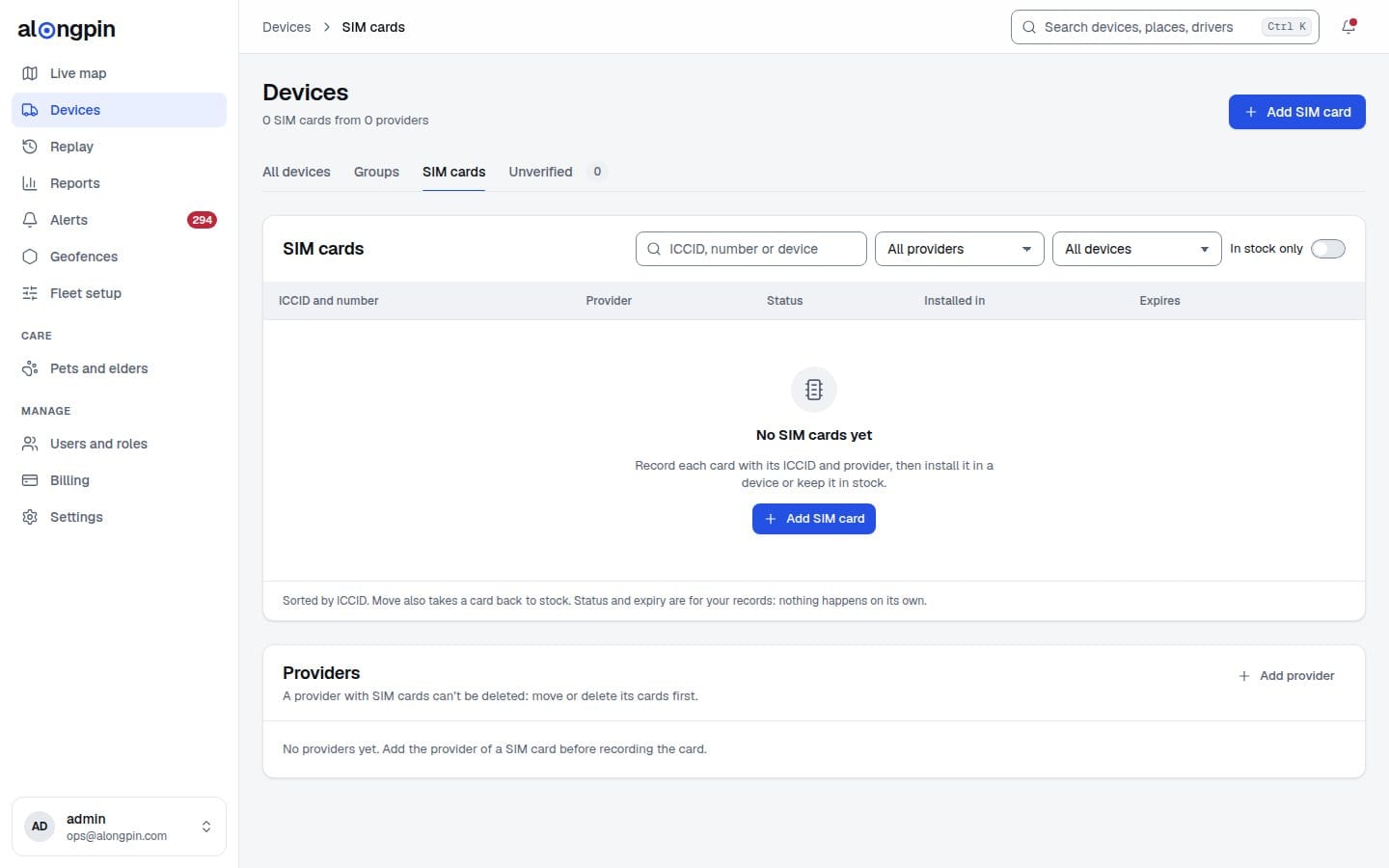
Step 2: Add each SIM card
Choose Add SIM card and fill in:
- ICCID: the number printed on the card, 18 to 22 digits. Spaces are removed, so you can type it as printed.
- Phone number: the card's subscriber number. It is not linked to the device's own phone field, so if you send commands by text message, keep the device's phone field up to date as well.
- IMSI, if the operator gives it.
- Provider, from step 1.
- Installed in: the tracker it sits in, or In stock.
- Status: Active, Inactive, Suspended or Terminated.
- Activated and Expires: the plan's start and end. A card is flagged 30 days before it expires.
ICCID, phone number and IMSI are each unique, so the same card cannot be entered twice by two people. Choose Add SIM card.
Step 3: Install, move and take back
Each card is in stock or in one device; a dual-SIM tracker can hold two. On a card's page:
- Install in a device puts a stock card into a tracker.
- Move to another device records a swap, for example during a repair.
- Take back to stock records a card coming out of a tracker.
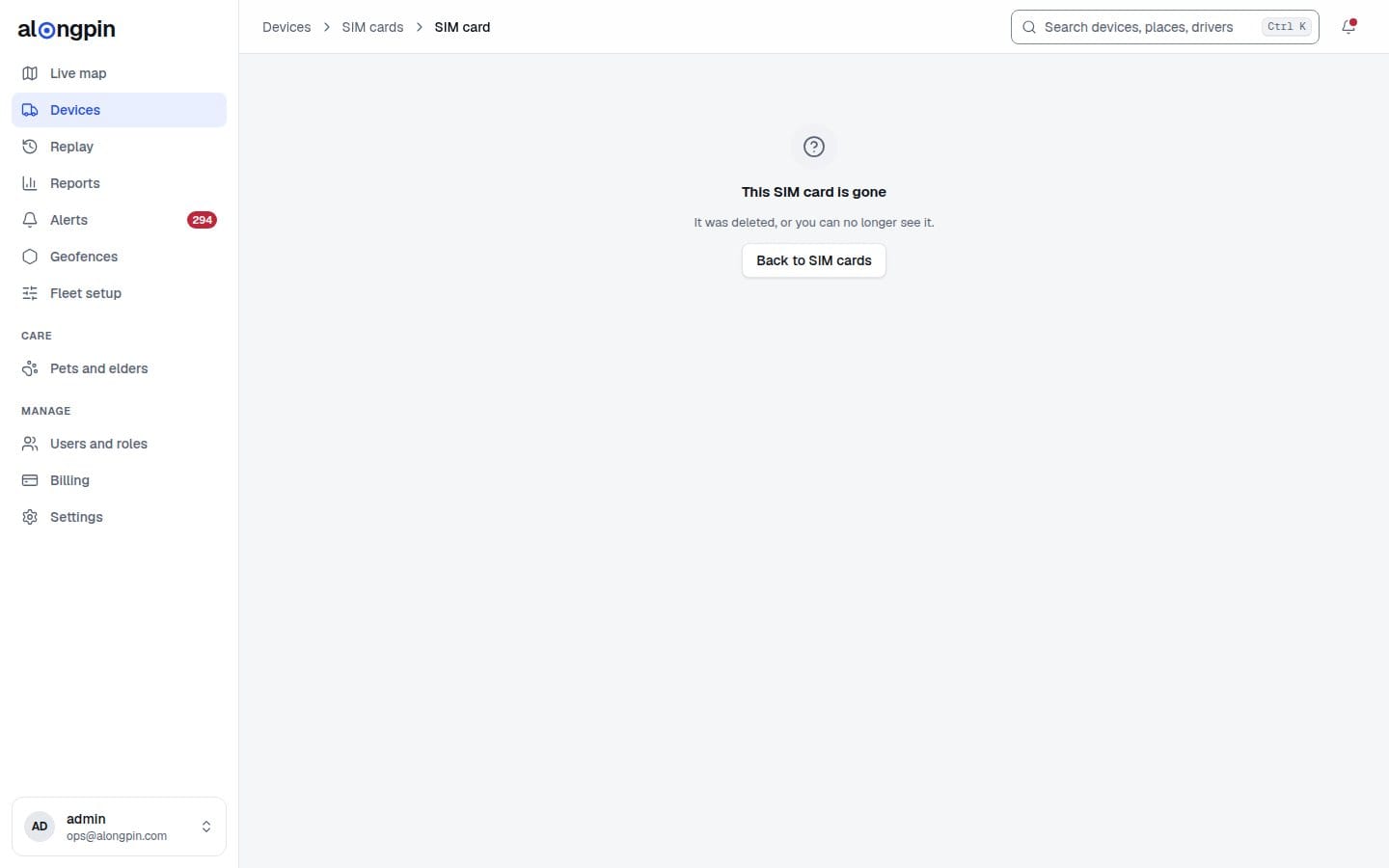
Every change writes a line in the card's History, the devices this SIM card was in, with who installed it, who removed it and when, recorded since the card was first installed. If a tracker is deleted from the platform, its cards go back to stock automatically, and their history shows it.
The device page shows which SIM a tracker holds, so an installer standing next to a vehicle can check it is the card the register expects.
Step 4: When a vehicle is sold or a customer leaves
This is where most money leaks. Make it a fixed routine:
- Take the card back to stock, or move it to the tracker it goes into next.
- Decide its fate with the operator: suspend it, end the contract or keep it for reuse. Do that in the operator's portal or with your account manager; the register cannot do it for you.
- Set the status to match: Suspended while it is paused, Terminated once the contract has ended. Keep terminated cards in the register rather than deleting them: deleting a card removes its installation history too, and that cannot be undone.
If the tracker itself moves to a customer who runs their own account, an administrator can transfer it. Cards and providers can be transferred to another owner by administrators only.
Step 5: A quarterly SIM review
Once a quarter, set aside an hour with the operator's latest bill or card list:
- Expiring soon: the list's badges show how many cards expire within 30 days. Renew those whose tracker still reports; plan to stop the rest.
- In stock: filter In stock only. Every card here is paid for and doing nothing. Reuse it or suspend it.
- Suspended: check each is still meant to be paused, and that the operator agrees.
- The bill against the register: search by ICCID or number for any card on the bill that the register does not know, and for any active card in the register that the bill does not show.
- Offline trackers: a tracker that has been Offline for days with an active card may have a dead plan. Check the card before sending someone out.
An administrator also sees the latest audit entries on each card's page: who created, changed or removed it. That helps when two people remember a swap differently.
For resellers and installers with many customers
Rights to SIM cards follow the devices. A user whose role covers some devices can manage the cards in those devices and move cards between them, and nobody else's. That lets an installer team keep its own stock and fit cards into customer trackers without seeing other customers' cards. The partners page describes how resellers run customer accounts from their own.
When fitting, give the installer the server address and port from Set up the tracker, and the APN from the provider; the device connection guide explains protocols and ports, and the vehicle trackers page shows what a tracker needs: a SIM with a data plan and the server address and port in its settings.
Common mistakes
- Recording the number but not the ICCID. Numbers can be ported; the ICCID is printed on the card and identifies it.
- Deleting cards to tidy the list. You lose the history. Set Terminated instead.
- Trusting the status to stop billing. It does not. Only the operator stops a card.
- Forgetting the device's phone field. Commands by text message go to the device's phone field, not to the card's number in the register. What happens to a command sent to an offline device covers text-message commands.
How Alongpin helps
Alongpin (alongpin.com) is a GPS tracking platform you open in a browser or on your phone. It is a platform, not a box: it works with the trackers, watches, phones, dashcams and collars whose protocols it decodes, so you keep the hardware you trust. Type a model into the device check, see the kinds of device and how a device connects, then sign up and add it by its IMEI.
Frequently asked questions
Does the platform warn me when a card is about to expire?
The SIM list flags cards that expire within 30 days. It sends no alert and changes nothing when the date passes.
Can one tracker hold two SIM cards?
Yes. A device may hold several cards, for dual-SIM trackers.
Can I see which tracker a card was in last year?
Yes, from the card's installation history, recorded since the card was first installed in the register.