GPS trackers and devices
What is JT808? The protocol behind many trackers and dashcams
JT808 is the standard protocol of many vehicle trackers and most connected dashcams; JT1078 adds live video. What each carries, the terminal ID and server settings, and why two cameras can behave differently.
Ashish Srivastava6 min read
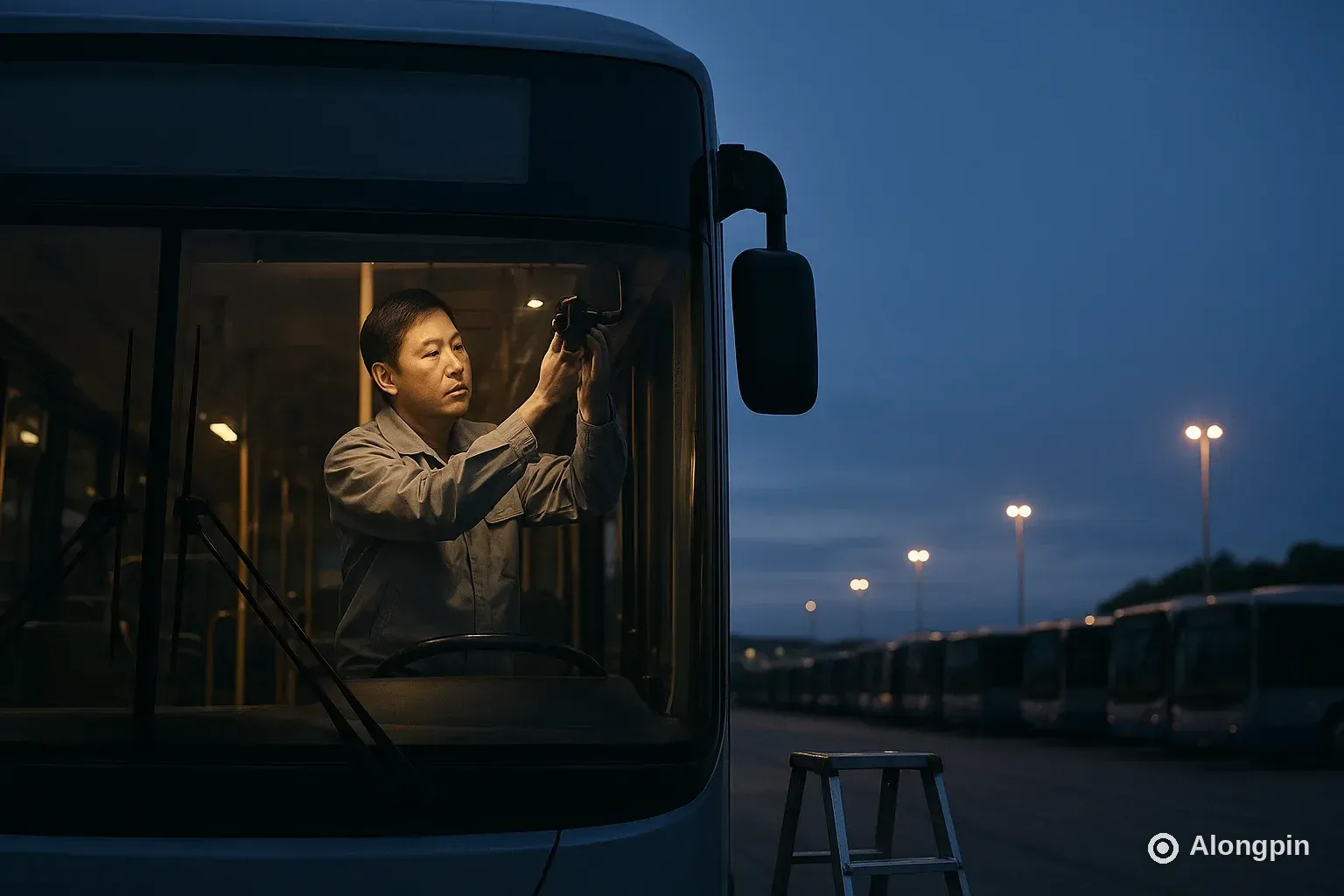
JT808, written in full as JT/T 808, is a standard protocol for vehicle terminals: trackers and, above all, connected dashcams. It defines how a device reports its position, status and alarms to a server, and how it uploads photos, audio and video clips. Its companion JT1078 (JT/T 1078) adds live video. When a dashcam is sold as "JT808", the JT808 protocol tells you that a platform which decodes JT808 can receive its positions and uploads; it does not tell you that every camera feature will behave the same way, because makers implement the standard in their own ways.
Key takeaways
- JT808 is a road-transport standard for vehicle terminals, with 2013 and 2019 editions; it is very common in dashcams.
- Over JT808 a device sends positions, ignition and alarms, and uploads photos, audio and clips with the reason they were taken.
- JT1078 is a second protocol for live video. A camera without it still uploads, but its live view will not start.
- The device reports a terminal ID, often the IMEI or a number derived from it, and needs a server address and port for each protocol.
- Camera makers differ in reason codes, sub streams and upload settings: test one unit before you fit a fleet.
Where JT808 comes from and where it is common
JT/T 808 is an industry standard for road-transport vehicle terminals, published as part of a family of standards for commercial vehicles; the editions you meet in device manuals are 2013 and 2019. Because commercial vehicles had to carry terminals that spoke it, a large industry grew up building JT808 devices, and those devices are now sold far beyond the market they were designed for.
Today you meet JT808 in two kinds of product: vehicle trackers that use it instead of a maker's own protocol, and multi-channel dashcams for vans, trucks, buses and taxis. In dashcams it has become something like a common language, which is why a fleet platform that decodes JT808 can work with cameras from many makers.
What JT808 carries
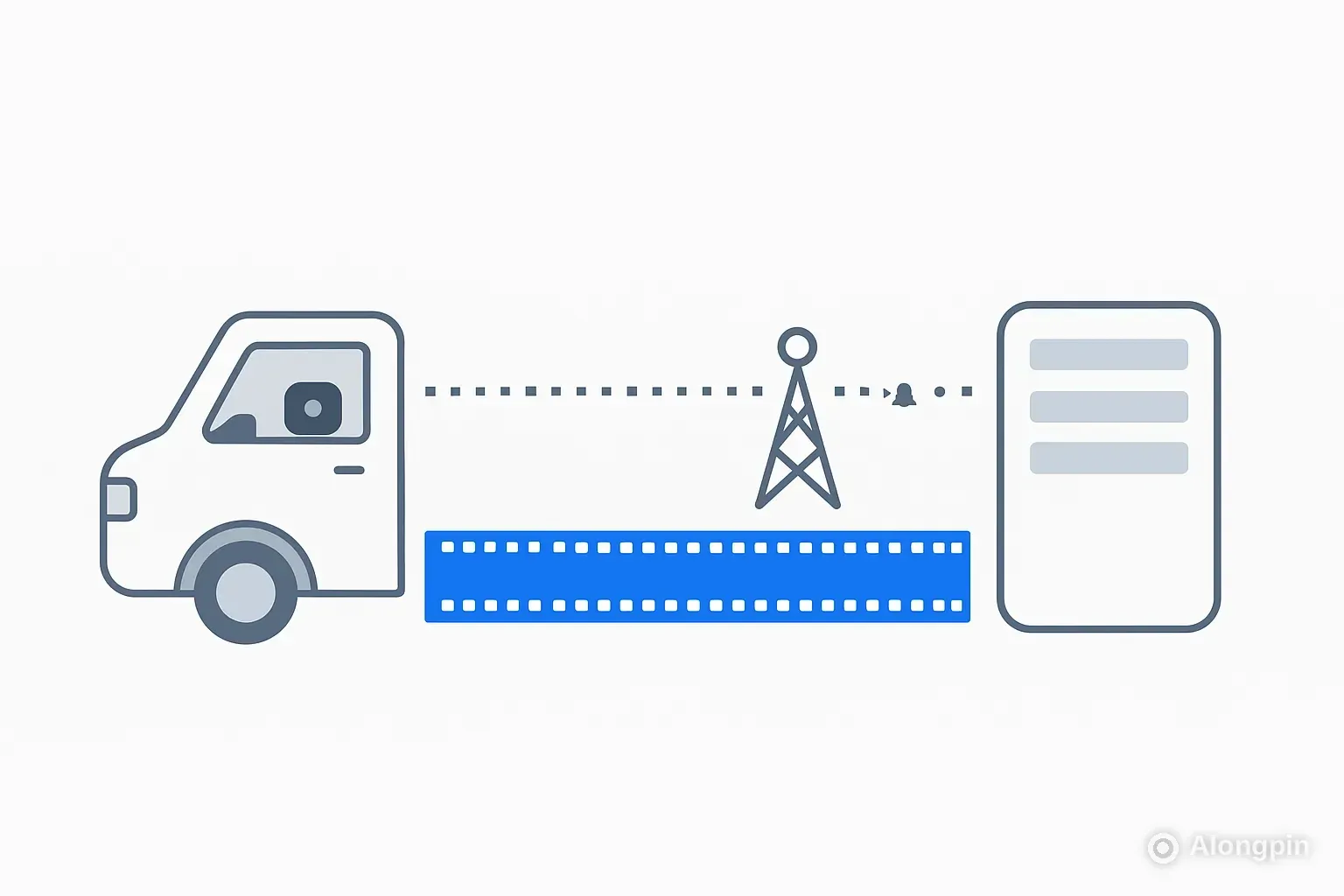
A JT808 device keeps a connection to the server over mobile data and sends:
- Position and status: location, speed, heading and time, the ignition, and the device's own state. A dashcam is a tracker too, so a vehicle with only a camera still appears on the live map with trips and stops.
- Alarms: depending on the model, SOS, overspeed, fatigue, collision, tampering and others the camera detects.
- Media: photos, audio and video clips, uploaded in many small packets and put back together by the server. Each upload carries where it was taken, the camera channel and a reason code. The standard reasons include a request from the platform, a schedule, an SOS, a collision and a door opening or closing.
On Alongpin, the uploaded photos and clips arrive in the media gallery of the device, with the place, the time, the camera channel and the reason the camera gave. The platform stores what the camera uploads for events, a schedule or a request; it does not record the camera continuously in the cloud. The dashcams page lists what a compatible camera reports and what it takes.
JT1078 for live video
Live video uses a second protocol, JT/T 1078, on its own port. When someone opens live video, the platform sends the camera a command over its JT808 connection asking it to stream a channel; the camera then opens a separate video connection to the JT1078 port and sends the stream. The video plays in the browser a few seconds later, without sound, and stops by itself when nobody is watching.
Two things follow from this design:
- A camera that speaks JT808 but not JT1078 reports and uploads normally, but live video does not start. Check for both protocols if live video matters to you.
- Quality is the camera's. Many cameras offer a main stream and a smaller sub stream that uses less mobile data. A camera without a sub stream may refuse that request or send its main stream instead.
How streams, channels and mobile data fit together is covered in how to watch live video from a dashcam.
Terminal ID and server settings on the device
A JT808 device identifies itself with a terminal ID. Depending on the edition and the maker it is the IMEI, a number derived from it, or a number shown in the camera's settings menu; in the 2019 edition the ID is longer and often padded with zeros. The platform matches that ID to a device, so it is what you enter as the Identifier (IMEI) when you add the camera in the portal.
If you are not sure which number the camera sends, let it connect first: it then appears under Devices → Unverified with the identifier it reported and the protocol it used, and can be registered from there.
The device itself needs:
- A SIM with data, sized for photos and video, not just positions.
- The APN of that SIM's network, where the network needs one.
- The server address and the JT808 port, entered in the camera's settings menu or configuration tool. In a standard setup the JT808 port is 5015 and the JT1078 port is 5263, but use the ones Set up the tracker shows for your account. The device connection guide lists the standard ports.
Most cameras take these settings through their own menu or a configuration tool rather than text messages. The full procedure is in how to connect a JT808 dashcam.
Why two JT808 devices can behave differently
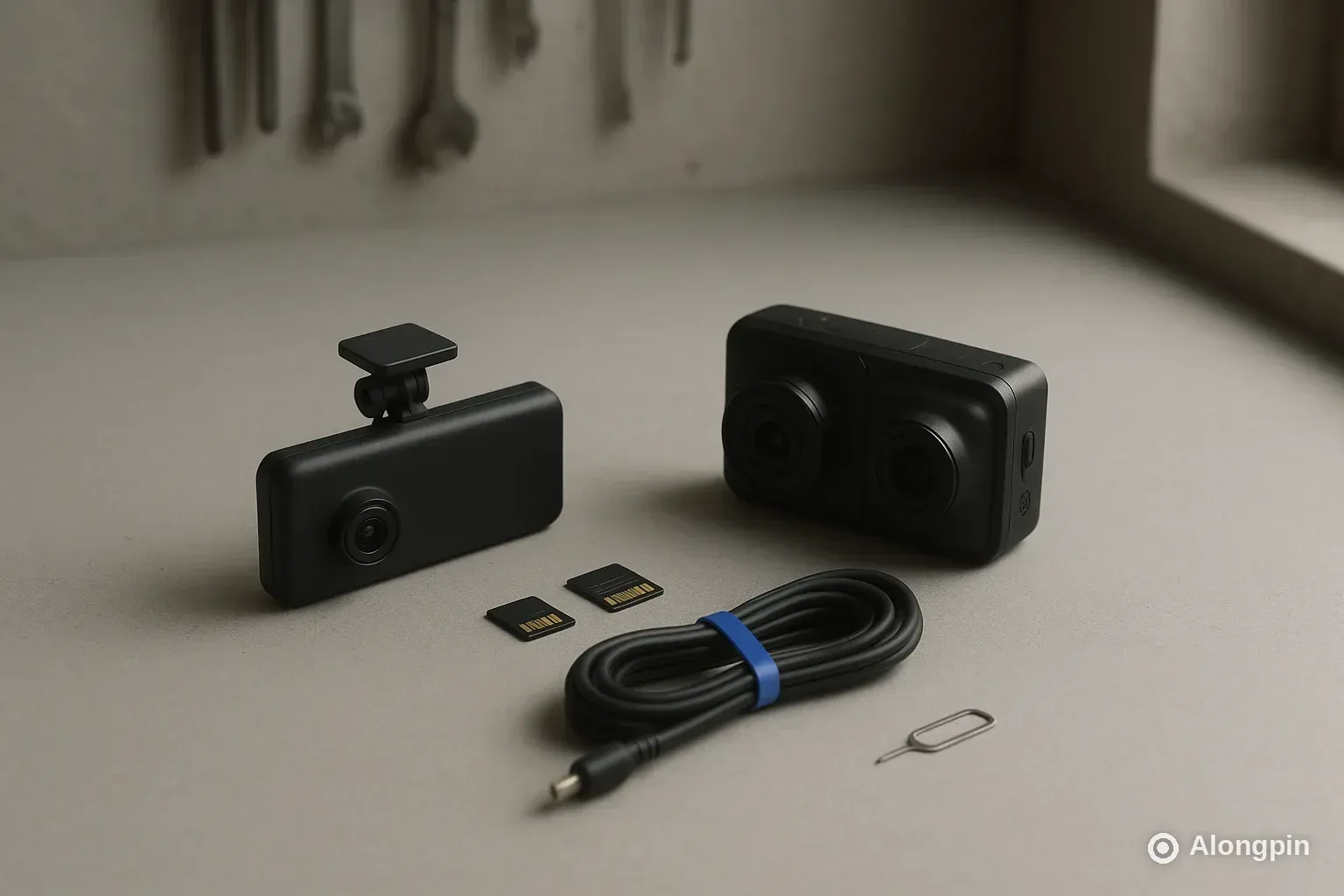
The standard fixes the frame and many message types, but leaves room for the maker. Differences you will meet:
- Reason codes: the standard codes are the same everywhere, but makers add their own for driver-monitoring and assistance alarms. A reason one camera reports may never come from another, or arrive as a code the platform shows as "other".
- Upload behaviour: some cameras upload a photo or clip automatically on an alarm, others only when photo upload is switched on in their settings, others only on request.
- Channels: the number of cameras and which channel is the road and which the cabin is decided by the installer and the maker.
- Sub stream and live video: whether the camera has a sub stream, which resolutions it sends, and whether it speaks JT1078 at all.
- Edition: 2013 and 2019 devices differ in the length of the terminal ID and some message details.
None of this is a fault of the platform or the camera; it is the space the standard leaves. It is why "JT808 compatible" is a starting point, not a guarantee.
Checking your model before buying
- Look for both protocols in the manual or the seller's page: JT808 (or JT/T 808-2013 or -2019) for positions and uploads, JT1078 for live video.
- Use the device check. Enter "JT808", the model or the maker in the device check. A match means the server decodes the protocol; it does not confirm the particular camera.
- Fit one unit first and go through everything you will rely on: online and ignition on the map, a requested photo, an alarm with its upload, live video on both channels, and the sub stream.
- Then buy the batch, of the same model and firmware as the one you tested.
How Alongpin helps
Alongpin (alongpin.com) is a GPS tracking platform you open in a browser or on your phone. It is a platform, not a box: it works with the trackers, watches, phones, dashcams and collars whose protocols it decodes, so you keep the hardware you trust. Type a model into the device check, see the kinds of device and how a device connects, then sign up and add it by its IMEI.
Frequently asked questions
Is JT808 only for dashcams?
No. Some vehicle trackers use it for positions and alarms only. Dashcams are simply where it is most common, because it also carries photos and clips.
Can I request a video clip from a JT808 camera?
From the portal you request a photo. Clips arrive when the camera uploads them, for an event or on a schedule set in the camera, and live video is available from cameras that also speak JT1078. Past footage the camera did not upload stays on its memory card.
Does live video have sound?
No. Live video plays without sound. Cabin audio from uploads is kept only when an administrator switches it on in the capture policy.