Field service
Phone or van tracker: which is right for field technicians?
A van tracker follows the vehicle with ignition, idle time and alarms; a phone app follows the person and reports position only. What each adds, what each depends on, the privacy difference, and when to mix them.
Ashish Srivastava7 min read
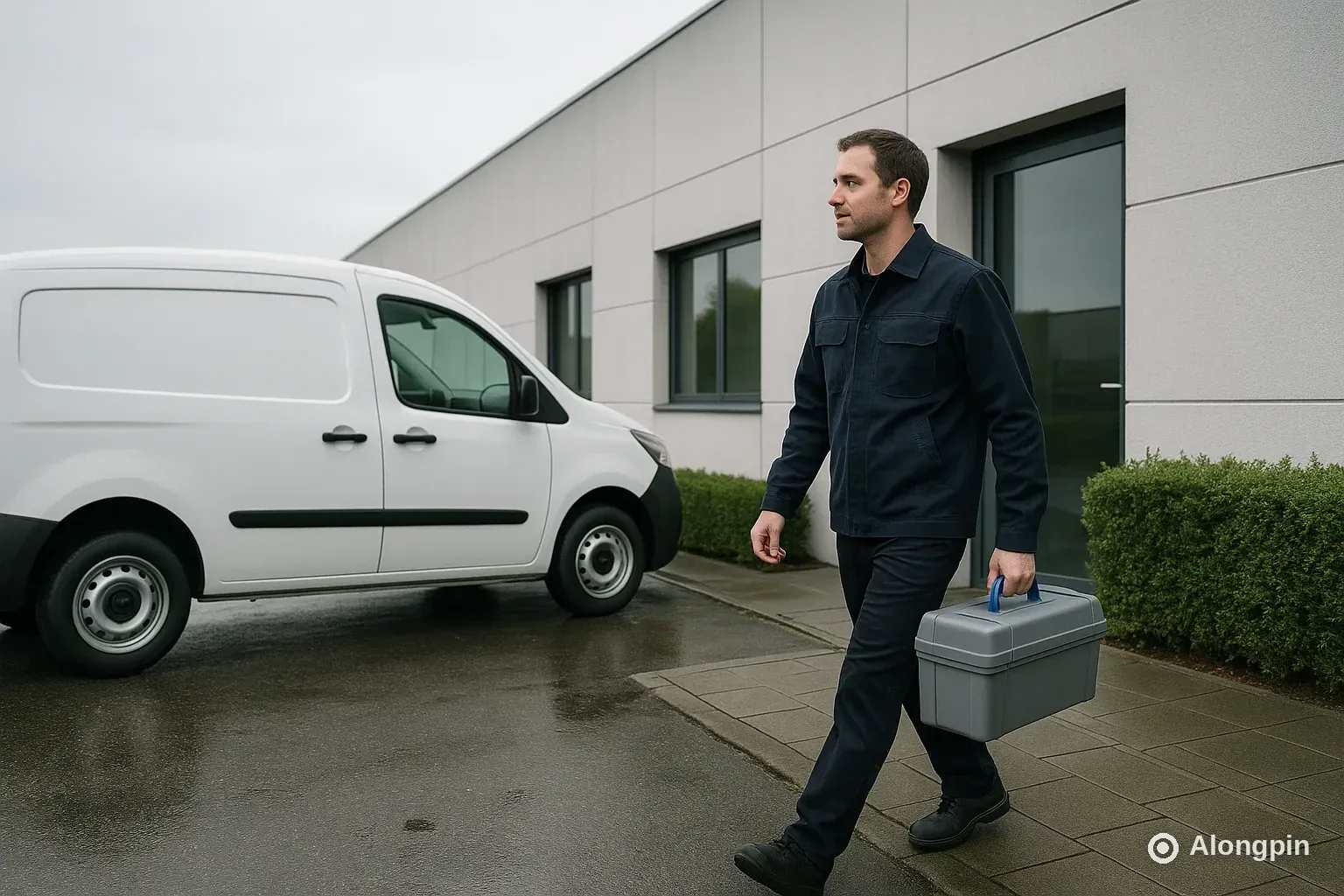
Phone vs GPS tracker for employees comes down to one question: do you want to know where the van is, or where the person is? A tracker fitted in the van reports the vehicle whoever drives it, with the ignition, idle time and alarms, and keeps working when nobody touches it. A phone running a tracking app reports where the technician is and nothing else, and only while the app runs and the battery lasts. Most service firms that own their vans start with van trackers; firms whose technicians drive their own cars, or work on foot on large sites, often start with phones. Both can sit in the same account.
Key takeaways
- A van tracker follows the vehicle; a phone app follows the person carrying the phone.
- Only a vehicle tracker reports ignition, so only a van tracker gives idle time and the difference between idle and parked.
- A phone reports position only: no SOS alarm, no ignition, no commands, and nothing when the app is stopped.
- A phone costs no hardware or fitting; a tracker needs both, but then runs without anyone's help.
- A personal phone raises bigger privacy questions than a company van. Agree the rules first.
- Phones and trackers can be mixed in one account and appear on the same map.
Quick comparison
| Tracker in the van | Phone with a tracking app | |
|---|---|---|
| What it follows | The vehicle, whoever drives | The person carrying the phone |
| Position and trips | Yes | Yes |
| Ignition, idle time, idle vs parked | Yes, on most wired trackers | No |
| SOS alarm | On trackers with a panic button | No |
| Other alarms (power cut, tow) | Depends on the model | No |
| Remote commands | Depends on the model | No |
| Needs someone to keep it running | No, it is powered by the vehicle | Yes: app running, location on, battery charged |
| Hardware and fitting | A tracker, a SIM, and fitting | The phone the technician already has |
| Works when the technician drives their own car | Only if a tracker is fitted in that car | Yes |
What each option tracks: the van or the person
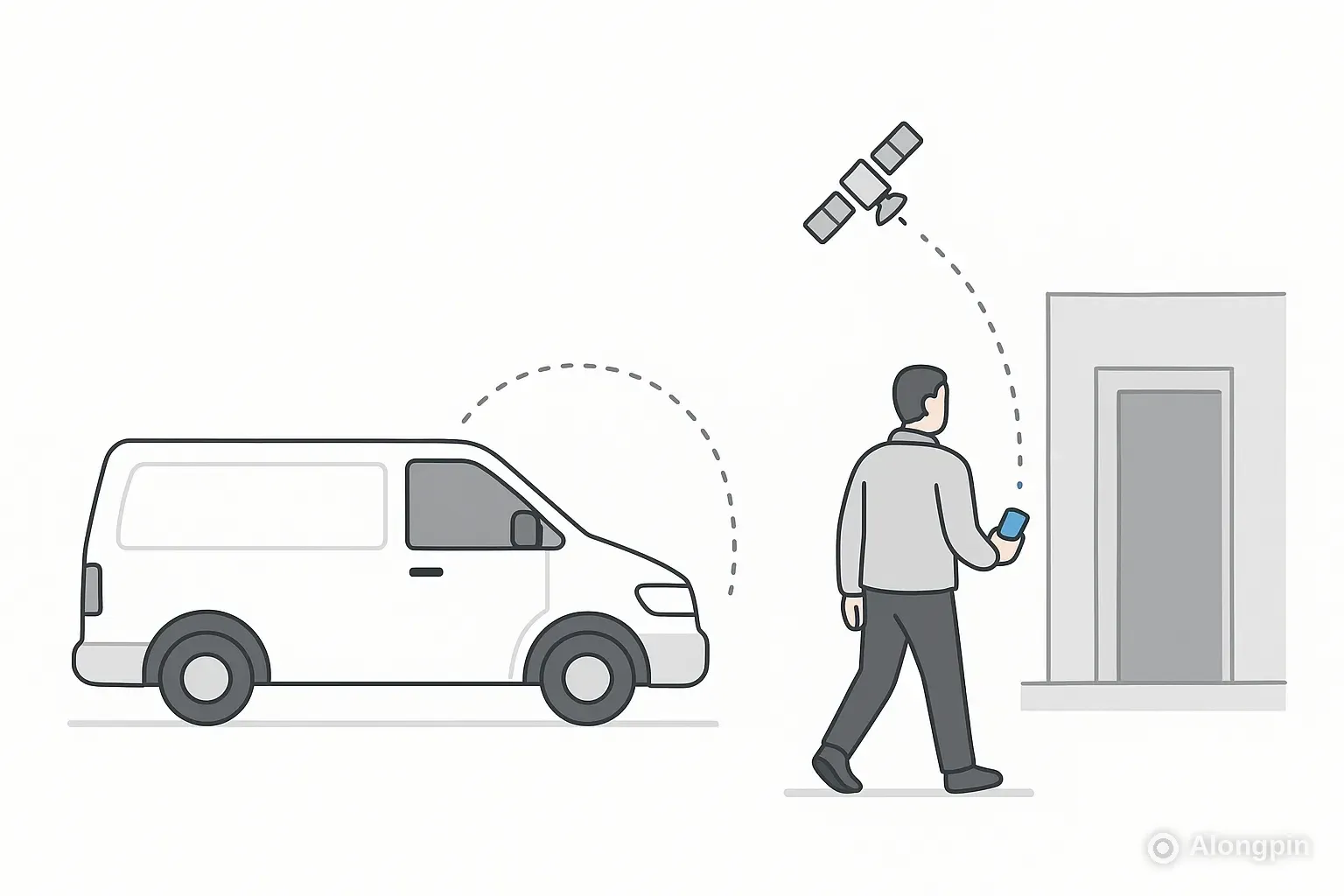
A vehicle tracker is a small box wired to the van's power or plugged into its diagnostic socket. It has its own GPS receiver and SIM, and it reports the van: where it is, how fast it moves, whether the engine runs. If a colleague borrows the van, the tracker reports the colleague's trip. If the technician walks two hundred metres into a hospital site, the tracker stays in the car park.
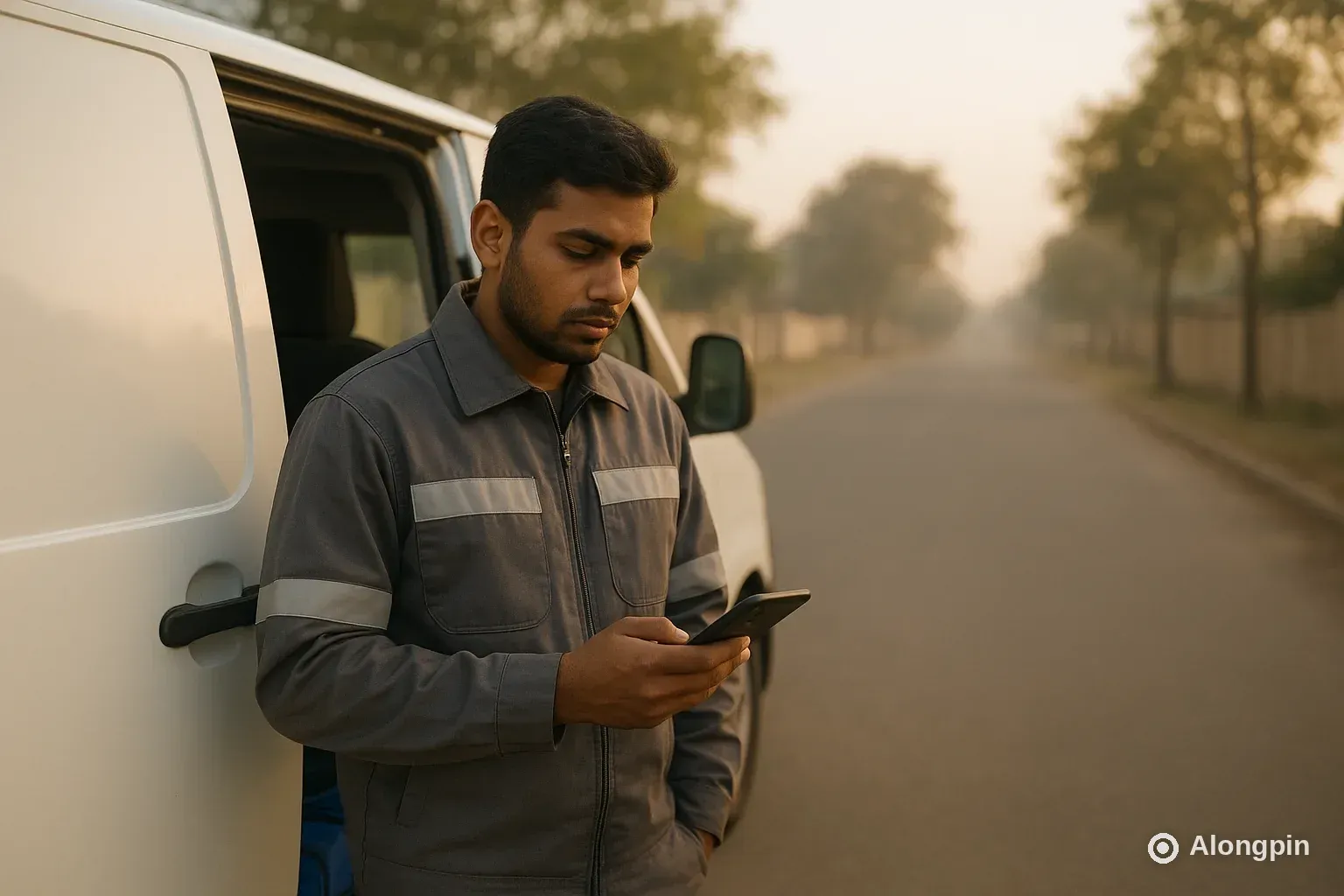
A phone used as a tracker runs a tracking app that sends the phone's position to the platform, typically an OsmAnd-style app. It reports wherever the phone goes: in the van, across the site, into a customer's building and, unless the app is stopped, home in the evening.
Neither is better in general. The question is which one answers your questions. "Was the van at the customer's address at ten?" is a van question. "Where on this campus is our engineer right now?" is a person question.
What a vehicle tracker adds: ignition, idle time and alarms
Most wired trackers report whether the ignition is on. That one signal changes a lot:
- Idle and parked are told apart. The live map shows a van standing with the engine on as Idle and one with the engine off as Parked. A phone cannot tell.
- Idle time is measured. Each trip shows its driving time and its idle time, and the idle report lists every span of standing with the engine running and where it happened.
- Alarms come from the vehicle. Depending on the model: a panic button in the cab, a power cut when someone unplugs the tracker, a tow or vibration alarm when the van moves with the engine off.
- Commands reach the tracker. You can ask for a position now or change the reporting interval, on models that support it.
What a tracker reports depends on its model, so check it in the device check before you buy.
What a phone reports, and what it depends on
A phone with a tracking app reports its position, and the platform builds trips, stops and zone stays from those positions, as for any device. That is enough for many field teams: where everyone is, when they arrived at a customer zone, and how long they stayed.
It is not enough when you need more than position. A phone raises no SOS alarm on the platform, reports no ignition and takes no commands. And it depends on things outside your control:
- The app has to keep running. Phones stop apps in the background to save battery, and a stopped app sends nothing. Each phone needs its battery settings adjusted, and that is worth checking after every system update.
- Location and mobile data must be on. A technician who switches either off for a while leaves a gap.
- The battery must last. Frequent position reports use battery. A phone that dies at three in the afternoon reports nothing until it is charged.
When a phone stops reporting, the map shows it as Unknown after a while (10 minutes in a standard setup). It does not tell you why.
Cost and fitting effort
This article gives no prices; they depend on your supplier and your package. The difference in effort is plain, though.
A phone needs no hardware and no fitting: install the app, add the phone in the portal with a device ID, and enter the server address and port the portal shows. A team can be tracked by the end of the day. Setting up a phone as a tracker walks through it.
A van tracker needs the tracker, a SIM with a small data plan, and someone to fit it. A plug-in tracker for the diagnostic socket takes minutes; a wired tracker takes longer and is best fitted by an installer, especially when you want the ignition wire connected. Once fitted, it reports for years without anyone touching it.
On the platform side, each phone and each tracker is a device. Where your package is priced per device, both count the same; where it covers the whole account, it covers both.
Privacy: a company van versus a personal phone
A company van is the company's property, and tracking it during work is easier to explain. Tracking still monitors the employee who drives it, so the rules of your country apply, and drivers should be told in writing what is recorded. Where vans go home at night, the platform's private trip settings keep evenings and weekends private: outside working hours, positions can be blurred to about 1 km, reduced to distance only, or not stored at all. The driver privacy page explains the modes.
A personal phone is different. It goes everywhere its owner goes, including places that are none of the employer's business. If you ask technicians to track their own phones:
- Agree when the app runs, usually from the start of the first job to the end of the last, and make it easy to stop.
- Never require tracking outside working hours on a personal device.
- Explain what is recorded and who sees it, and put it in writing.
- Check your country's rules. Tracking a private phone may need explicit consent, and in some countries a works council's agreement.
A company phone that stays at work sits in between: easier than a personal one, still worth agreeing the hours.
Mixed set-ups in one account
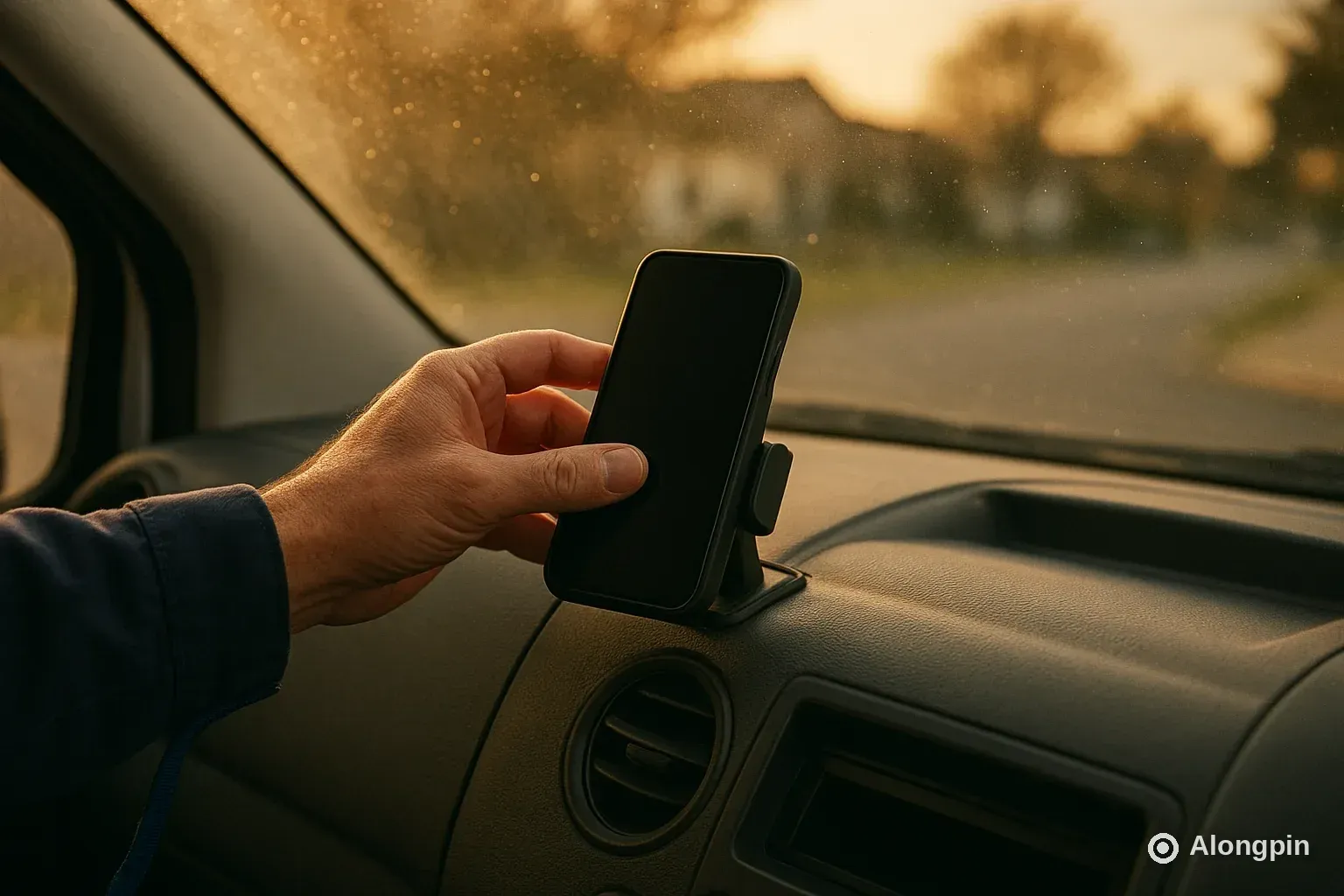
You do not have to choose once for everyone. Phones and trackers are devices of the same account: they appear on one map, in the same reports and in the same zone stays. Common mixes:
- Van trackers for the company vans, phones for technicians who drive their own cars.
- Van trackers for the fleet, plus a phone for the engineer who works on foot across a large site.
- Phones first, to try the platform with the team, then trackers in the vans that need idle time or a panic button.
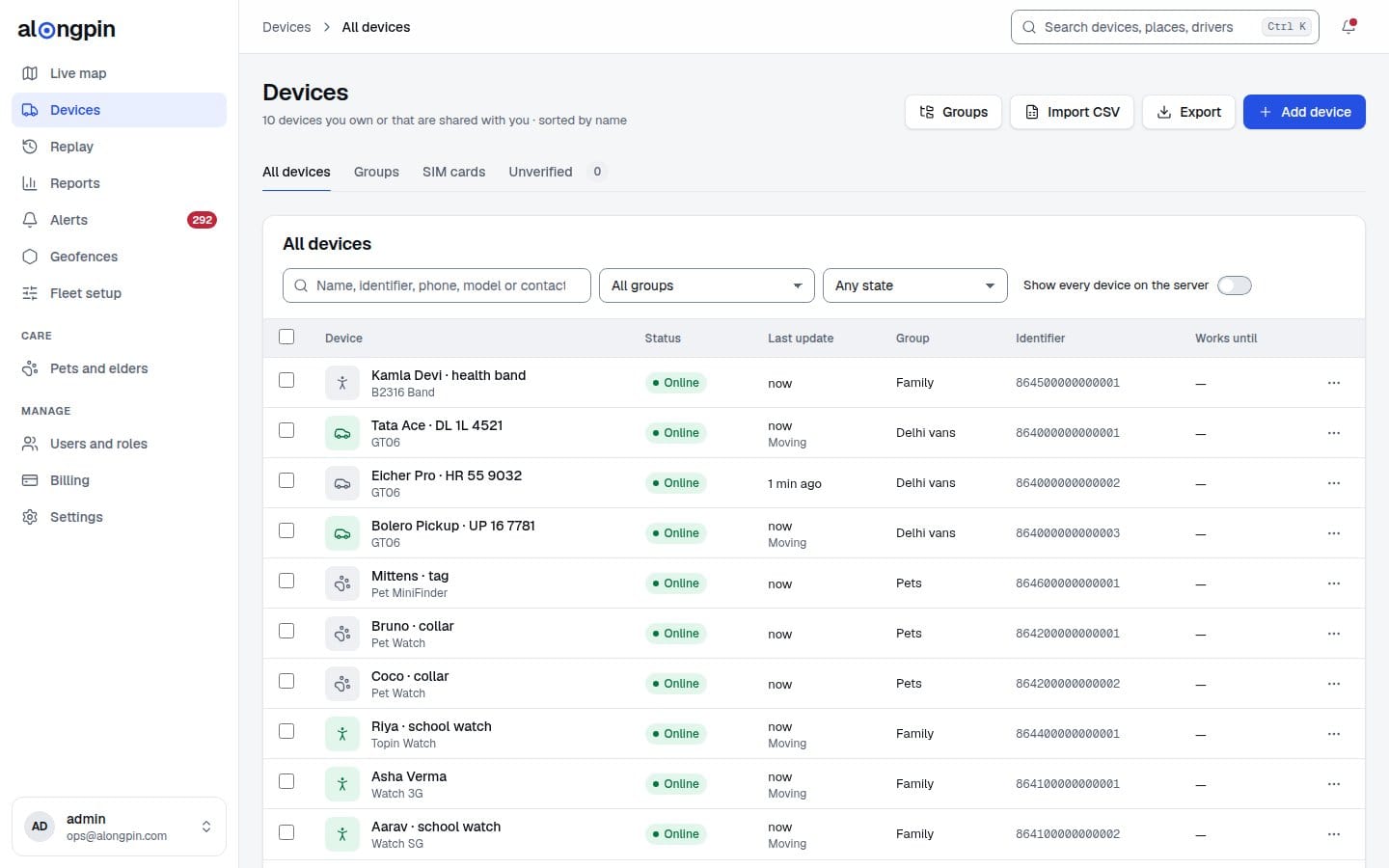
Put each kind in a group of its own, so a report for "Vans" and one for "Phones" are each one click away. The field service page shows the zones, alerts and reports a mixed team uses.
Which should you choose?
- Choose van trackers if you own the vans, want idle time or alarms, or want tracking that works without anyone's cooperation.
- Choose phones if technicians drive their own cars, work mainly on foot, or you want to try the platform before buying hardware.
- Mix them when the team mixes too.
How Alongpin helps
Alongpin (alongpin.com) is a GPS tracking platform you open in a browser or on your phone. Your technicians' vans or phones appear on the live map; geofences at customer sites record arrivals and time on site, and driver privacy keeps time off private. See how it works for field service, check your trackers in the device check, or sign up.
Frequently asked questions
Can a phone send an SOS like a tracker's panic button?
Not on the platform. A phone app reports position only. For lone workers who need a panic button, use a tracker with one in the van, or a personal alarm they carry.
Do I need consent to track a technician's own phone?
Rules differ by country, and this is not legal advice. In many places tracking a personal device needs the person's clear agreement and limits on when it runs. Ask your adviser before you start.
Can I switch from phones to van trackers later?
Yes. Add the trackers as new devices; the phones' history stays where it is. Remove a phone when it is no longer used.