Pets
Moving house with a cat: a new home zone
Cats often try to return to the old address after a move. How to keep the cat in, build up outings, move its home zone on the map, watch its first routes and tell the people at the old address.
Ashish Srivastava6 min read
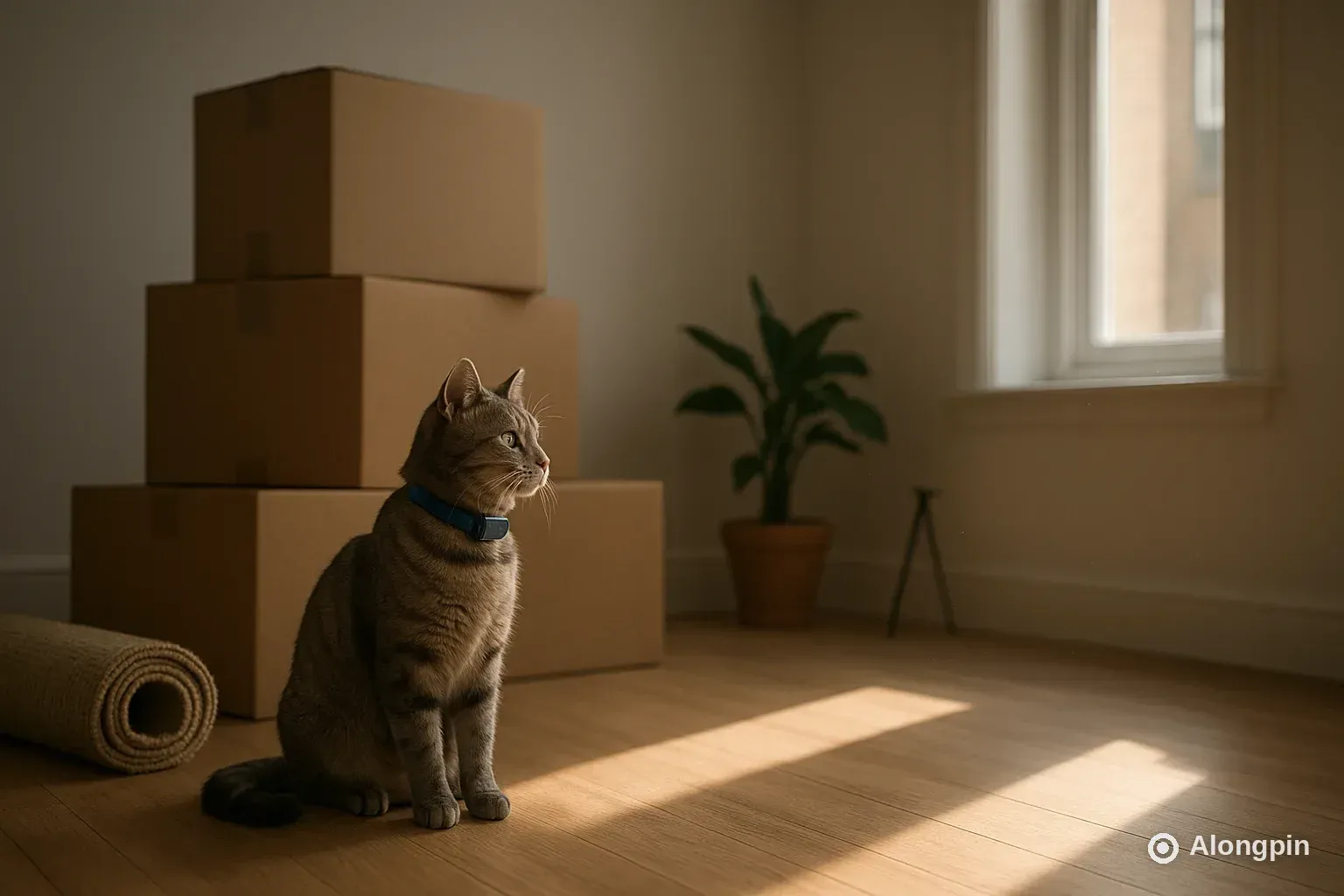
Moving house with a cat goes best in three stages: keep the cat indoors at the new home until it has settled, then let it out for short, supervised outings, and only then give it the run of the neighbourhood. Many cats try to go back to the old address in the first weeks, because that is the territory they know. If your cat wears a GPS collar, move its home zone on the map to the new house before the first outing, and watch its first routes closely. Its route history will show you how far it goes and whether it is heading back the way you came.
Key takeaways
- Cats tie themselves to a territory, not to a family, so the old address keeps pulling for a while.
- Keep the cat indoors at first, then build up outings slowly, ideally before a meal.
- Move the home zone before the first outing: redraw the zone, or draw a new one and choose it as Home geofence on the profile.
- Watch the first routes in Replay: rounds that get wider are normal, a straight line towards the old house is not.
- Tell the new people at the old address, and the old neighbours, so they call you rather than feed the cat.
Why cats head back
A cat that goes outside builds a territory over months: its gardens, walls, sheds and paths, all marked with its own scent. A move takes it away from everything it knows overnight. The new house smells of strangers, the garden belongs to the cat next door, and the old territory is still somewhere out there, intact.
Most cats settle once the new home becomes familiar. Some, especially those who moved only a short distance, try to go back: they slip out, find a road or a railway line that points the right way, and turn up in the old garden days later, sometimes after crossing roads they never knew. The shorter the distance, the more likely the cat is to find its way into familiar ground.
The plan below is about making the new home the territory before the cat has the chance to go looking for the old one.
Indoors first, then short outings
Every cat is different, and your vet or a cat welfare charity can tell you more about your own cat's needs. The general pattern most advice follows:
- The first days: one quiet room. Litter tray, water, food, bed and some familiar items that smell of the old home. Keep doors and windows closed; moving days are when cats get out.
- Then the rest of the house. Room by room, as the cat becomes curious rather than anxious.
- The first outings: short and hungry. When the cat is relaxed indoors, let it out into the garden just before a meal, stay with it, and call it back in with the food. A hungry cat stays close.
- Build up slowly. Longer outings, then unsupervised ones, over days to weeks.
Keep the collar on and charged from the first outing. A cat that spends its first night out lost in a new neighbourhood is exactly the case a tracker is for.
Moving the home zone
A pet's profile has one Home geofence: the zone around the house that the Left home alert and the time-at-home figures are measured against. After a move, that zone is still around the old house. Move it before the first outing.
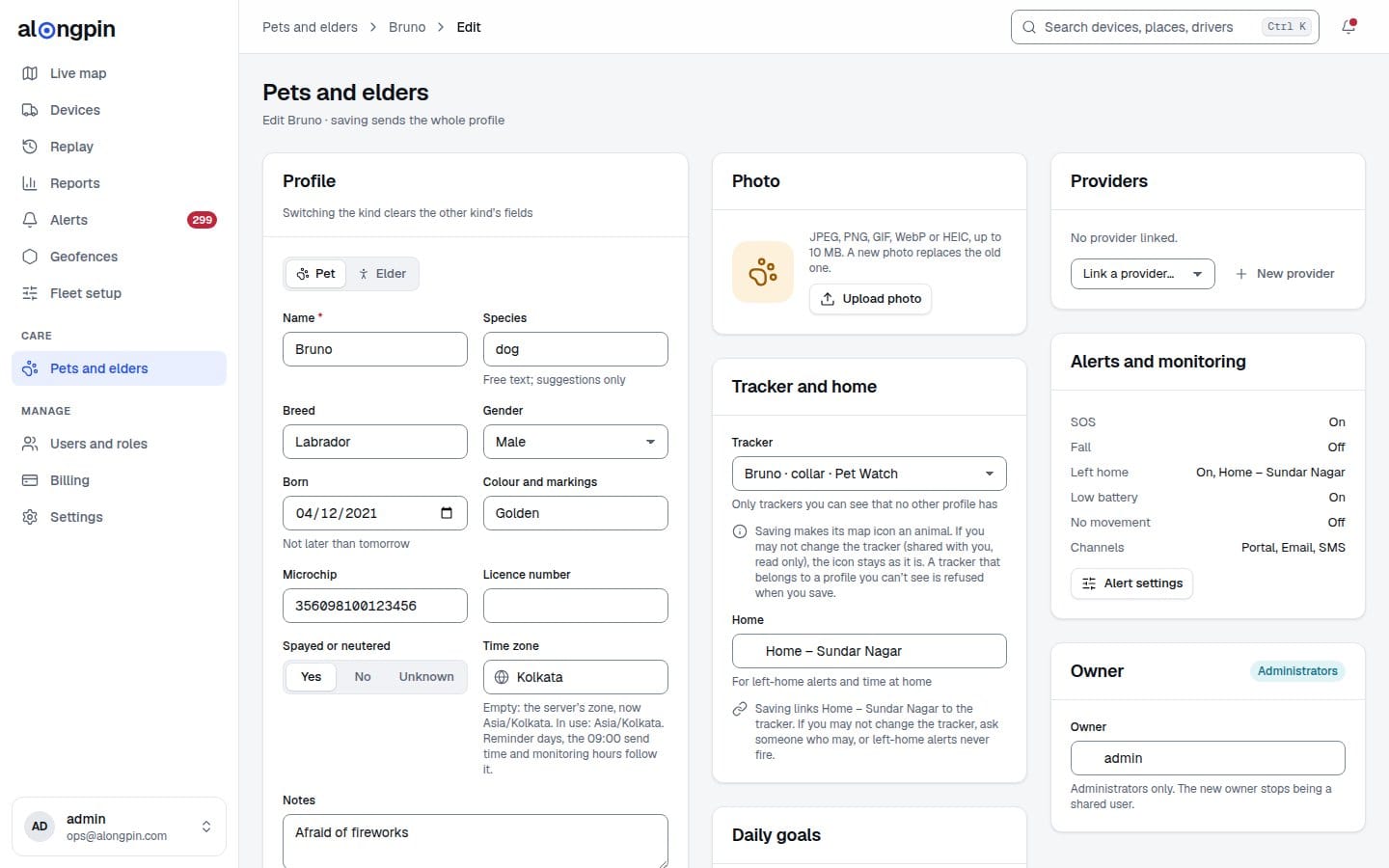
There are two ways to do it:
- Redraw the existing zone. Open Geofences, choose the home zone, select Edit, and draw the shape around the new house and garden. Save it. The profile keeps pointing at the same zone, and the collar keeps its link to it.
- Draw a new zone and choose it as home. Draw a zone around the new house, then open the cat's profile under Pets and elders, select Edit, and under Tracker and home choose the new zone as Home geofence and save the profile. Saving links the new zone to the collar.
For a cat, the home zone usually needs to be larger than for a dog: the garden, the neighbouring gardens and the strip of path behind, not just your own plot. At first, draw it tight around the house, so that you hear about every outing beyond the garden; widen it once the cat's rounds settle. Setting a home zone for your dog or cat goes through the drawing in detail, and the geofences page explains zones in general.
While you are on the profile:
- Check the Left home alert is on, with the channels you want.
- Update the contacts. Remove the old neighbours who used to receive alerts, and add the new ones you trust, with Receives alerts ticked.
- Update the microchip registration with your new address and phone number. That is done with the registry, not in the profile, but keep the microchip number in the profile so you have it at hand.
Watching the first routes
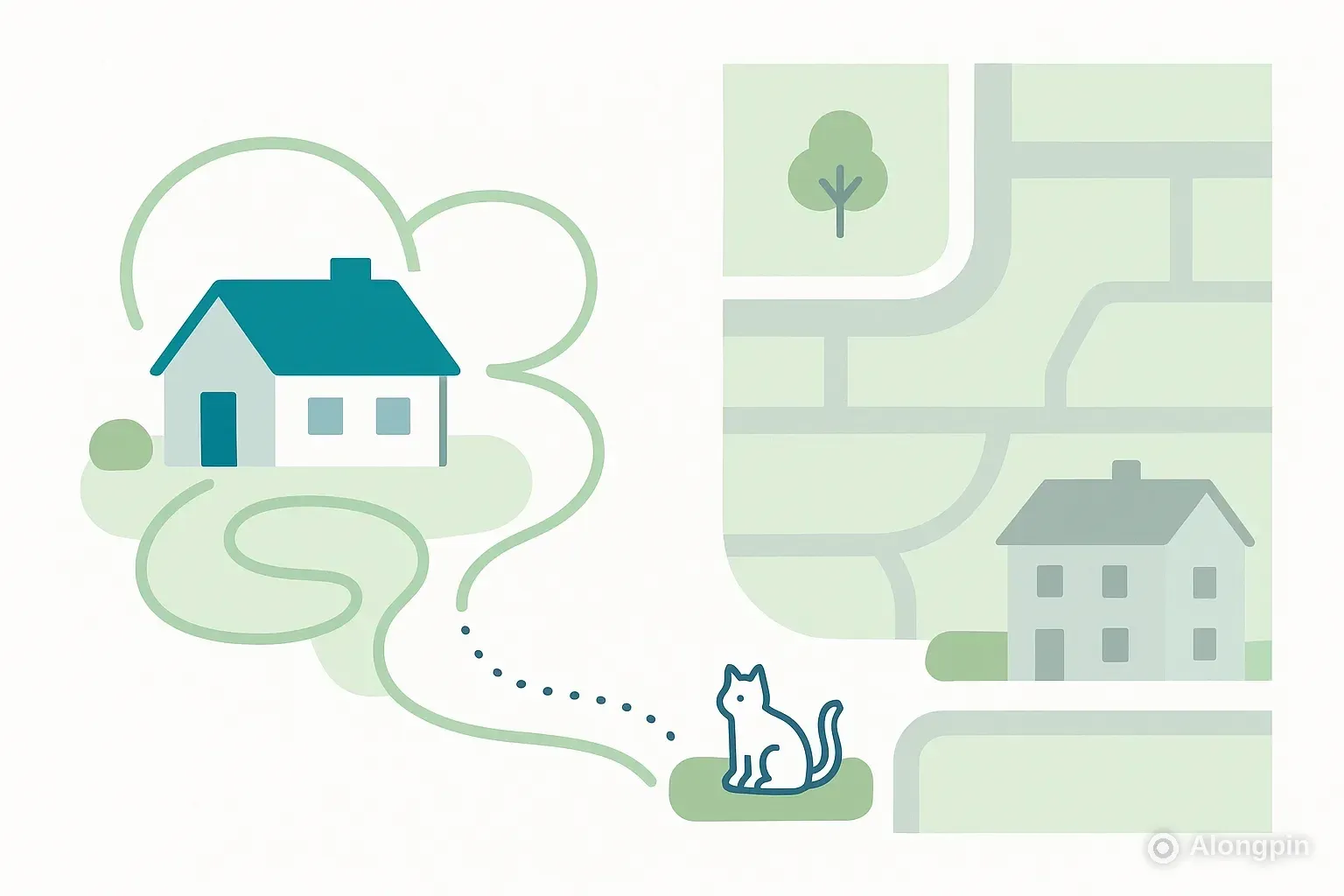
In the first weeks, look at the cat's routes every evening. Open Replay, choose the collar under Device and the day under Period, and play it back. The trip history page explains routes and stops.
What you are likely to see, and what it means:
- Small loops close to the house that get a little wider each day: the cat is building its new territory. Good.
- Long stops in the same places: a shed, a hedge, a neighbour's porch. These become its regular spots, and the first places to look if it does not come home.
- A straight line in one direction, further than the rounds before it. If that direction is the old house, the cat may be trying to go back. Keep it in for a few days and go back to shorter outings.
Check the time of the last report too: a cat that sleeps in a shed with thick walls, or under a car, may report less often. Using route history to find a missing cat explains how to read a cat's routes when it does not come home.
An alert if the cat turns up at the old address
If the old address is not far away, you can be told when the cat gets there. Draw a zone around the old house, attach it to the collar, and create an alert rule under Alerts with New alert rule, of the type Geofence enter, for the collar and that zone. The rule tells you, and the people the rule reaches, when the collar enters it. Delete the zone and the rule once the cat has settled.
Telling the people at the old address
Even with a tracker, the people living there are often the first to see the cat.
- Leave a note for the new occupants with the cat's photo and your phone number, and ask them not to feed it or let it in, but to call you.
- Tell the old neighbours the same, especially those the cat used to visit.
- Ask them to keep sheds and garages checked for a few weeks.
The pets solution shows how the collar, the profile and the home zone work together.
How Alongpin helps
Alongpin (alongpin.com) is a GPS tracking platform you open in a browser or on your phone. A GPS collar becomes your pet's profile: its position on the live map, a home zone that tells you when it leaves, its walks in trip history, and vaccinations and vet visits with reminders. See how it works for pets, the pet collars it works with, and check yours in the device check.
Frequently asked questions
How long should a cat stay inside after moving?
Advice usually speaks of a few weeks, depending on the cat. Ask your vet; the signs that it is ready are curiosity, eating well and using the new house confidently.
Will the Left home alert go off at the old address?
No. The alert compares the collar with the profile's home zone, so once you have moved the zone, the old address means nothing to it. That is why moving the zone before the first outing matters.
Should I take the collar off while the cat is indoors?
Charge it and put it on before the first outing at the latest. Some owners put it on a few days before, so the cat is used to it again by the time it goes out.