Personal safety
Personal GPS alarm or phone app: which is enough
A tracking app on your phone shares your location and costs nothing new. A personal alarm or GPS watch adds an SOS button, fall alerts on some models and a battery of its own. How to decide whether you need another device.
Ashish Srivastava6 min read

Personal GPS alarm vs phone app comes down to one question: do you need a button that asks for help, or only a way to share where you are? A tracking app on the phone you already carry shares your location and costs nothing new; it is enough for many adults who want family to see where they are on a late journey or a trip. A dedicated personal alarm or GPS watch adds an SOS button that reports an alarm with your position, on some models a fall alert, and a battery that does not depend on how much you used your phone that day. This comparison sets the two side by side, so you can decide whether you need another device, and suggests trying with the phone first.
Key takeaways
- A phone app reports location only: no SOS alarm on the platform, no fall alert. Nothing new to buy or charge.
- A personal alarm or watch reports an SOS with its position over its own SIM, and on some models a fall. An alert rule tells the people you chose.
- A phone's battery is shared with everything else you do; an alarm does one thing and lasts accordingly.
- In a hurry, one physical button is quicker than unlocking a phone and finding an app.
- Try with a phone first. If you find you want a button, add a device.
The two options at a glance
| Phone with a tracking app | Personal alarm or GPS watch | |
|---|---|---|
| What it reports to the platform | Its position | Position, battery, an SOS alarm; a fall on some models; steps or health readings on some watches |
| SOS button on the platform | No | Yes, on most models |
| Fall alert | No | Only on models that report falls |
| Something new to buy | No | Yes, plus a SIM with data |
| Battery | Shared with calls, maps, photos and messages | Its own; does one thing |
| Reaching it in a hurry | Unlock, open, tap | One button, often held for a few seconds |
| Works when the phone is flat or forgotten | No | Yes |
| Commands from the portal | No | On many models, such as changing how often it reports |
The phone app page and the watches and personal alarms page list what each kind of device reports in detail.
A phone app: location only, nothing new to buy
A tracking app on your phone sends its position to Alongpin at the interval you choose. Your phone then appears on the live map, its history is kept as trips you can replay, and zones around home or work can send a message when you arrive or leave. You can let someone follow a journey with a share link that ends by itself. All of that with the phone in your pocket.
What a phone does not do on the platform is just as clear. It raises no SOS alarm, reports no fall and takes no commands. When the app stops sending, because the battery is flat, the app was closed or data is off, the phone shows as Unknown on the map after a while. A rule for Status unknown can tell someone that it went quiet, but not why.
Your phone may have its own emergency features, such as calling an emergency number when you press a button several times. Those are the phone's, and they work separately from the platform.
A phone app suits you when:
- you mainly want family or a friend to see where you are on certain journeys;
- you carry your phone everywhere anyway and keep it charged;
- an arrival message from a home zone covers most of what you worry about.
A dedicated device: an SOS button and, on some models, fall alerts
A personal alarm is a small pendant or keyring with one button; a GPS watch does the same on your wrist and adds steps or health readings on some models. Both carry their own SIM. When you press SOS, the device sends an alarm with its position. The platform raises it at the top of Alerts, and an alert rule narrowed to SOS sends it to the people you chose by email, text message, push or Telegram, among the channels your server has switched on. One of them chooses Acknowledge, and the others see who took it.
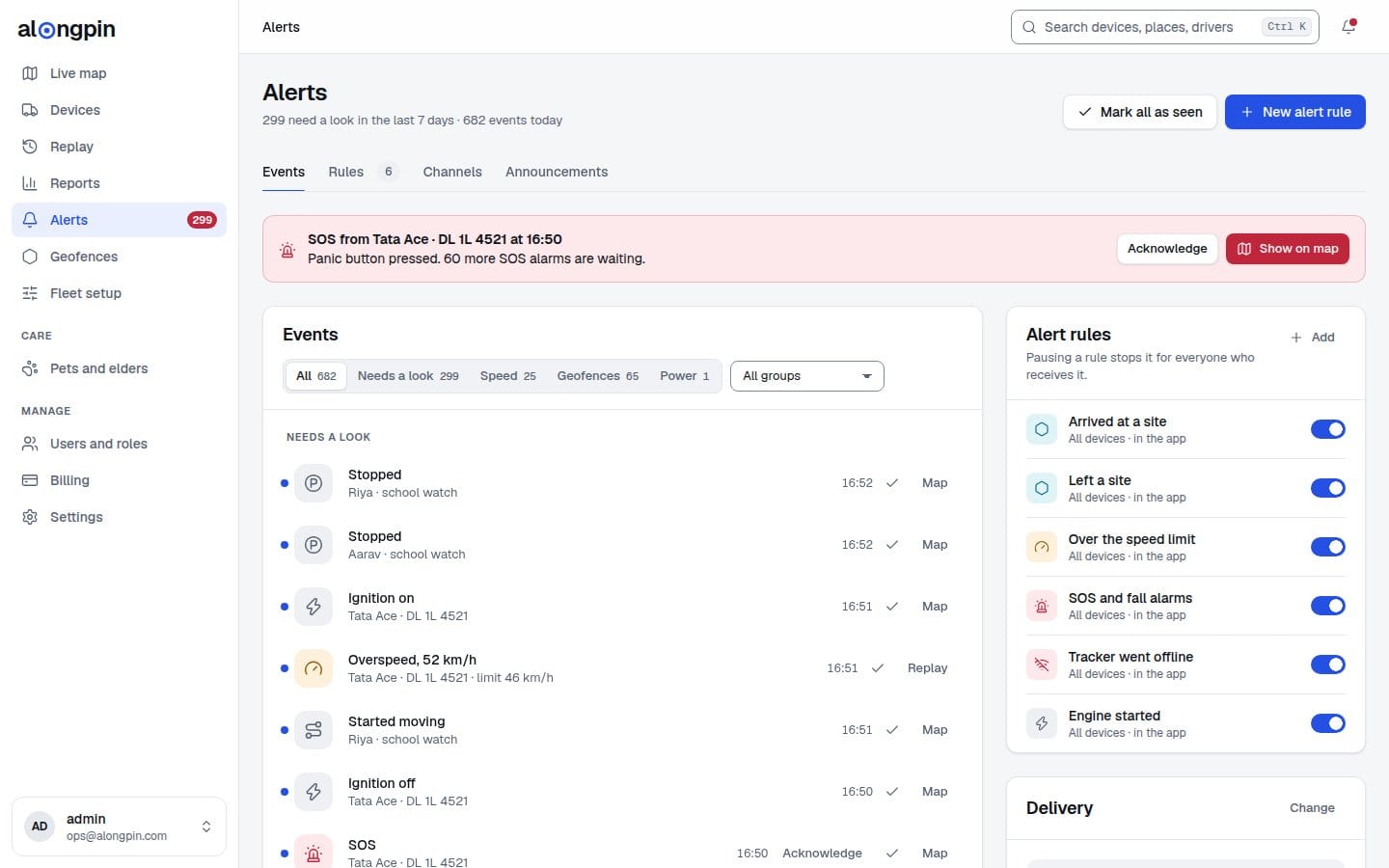
Fall alerts come from the device, not from the platform: some watches and alarms detect a fall and report it, many do not. If falls matter to you, check the model before you buy. The SOS page follows an alarm from the button to the person who handles it.
A dedicated device suits you when:
- you may need help in a moment when you cannot unlock a phone, after a fall, in a confrontation, during a medical episode;
- you work or live alone, or walk or run alone in quiet places;
- your phone is often low by evening;
- you want a device that keeps working when the phone is forgotten at home.
Battery: a phone used all day against a device that does one thing
A phone's battery serves calls, the camera, maps, messages and the screen. A tracking app adds to that, and the phone's power saving may stop the app in the background. By evening, the tracking is often the first thing to go.
A personal alarm or watch has a battery used for little else. How long it lasts depends on the model and on how often it reports. Most watches need charging every day; small alarms often last longer. The platform shows the battery level and, for devices that report a low battery, an alert rule can warn you before it goes flat. That warning matters, because a flat alarm cannot send an SOS.
Which is easier to reach in a hurry
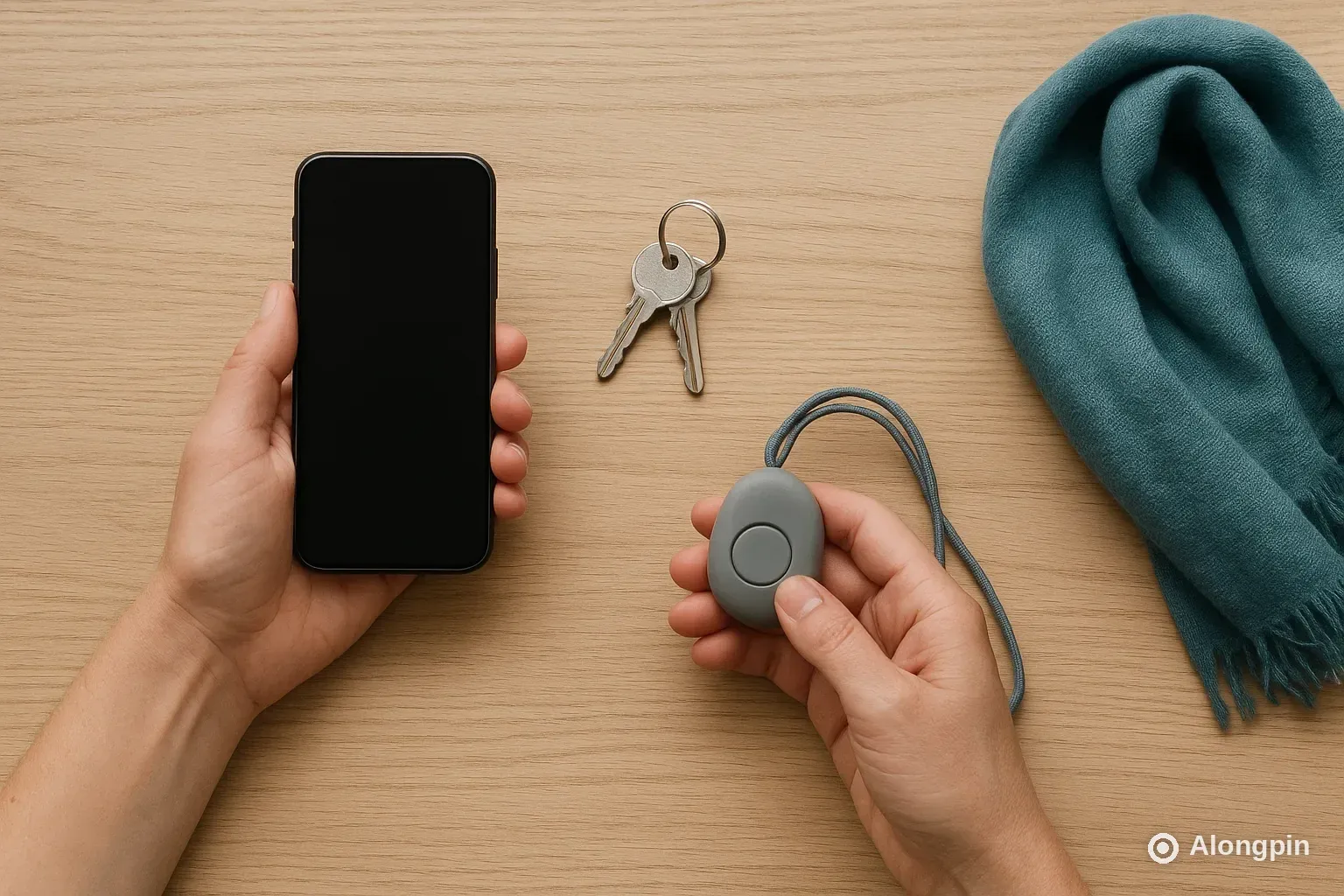
In a calm moment, a phone is quick enough. In a difficult one, it is not: it may be in a bag, locked behind a face or code, or simply out of reach on a table while you are on the floor. A physical button on a wrist or on a cord around the neck is where your hand already is. Most devices ask you to hold the button for a moment, which prevents accidental presses and is still quicker than any app.
That is the strongest argument for a separate device, and it is worth being honest with yourself about the situations you are thinking of.
Trying with a phone first
You do not have to decide before you start. Set up your phone as a tracker, share it with one person, draw a home zone with an arrival message, and use it for a few weeks. Trying Alongpin with a phone before buying a tracker shows how.
If you then find yourself wishing for a button, add a watch or personal alarm. Check the model in the device check first, connect it to the same account, and add an SOS rule. The phone can stay as a second device or be switched off.
The personal safety page shows how SOS, zones and sharing fit together.
What neither does
Neither a phone app nor an alarm calls the emergency services through the platform. Alerts go to the people you chose, from the device's own reports, and only when the device has charge and a mobile signal. Nobody at Alongpin watches the alerts. If you can call the emergency number, do.
How Alongpin helps
Alongpin (alongpin.com) is a GPS tracking platform you open in a browser or on your phone. A personal tracker, GPS watch or phone shares your position with the people you choose, the SOS button alerts your contacts with where you are, and a share link lets someone follow one journey and then expires. See how it works for personal safety, and check your device in the device check.
Frequently asked questions
Can I use my phone and an alarm on the same account?
Yes. Each is a device on the map with its own history and alert rules.
Does a personal alarm need a smartphone?
No. It reports over its own SIM. The people who receive its alerts need a phone or computer.
Is a smartwatch from a phone maker the same?
Not for this purpose. The devices meant here report to the tracking platform over their own SIM, in a protocol the platform decodes. Check any model in the device check.