Pets
A new puppy or rescue dog: the first weeks at home
New dogs are most likely to bolt before they know where home is. How to get a puppy or rescue dog used to a GPS collar, set up a home zone with an alert from day one, and keep the microchip, licence, vet and vaccinations in its profile.
Ashish Srivastava6 min read
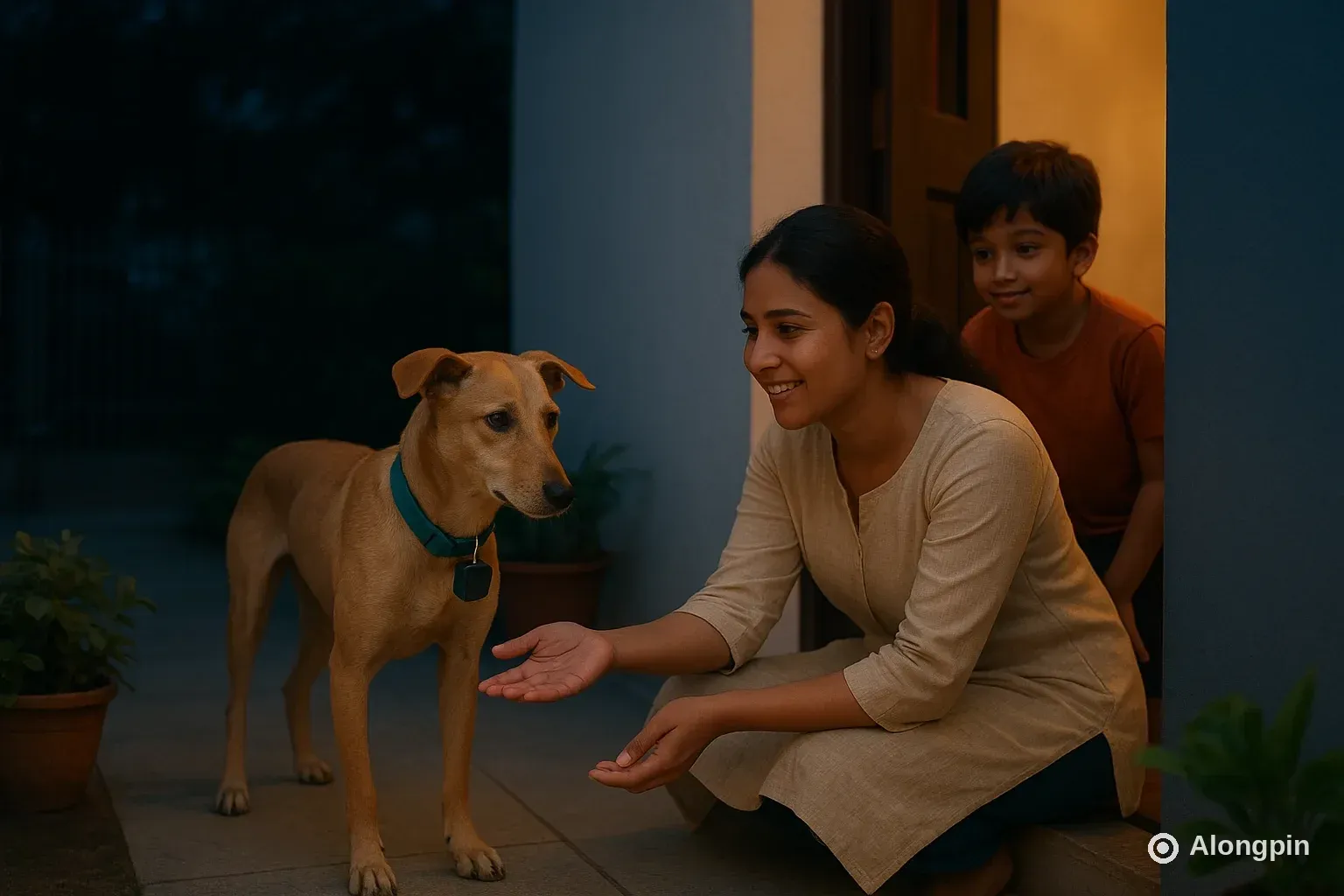
A GPS tracker for a rescue dog or a new puppy is most useful in the first weeks, before the dog knows where home is and before it trusts you enough to come back when called. That is when a fright, an open gate or a slipped harness most often ends with a dog running in a direction it does not know. Fit the collar from the first day, draw a home zone with an alert as soon as the dog arrives, and fill in its profile with the microchip number, licence and vet, so that if it does bolt you know at once, see where it is, and have its details at hand.
Key takeaways
- The first weeks carry the most risk: the dog does not know the area, its name or its people yet.
- Get the dog used to the collar indoors first, in short, calm sessions with treats.
- Draw a home zone and switch on Left home on day one, not after the first escape.
- Put the microchip number, licence, vet and a photo in the profile now, while the paperwork is on the table.
- Add the vaccinations still to come with their due dates, so reminders arrive before each one.
Why the first weeks carry the most risk
A dog that has just arrived has no map of its new world. It does not know which door leads to the garden and which to the road, where the boundary of the garden is, or that this house is where food and safety are. A rescue dog may also carry fears from before: of traffic, of men in hats, of loud bangs. A puppy may simply follow every interesting smell.
Add the things that change in a household with a new dog: visitors coming to meet it, children leaving gates open, a harness not yet adjusted, a lead that slips from a hand still learning to hold it. Rescue organisations commonly warn new owners about the days right after adoption, and they ask you to keep the dog on a lead outside, check the garden for gaps and never let it off until recall is reliable. A GPS collar adds one thing to that advice: if the dog does get out, you find out quickly and you can see where it is going.
Getting the dog used to the collar
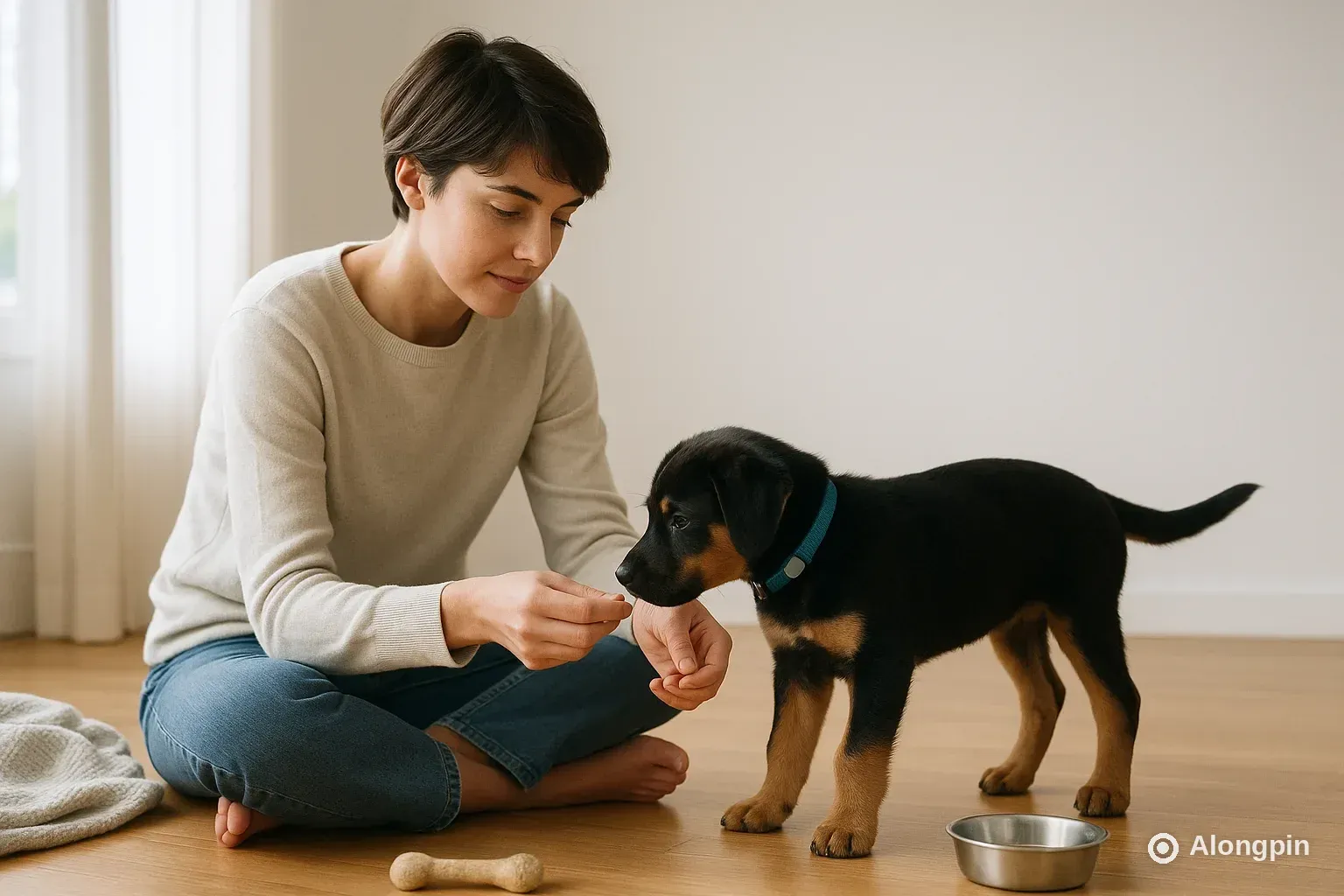
A collar tracker is heavier than a plain collar, and a nervous dog may scratch at it or freeze. Go slowly.
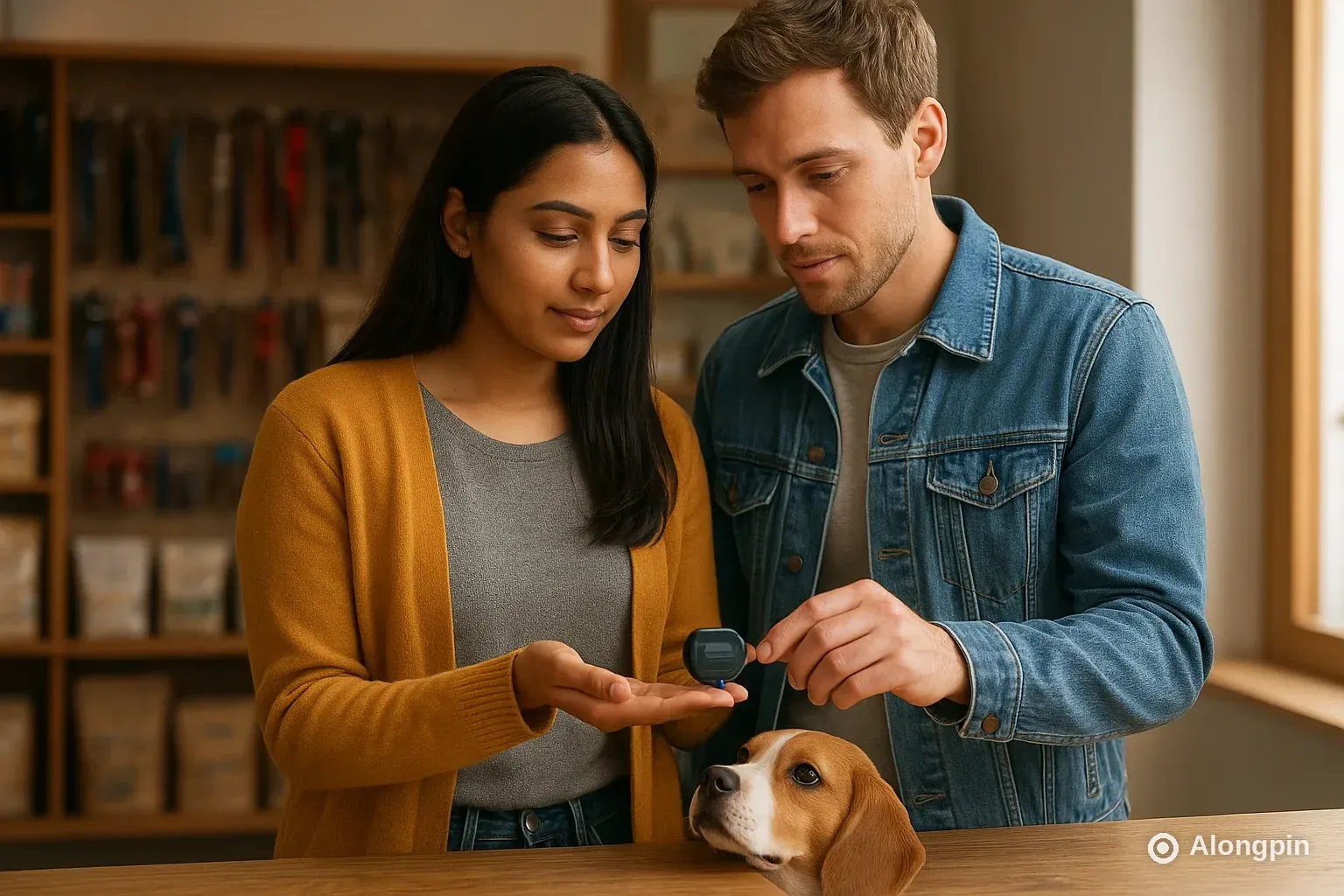
- Check the fit and the weight. The collar should sit snugly enough that it cannot slip over the head, with room for two fingers underneath. For a small dog or a puppy, choose a light collar made for its size; the tracker should not hang like a weight.
- Start indoors, in short sessions. Put the collar on before a meal or a game, take it off after a few minutes, and lengthen the time over a few days.
- Reward calm. Treats when it goes on, treats when the dog ignores it.
- Keep the plain collar and ID tag. The tracker is not an ID tag: a stranger who finds your dog calls the number engraved on the tag.
- Watch the skin. A puppy grows fast. Check the fit every week and loosen it as it grows.
Before the first walk, make sure the collar shows on the map. If it is not connected yet, connecting a GPS pet collar goes through it.
The profile: from the first day
Under Pets and elders, choose Add a pet or an elder and then the pet. The setup goes step by step: the dog's name and kind, the tracker, the home, the vet, a photo, contacts, first records, alert settings and sharing. Every step after the tracker, home and vet can be skipped and done later from the profile.
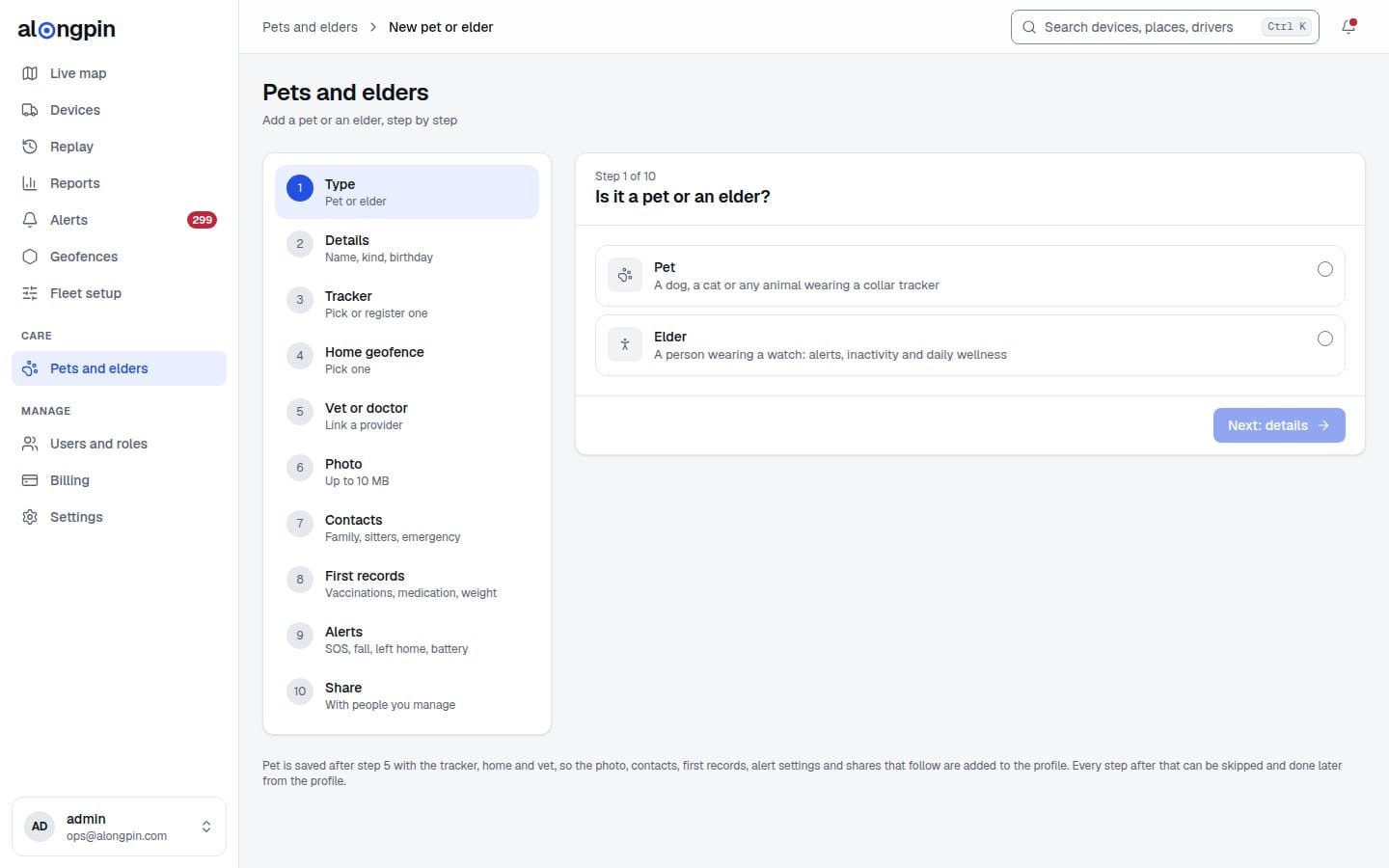
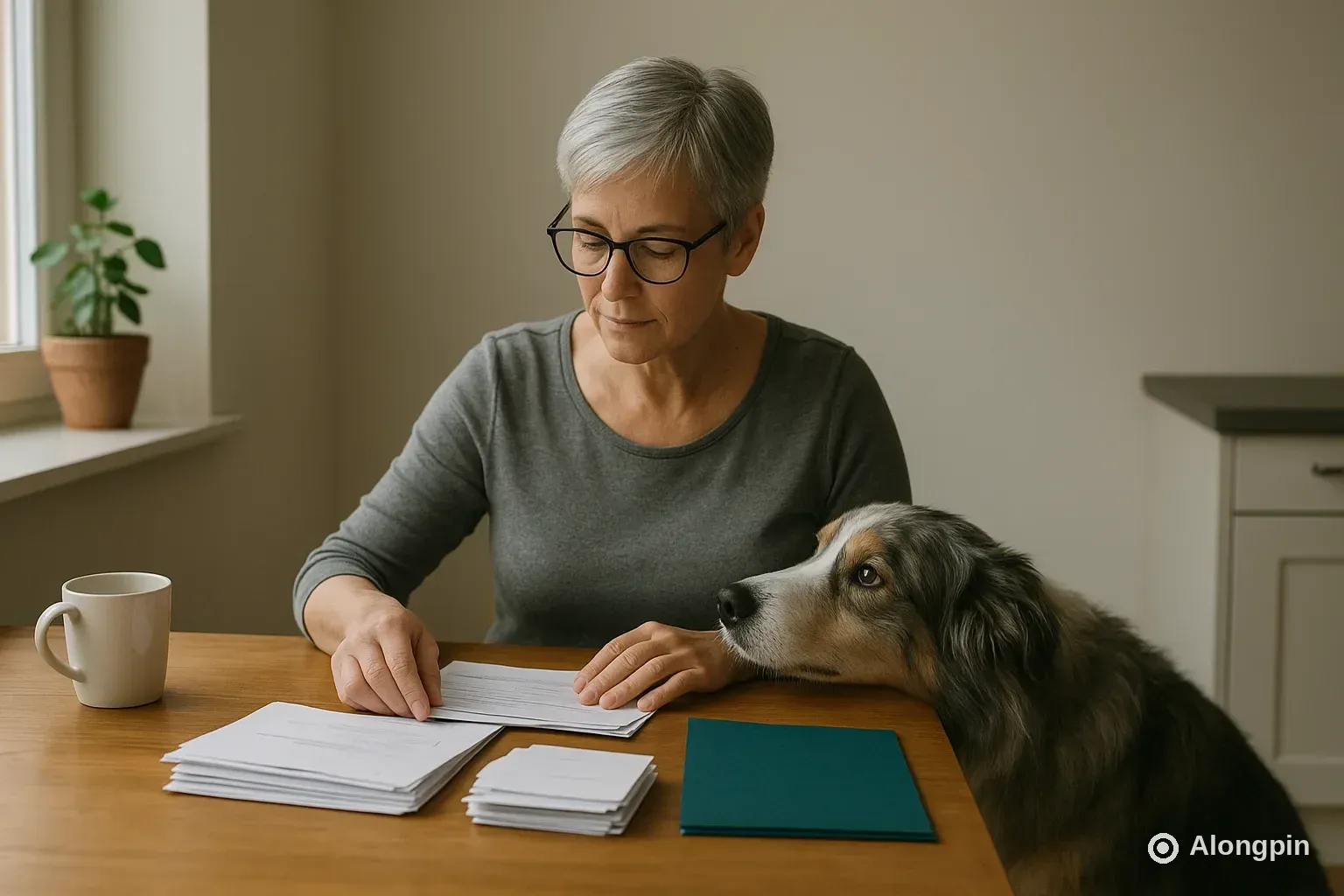
Fill these in now, while the adoption papers and the vet's card are on the table:
- Species and breed, colour and markings, and the birthday if you know it, or a rough one.
- Microchip: the number from the adoption or breeder's papers. It is searchable in your list of profiles, and it is the first thing a vet or shelter asks for if the dog is found.
- Licence number, where your town requires a dog licence.
- Spayed or neutered, if known.
- A photo. A recent, clear photo is what you send to neighbours and post in local groups if the dog runs.
- The vet, as a provider: who it is, the practice and the phone number.
Linking the collar as the profile's tracker turns its map icon into an animal and lets the profile show where the dog is. The care profiles page explains everything a profile holds.
A home zone and an alert from the start
The most useful setting in the first weeks is the home zone with its alert.
- Draw the zone. Open Geofences and draw an area around the house and garden, a few metres outside the fence, because positions near walls and trees wander. The geofences page explains shapes and sizes.
- Make it the dog's home. On the profile, under Tracker and home, choose the zone as Home geofence and save. Saving links the zone to the collar.
- Switch on Left home. In the profile's alert settings, switch on Left home, and Low battery while you are there, and tick the channels you want: the portal, email or text message, as your server offers them.
- Test it. Carry the collar out of the gate and past the edge of the zone, and wait for the alert.
The alert comes with the first position the collar sends from outside the zone, so it arrives within the collar's reporting interval, usually minutes rather than seconds. A home zone for your dog covers the margin, who gets the alert and what to do in the first minutes.
Who else should know
In the first weeks, more people than you should hear when the dog gets out.
- A partner or family member with an account: share the profile with them. Location only is enough for alerts; Everything adds vaccinations and vet visits, with their reminders.
- A neighbour, the foster carer or the rescue's volunteer without an account: add them as contacts on the profile and tick Receives alerts. They get the alert by email or text message.
By default, emails and text messages say only that there is a new alert and ask the reader to open the app; the details stay in the portal. A neighbour without an account then knows to call you, which is what you want.
The vaccination schedule ahead
A puppy or a newly adopted dog usually comes with a vaccination card showing what was given and what is still due. Put the next dates in the profile now:
- Add each vaccination still to come as a health record of the kind vaccination, with its due date and the vet.
- Add deworming and parasite treatments the same way, if your vet gave you a schedule.
- Store the vaccination certificate, adoption papers and the licence as documents, with a scan.
Each dated item sends reminders before it is due, 15 and 7 days before unless you change them, to you and to the people the profile is shared with for everything. Setting up a pet profile with vaccination and vet reminders goes through the forms.
If the dog does get out
Open the alert, look at where the collar is and how long ago it reported, and watch two or three updates before you set off so you know which way it is heading. Go to where the collar is, not to where you last saw the dog, and do not chase a frightened dog towards a road: crouch, call calmly and let it come to you. Tell the others you are on it.
The pets solution shows how the collar, the profile, the home zone and the reminders work together.
How Alongpin helps
Alongpin (alongpin.com) is a GPS tracking platform you open in a browser or on your phone. A GPS collar becomes your pet's profile: its position on the live map, a home zone that tells you when it leaves, its walks in trip history, and vaccinations and vet visits with reminders. See how it works for pets, the pet collars it works with, and check yours in the device check.
Frequently asked questions
How old should a puppy be before it wears a GPS collar?
That depends on the puppy's size and the collar's weight more than its age. Ask your vet, and choose a collar made for small dogs. Until then, keep the puppy where it cannot get out.
Should a rescue dog wear the collar indoors?
In the first weeks, yes, at least whenever doors to the outside may open: visitors, deliveries, children coming home. Take it off to charge and at night if the house is secure.
What if the dog's chip is registered to the shelter?
Ask the shelter or rescue how the registration passes to you, and update it with your address and phone number. Keep the number in the profile either way.