Cars and bikes
Bike and e-bike trackers in the city: what to expect
A GPS tracker for a bicycle hides in the frame or a mount, warns you when the bike leaves where you locked it and gives the police a position. What to expect from battery life, placement and a zone, and why the lock still comes first.
Ashish Srivastava6 min read
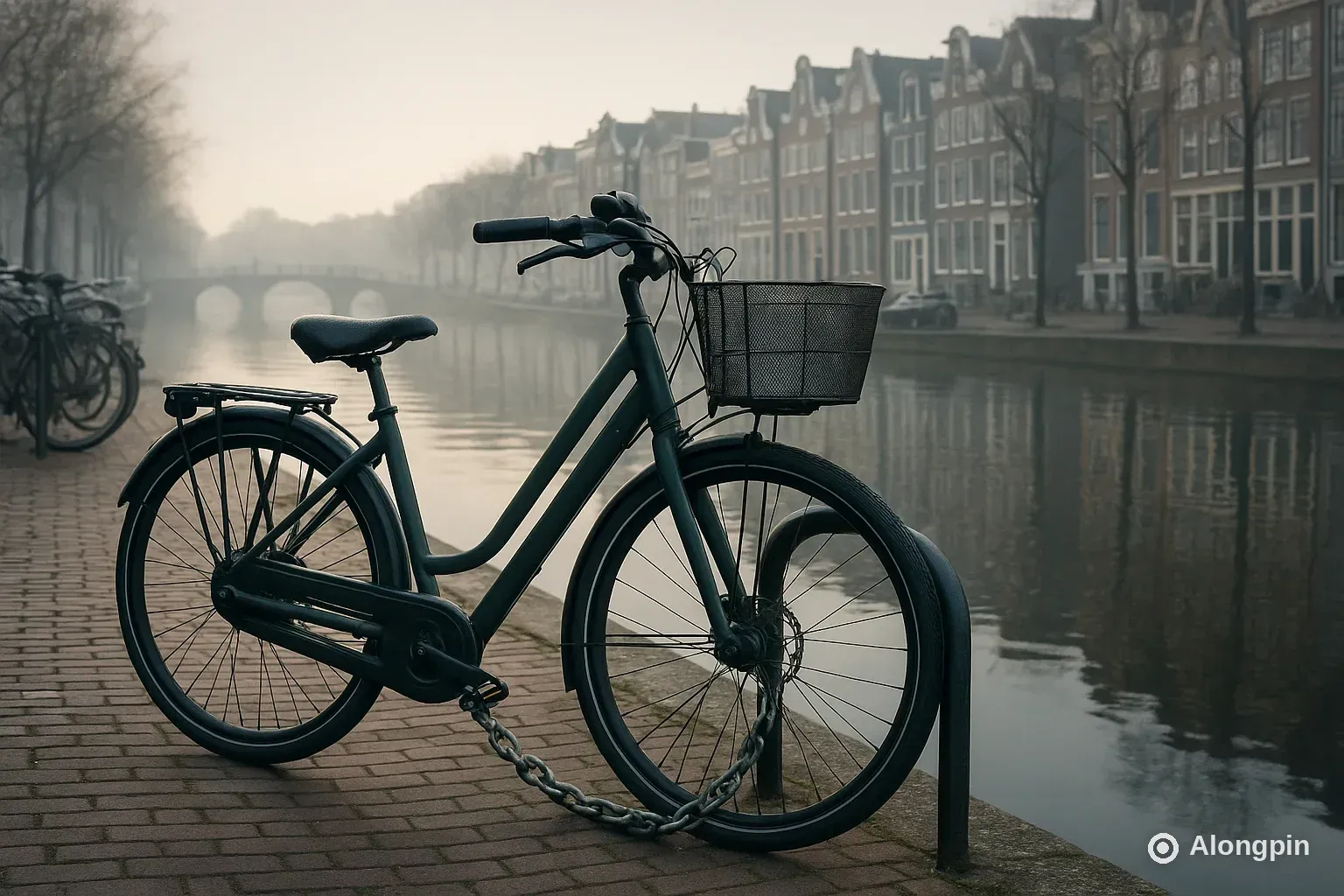
A GPS tracker for a bicycle is a small, battery-powered device hidden in the frame, under the saddle or in a light or bottle-cage mount, that reports the bike's position over mobile data and tells you when it leaves the place you locked it. On an e-bike it can also run off the bike's own battery. What you can expect from it is honest but limited: an alert that the bike has moved, a position for the police report, and a route. What you cannot expect is that the tracker gets the bike back on its own, or replaces a good lock.
Key takeaways
- Bike trackers hide inside the frame, the seat post, the handlebar or a light or bottle-cage mount; e-bikes can power one from their battery.
- Battery life and reporting frequency pull against each other: more reports, shorter life.
- A zone around where you lock the bike, with a leaving alert, is the alert that matters.
- The position and the route go into your police report.
- A good lock comes first; the tracker comes second.
Where does a tracker fit on a bike?
A bike has little space and no hidden cavities behind a dashboard. The usual places are:
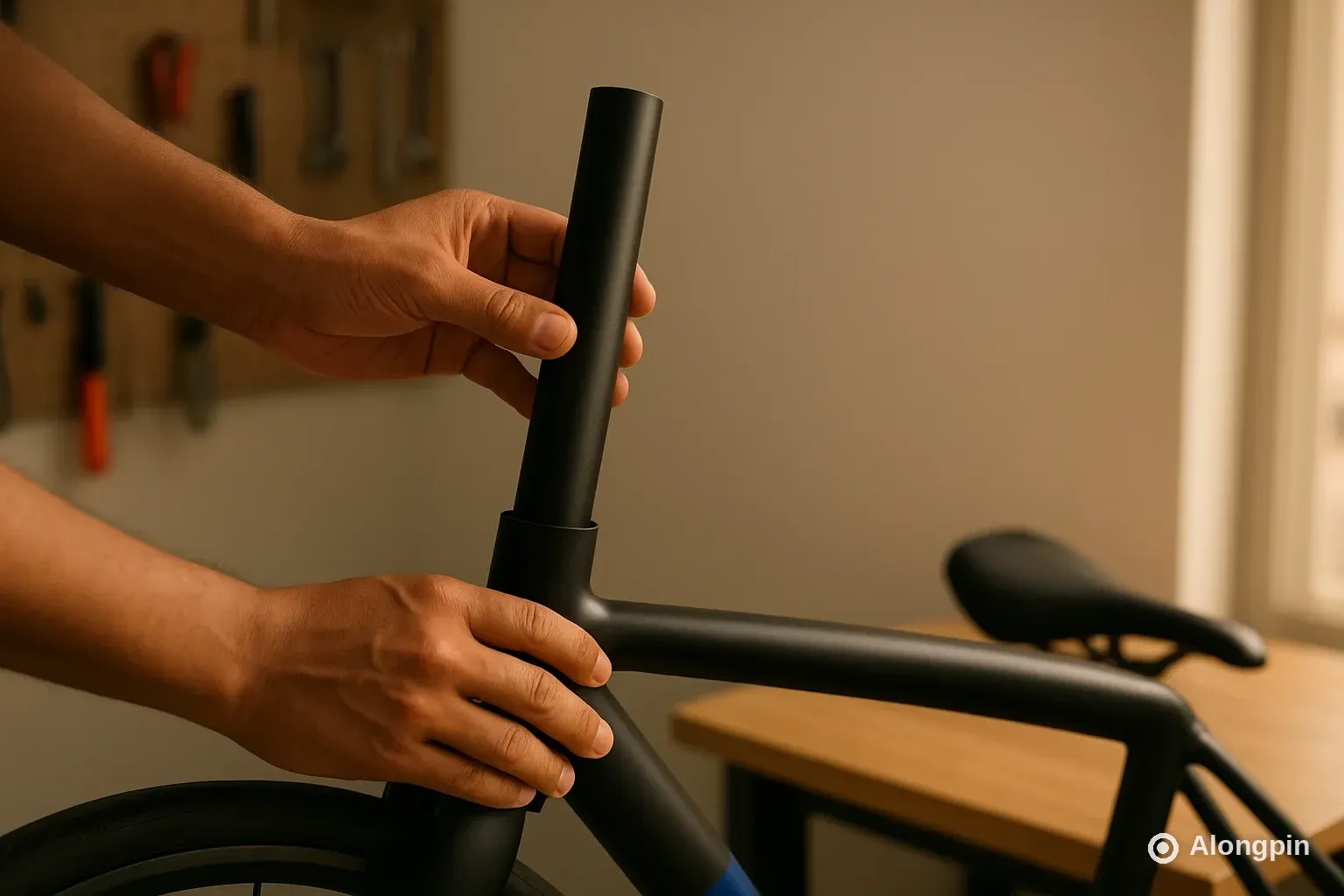
- Inside the seat post or the frame tube, slid in on a holder: out of sight, but metal can weaken the signal, so check how well your tracker reports from there.
- Under the saddle, in a small pouch or a holder that looks like a reflector.
- In a mount that looks like something else: a rear light, a bell, a bottle-cage bolt holder.
- On an e-bike, inside the battery or motor housing, or wired to the e-bike battery by a dealer, with a converter suited to that battery's voltage.
The tracker needs to see the sky through plastic, rubber or carbon to get a GPS fix, and needs mobile coverage to send. Indoors, in a bike cellar or an underground garage, it may report nothing until the bike is outside again.
Battery life against reporting frequency
A small battery tracker makes one trade-off above all others: how often it reports against how long the charge lasts.
| Reporting | What you see | Battery |
|---|---|---|
| Often while moving, every few seconds to a minute | A smooth route of the ride; a theft noticed quickly | Lasts days rather than weeks |
| Rarely, every hour or a few times a day | A dot now and then; a theft may be noticed late | Lasts much longer |
| Wakes on movement | Quiet while locked; reports as soon as the bike moves | Usually the best balance for theft |
Ask the seller which modes the tracker has and how long it lasts in each, and plan when you will charge it. On an e-bike powered from the main battery, charging the bike charges the tracker. The post on update interval and battery explains the trade-off in more detail. A tracker that runs flat shows as Offline or Unknown on the map; where the tracker reports its battery level and a low battery alarm, an Alarm rule can warn you first.
A zone around where it is locked
Most bikes are stolen from where they are locked every day: outside home, at the station, at work or at college. A zone does the watching for you:
- In Geofences, draw a circle around the bike rack or the place you lock it, with a margin of some tens of metres, because a still bike's position drifts, especially between tall buildings.
- Attach the geofence to the bike.
- In Alerts, choose New alert rule, pick Geofence exit and limit it with Only these geofences to that zone.
- Add Only during with a calendar if you ride at fixed hours, so the alert fires only when the bike should be locked.
- Pick a channel that reaches your phone quickly, where the server offers it, and send a test with Test these channels.
The geofences page explains zones and their alerts. With a tracker that reports rarely, the alert comes at its next report after the bike has left the zone, which may be later than you would like.
What you see on the map
On the live map, the bike is a marker with its state: Moving while you ride, Parked while it stands, Offline or Unknown when the tracker has not reported for a while. A battery tracker in a sleep mode often shows Unknown while the bike is locked, which is normal; what matters is that it reports as soon as the bike moves. The bike's page in Devices shows when it last reported, and its trips list each ride.
If the bike is shared in the family, or you lend it to a friend for a weekend, a share link with an end date lets them see it too, without your password.
A position for the police report
If the bike is stolen, report it to the police and give them what the tracker knows:
- The time it left the zone, from the alert or the trip's start.
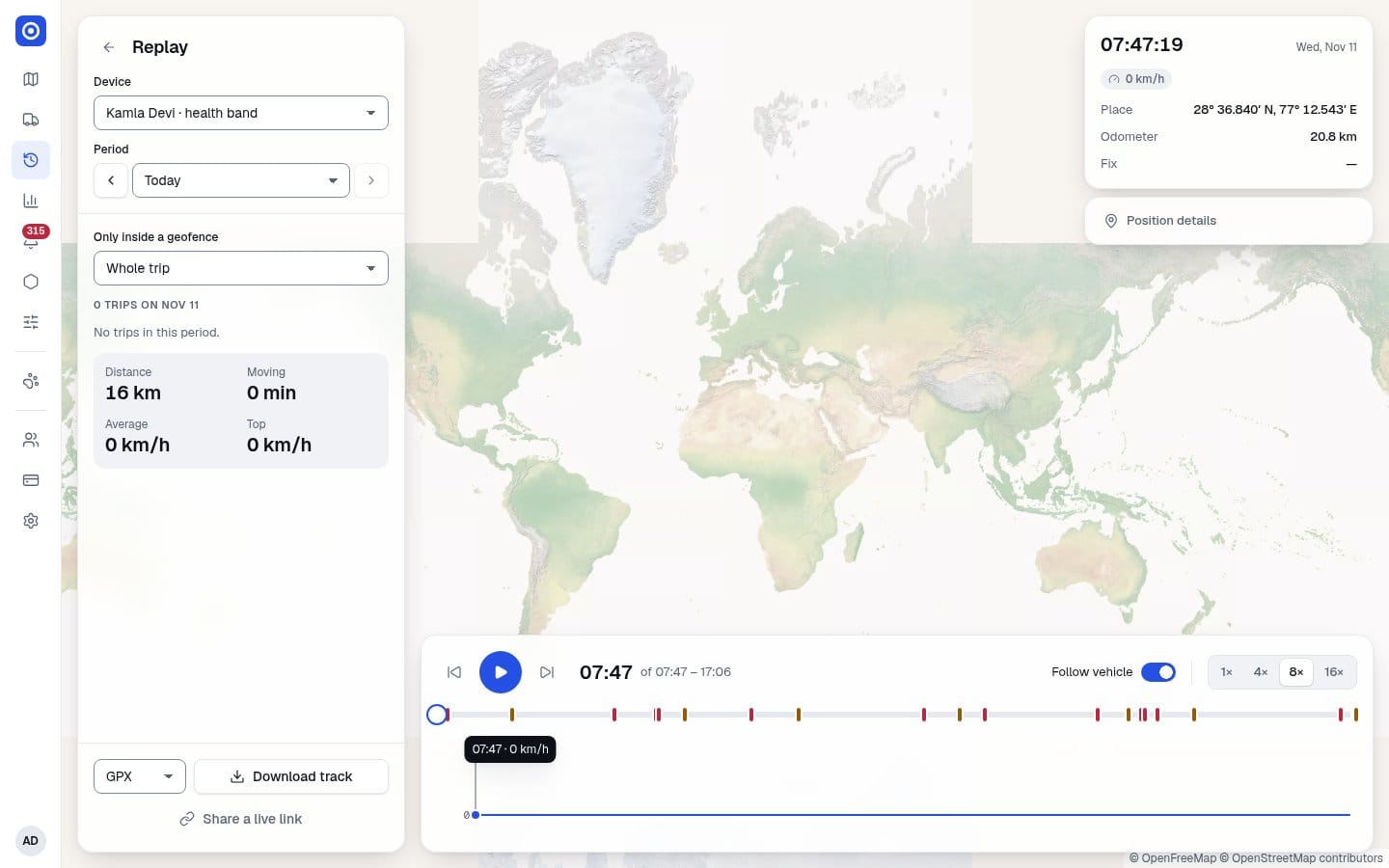
- The last position and the route since, from Replay on the bike's page in Devices.
- The frame number and a photo of the bike, which the tracker does not know.
Do not go and get the bike yourself, however close it is on the map. In some cities the police act on a live position; in others they take the report and the position and follow up later. A share link from the bike's Settings, under Share links, lets an officer or a friend watch the bike without your password, until a time you choose.
A good lock still comes first
A tracker tells you that the bike has gone. A lock makes it hard for it to go. For a bike parked outdoors in a city, both matter, in that order:
- Lock the frame to something fixed, with a solid lock, and a second lock for the wheels if you can.
- Park where people pass, and in a covered or guarded rack where one exists.
- Register the frame number where your city or country has a bike register.
- Then add the tracker, as the second line.
Will my tracker work with Alongpin?
Many bike trackers are tied to the maker's own app and cannot send to another server. To use a tracker with Alongpin, you need one whose server address and port you can set. Type its model, maker or protocol into the device check before you buy, and see what the platform shows for a tracker's reports on the vehicle trackers page. Tracking-tag products that work through nearby phones rather than GPS and a SIM are a different kind of device and do not report to a platform like this.
How Alongpin helps
Alongpin (alongpin.com) is a GPS tracking platform you open in a browser or on your phone. A tracker in your car, motorbike, scooter or bicycle shows on the live map, with trip history, geofences around home and work, and alerts when it moves or leaves. Check your tracker in the device check, see the vehicle trackers it works with, and start on the pricing page.
Frequently asked questions
Does a bike tracker need a SIM?
Yes. A GPS tracker that reports to a platform sends over mobile data, so it needs a SIM with a small data plan, and a network that covers where you ride and park.
Can I see my rides as well?
Yes. With a tracker that reports often while moving, each ride appears under Trips with its distance and speed, and Replay plays it back. A tracker that reports rarely draws only a rough line.
Does a tracker help in Indian and European cities alike?
The tracker works the same way in both. What changes is the mobile network the SIM uses and how the local police handle a position; check both where you live.