Alerts and SOS
Seeing who was notified about an alert
Each alert lists who it was sent to, on which channel, and whether the message was sent, failed or skipped. Where to find this delivery log, how to read it and what to do about a failed channel.
Ashish Srivastava3 min read

Who received SOS alert messages, and who did not? Open the alert and look at Sent to: it lists every person the alert was sent to, with one entry per channel, such as push, e-mail or text message, and whether that message was sent, failed or skipped, with the reason. This delivery log is kept with every alert, so after an SOS you can check that the right people were told, and fix a channel that did not work.
Key takeaways
- Open an alert from Alerts; Sent to lists each person with one entry per channel.
- Each entry reads like SMS · sent, Email · no email address or Push · held back (quiet hours).
- A failed message is not sent again: fix the cause so the next alert gets through.
- The log is kept for 90 days; people whose reports are switched off do not see it.
Open the alert and its delivery list
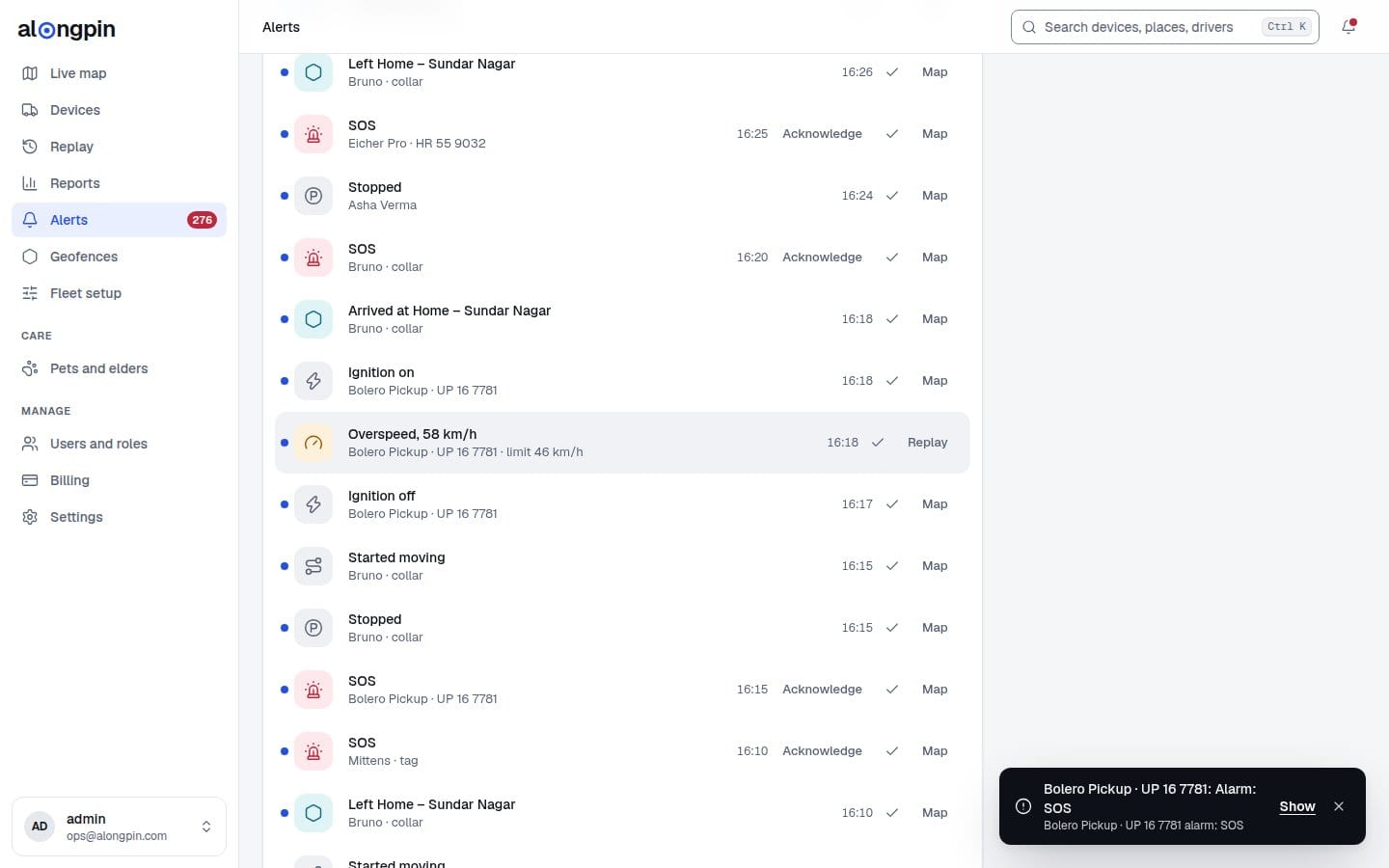
Open Alerts and select the alert, or open it from the pop-up or a push message. The alert's view shows the event, where and when it happened, Rule (the rule that fired), Sent by (the channels it used) and Sent to.
One line per recipient and channel
Sent to groups the entries by person. Each person has one entry per channel of the rule, so a rule with push, e-mail and text message to three people gives up to nine entries. People you do not manage are shown as Another recipient, without their name; administrators and managers see the names of the people they look after.
Sent, failed and skipped
| Entry | What it means |
|---|---|
| sent | The message left the platform: the mail server, SMS gateway, Telegram or the push service accepted it. In the app · sent means it appeared in the portal of anyone who had it open. |
| no phone number, no email address, no Telegram chat | The person has no address for this channel on their account. |
| no phone or browser for push | The person has no phone signed in to the app for push. |
| gateway refused (400) | The provider refused the message; the number is the provider's answer code. Often a wrong address or number. |
| gateway unreachable, no answer in time | The provider could not be reached or did not answer: a setting or outage on the sending side. |
| held back (quiet hours) | The person's own quiet hours held it back. It was dropped, as intended. |
| channel off | The rule names a channel that is not switched on for your account. |
Nothing was delivered means the alert fired but no message went out. Not recorded appears for alerts older than 90 days, whose delivery records are no longer kept.
What to do about a failed channel
- No address: the person adds it under Settings → Your account → Alerts and channels → Your addresses, or the person who manages users adds it to their account.
- No phone for push: the person signs in to the mobile app and turns on alerts on the phone.
- Gateway refused: check the address or number for typing errors and, for text messages, the country code.
- Gateway unreachable or no answer in time: tell your administrator; if it keeps happening, it is a setting of the channel.
- Channel off: ask your administrator whether the channel can be switched on, or remove it from the rule.
Each person can check their own channels at any time with Send test under Alerts and channels.
A failed message is not sent again
The platform tries each channel once per alert. A failed text or e-mail is not retried later, and an alert held back by quiet hours is not sent when they end. That is why the log matters after an SOS: if a channel failed, call the person, and fix the channel before the next alert.
What the log does not show
Test messages, alerts of paused rules and care reminders are not logged. Care alerts from care profiles have their own Who was told list on the care alert. Learn more about SOS alerts and alert channels.
Frequently asked questions
Why can't I see Sent to?
The delivery log is part of reports. If reports are switched off for your user, it is hidden; ask the person who manages users.
Does "sent" mean the person read it?
No. It means the message left the platform. Whether someone took the alert shows as Acknowledged by on the alert.