Billing and account
Your subscription has ended: signing in to pay
When your account subscription has ended you can still sign in to billing only, pay the open invoice or subscribe again, and the rest of the portal opens again once the account is renewed. Your devices and their history wait for you.
Ashish Srivastava3 min read

When a tracking account expired because its account subscription ended, you are signed out of the tracking app, but you can still sign in to billing only. Select Sign in to billing, use the same e-mail and password, then pay the open invoice or choose a package. As soon as the account is renewed, the map, your devices and the rest of the portal open again, with their history where you left it.
Key takeaways
- Signing in shows "Your subscription has ended: sign in to billing to renew it".
- Sign in to billing opens a billing-only session for one hour: subscriptions, invoices, payments and packages.
- Paying an unpaid invoice alone does not restart an ended subscription: subscribe again.
- The mobile app shows your subscriptions read-only; renew on the web.
What the sign-in page shows
When your account subscription has ended, a normal sign-in does not open the portal. You see Your subscription has ended: "The tracking app stays locked until a subscription covers your account again. Sign in to billing to renew it, with the same email and password." If you were signed in when it ended, the portal signs you out with the same message.
Select Sign in to billing. Sign in with your e-mail and password, and your one-time code if your account uses two-factor sign-in. If your installation signs you in with single sign-on, select Continue with single sign-on.
The billing-only session lasts one hour and shows only billing: Subscriptions, Invoices, Payments and the packages, nothing else. When the hour is up, sign in to billing again.
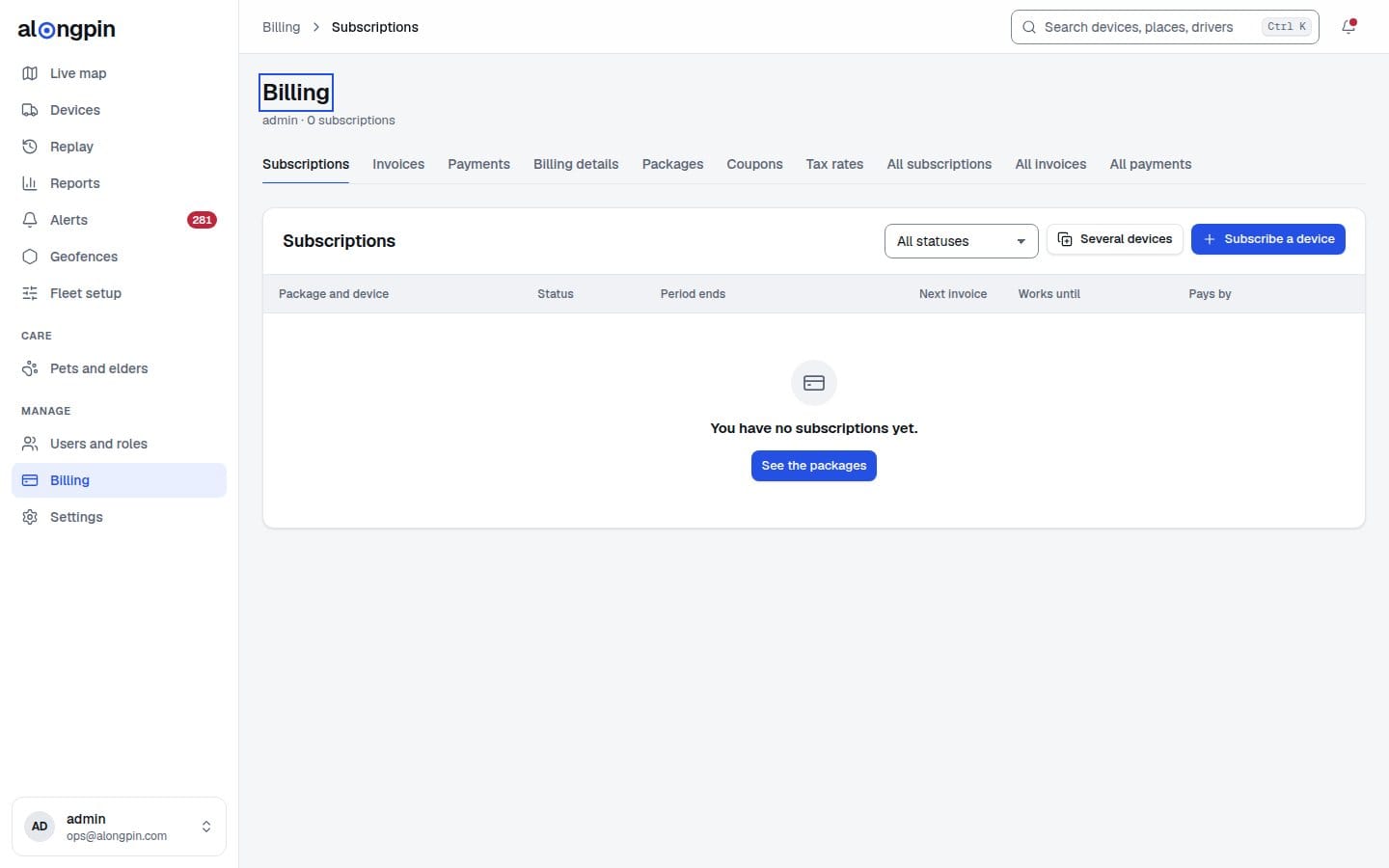
Pay the open invoice or choose a package
What to do depends on how the subscription ended.
- It is still payable. If a payment is due but the subscription has not ended yet, open it, select Pay and pay the invoice online, or by bank transfer with the invoice number as the reference. Paid, it carries on.
- It has ended. The page says "Choose an account package to unlock the tracking app again." Open the packages, choose an account package and subscribe, as on the pricing page. An unpaid invoice from the old subscription can still be paid, but paying it alone does not revive an expired subscription.
- It was cancelled. Subscribe again the same way.
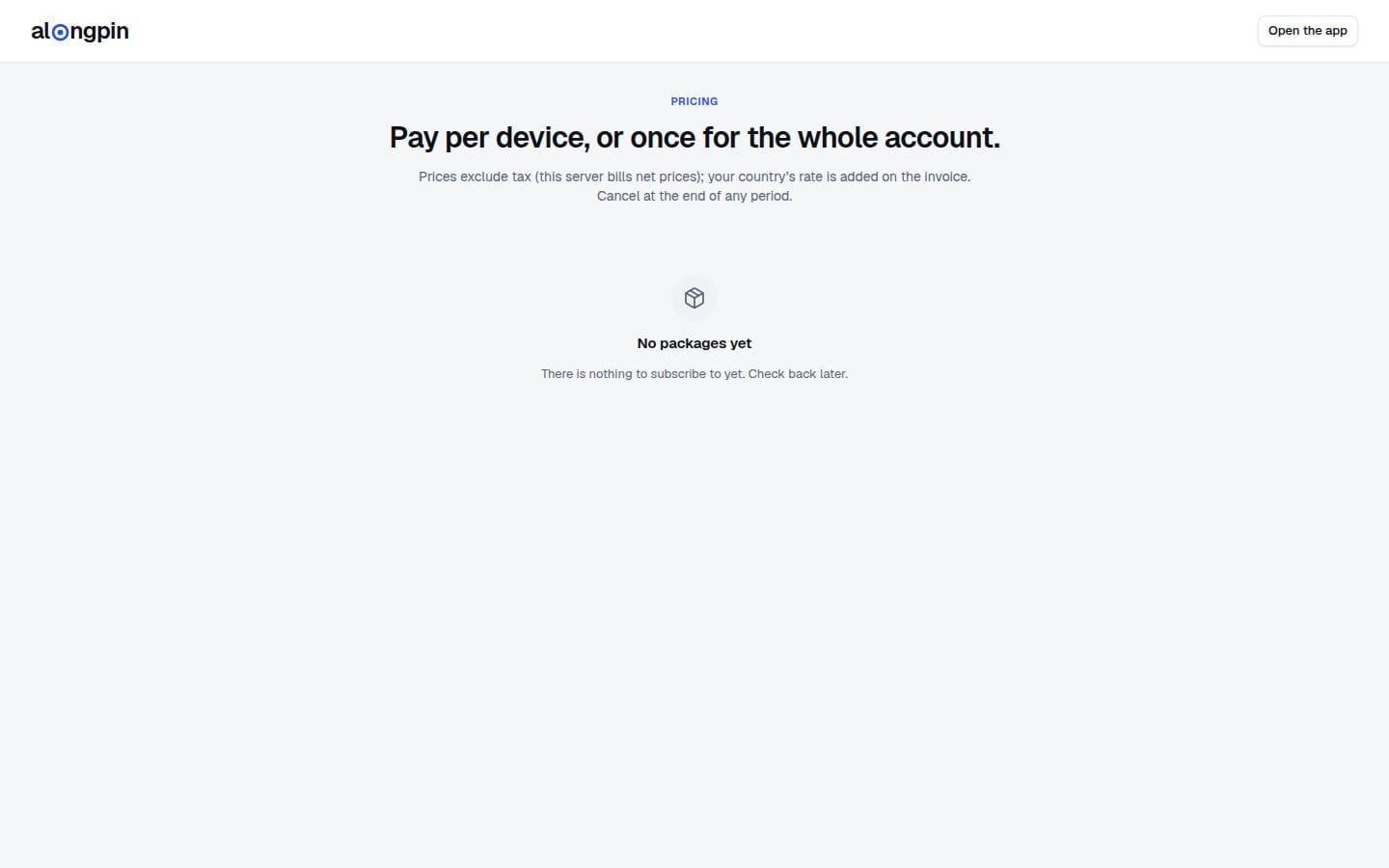
With a card or another online method, you pay on the provider's page and come back to the portal, which waits until the provider confirms the payment. With bank transfer, the new subscription normally starts with an open invoice to pay within the payment term; on some installations it starts only once that invoice is paid.
The portal opens again after renewal
Once billing has renewed your account, the page says "Your account is active again" and "Your account works again: open the app. Your devices and history are where you left them." Select Open the tracking app. The same session now works everywhere, so you do not have to sign in again; if the server has not renewed the session yet, try again in a moment.
Your devices start working again with their next message.
The mobile app shows the subscription read-only
If you open the mobile app after the subscription ended, it shows "Your subscription has ended" and lists your subscriptions read-only, without a way to pay. Renew on the web: sign in to billing in a browser, then come back to the app.
Devices keep their data for the retention time
While the account is locked, the server ignores new positions and events from its devices, so nothing is recorded for that time. The history recorded before stays, for as long as your installation keeps history, and it is there again once you renew. Devices are not deleted because a subscription ended.
When billing cannot renew the account
If an administrator or manager set your account's end date by hand rather than through a subscription, billing cannot renew it and the billing sign-in says so: "Billing can't renew it: an administrator or manager set this." Ask them to renew it. The same applies to an account that was disabled.
Frequently asked questions
Can someone else renew it for me?
An administrator or billing operator of your installation can subscribe your account for you. A manager can see your subscriptions but not pay or subscribe for you.
I renewed, but a device still shows Subscription ended.
A device with its own device subscription needs that subscription renewed too. Open Billing → Subscriptions and check each one.
More answers are in the help center; if you are stuck, contact us.