Care profiles and health
Handling a care alert in the mobile app
What happens on your phone when an SOS or fall alert arrives in the Alongpin app: the full-screen alert with who, when and where, calling a contact, acknowledging, and navigating to the place.
Ashish Srivastava3 min read
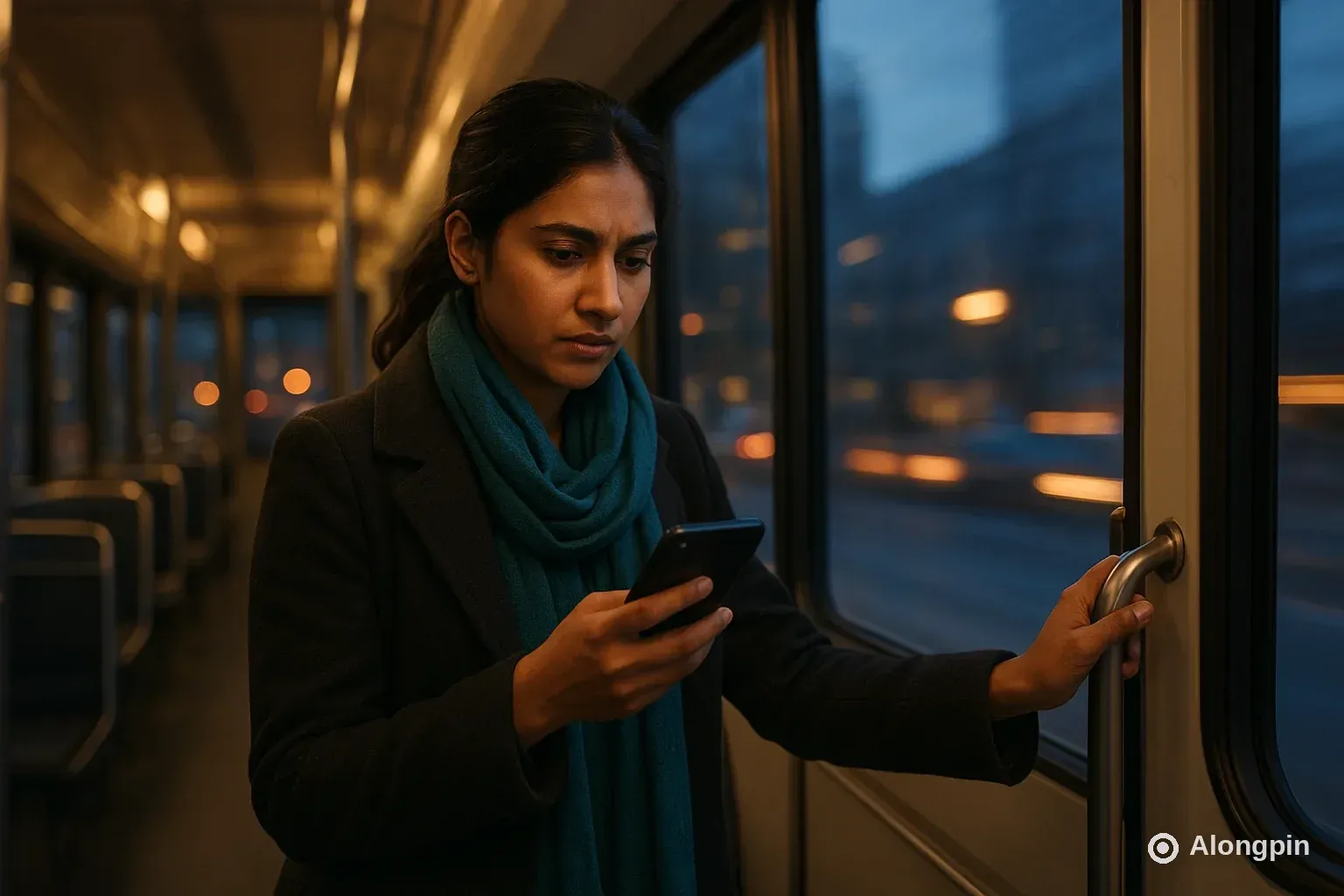
When an SOS or fall alert arrives in the Alongpin app, the phone shows a full-screen alert: whose it is, what happened, when, and where (or "Location not shared"). From that screen you can Call the first emergency contact, Acknowledge the alert so the others know you are on it, Open on map to see the watch live, or open Alert details to navigate to the place. Nothing on the screen calls emergency services for you: if someone may be in danger, call them yourself.
Key takeaways
- The SOS screen takes over the app for SOS and fall alerts, while the app is open or when you tap the notification.
- Call dials the profile's first emergency contact with a phone number; acknowledging records who and when.
- Without a place, the alert came from an elder without an active location consent: SOS and falls still alert, without the position.
- Navigate in the alert details opens the place in your phone's maps app.
Before an alert comes
The app gets care alerts as push notifications when three things are true: an administrator has switched on push notifications for your server, the profile's alerts go to the portal (its alert settings tick that channel), and you are signed in to the app with notifications allowed on the phone. Check them on a calm day, not during an emergency. Also make sure the profile has an emergency contact with a phone number, so the Call button has someone to call.
The SOS screen
The full-screen alert shows:
- What and whose: "SOS" or "Fall", with the name of the person.
- When: the time of the alert.
- Where: the coordinates the watch sent, or Location not shared.
- Acknowledged: when someone has already acknowledged it.
If several alerts arrive, they queue: each takes over once, then the next one appears. Other care alerts, such as no movement, leaving home or low battery, don't take over the screen; you find them in the care alerts list.
When there is no place
"Location not shared" means no position was kept with the alert. Where the server requires consents, an elder's watch stores no positions without an active location consent, and SOS and fall alerts then come without the place. A watch without a satellite fix at that moment can also lack one. Use Open on map to see the last position the watch reported, and call.
Call an emergency contact
Call followed by a name dials the profile's first emergency contact that has a phone number (else the primary contact, else a contact who receives alerts). In Alert details, Emergency contacts lists everyone you can call. Contacts need no account, so a neighbour with a key can be one.
Acknowledge, so others see you took it
Choose Acknowledge once you are dealing with the alert. It records who acknowledged and when, and everyone else who sees the alert finds it acknowledged when they reload the list. It doesn't send anyone a message and doesn't stop later alerts. A read-only account can't acknowledge; the app says so.
Go to the place
Open on map shows the watch on the live map, if it is shared with you; otherwise it opens the alert's page. In Alert details, a map shows where the alert happened, with Show the address where your server looks addresses up, and Navigate, which opens the place in your phone's maps app (Apple Maps on iPhone, your maps app on Android). The same page lists the profile's emergency notes and allergies if you may read its health data, and Who was told.
Open and acknowledged care alerts
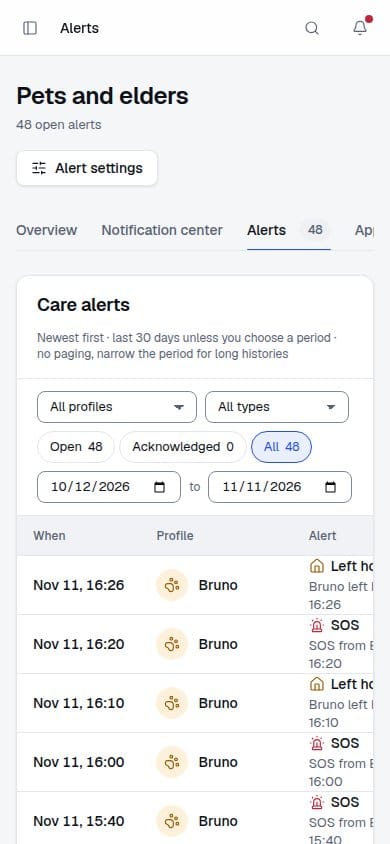
The care alerts list in the app shows open, acknowledged or all alerts of the last 30 days, with filters by profile and type. The portal has the same list under Pets and elders → Alerts.
Frequently asked questions
Can I turn SOS alerts off?
No. SOS alerts are always on for every profile. Fall alerts can be switched off in the profile's alert settings, which is rarely wise for an elder.
Do family members without the app get the alert?
Yes, by the channels ticked for the profile: email and text message to people with an account and to contacts marked to receive alerts. By default those messages only say there is a new alert, so open the app or the portal for the details.
Read more about SOS alerts, care profiles and elder care.