Care profiles and health
Recording a measurement by hand
How to record blood pressure, weight, glucose, temperature and other readings yourself in a care profile, see them as a curve over time, and correct or delete an entry.
Ashish Srivastava4 min read
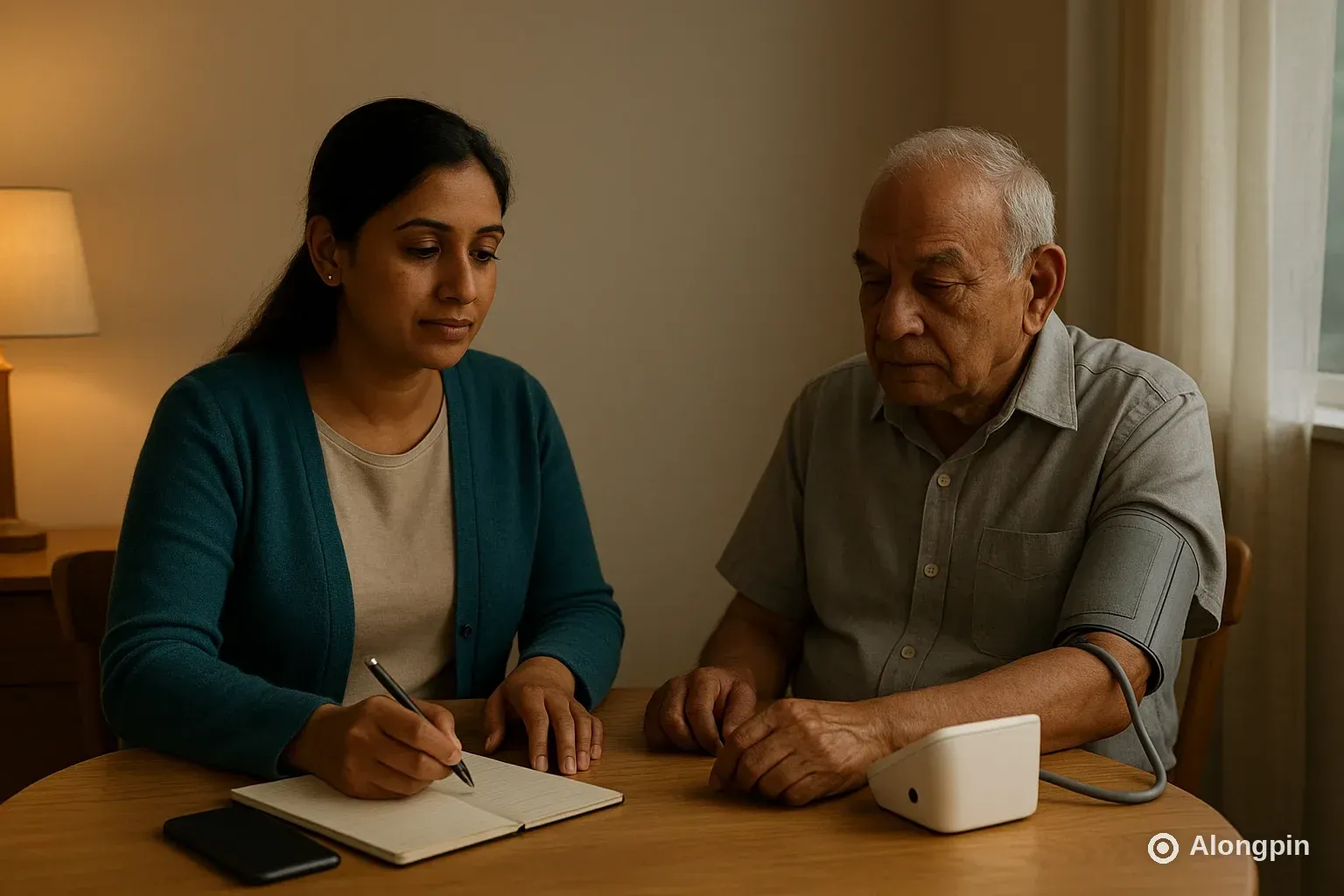
To record blood pressure for a parent, a pet's weight or a glucose reading by hand, open their care profile under Pets and elders, go to Records and documents, and choose Add next to Measurements. Pick the type, type the value, set when it was measured and save. The readings you enter build a history that the portal draws as a chart, so you can see how a value moves over weeks and months even when the watch or collar reports none of it.
Key takeaways
- Measurements are entered per profile: weight, height, temperature, heart rate, blood pressure, blood glucose, oxygen saturation, or another type you name.
- Blood pressure takes two values: the systolic as the value and the diastolic as value 2.
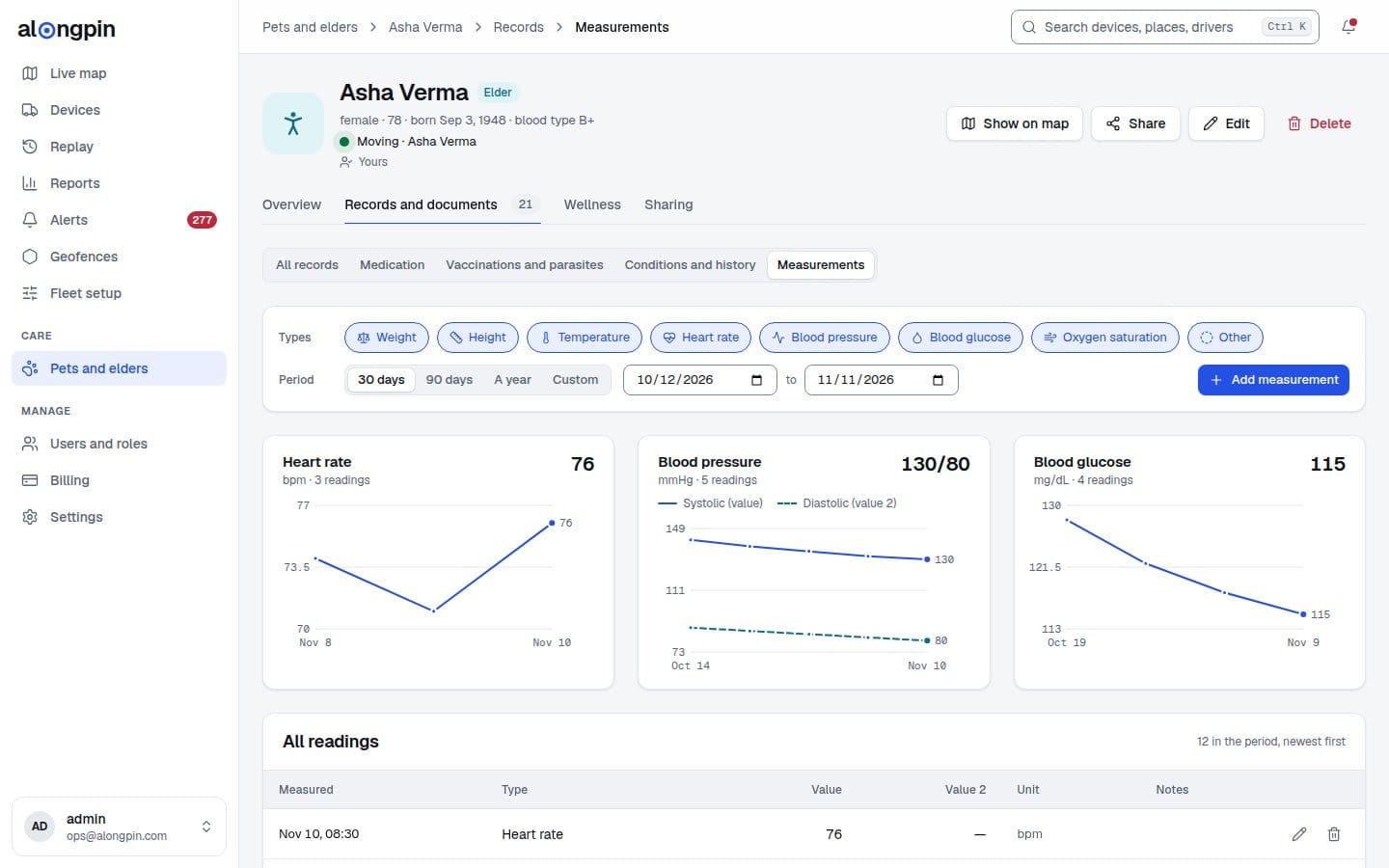
- The Measurements page shows each type as a chart over the period you choose, with every reading in a table below.
- You can edit or delete a reading at any time. It is a record for you and the people you share it with, not medical advice.
Adding a measurement
- Open Pets and elders in the menu and select the profile.
- Open the Records and documents tab. The Measurements box there shows the latest reading of each type.
- Choose Add in that box, or open Charts and all types and choose Add measurement.
- In New measurement, choose the Type: Weight, Height, Temperature, Heart rate, Blood pressure, Blood glucose, Oxygen saturation, or Other.
- Type the Value. For blood pressure, also type Value 2, the diastolic value; the form asks for it and won't save without it.
- Check the Unit. It is filled in from the type and you can change it. An Other type has no unit unless you type one.
- Set Measured on and, if needed, At. Left empty, the time is now. For a day other than today the form needs the time, and a measurement can't be in the future.
- Add Notes if they help ("after a walk", "re-measured after rest") and choose Save.
The date and time are in the profile's time zone, which the form names. That keeps a reading taken in the morning at your mother's home in the morning, even when you enter it from somewhere else.
Seeing the history as a curve
Charts and all types opens the Measurements page. Choose the Types you want and the Period: 30 days, 90 days, a year, or your own dates. Each type is drawn as a chart for the period, and All readings lists every value newest first, with when it was measured, the value, value 2, the unit and your notes.
Values are numbers so they can be charted. If you switch units for one type (pounds instead of kilograms, say), the readings in the other unit stay in the table but not on the chart, and the page tells you how many there are.
For a pet, a weight curve is often the most useful one: weigh after the same walk, at the same time of day, and the line shows a real trend rather than the noise of different scales.
Correcting or deleting an entry
In the readings table, open the reading you want to change. Edit measurement lets you correct the type, value, unit, time and notes; Delete measurement removes the reading. A deleted reading can't be brought back, so delete only what was entered by mistake.
If the profile is shared with you as read only, you can see its measurements but the form tells you that you can't add or change any.
When health data is locked
For an elder, measurements count as health data. If your server requires consents (it does unless an administrator turned that off), measurements of an elder can be added and read only once a health consent of the person or their legal representative is recorded. Until then the profile shows Health data is locked with a Record consent button for the owner. Pets need no consent.
Every read of an elder's measurements is also written to the profile's access log, so the owner can see who looked. The care profiles page explains what else a profile holds and who it can be shared with.
This is a record, not medical advice
The portal keeps what you type. It doesn't interpret a reading, warn about a value, or replace the doctor's or vet's own records. Use the history to bring a clear picture to the next appointment, and ask the doctor or vet what a value means. The health readings page describes readings that come from a device as well as the ones you enter, and elder care shows how families use profiles together.
Frequently asked questions
Can a reading from the watch go into the history?
A watch that reports heart rate or similar values shows the latest one it sent. To keep a value in the measurement history, record it as a measurement.
Who sees the readings I enter?
The profile's owner, people it is shared with for everything or for health data only, and roles that may read its health data. People with a location-only share don't see measurements.