Setup guides

Vehicle trackers setup guides

4 setup guides about Vehicle trackers.

Setup guides

Vehicle trackers

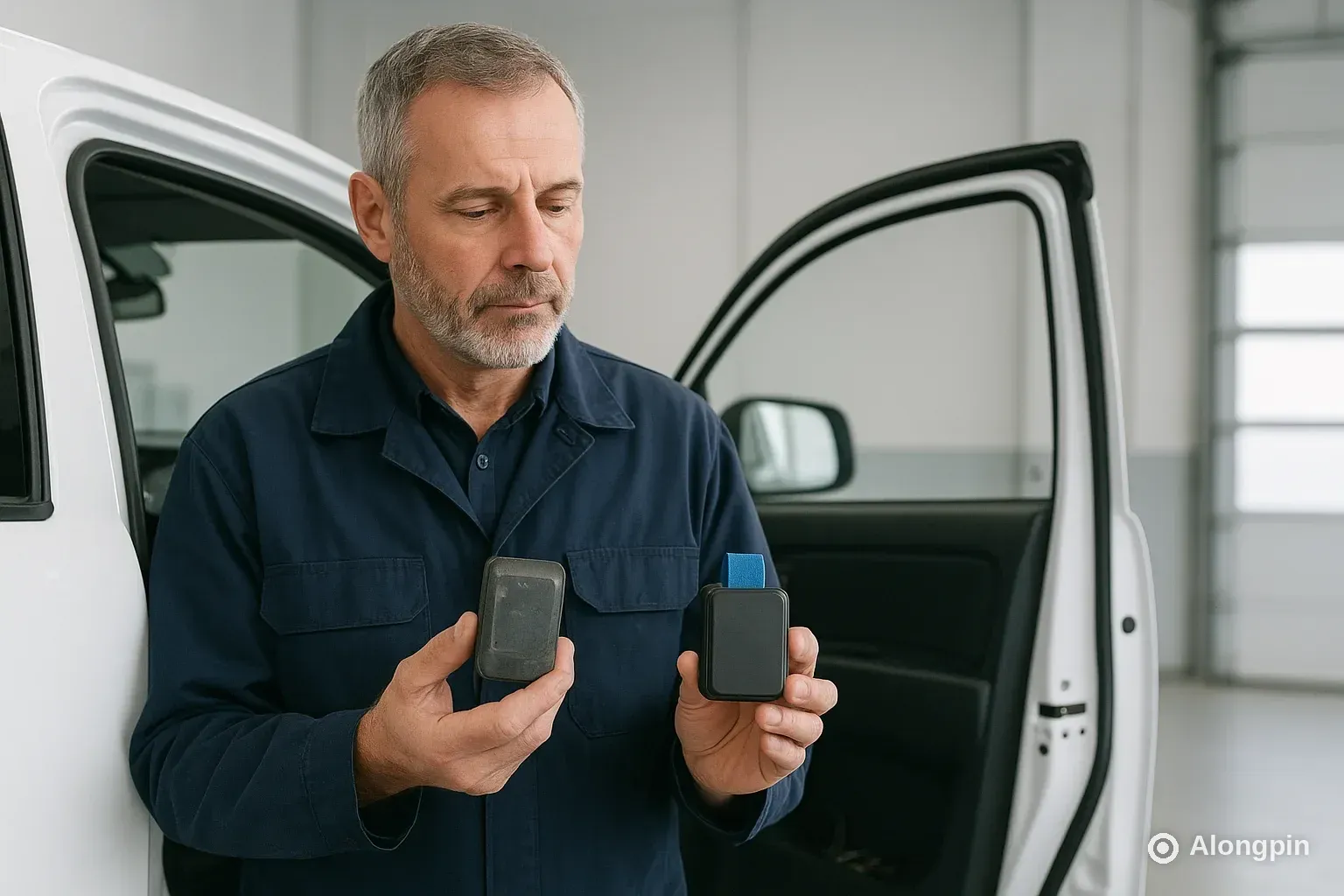
How to replace a tracker and keep its plan

For fleets that swap a faulty tracker or move one to another vehicle: connect the new unit, move the subscription to it under Billing, put it in the same group and check what was attached to the old device alone.

Ashish Srivastava4 min read
Vehicle trackers

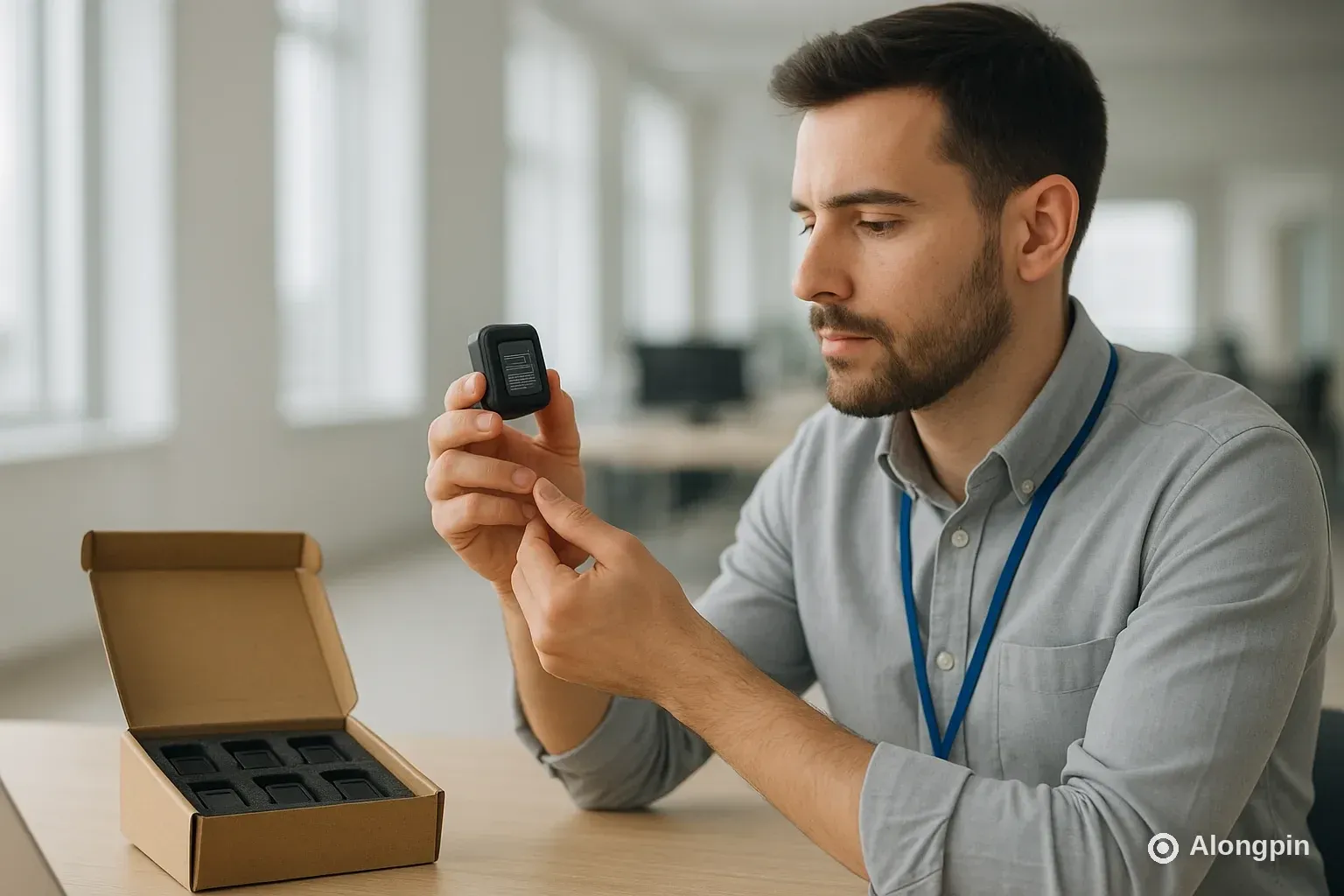
How to approve an unverified device

For account administrators: a tracker that connects before anyone added it waits under Devices, Unverified. Recognise it by its identifier, protocol and last contact, give it a name and group, and register it in one step.

Ashish Srivastava4 min read

Vehicle trackers

How to connect an H02 tracker to Alongpin

For installers and owners of low-cost H02 trackers: from the identifier on the label to a first position on the map. Add the device, read the H02 port in Set up the tracker, send the server command from your phone and wait for Online.

Ashish Srivastava4 min read

Try it with your own tracker

Add a device, see it on the map and set an alert in the same sitting. Choose a package in the portal; you see the first invoice before you confirm.

Chat with us