Devices and connection
Why a tracker shows the wrong location
Why a position is off or jumps: weak satellite reception, a position from mobile towers or Wi-Fi, or a position blurred by driver privacy. How to read a position's accuracy and remove a wrong one.
Ashish Srivastava4 min read

When a GPS tracker shows the wrong location, or its position jumps around while the vehicle stands still, the cause is nearly always one of three: weak satellite reception, a position worked out from mobile towers or Wi-Fi instead of GPS, or a position blurred on purpose because driver privacy is on. Each one leaves a trace in the position's details, so start there before you suspect the tracker.
Key takeaways
- Every position carries its accuracy, satellite count and times; open its details to see how much to trust it.
- Between tall buildings, indoors or under a roof, GPS drifts: a parked vehicle can seem to wander.
- A position marked Approximate came from mobile towers or Wi-Fi and can be hundreds of metres off.
- Driver privacy can blur a position to about 1 km on purpose.
- Administrators, and users whose role allows it, can delete a wrong position.
Read the position's details
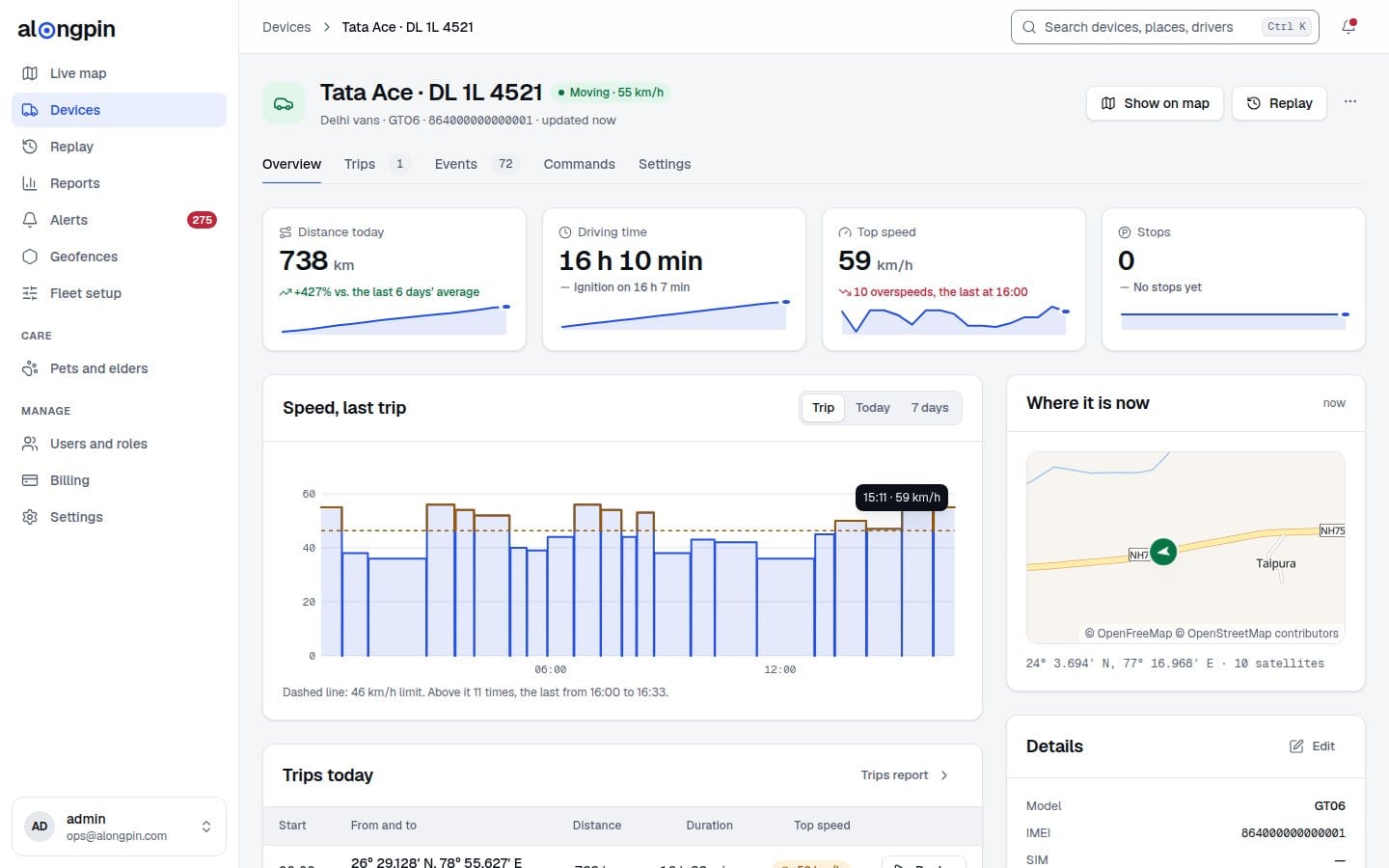
On the vehicle's Overview page, Where it is now shows the position on a map with its accuracy (for example ±8 m) and the number of satellites used. The live map panel shows the same under Fix.
For any position in the history, open Position details from replay or from an event. It shows:
- Fix: Valid fix or Invalid fix (the tracker did not trust it), Approximate (from towers or Wi-Fi) and Outdated (no new fix, the last location reused).
- Time: the Device time, the Fix time and when the server Received it.
- Location: the coordinates, the address, and the Accuracy with the satellite count.
- Network: the Cell towers and Wi-Fi access points the tracker saw, when it reported them.
A position with few satellites, a large accuracy value, or Approximate is a rough position, not a wrong one.
GPS drift between buildings or indoors
Satellite signals bounce off walls and glass. In a narrow street between tall buildings, in a multi-storey car park or under a metal roof, a tracker may compute a position tens of metres off, and a new one every report. On the map a parked vehicle then seems to wander in a small cloud, and the trip history can show short zig-zags or a tiny "trip" while nobody drove. When the vehicle moves into the open, positions settle again.
Your administrator can have the platform filter out positions that are invalid, too close together or impossibly fast; filtered positions are never stored. That setting is per server, group or device and is worth asking about if your vehicles often park in dense city centres.
Positions from mobile towers or Wi-Fi
Some trackers, when they have no satellite fix, send a rough position based on the mobile towers or Wi-Fi networks around them instead. Such positions are marked Approximate in their details and are only as precise as the towers allow: in a city a few hundred metres, in the countryside sometimes kilometres. A marker that jumps to a nearby hill and back is often one of these. The towers and Wi-Fi networks the tracker reported are listed under Network in the details; whether a tracker sends such positions is a setting of the tracker. Your administrator can also have approximate positions filtered out.
Positions blurred on purpose
If driver privacy is set up for the vehicle in blurred mode, positions during a private trip are stored and shown only to about 1 km, without an address. Position details then says Recorded on a private trip and stored reduced, with the reason: the driver switched it on, it was outside working hours, or it was switched on in the vehicle. These positions are correct as intended. How the modes work is explained under driver privacy.
Removing a wrong position
A single position that is clearly wrong, for example a jump to another city, can be removed from Position details with Delete… and then Delete position. It is removed for good; events that referred to it stay, without a place. If it was the latest position, the newest remaining one becomes the latest.
Only administrators, and users whose role includes the right to delete positions for that device, see this action; users without a role cannot delete positions, not even of their own devices. Deleting is not recorded in the audit log, so agree in your team who does it.
When the fault is in the tracker
If positions are rough everywhere, not only in towns or garages, look at the tracker:
- Is the GPS antenna (or the side of the tracker with the antenna) facing the sky, and not covered by metal, foil tint or a heated windscreen?
- Is the tracker's own filter or minimum-satellite setting very loose? Your tracker's manual names these settings.
- Does a fresh position after a restart look better? Some trackers take minutes to find satellites after a long time off.
If the accuracy stays poor in the open, ask the installer to move the tracker or fit an external antenna.
Frequently asked questions
Why is the address wrong but the dot right?
Addresses are looked up from a map service and can name the nearest street rather than the one the vehicle is on. The coordinates are what the tracker reported.
Do drift positions add distance?
They can add a little to the distance of the day while a vehicle stands in poor reception. Position filtering, set by your administrator, reduces it.