Billing and account
Finding and downloading invoices
Where your invoices, payments and refunds are in the portal, how to download an invoice as a PDF, and how to enter your billing details once so every invoice is made out correctly and taxed for your country.
Ashish Srivastava3 min read

To download a GPS tracking invoice, open Billing in the menu, go to Invoices, open the invoice and select Download PDF. The same area lists your payments and refunds under Payments, and under Billing details you enter your name, company, address and VAT or GST number once, so that every invoice from then on is made out to them and taxed for your country.
Key takeaways
- Billing → Invoices lists every invoice with its status, total, what is due and by when.
- Download PDF works for every invoice you can see.
- Billing → Payments lists payments and refunds; card receipts from an online provider are on the provider's page.
- Billing details apply to the next invoices; issued invoices keep the details they were made out to.
The list of invoices
Open Billing (under Manage in the menu) and select Invoices. Each invoice shows its number, the subscription it belongs to, when it was issued, the total, and its status: open (to pay), paid, void, unpaid or refunded. Open invoices show Due by with the date; an overdue one is marked overdue. The header sums up what is due, for example "2 invoices due".
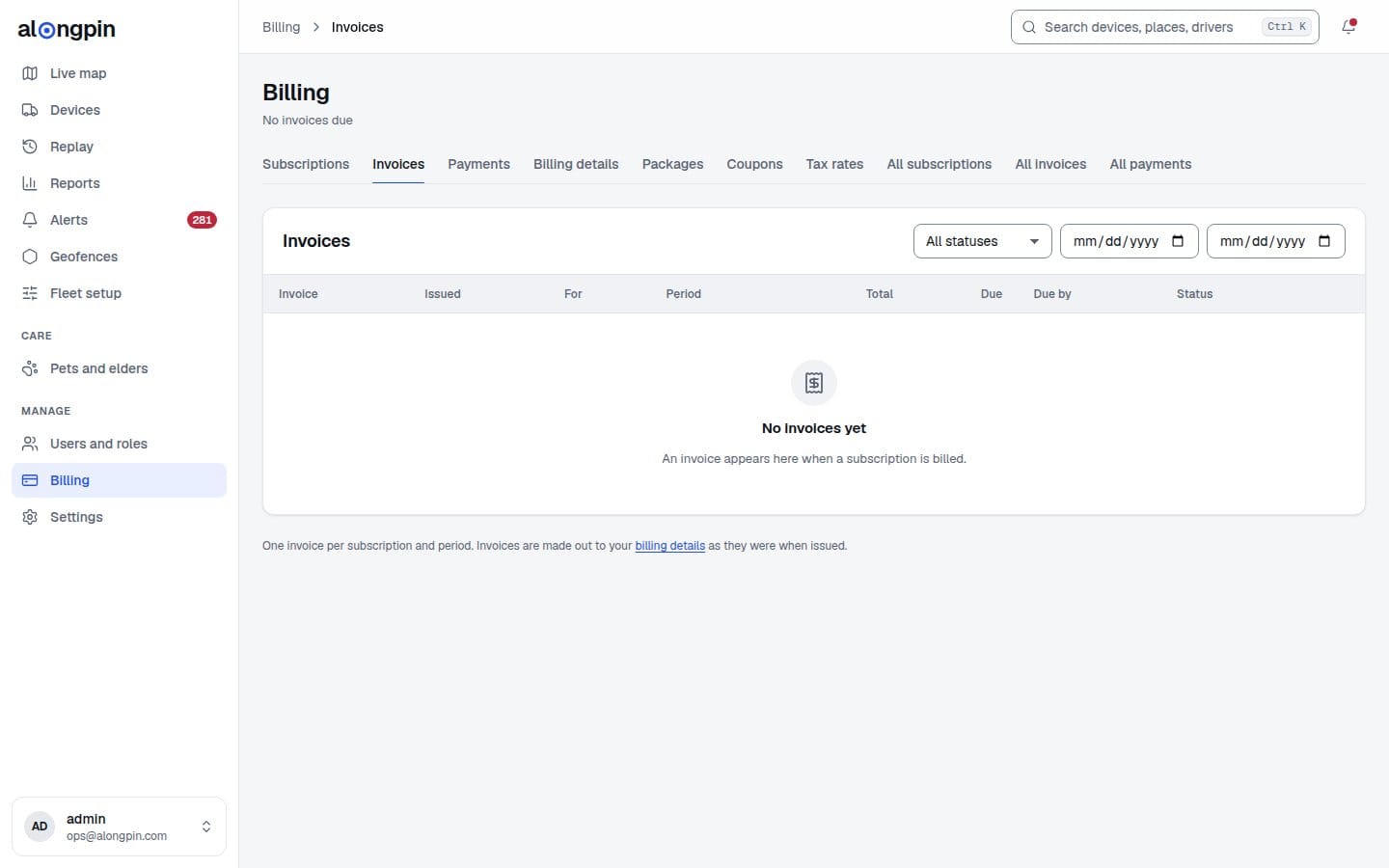
An invoice is issued when a subscription is billed: at the start, at each renewal, at the end of a free trial, and for a package change that costs something.
Download an invoice as a PDF
- Open Billing → Invoices.
- Select the invoice to open it. You see its lines, discounts, credit, tax and totals, and Billed to with the details it was made out to.
- Select Download PDF.
The PDF carries the same lines and totals, and for a bank-transfer invoice the instructions on how to pay. Invoices issued by an online payment provider also have View or pay online, which opens the provider's own page for that invoice.
The invoice message you receive in the portal and by e-mail links to the PDF too.
Payments and refunds
Billing → Payments lists Payments and refunds with the date, the invoice, the method, the amount and the status. A payment by card at an online provider may show "Waiting for the payment to complete" for a moment, until the provider confirms it.
If you pay by card through Stripe, the card itself and Stripe's own receipts are on Stripe's page: select Manage payment methods where it is offered. Refunds are made by your billing administrator; they show here once given.
Enter your billing details once
- Open Billing → Billing details.
- Fill in Name, Company, Address, City, Postal code, State or region where tax depends on it, and Country.
- For a business, enter your VAT or GST number.
- Select Save details.
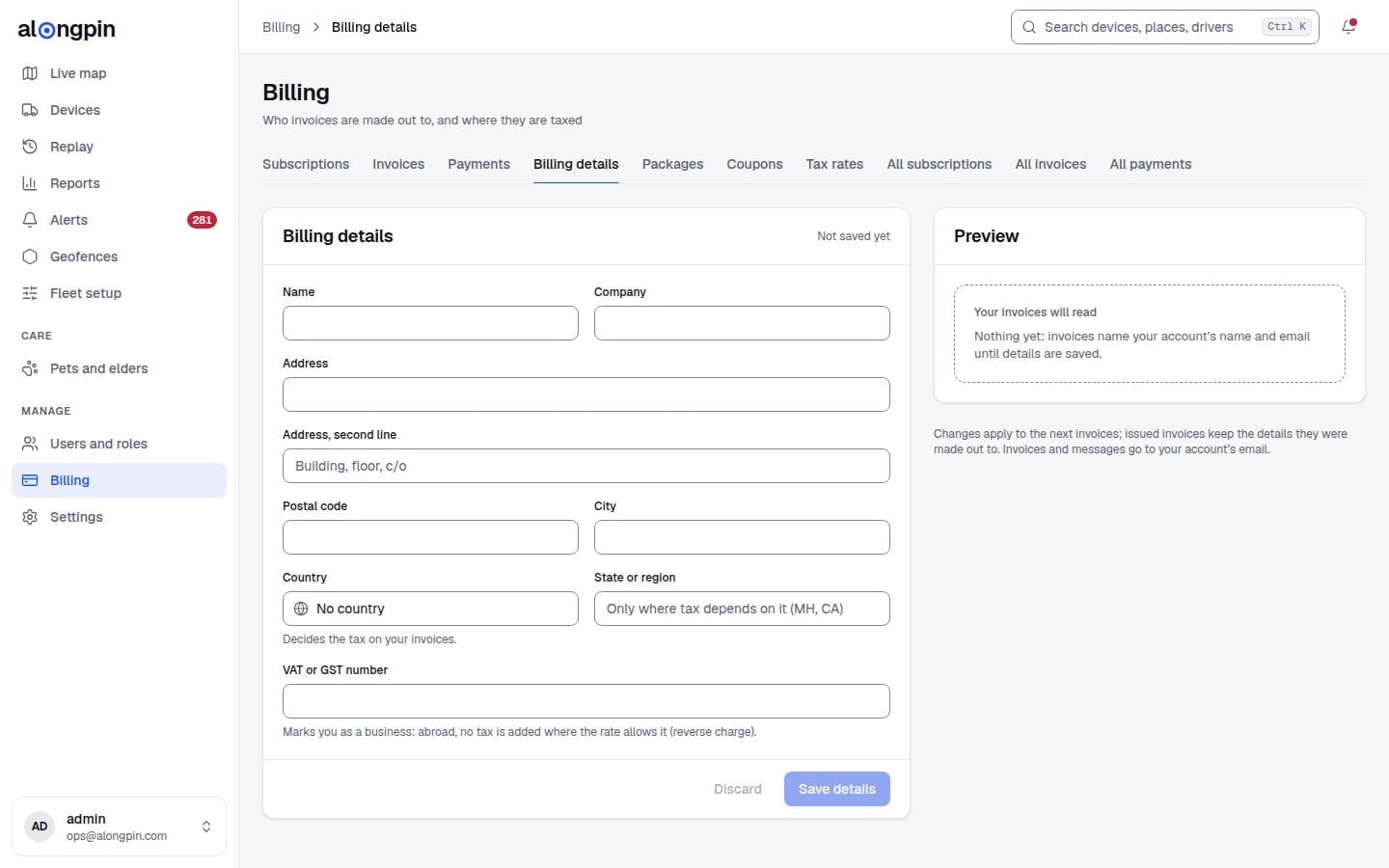
From then on every invoice is made out to these details. Without them, invoices name your account's name and e-mail address. Invoices already issued never change: a later edit applies to the next invoices only. The checkout asks for the details before your first paid subscription, so you rarely need to come back here except when your company moves or changes its name.
Tax depends on your country
The country in your billing details decides the tax on your invoices: VAT, GST or sales tax at the rate that applies there, shown on each invoice with its name and percentage. Whether prices include tax or tax is added on top is a setting of the installation, and the pricing page and checkout say which.
If you are a business in another country than the seller and enter your tax number, no tax may be added where the rate allows it, and the invoice says Reverse charge: you account for the tax yourself. Online payment providers may apply their own tax rules to the invoices they issue.
Frequently asked questions
How long are invoices kept?
In a standard setup, ten years after the end of the year they were issued, then deleted with their payments. Download the PDFs you need for your records.
Can I get an invoice made out to a different company?
Change your billing details before the next invoice is issued. For an invoice already issued, ask your billing administrator.
Where are the terms that apply to my subscription?
In the terms of service. Prices and packages are on the pricing page, and more billing answers in the help center.